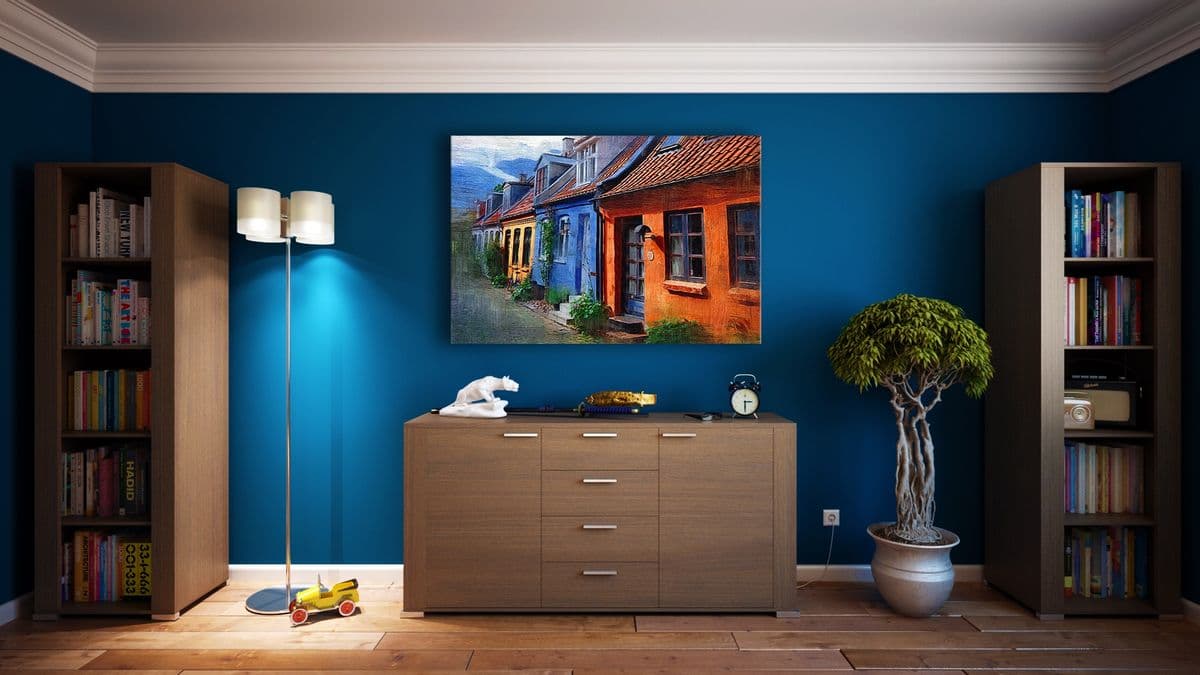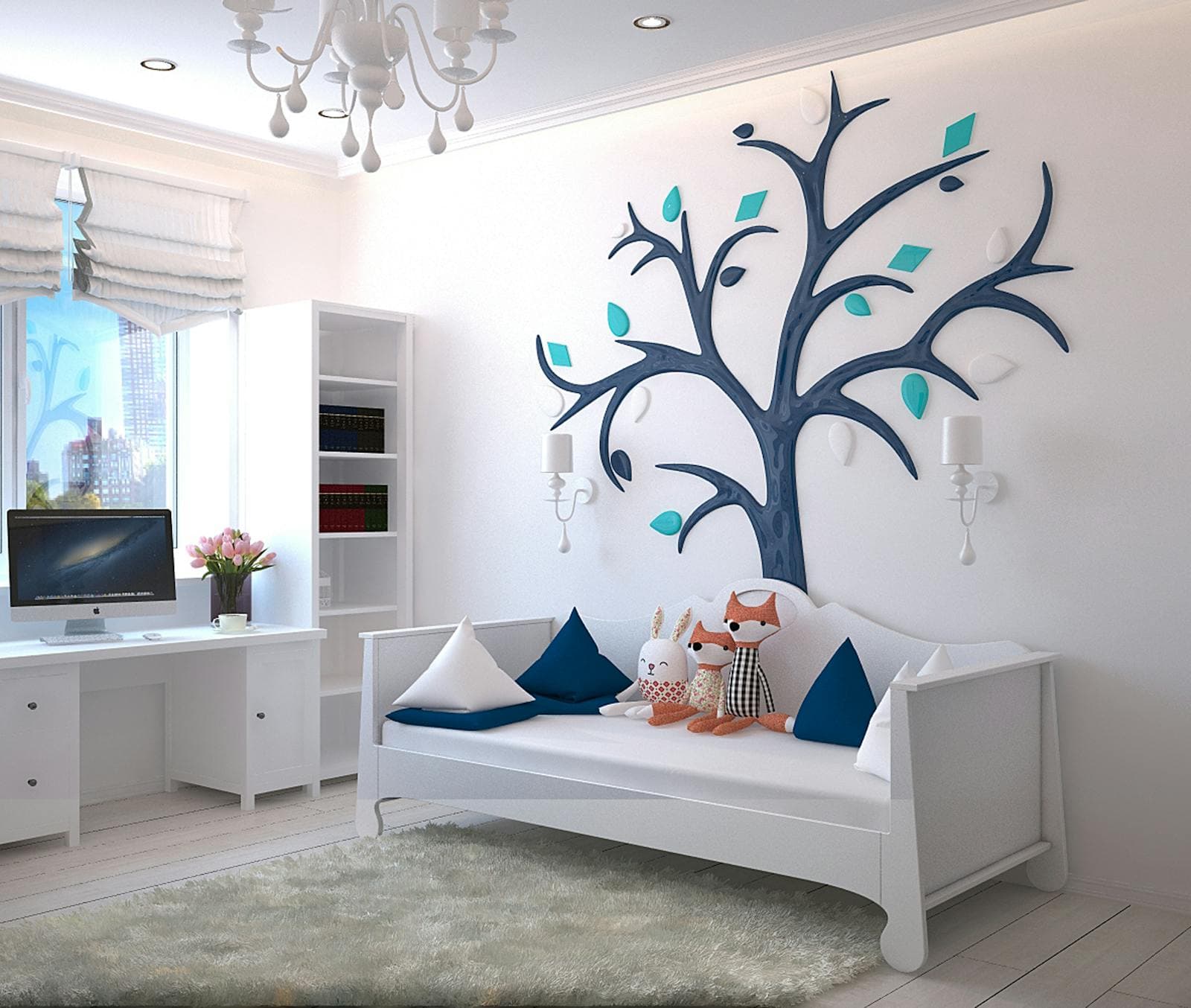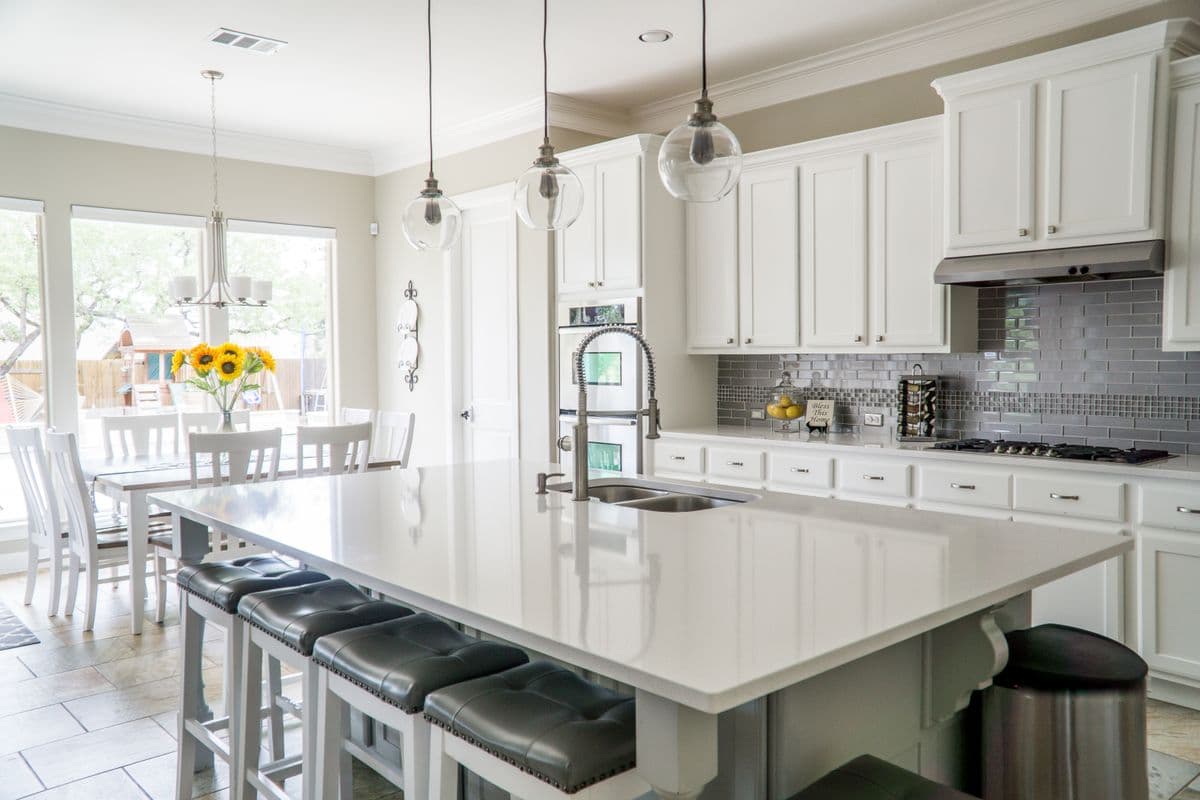
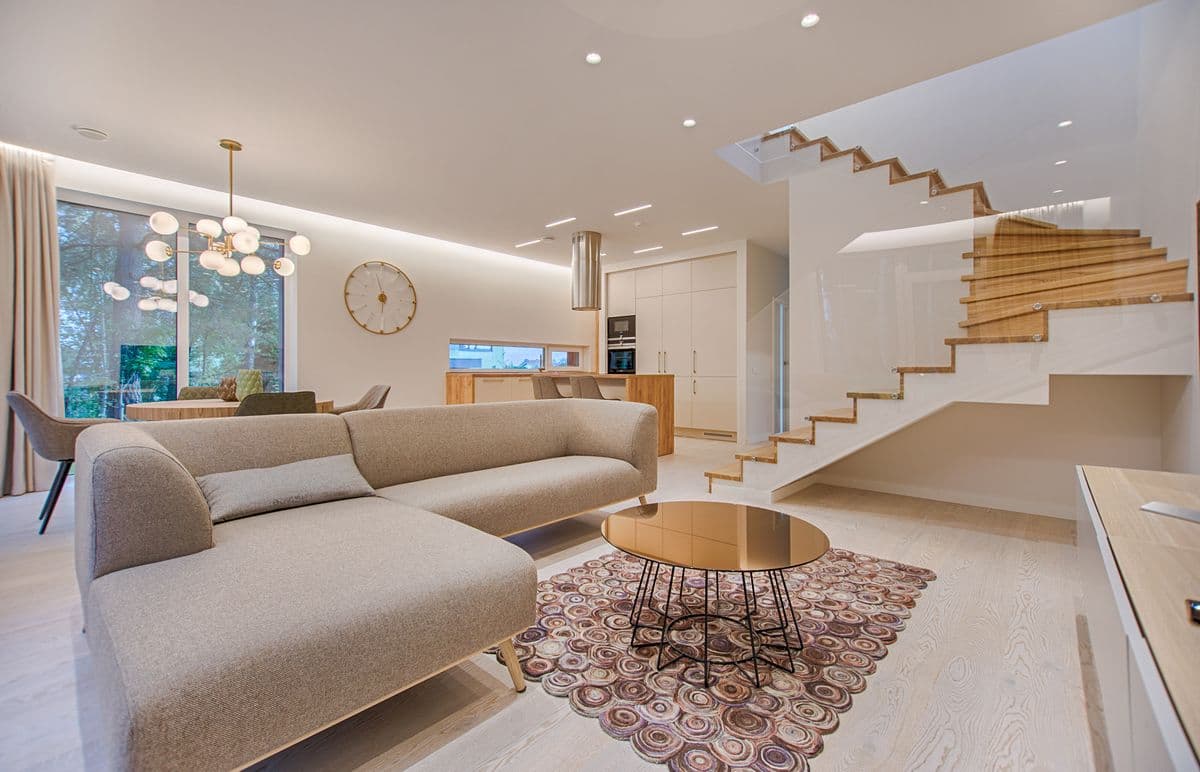
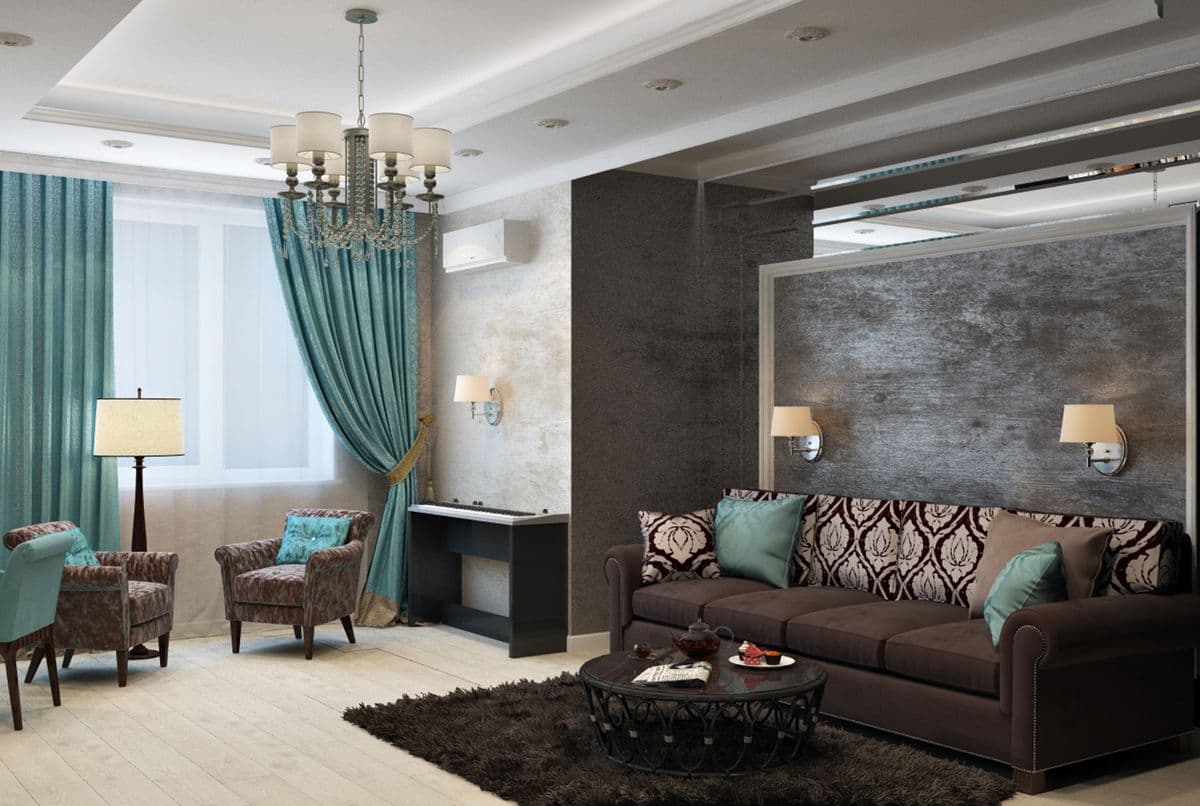
That coherence is the whole point. When you generate a corner, then a wide shot, then a detail of the same room, the materials have to match: the same oak floor, the same countertop, the same paint. The layout has to stay put so a window does not migrate across the wall between shots. And the light has to behave consistently so one frame is not bright noon while the next is dusk for no reason. MultiAngle treats these as one coordinated set built from a single reference, rather than a handful of separate generations that happen to look similar. The result is a walkable sequence of views a buyer or client can trust, not a grab-bag of look-alike rooms.
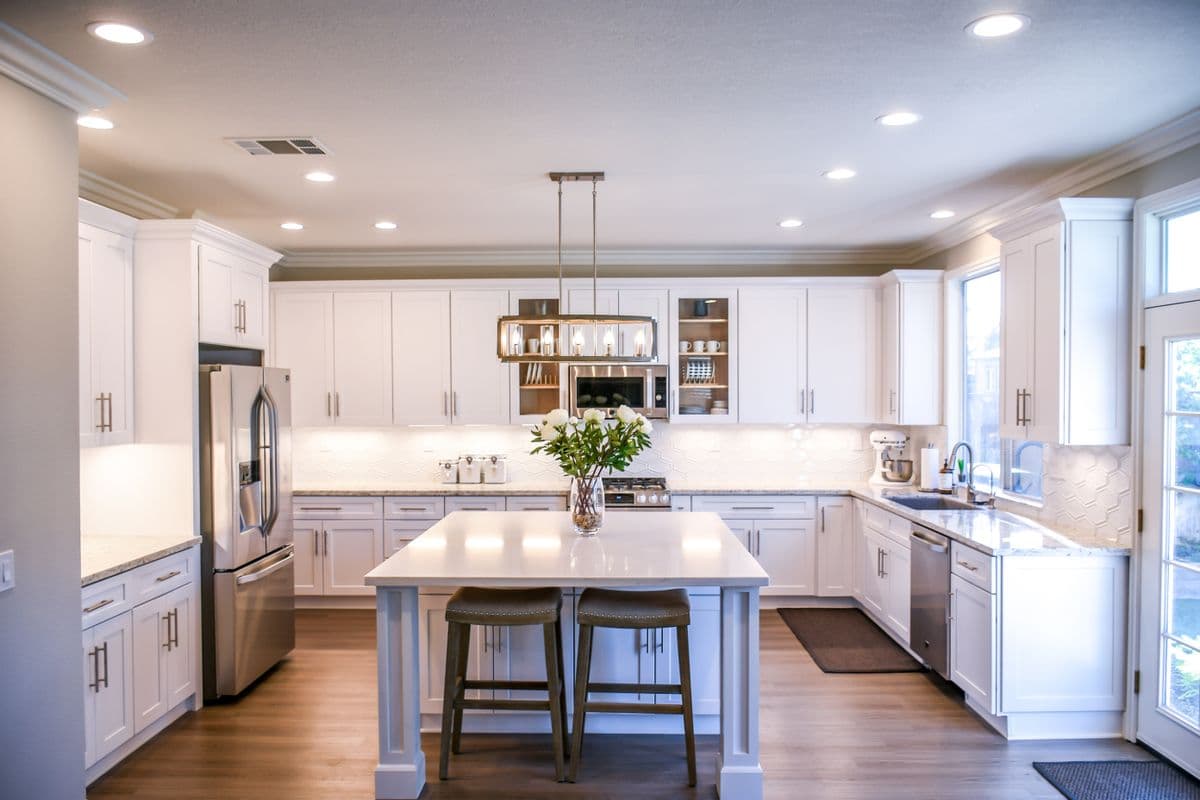
The use cases follow naturally from that. For property listings, you can turn one room photo into the spread of angles a gallery needs, so a space reads complete instead of cropped. For virtual staging and refresh, you can show the same room in a more finished or differently arranged state while keeping the bones recognizable. For architectural and design pitches, you can walk a client through a concept from several positions so they understand the plan, not just one hero render. And for product-in-room storytelling, you can place an object inside a space and present it from the angles that make the scale and context obvious.
The workflow is built around that one-reference idea. You start with a single image of the space, and the Environments world, powered by Google Gemini, expands it into the additional vantage points you ask for while preserving the layout, materials, and lighting that define the room. Instead of re-describing the space from scratch for every shot and hoping the model lands in the same place, you anchor everything to the reference and let the set extend outward. That keeps the room consistent and makes it far quicker to assemble a full visual story for a listing or a deck.
A straight note on what is usable right now: Interior Scenes is live today, and it is the template that generates rooms from multiple vantage points. The rest of the Environments lineup is on the way. Real-Estate Sets will package listing-ready room collections, Product-in-Scene will drop a product into a space, Relight Scene and Time-of-Day will let you edit lighting and shift daylight after the fact, and Architectural Viz will focus on customizable architectural visualization. Those are rolling out rather than available today, so plan around Interior Scenes for current projects and treat the others as what is coming next.
Coherent angles do more selling than a single dramatic frame, because they answer the questions people really have about a space before they ever step inside it.