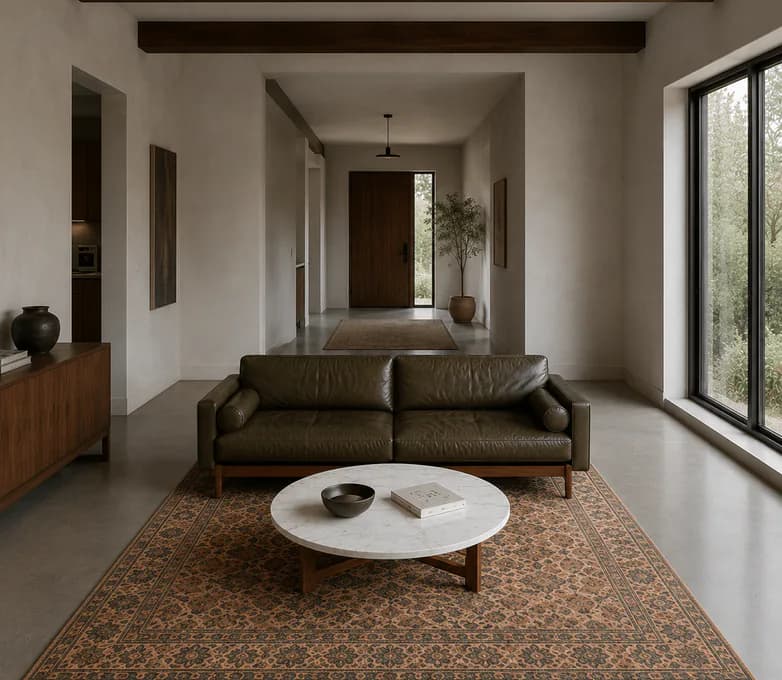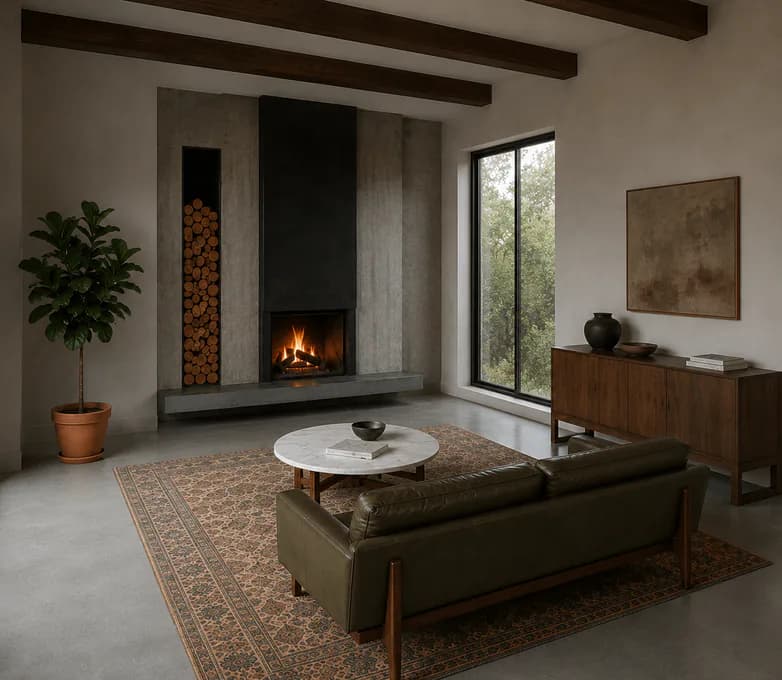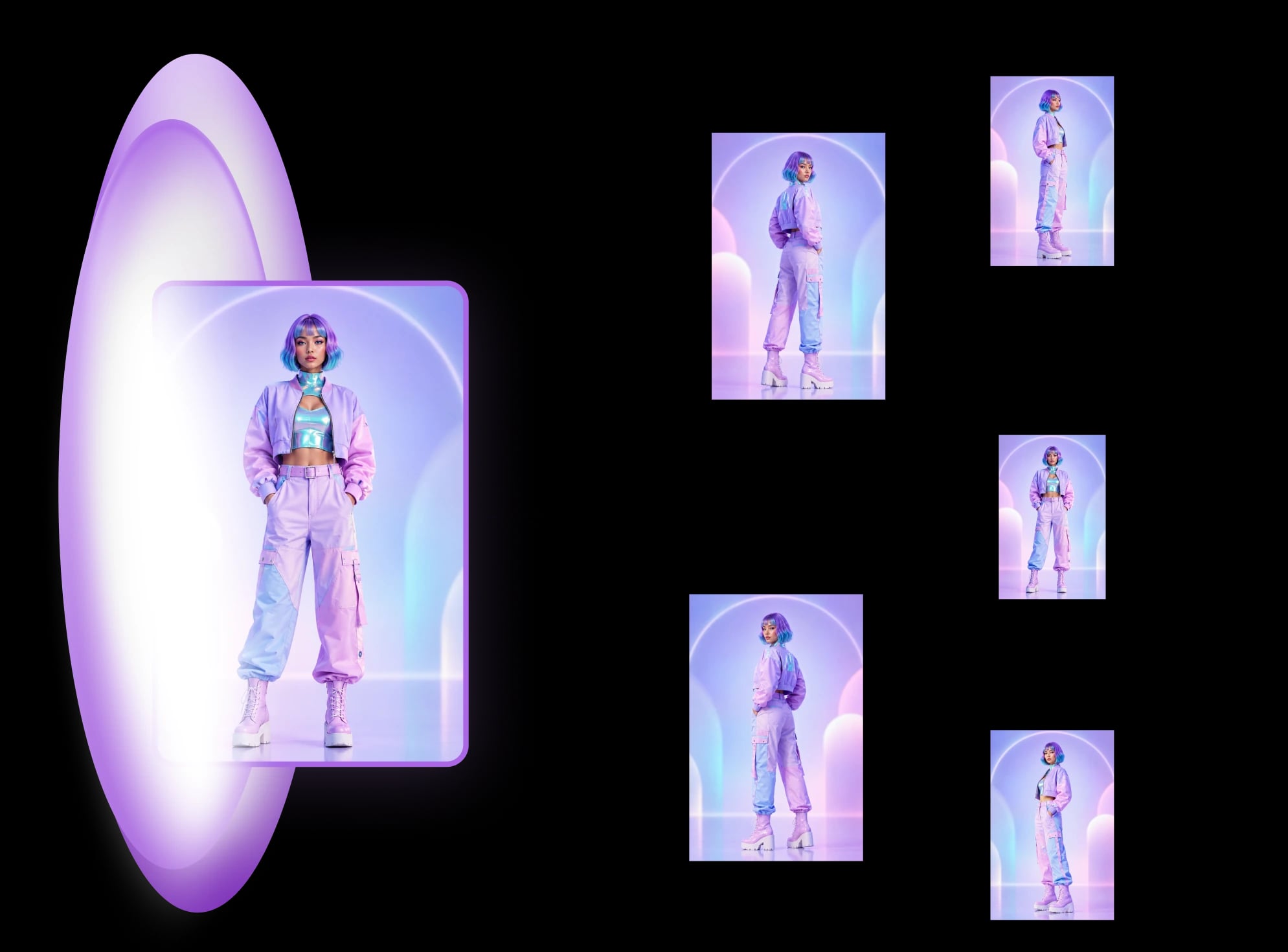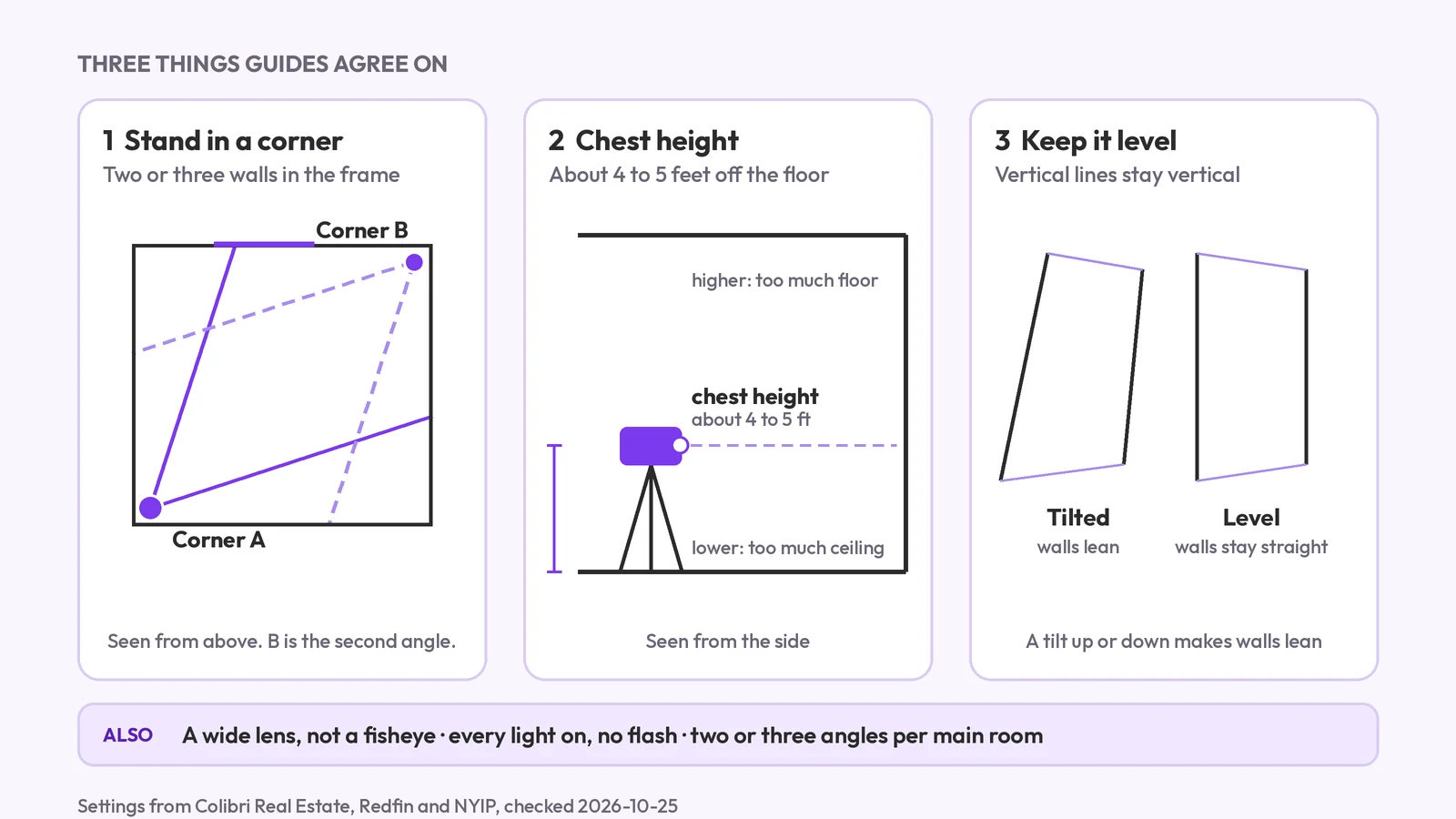
How to photograph a room for a listing: the angles
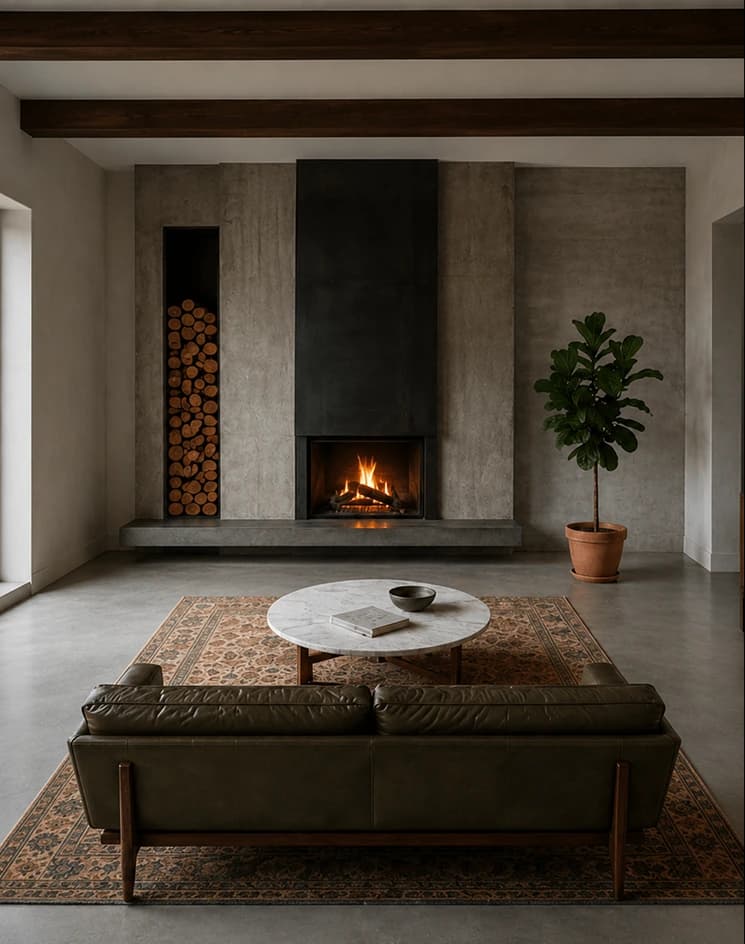
How to photograph a room for a listing: camera height, corners, lens, light and the angles to take, plus how one photo can show the other views for planning.
One reference photo, a coordinated set of consistent views — taught through hands-on guides, a plain-language glossary, and step-by-step how-tos.
Everything here points the same direction. Read the concepts first to know exactly what you'll get before you upload — then pick a world and start from a template.
Live today: Product turnaround, LinkedIn headshots, Character turnaround, Room angles, Virtual staging and Product photoshoot. Each guide shows what it does and how to nail a usable set on the first try.
How It Works walks the path from a single upload to a full set of matching angles — no jargon, no guesswork.
The Glossary defines the terms you'll meet across the worlds — angles, packshots, identity consistency, and more.
Read up before you generate — a hands-on guide for each world, plus the glossary and the basics of how multi-angle generation works.

Turn one reference photo into a consistent set of commercial product angles.

Turn a single portrait into a consistent set of professional headshots.
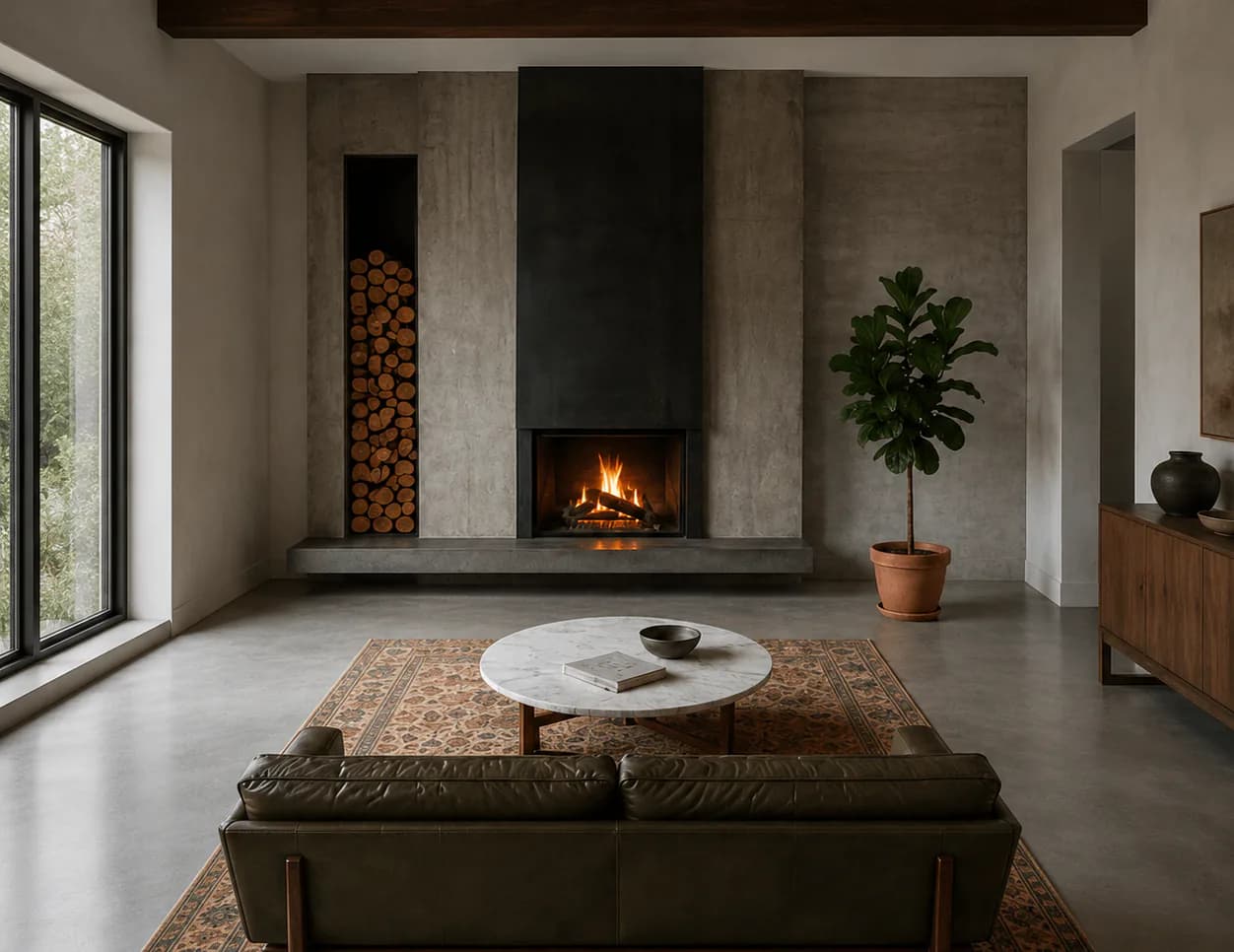
See a room from 10 fixed vantage points for listings, staging, and pitches.
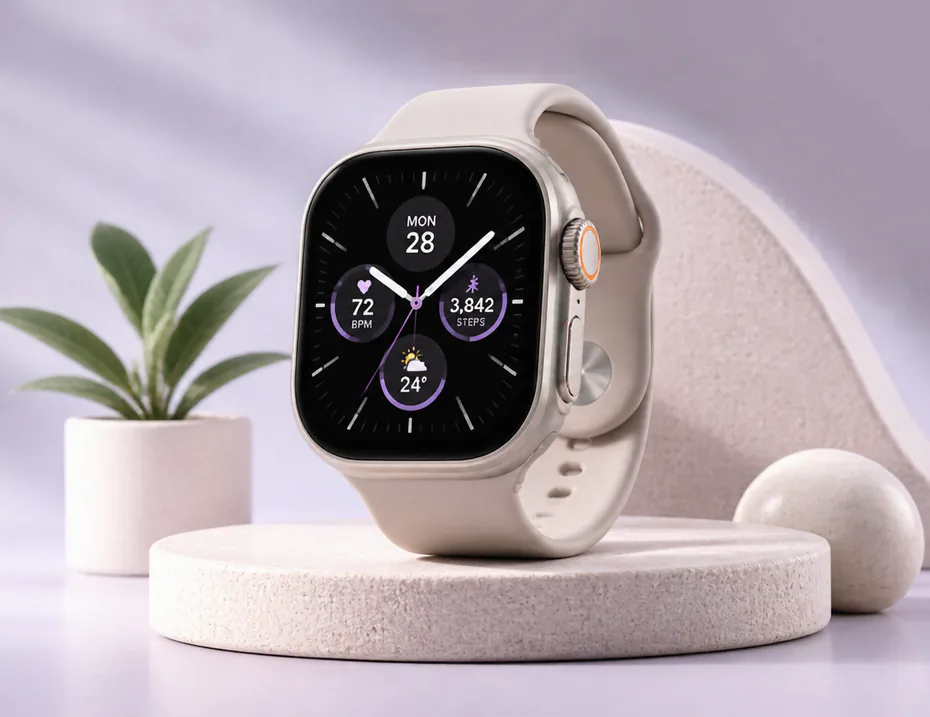
The vocabulary behind turning one photo into a consistent set of views, defined in plain language.
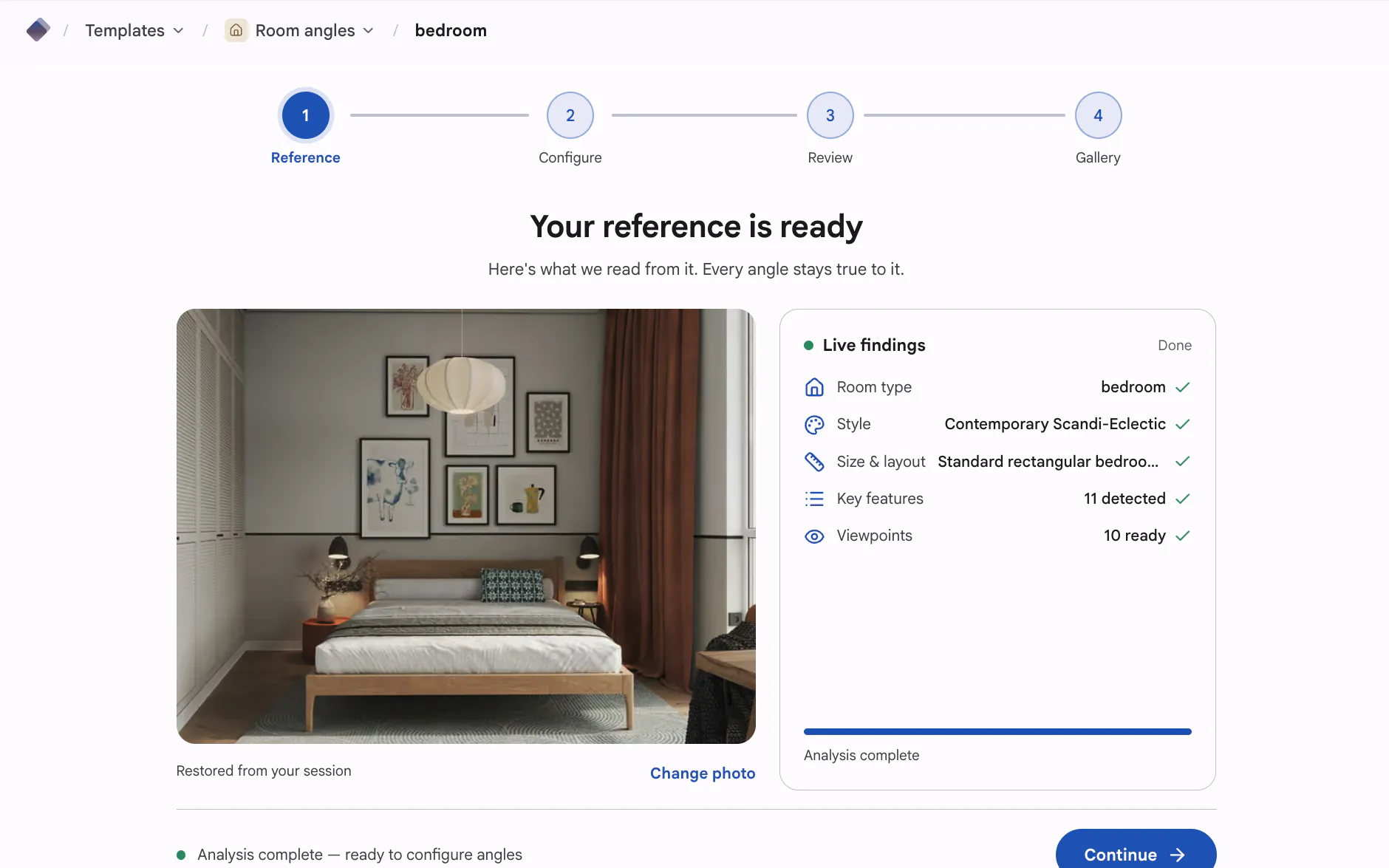
From one upload to a full set of matching angles — the workflow, step by step.
Newest first. Browse every guide on the blog.
How to photograph a room for a listing: camera height, corners, lens, light and the angles to take, plus how one photo can show the other views for planning.
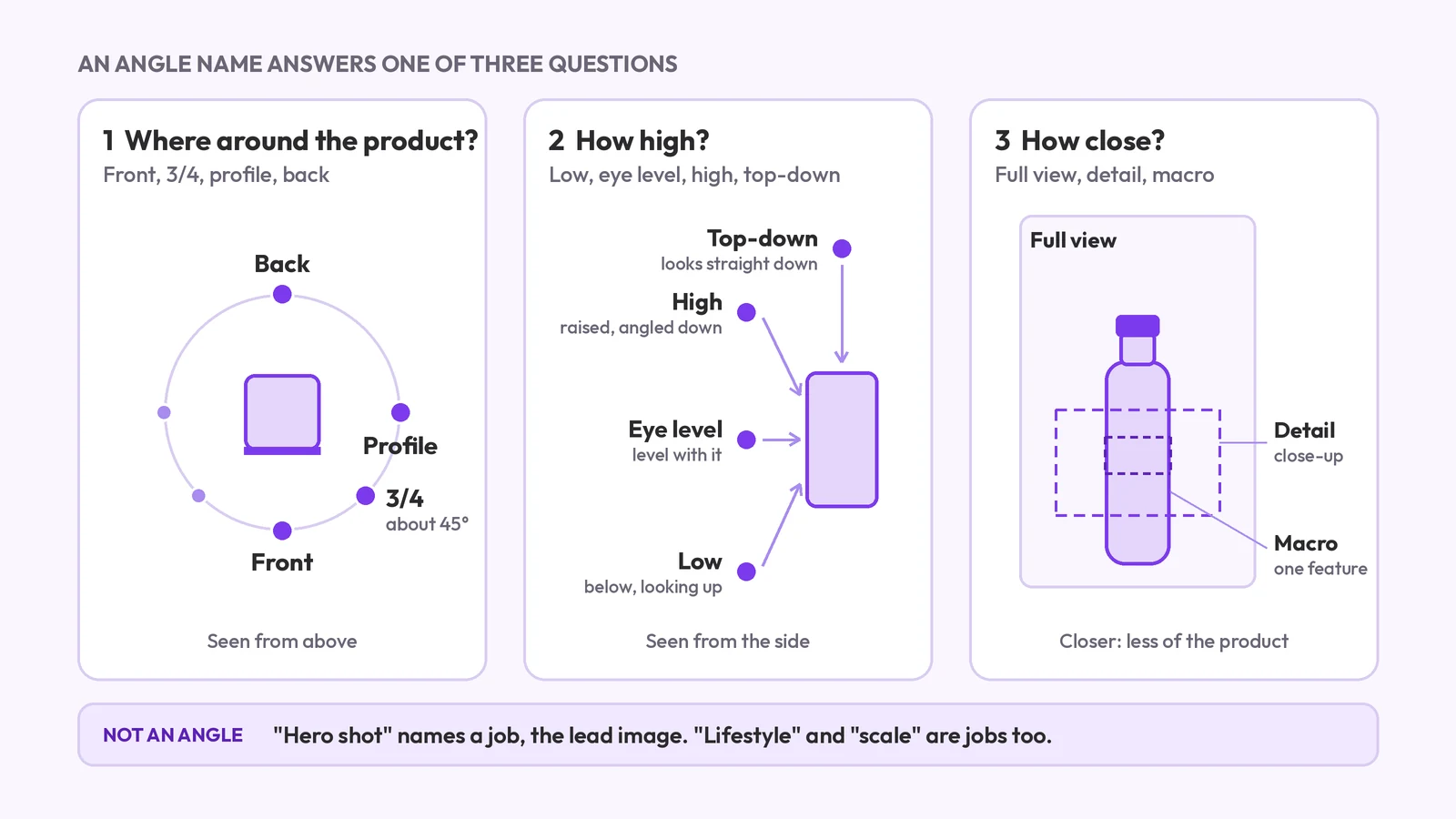
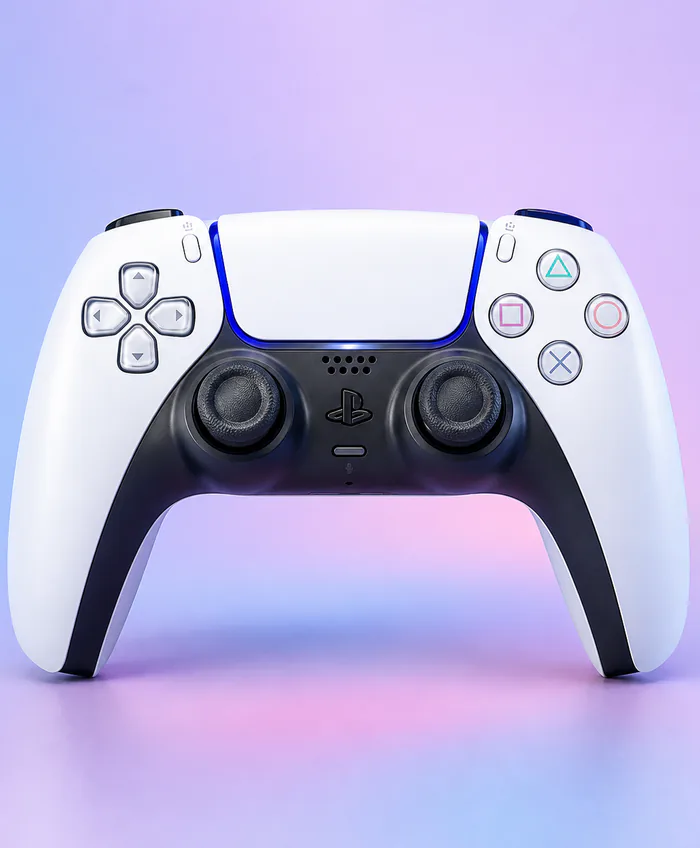
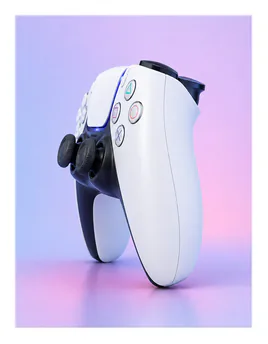
Product photography angle names: front, 3/4, profile, back, high, low, top-down and detail. What each means, which products need which, and what a set covers.
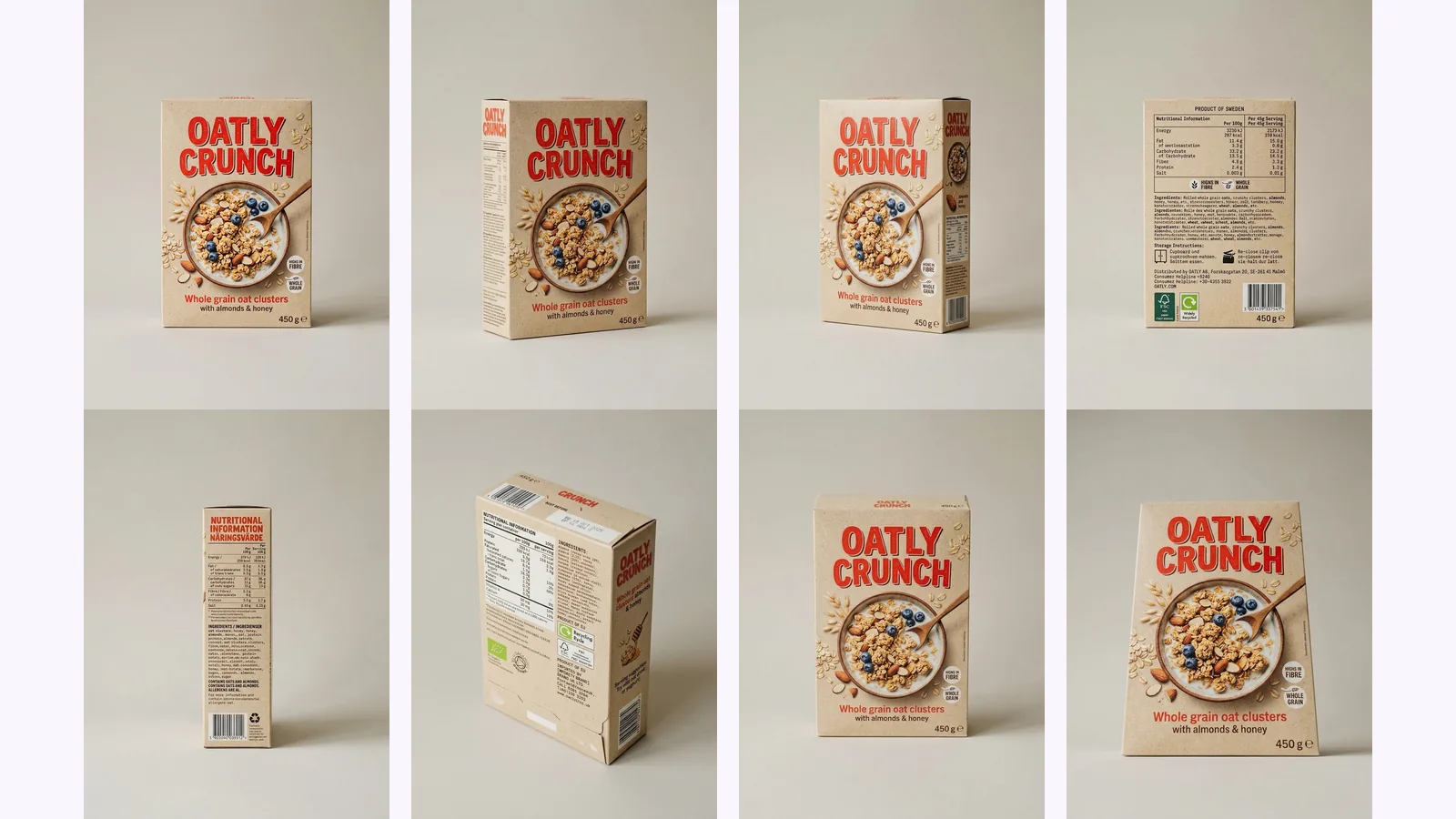
A Nano Banana different angles prompt, tested: eight copy-paste prompts run through the Gemini API on a box, a character and a room, and what drifted.
Pick the world that fits your work — products, avatars, or environments — and jump straight into the matching template hub.
Product updates, answers to common questions, and real workflows from sellers, studios, and designers.