AI Headshots
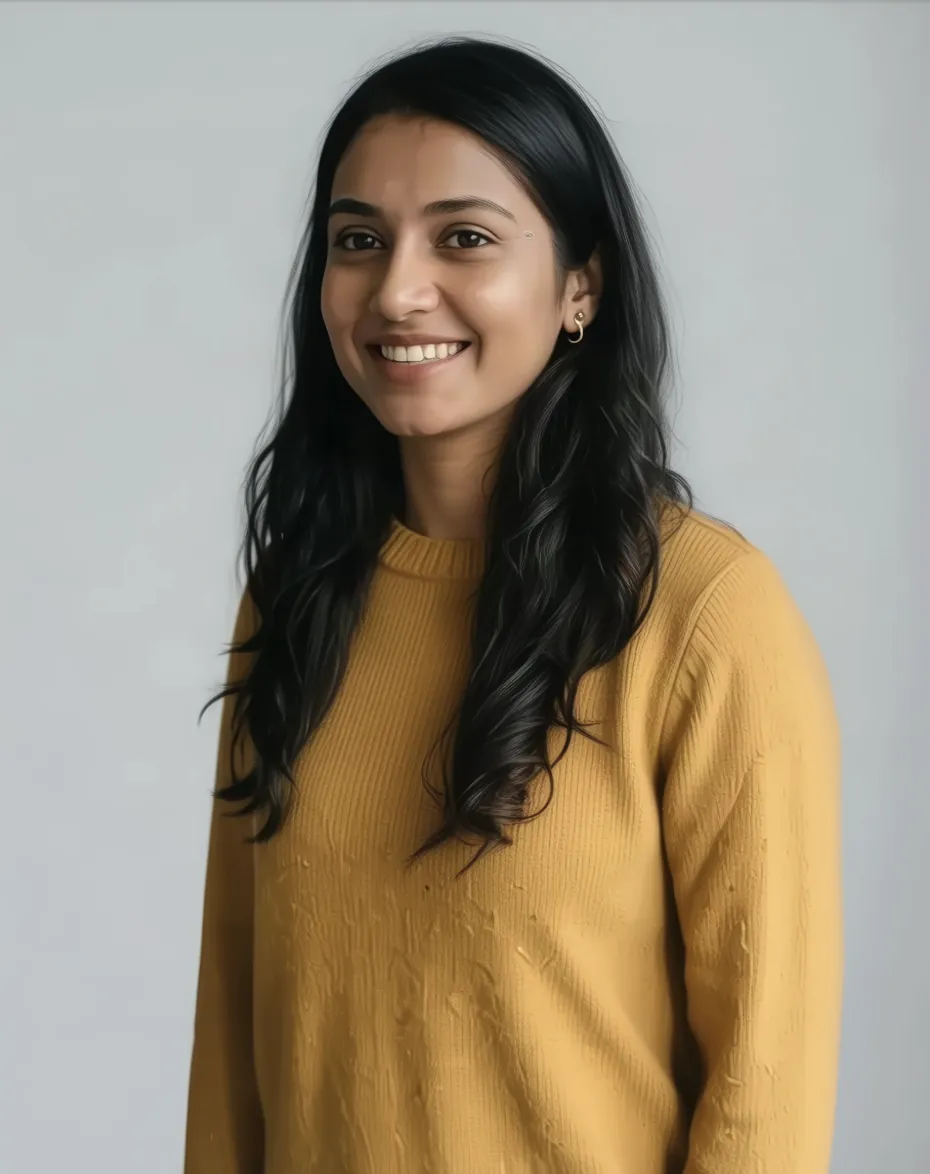
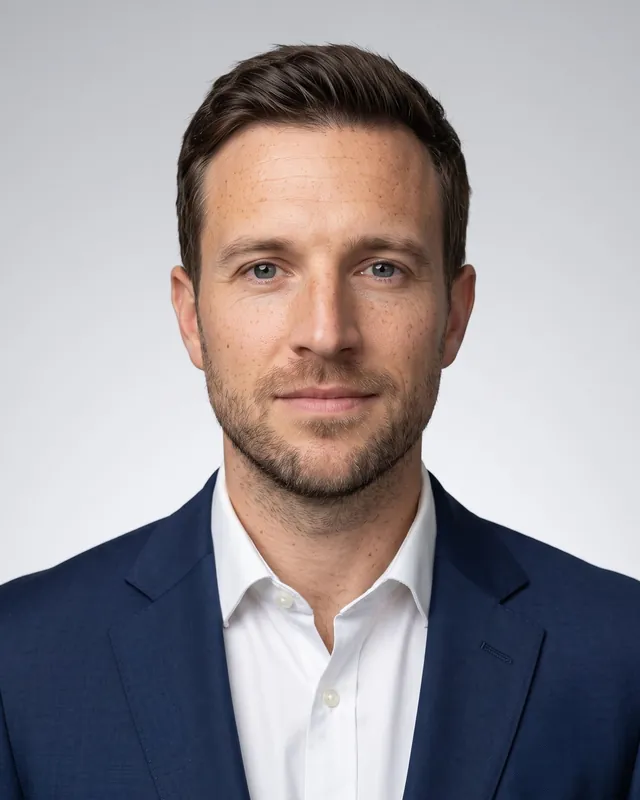
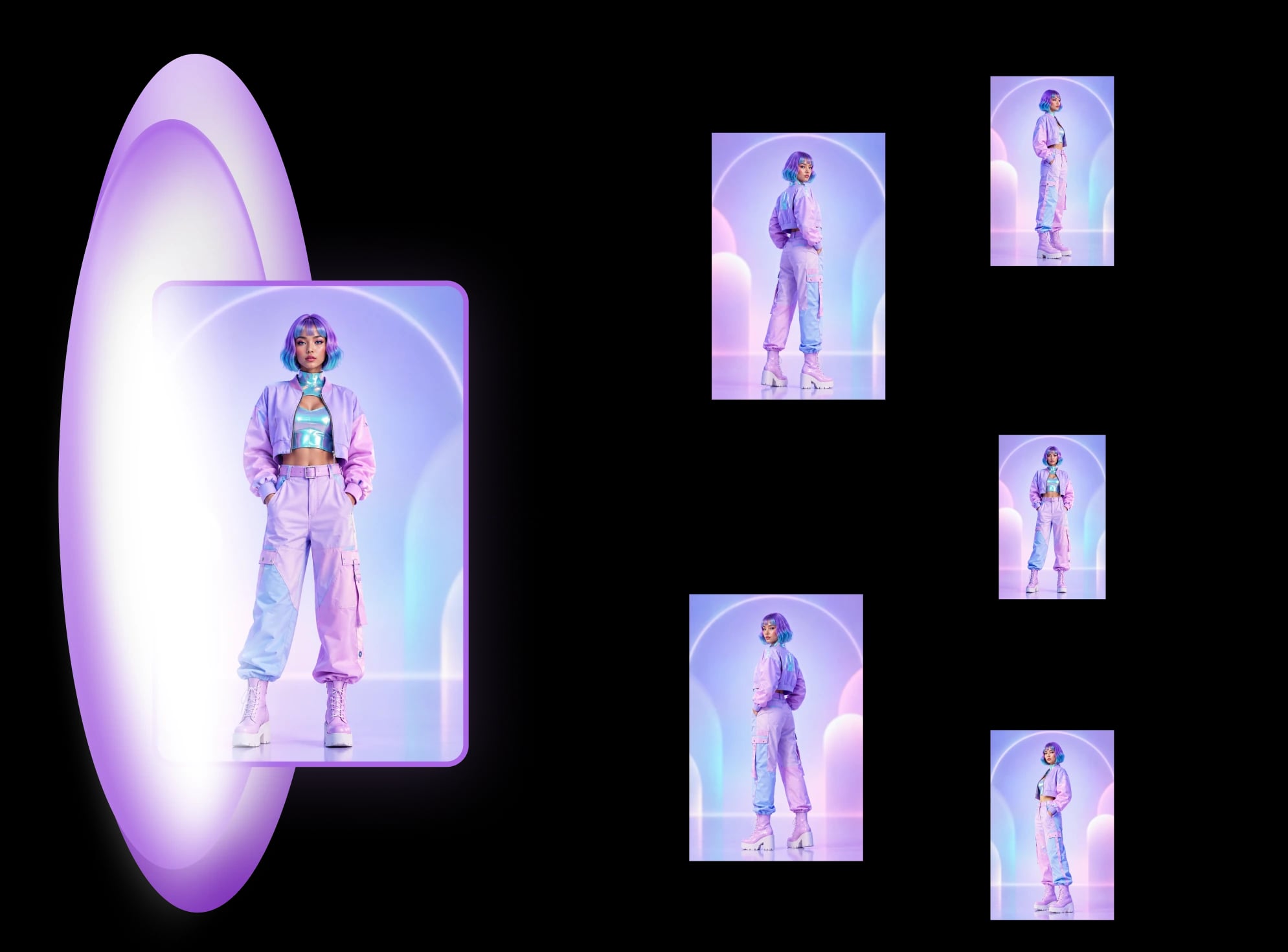
One portrait in, a coordinated set of professional headshots out, with the same face holding across every angle and crop.
About AI Headshots
AI headshots take a single reference portrait and produce polished, professional-looking images of the same person. The appeal is obvious: you skip the studio booking, the lighting setup, and the reshoots, and you get a clean headshot you can use right away. But a single good frame is the easy part. The real work is producing several views of the same person that actually look like the same person.
- 1 portrait
- Reference in
- Same face
- Identity locked
- No studio
- Booking or reshoot
Identity consistency is the hard problem, and it is also the value. Most tools can generate a flattering portrait once. Far fewer can hold the same face across different angles and crops, so a three-quarter view, a straight-on shot, and a tighter crop all read as one individual rather than three near-matches. The aim is a coherent set: same bone structure, same features, same person, lit and framed differently. When that holds, the output is usable as a unit instead of a pile of look-alikes you have to cull.
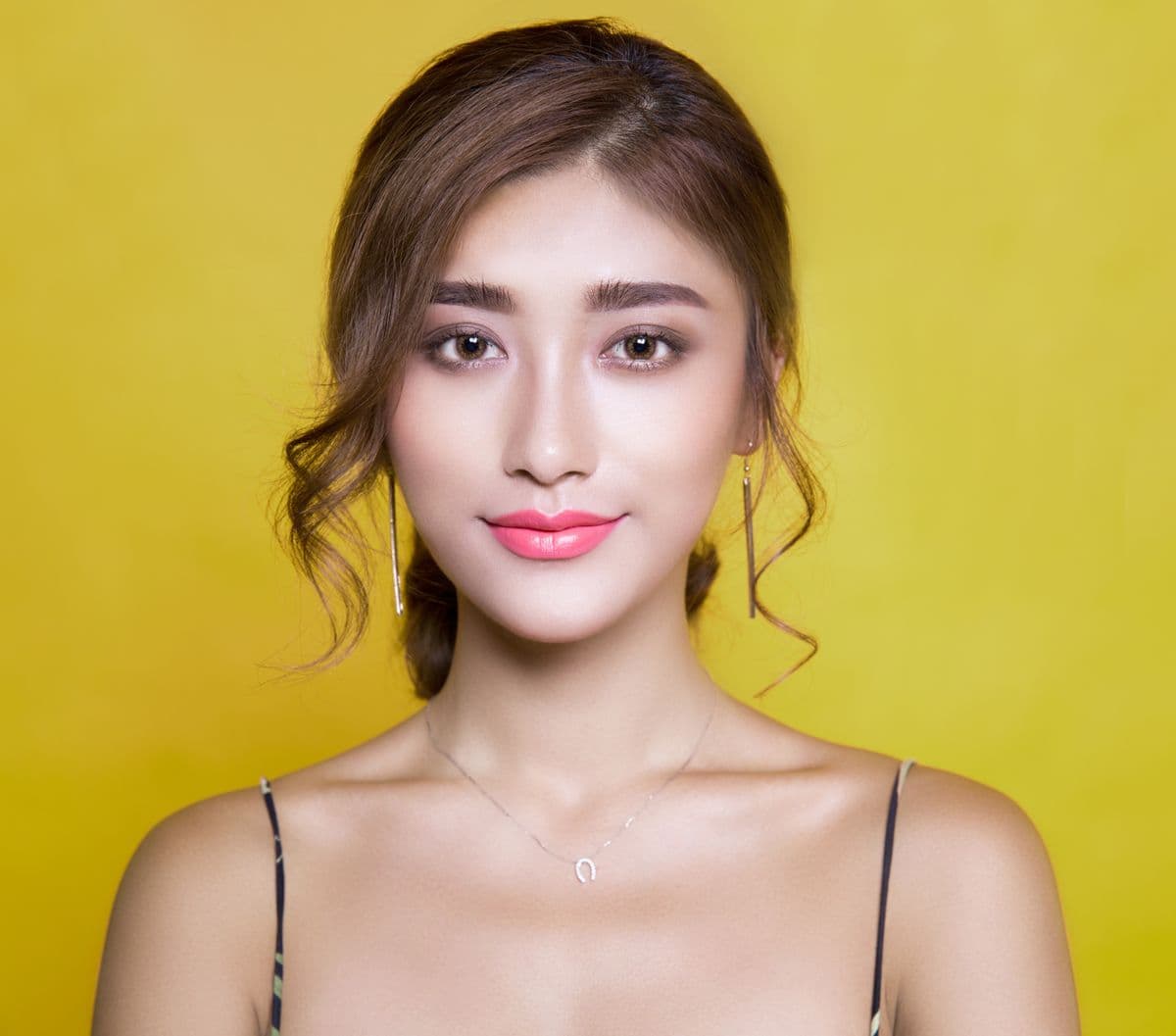
That coherence is what makes the output practical across real use cases. Team and about pages look intentional when every member is shot in a consistent style. Professional profiles and speaker bios benefit from a few angle and crop options drawn from one sitting. Casting and audition materials need recognizable, repeatable likenesses. And for avatars, animation, and 3D work, where knowing how to make a character turnaround sheet pays off, a set of rotated views of the same head becomes genuine reference rather than decoration. In each case the win is the same: one identity, presented many ways, without drift between frames.
The workflow is built around a single upload. You bring one portrait as the reference, and the system treats it as the anchor for everything it generates, so each new view is pinned to that identity instead of inventing a fresh face each time. You get a coordinated set out of one input, which keeps the look consistent and saves you from stitching together images that never quite agreed with each other.
Most tools can generate a flattering portrait once. Far fewer can hold the same face across angles and crops, so every view reads as one individual rather than three near-matches.
If you need professional headshots now, the LinkedIn headshots template handles that today, and the Character turnaround template covers full turnarounds. Both are anchored to the portrait you start with, so it stays the same person no matter how many ways you end up showing it.
Templates For This Topic
Jump straight into a template and turn one photo into a full angle set.