Everything, answered.
How multi-angle generation works, identity consistency, formats, pricing, and commercial use — across products, characters, and environments.
Common questions.
Everything we get asked about multi-angle AI image generation — how identity stays locked, what you can export, pricing, and commercial rights. Live today: Product turnaround, LinkedIn headshots, Character turnaround, Room angles, Virtual staging and Product photoshoot.
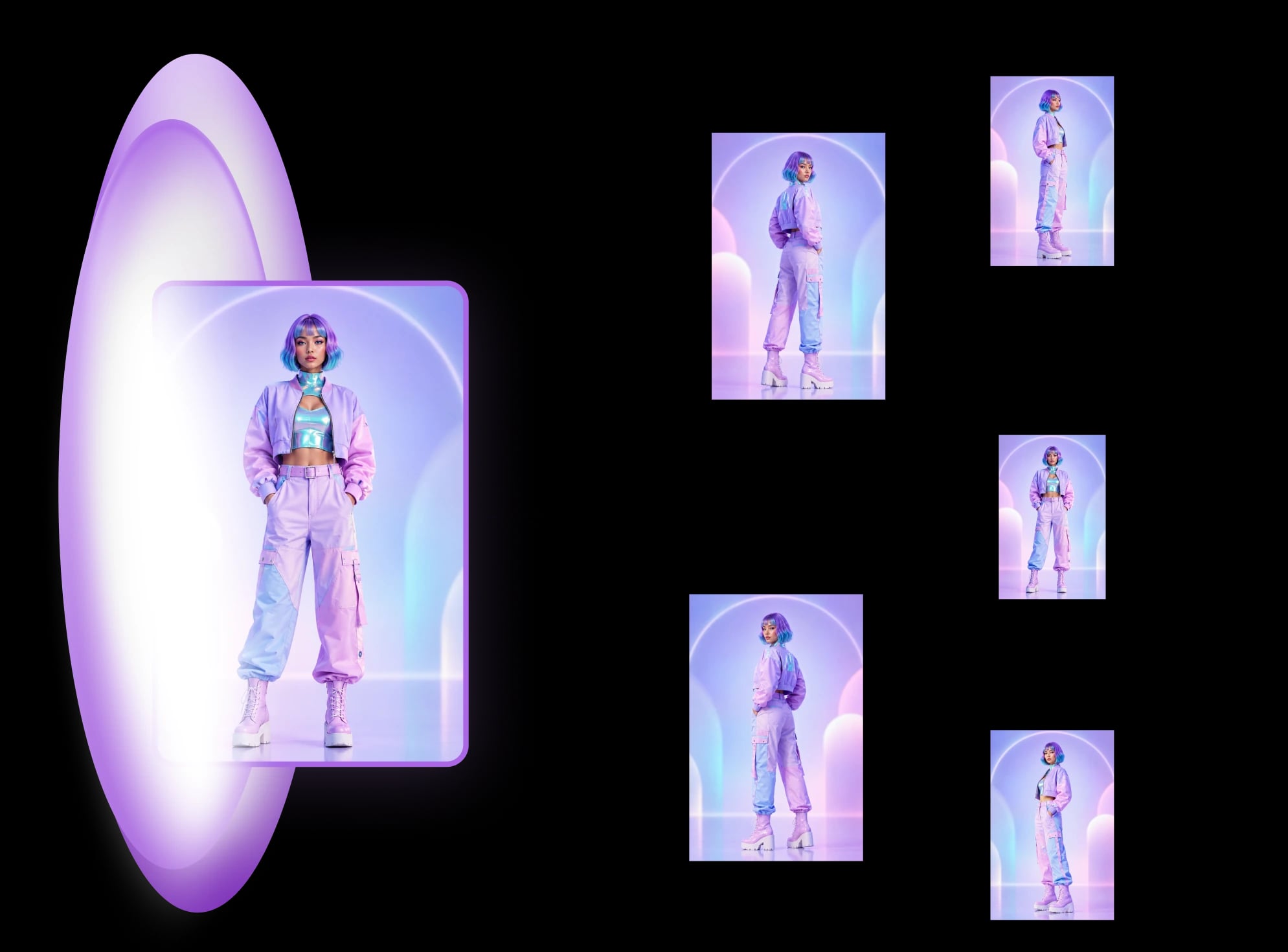
Upload one reference photo, MultiAngle.ai locks the identity, lighting, and style from that single image, then generates a coherent multi-angle set: 8 views of a person, character, or product, or 10 views of a room, your photo included. The whole flow runs in one workspace, with no re-prompting between angles.
An angle set is a coherent group of AI-generated images showing the same subject — a product, person, or environment — from different camera angles, with identity, materials, and lighting locked across every frame. For a character it's usually called a turnaround sheet. MultiAngle delivers the set as separate still images (PNG, JPEG and WebP, or a ZIP of the set), not as an interactive spin.
Yes — identity preservation is the engine's job. The face, skin tone, hair, clothing, and lighting stay locked across every frame in the set. That's what separates MultiAngle.ai from prompt-only tools like Midjourney that drift between generations.
Midjourney, Stable Diffusion, and Sora generate one image at a time and drift between prompts. MultiAngle.ai is built around angle sets — one reference in, a consistent multi-angle set out. Same subject, same lighting, every frame, ready for ecommerce, character work, or 3D reference.
Every plan downloads PNG, JPEG and WebP — one angle at a time, or the whole set at once as a ZIP (batch export). Ready for ecommerce listings, ad creative, decks, animation pipelines, and 3D reference.
You choose them. Start from a suggested set or the full set, or pick exact angles one by one. During review you can regenerate any single angle without disturbing the rest of the set. Paid plans also get the prompt field, and Improve (edit one angle) on Room angles and Product turnaround.
Yes, from a fixed set of angles. MultiAngle.ai works as a different angle image generator: upload one photo and it renders the same subject from other camera positions: 8 views of a person or character (front and three-quarter to profile, back, above and below), 8 of a product, or 10 of a room (4 walls, 4 corners, the ceiling and the floor), your photo included. You pick which angles of the set to make. It is not a free-form camera, so you can't type in an arbitrary angle or orbit the subject, and each angle comes back as a separate still image.
A multi-view image generator makes several views of the same subject from one input image. MultiAngle.ai is one: upload a photo and it returns a consistent set of fixed views, 8 for a person or character, 8 for a product and 10 for a room, with identity, materials and light held across the set. The views are fixed angles you pick from, and they download as separate still images (PNG, JPEG and WebP), not as a 3D model or a video.
Partly. It changes the camera angle of an existing photo, turning one image into a different angle of the same subject, but only to the angles in its fixed sets: front, 3/4 front left, 3/4 front right, left profile, right profile, back, above and below for a character, front, 3/4 left, 3/4 right, left side, right side, back, above and below for a product, and 4 walls, 4 corners, the ceiling and the floor for a room. There is no free-form camera control, so you can't rotate to an arbitrary angle or move through the scene, and it makes still images, not video.
The Free plan gives you 4 credits a month, no card required. 1 credit = 1 image, so a full set costs 7 credits for a character or product and 9 credits for a room, at one variant per angle; the Free credits cover a full virtual staging set, or part of an angle set. Creator is $19/month for 100 credits, Pro $59/month for 350, and Studio $149/month for 950; annual billing gets you 2 months free. One-time top-up packs (10 credits for $4.99, 40 credits for $9, 120 credits for $25 and 320 credits for $59) work on any plan; top-up credits never expire.
Yes — on every plan, Free included, generated images are licensed to you for personal and commercial use: product listings, ads, games, films, and client work. You keep all rights to the reference photos you upload.
It's live now, with no waitlist. Sign up and start on the Free plan — no card required — then move to a paid plan whenever you need more credits.
It varies with load, so we don't promise a time. The analysis runs first, then the frames generate in parallel, so the gallery fills as they arrive and you can start reviewing and picking keepers before the set finishes.
Yes, through standard files. Download each angle as PNG, JPEG or WebP, or the whole set as a ZIP, and drop them into Figma, Photoshop, or Blender, Cinema 4D, and Unreal for 3D reference. There are no direct Figma or Photoshop plugins yet.
Your reference photos and generated angle sets are private to your account. MultiAngle.ai does not train on your uploads, and you can delete any set or reference from the workspace at any time.
Can't find your answer? The fastest one is a real angle set.
Spin up a free set from one reference photo, or reach out and we'll walk you through it.