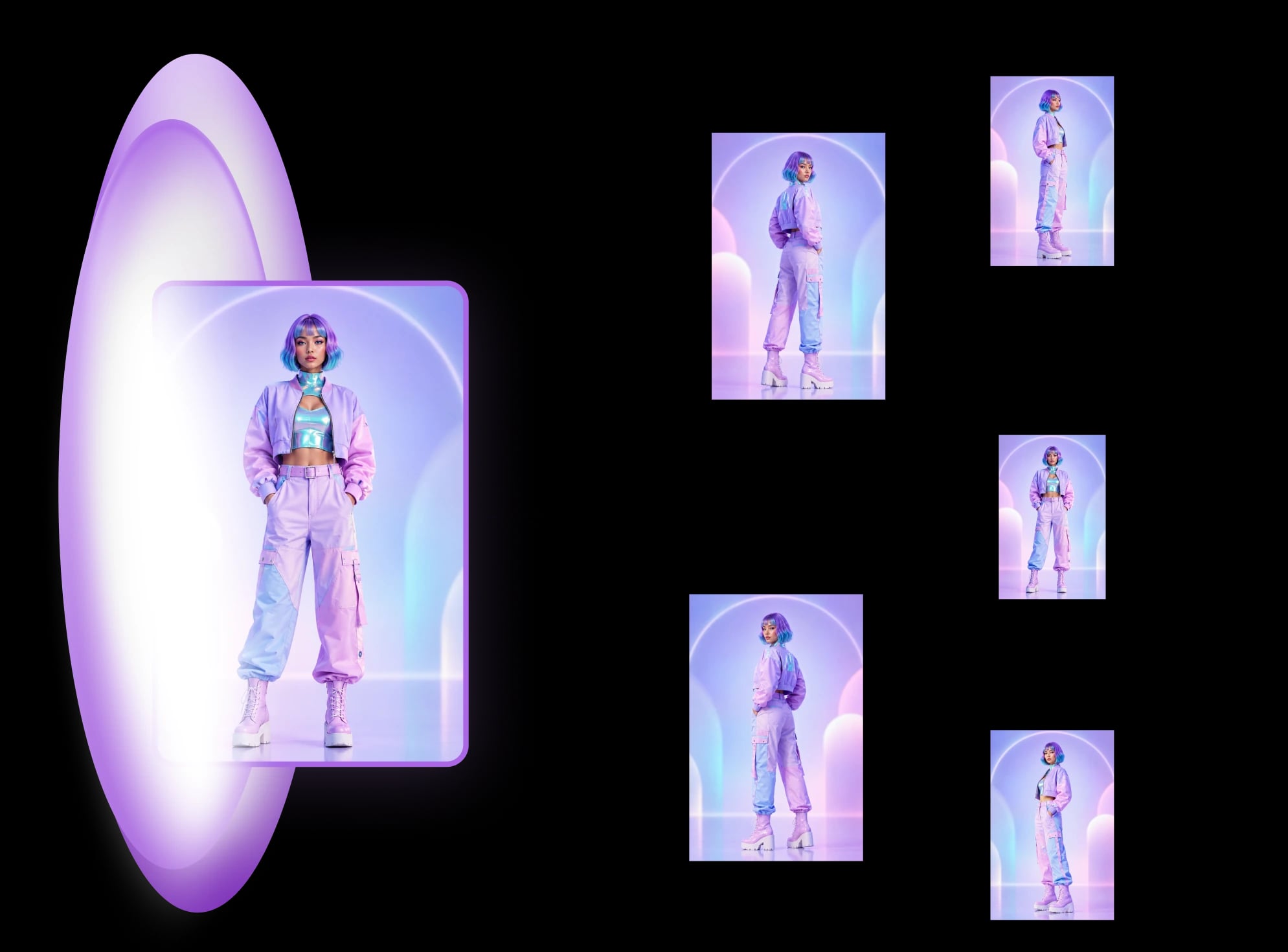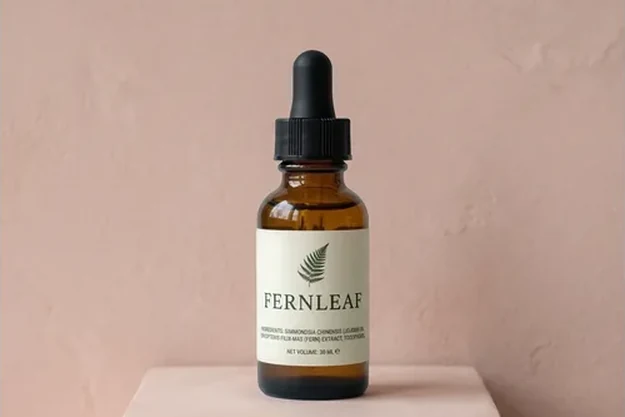
Product photoshoot
Product photoshoot for Amazon listings
Upload one product photo and get the white main image plus up to 8 scenes: a pure-white main image cut out of your photo, and scenes where your real product is pasted back, never redrawn. Your first Product photoshoot set (the white main image plus 4 scenes) is free, once per account.
What you get
A white main image, then the scenes you choose.
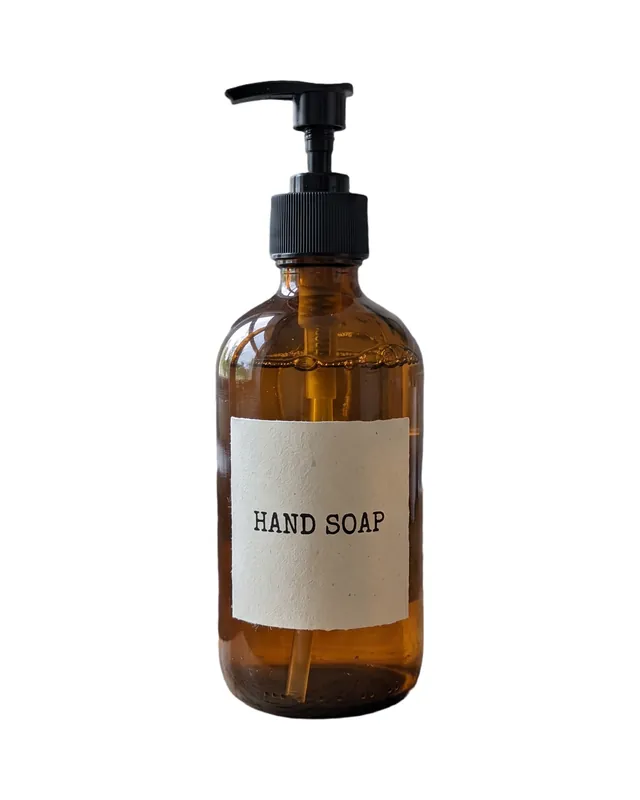
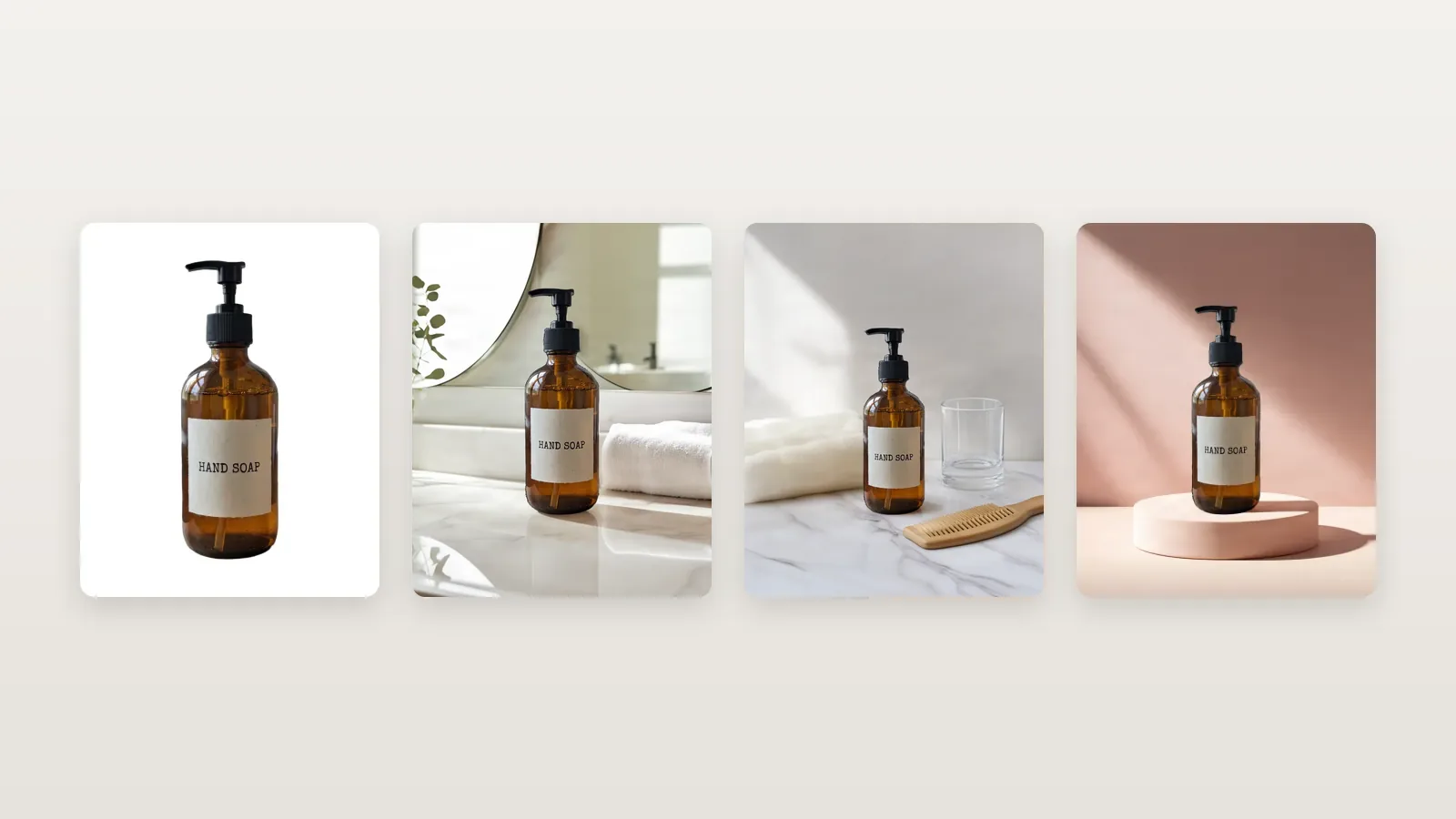
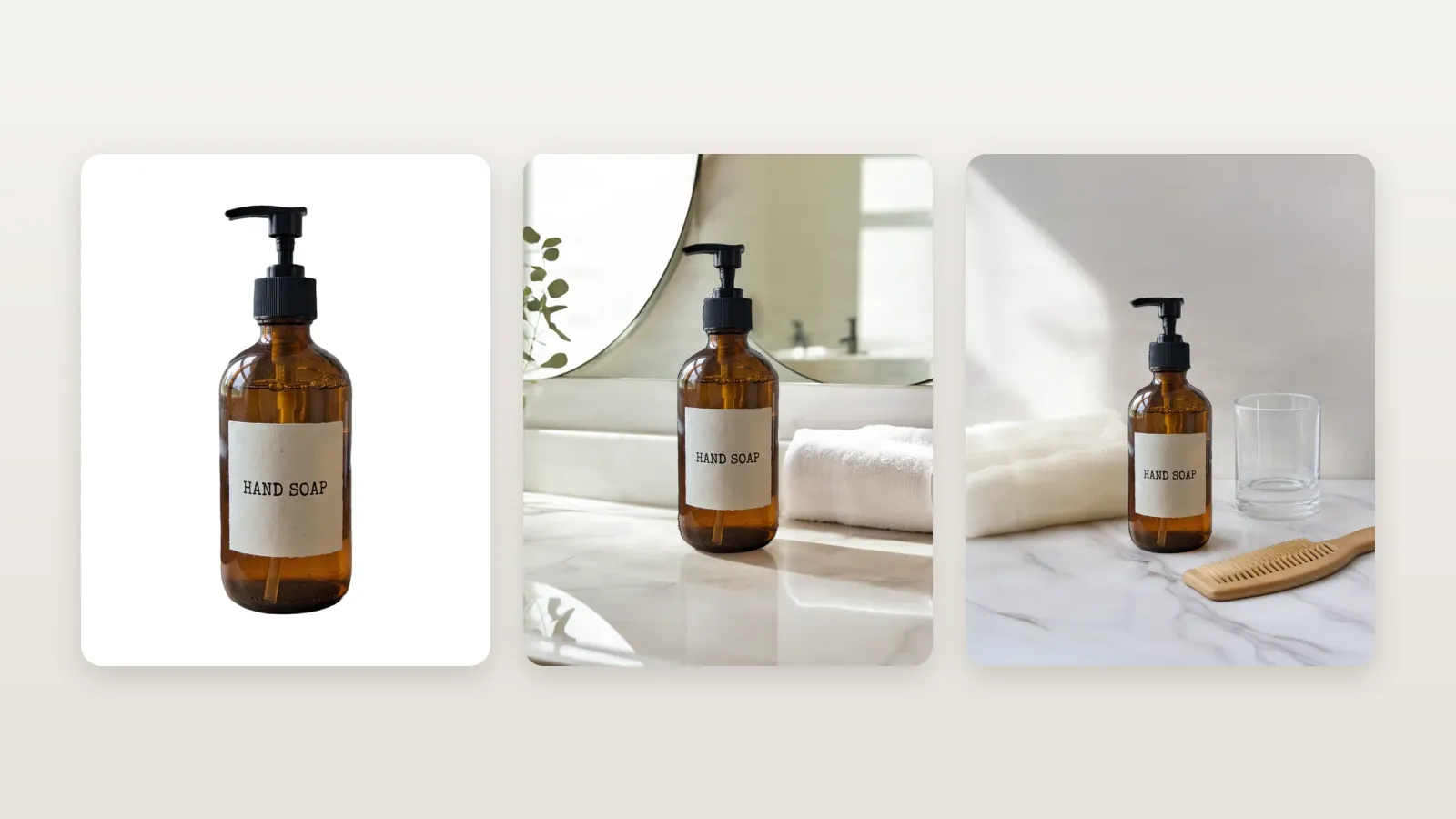
Image 1 is a pure-white JPEG, square, 1,000–2,000 px, cut out of your own photo, with the product filling about 87% of the frame. Images 2 to 9 are scenes: the AI paints the setting and your product is pasted back from your photo, so the label, the shape and the colour are the ones you uploaded. Pick up to 8.
Main image
Pure white · earlier flow
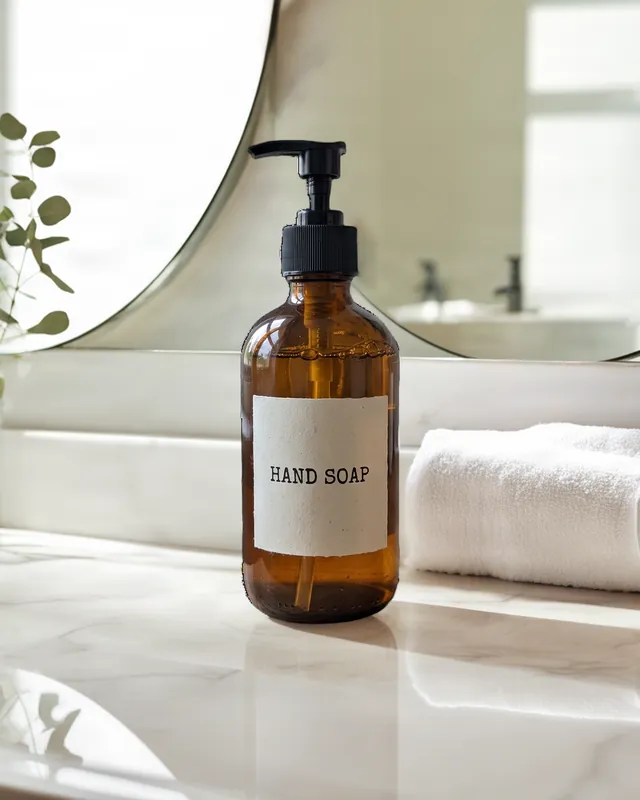
Scene · in use
AI scene · earlier flow
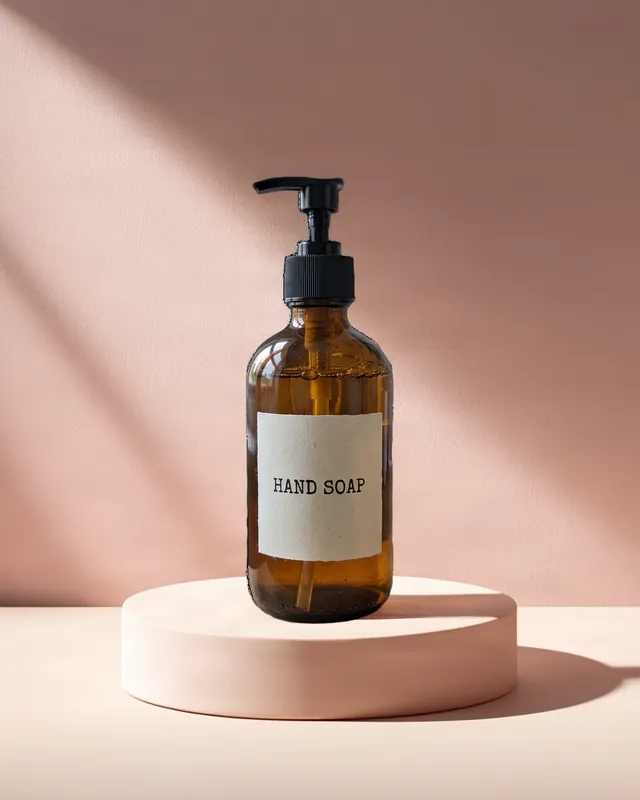
Scene · styled
AI scene · earlier flow
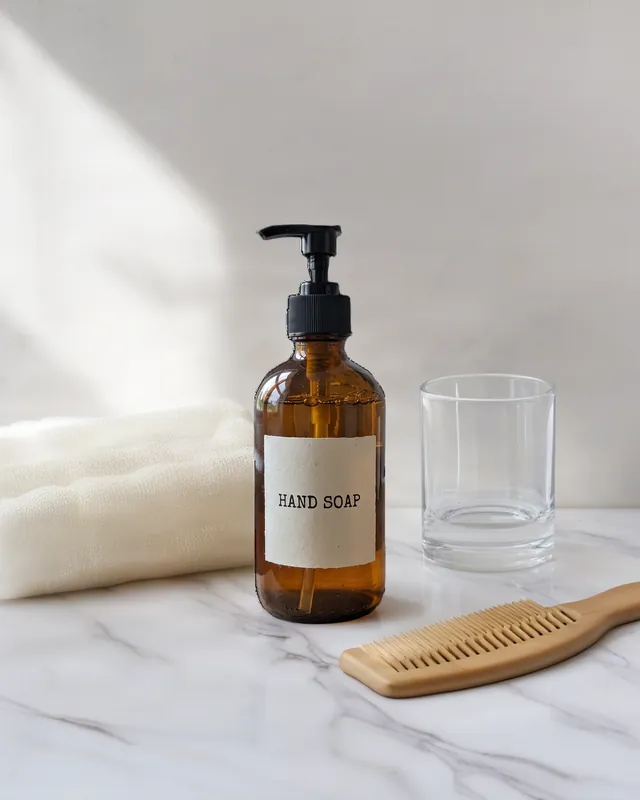
Scene · beside everyday things
AI scene · earlier flow
Examples from the earlier version of this recipe (September 2026), made in the app from one photo of a fictional, unbranded soap bottle. A set from the current flow replaces them once it is shot.
Where should we show it?
Four ways to pick a scene.
Take the app's picks, match a look, browse the library or build your own. Every preview is free; you pay only for the images you make, 1 credit per image.
Picked for you
The app studies your photo and suggests scenes made for that product, with a reason for each: safe bets, a few that stand out, one for the season. Nudge the picks cosier, more premium, for gifts or brighter.
Match a look
Upload a picture you like or paste a link to one. The app reads the place, surface, light, colours and props from it and puts your product in that look. The picture is inspiration only: it never goes to an image model.
Explore ideas
Browse 51 scene photos by theme, from kitchen counters to café tables and desks, sorted by how well they fit your product. Each card previews your product in place before you decide.
Make your own
Pick a place, a surface and a light, add props or a camera angle, or just describe the scene in your own words, in any language. A live preview shows your product in it before you spend a credit.
How it works
From one product photo to a listing set.
Add one photo, choose where to show the product, check the results and download them named for Amazon's slots.
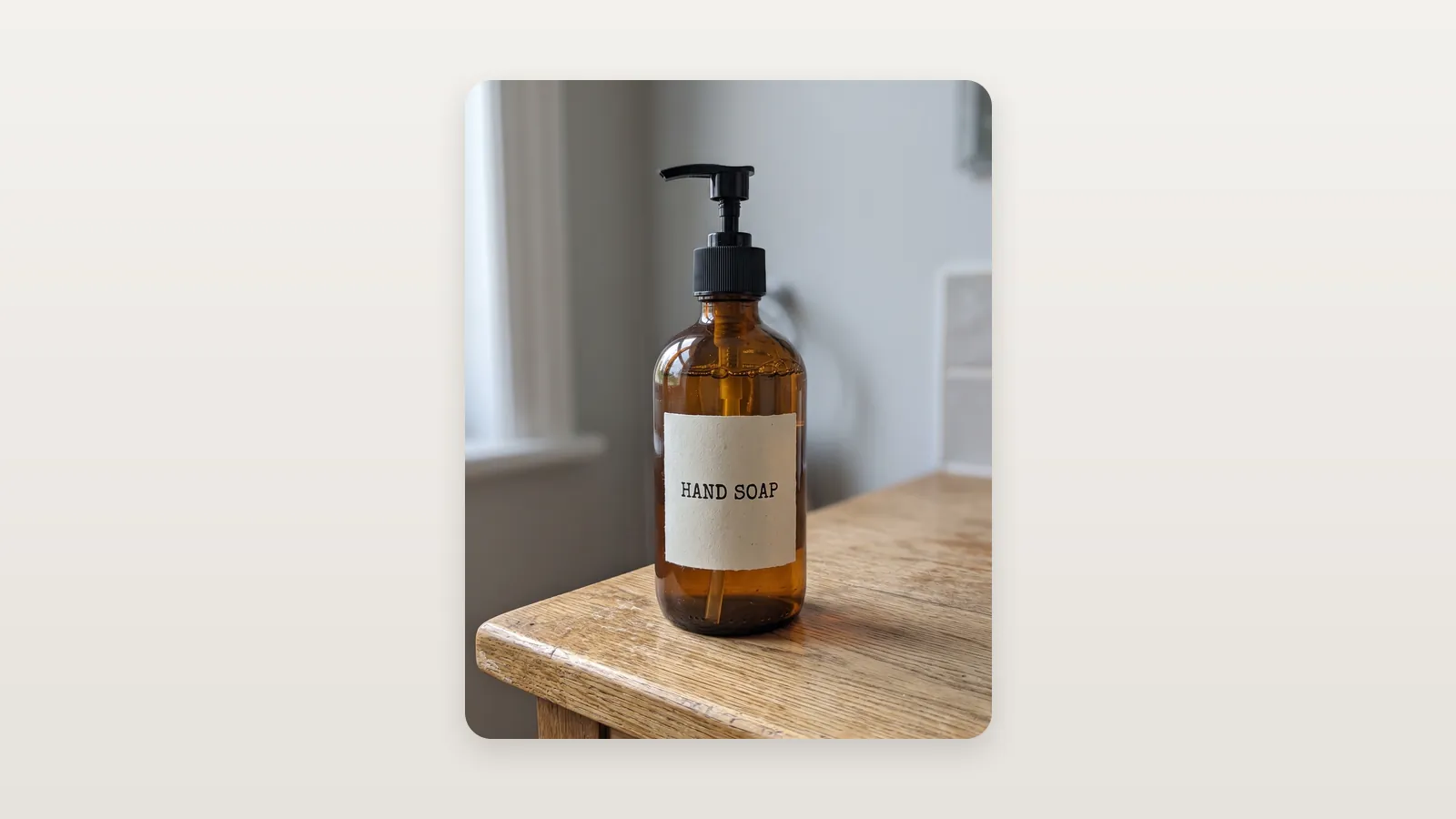
Add one photo of your product
That's all the app needs: the whole product on a plain surface, label facing the camera, no people or hands. It checks the photo for Amazon before anything is charged, and makes your white main image from it.
Choose where to show it
Take the app's picks, match a look, browse the scene library or build a scene, up to 8 scenes in a set. Previews are free and instant; the images are made only when you press Make.
Check, then download
Every scene can be tried again or changed, free once per image. The main image carries its Amazon checks (pure white, up to 2,000 px). The ZIP names each file for its Amazon slot, main first, and the main image is always a JPEG.
Before you upload
What a good product photo looks like.
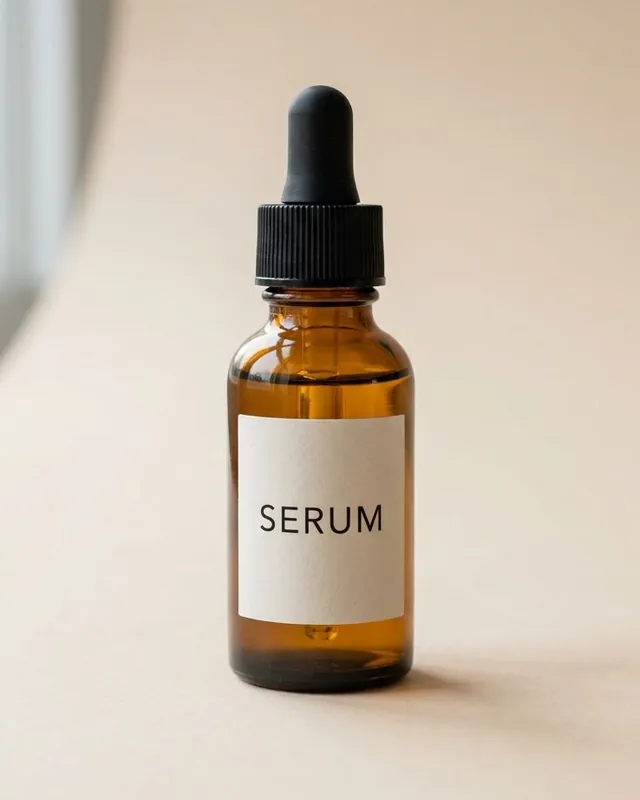 Good
Whole product shown
Plain surface, space around it.
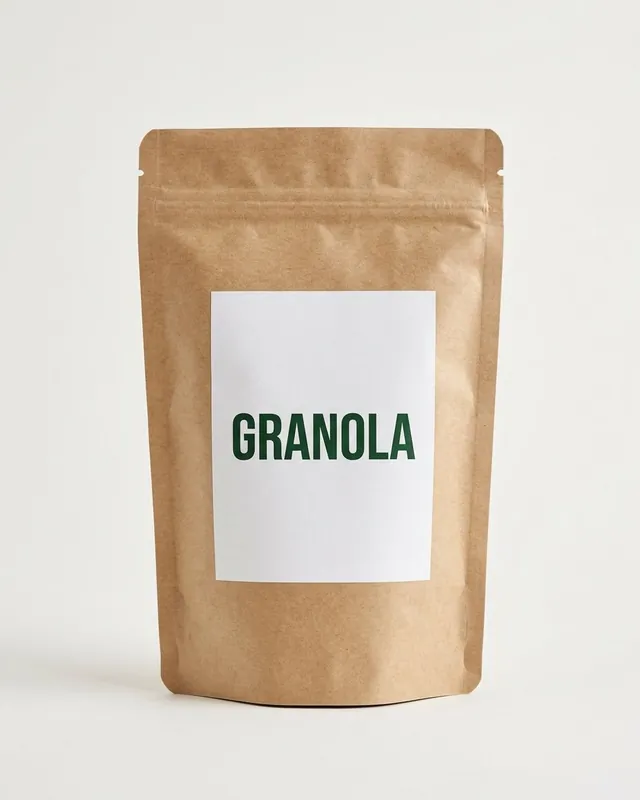 Good
Label readable
Straight on, sharp, soft light.
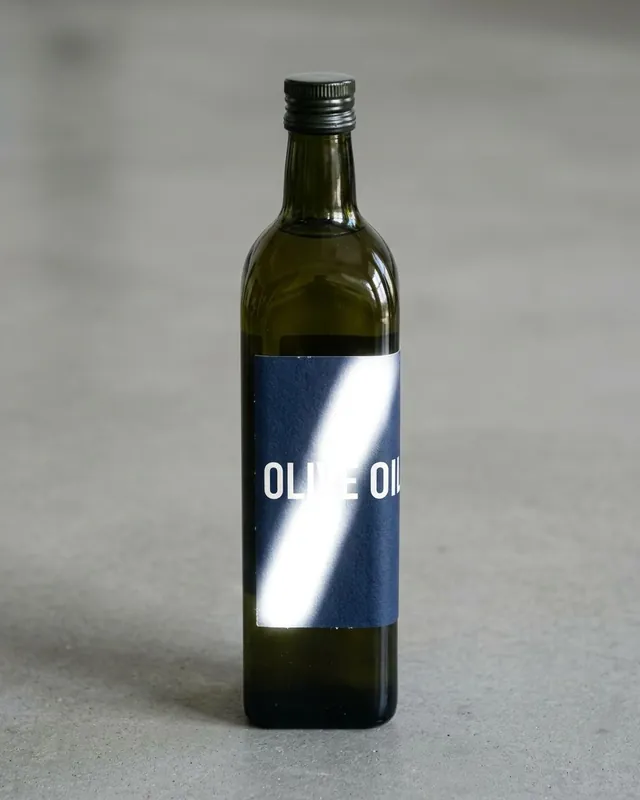 Avoid
Glare on the label
Reflections hide the text.
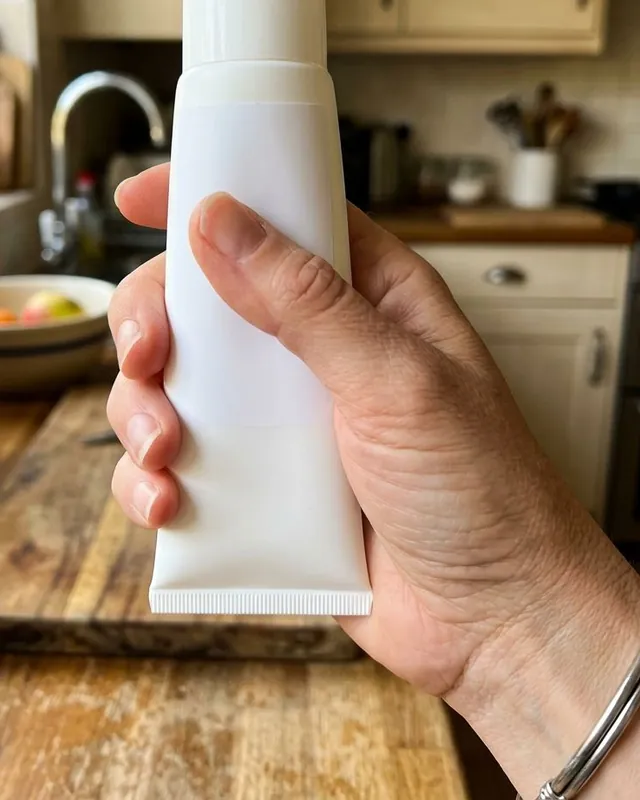 Avoid
Held or cropped
Amazon wants the whole product, alone.
- One product, nothing else
- Whole product, edges clear
- Plain, light backdrop
- Label facing the camera
- Soft light, no glare
Real examples
Real sets from our guides.
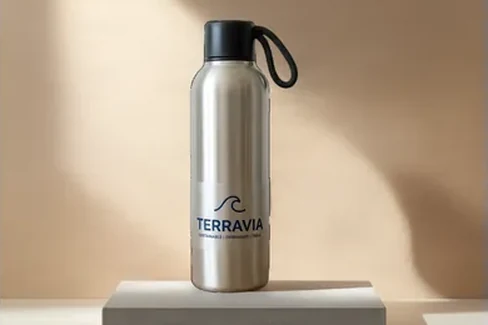
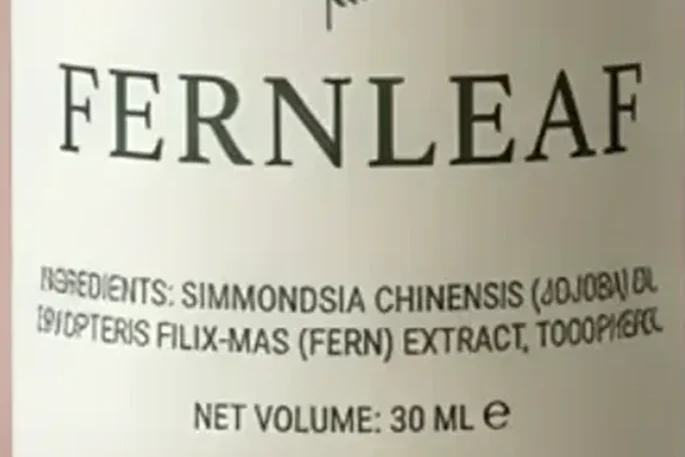
MultiAngle output and the checks we run on it, from our published guides. Each card says what it is.
Product photoshoot FAQ
Common questions.
What you get, what it costs, and what to upload.
The white main image plus up to 8 scenes. The main image is a pure-white JPEG, square, 1,000–2,000 px, cut out of your own photo, with the product filling about 87% of the frame. Each scene is painted by the AI around your product, which is pasted back from your photo rather than redrawn. Files are square, named for Amazon's slots (main first) and download as JPEG or PNG; the main image is always a JPEG.
Yes: your first Product photoshoot set (the white main image plus 4 scenes) is free, once per account. After that every image costs 1 credit per image, and a full set of 9 is 9 credits. Each scene also gets one free redo per scene image, and an image the app can't make is refunded. The Free plan gives you 4 credits a month, no card required, and paid plans start at $19/month. You get commercial use on every plan, Free included.
No. The main image is cut out of your photo, and in every scene the product is pasted back from that same photo, so the label, logo, shape and colour are your pixels. What the AI makes is the setting around it. A cut-out is only as good as the photo, so upload a sharp one on a plain surface, and look at each result in Check before you download.
The main image is a pure-white JPEG, square, 1,000–2,000 px, cut out of your own photo, with the product filling about 87% of the frame. Before you download it, the app checks it against Amazon's main-image rules: a pure white background, enough pixels for zoom, and the product filling 85–95% of the frame. Amazon makes the final call, and some categories have their own style guides. One known exception: Amazon asks for adult clothing to be shown on a model in the main image, and this flow shows the garment on its own.
Yes, four ways: Picked for you, Match a look, Explore ideas and Make your own. You can type a scene in any language, pick from 51 library photos, build one from a place, surface and light, or upload a picture whose look you want to match. Previews are free; a scene is charged only when you make it. No people or hands appear in the scenes.
From the blog
Amazon listings.
Newest first. Browse the Amazon Listing Image Guides.
Amazon image requirements 2026: main vs secondary
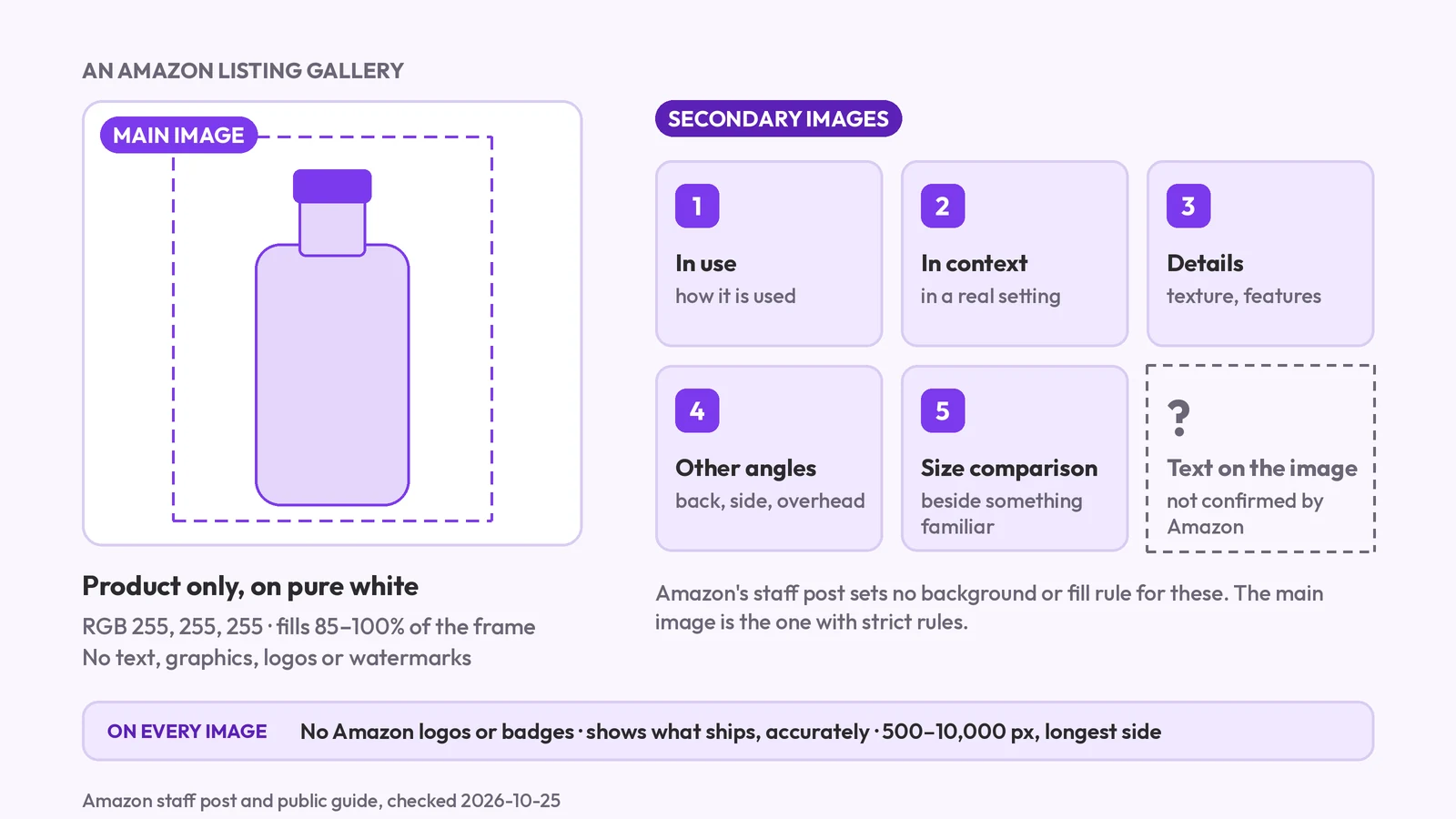
Amazon's main image must be pure white with no text; secondary images are looser. What each slot may show, the AI-people tag, and what we couldn't confirm.
Amazon lifestyle images: scenes that sell, from one photo
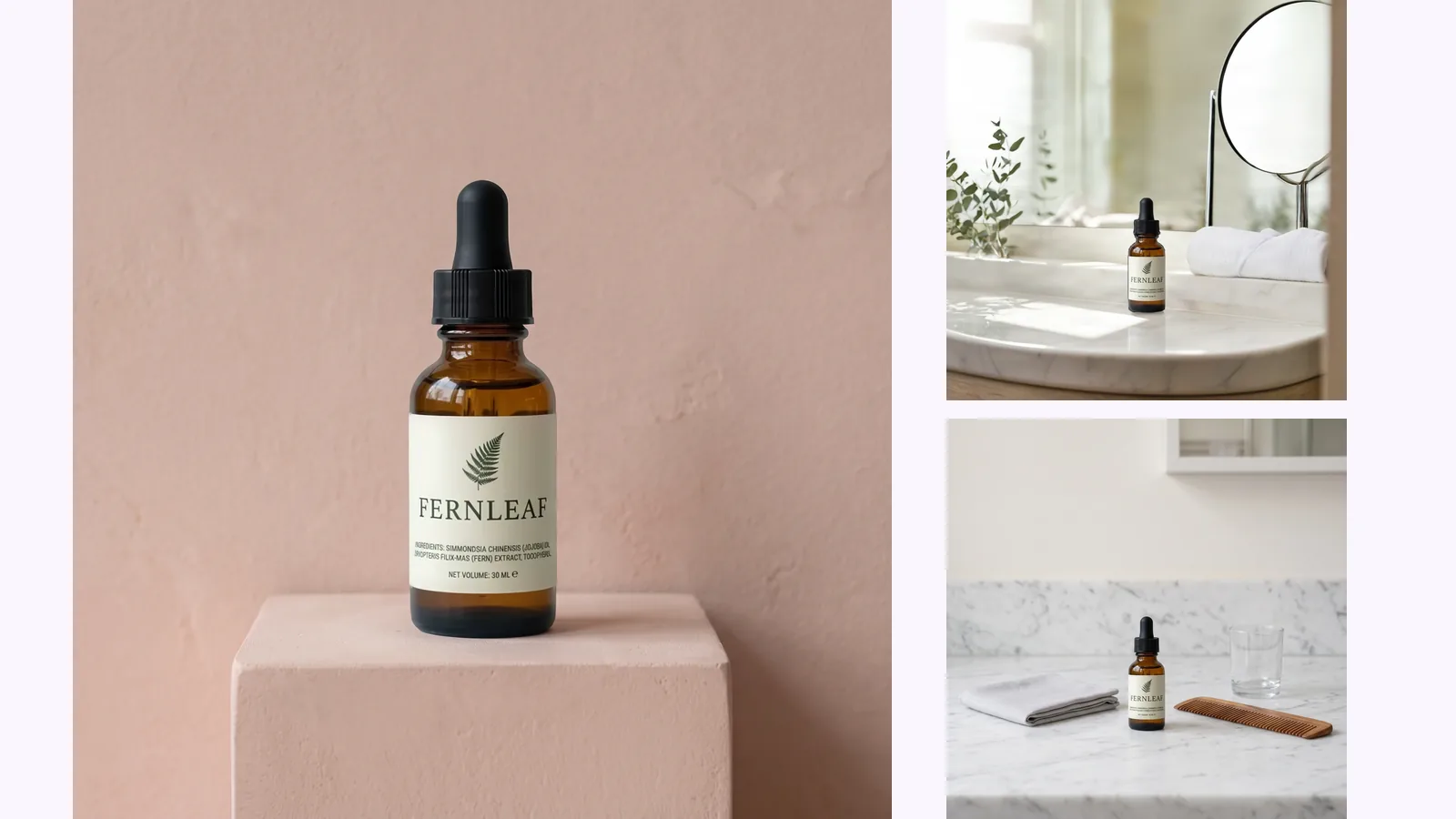
Amazon lifestyle images explained: the in-use, styled and scale scenes, whether AI scenes are allowed, the AI-people tag, and how to check the label survived.
Amazon product image requirements: the rules, checked
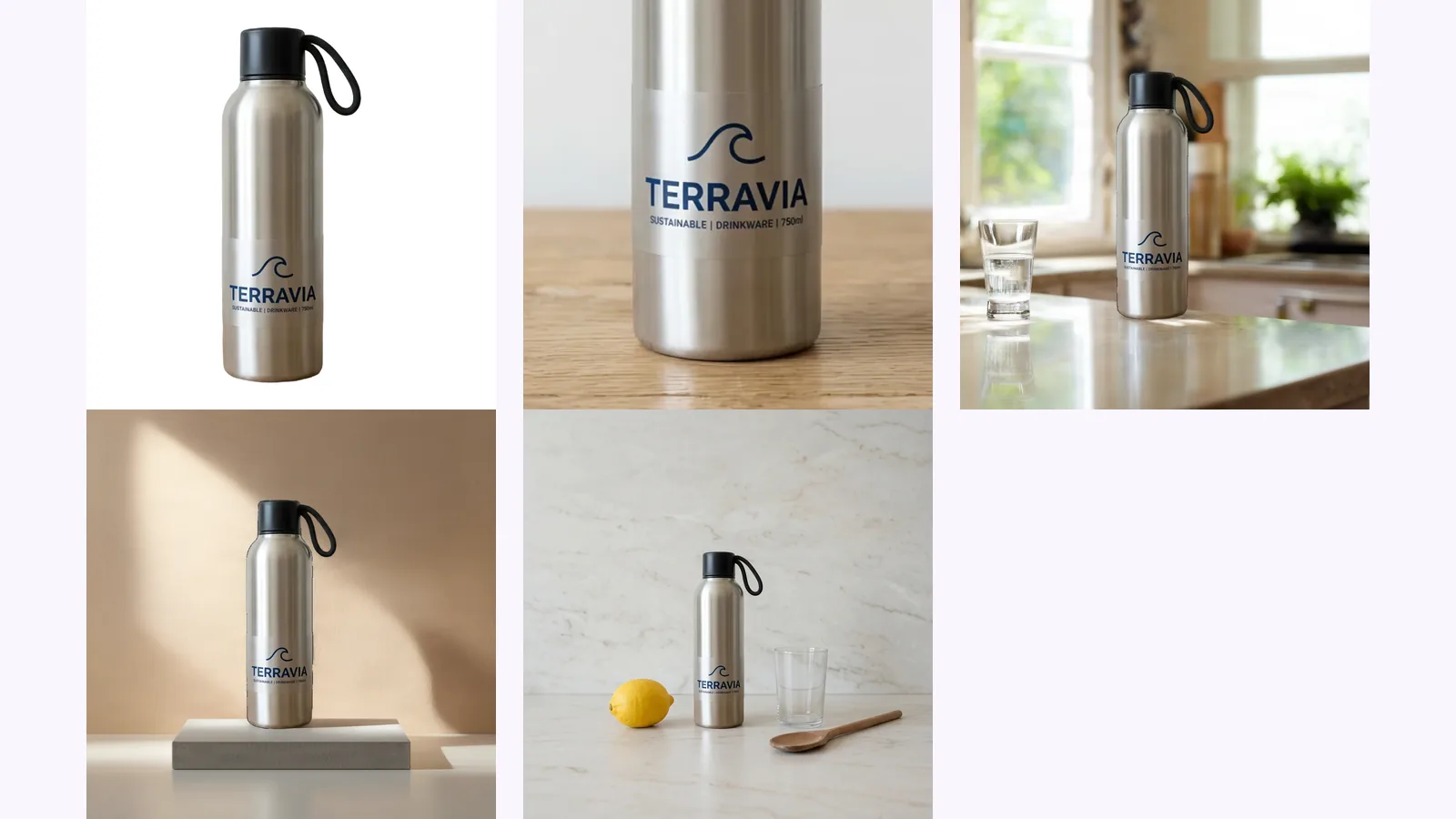
Amazon's image rules, quoted from Amazon and dated: 500–10,000 px, RGB 255 white, 85% fill, how many images a listing needs and the AI-people tag.