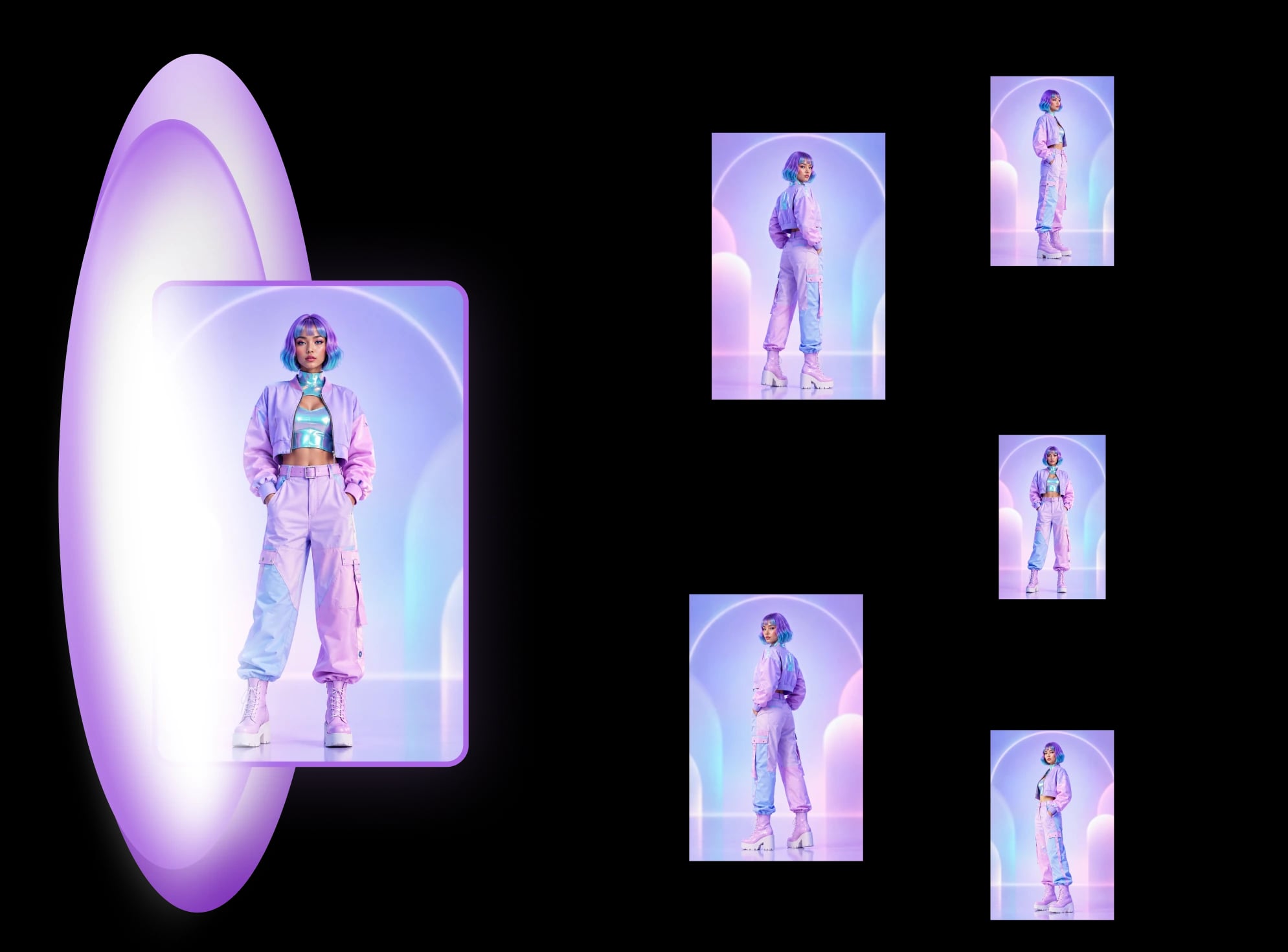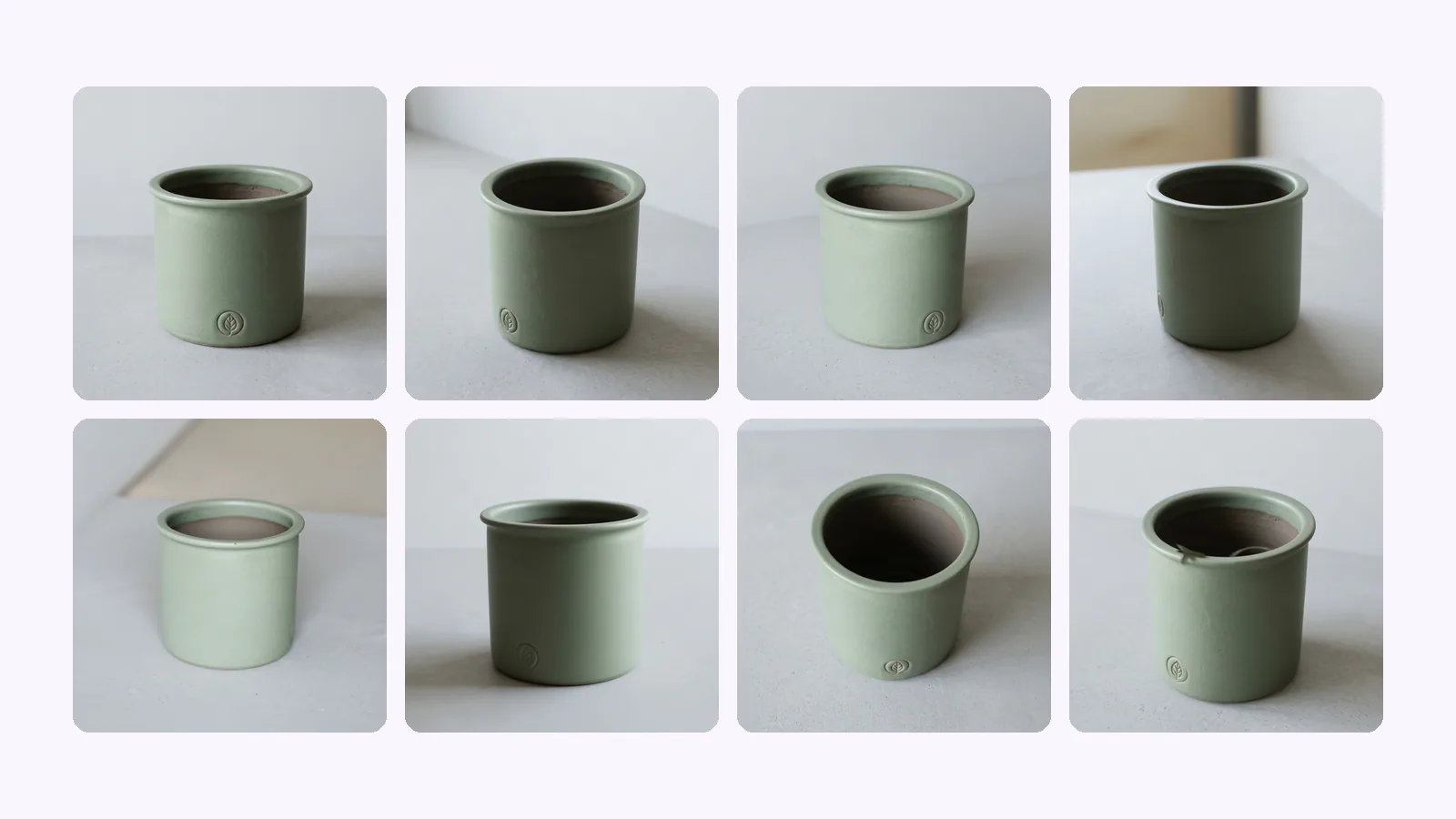
Shopify product image size: 2048 px, angles, checklist
Shopify product image size: 2048×2048 px square is Shopify's pick. The size table, how many images a product holds, which angles to upload, and a checklist.
Amazon's image rules, quoted from Amazon and dated: 500–10,000 px, RGB 255 white, 85% fill, the AI-people tag, and one product taken through a full set.
Amazon product image requirements come down to a few numbers: every image 500–10,000 px on its longest side, over 1,000 px so zoom works, the product filling 85% or more of the frame, and a main image on pure white (RGB 255, 255, 255). This post quotes each rule from Amazon's own pages with the date we checked, then takes one product photo through a full listing set and shows which rule each image answers.
500–10,000
px, longest side
1,000+
px for zoom to work
85%+
of the frame the product fills
RGB 255
pure-white main image
Amazon's public guide for sellers asks for images 500–10,000 px on the longest side, prefers over 1,000 px so shoppers can zoom, accepts JPEG, TIFF, PNG or non-animated GIF, and wants the product filling 85% or more of the frame. The main image goes on pure white, RGB 255, 255, 255.
Here is where each rule comes from. We checked every source on 2026-09-26.
If you'd rather not assemble the set by hand, an Amazon listing set built from one product photo covers the main image, angles, detail and lifestyle slots in one run.
Amazon says every product needs at least one image and recommends at least six. Its public guide doesn't state a maximum. Seller guides we checked put the upload cap at 9, with 7 shown by default on desktop. That cap is secondary, so check your own listing. The set in this post has 7 images.
Six is Amazon's recommendation, not a limit. Each extra image should answer a question a shopper would otherwise ask: how big is it, what's on the back, how does it look in use.
The main image is the strict one. The other images (Amazon's sellers call them secondary images) can show angles, close-ups, the product in use and its scale, and they don't have to be on white. Amazon's guide lists the shots that work best: "dead-on front shot, back shots, side shots, overhead, closeups, and 45-degree shots". Our guide to product photography angles covers what each of those views is for.
The size and format rules still apply to every image, and each image still has to show the product you actually ship. A lifestyle scene with a different lid, colour or label is a return waiting to happen, whatever the rules allow.
The set we built has 7 slots: a white-background main image, a 45° angle, a view from above, a detail crop, and 3 lifestyle shots (in use, styled, scale). It starts from one image of an unbranded steel water bottle with a made-up label, made with Nano Banana, not photographed. On our run five of the seven slots came back.
Three shots failed on the first pass and were not charged, so we retried them. The scale shot was rejected once with the message "The scene moved your product out of place, so this shot is refunded," and came back on the next try. The 45° and from-above shots were refused every time we tried, at least three attempts each: "We could not draw this angle without changing your label, so this shot is refunded. Try again, or upload your own photo of this side." We were charged for the five shots we received.
| Slot | What it's for | Amazon rule it has to meet | Check before upload |
|---|---|---|---|
| Main | Search results and the first view | Pure white (RGB 255), product fills 85%+, 500–10,000 px | Background is true white, no text or props, product not cropped |
| 45° angle | Shape and depth | Size and format rules; accurate product | Label and logo match the real product |
| From above | Lid, opening, top details | Size and format rules; accurate product | Top parts match what ships |
| Detail | Texture, label, finish | Clear, unpixellated, zoom-ready over 1,000 px | Text is legible and correct |
| In use | How it's used | Accurate product; any background | Nothing implies an accessory that isn't included |
| Styled | Mood and context | Accurate product; any background | Colour matches the real product |
| Scale | Size in hand or on a surface | Accurate product; any background | Size relative to objects is believable |
The main image is the one with rules you can measure. The recipe builds it to one target: a pure-white JPEG, square, 1000–2000 px, product filling about 85–95% of the frame. The app checks its output against that target, which covers background, format, shape, size and fill. It does not read Amazon's category style guides, and it is not Amazon's review.
We measured the file. The bottle fills 87% of the frame height, above Amazon's 85% figure, and every border point we sampled was RGB 255, 255, 255. The file is exactly 1,000 × 1,000 px. Amazon asks for larger than 1,000 px so zoom works, so this one sits on the line: our input was only 800 px. The lifestyle shots came back at 2,000 × 2,000 px.
In every shot we received the bottle has the same pose, the same colours and the same label as the input, and the In use and Styled crops show a thin dark edge along the bottle's right side. That looks like the bottle is cut out and placed, not redrawn. We have not confirmed how the recipe builds each shot.
The 45° and from-above shots are the ones to check hardest, because the photo never showed the top of the lid or the far side of the label. On this bottle we did not get to check them: the app refused both, because it could not draw those angles without changing the label. That is a guardrail, not a failure of the set. The app lets you add your own photos for these slots, and a real photo is always more accurate than a generated angle.
A detail shot earns its slot when it shows something a shopper zooms for: the label, the finish, a seam. Make sure the file is over 1,000 px on each side, or zoom won't turn on.
In the app the detail card says "Close-up of your photo," and our detail shot shows the input's own table and wall behind the bottle, so it is a crop, not a generated image. It came back at 1,000 × 1,000 px, enlarged from a small part of an 800 px photo, so it is soft at full size. Start from a larger photo if you want a sharp label close-up.
Lifestyle images can use any background. Their job is context: use, setting and size. They still have to show the same bottle.
In all three lifestyle shots the bottle kept its colour, the black cap and loop, and the label, which stayed legible at full size. The close-ups below are the label on the input and in each shot that has one. The label gets smaller in the scene shots because the bottle is smaller in the frame.
Yes, with conditions. Amazon staff said on the Seller Forums that since June 6, 2026, any photorealistic person who is entirely AI-generated must carry the contains-synthetic-performer keyword in the image's XMP dc:subject field. That covers all buyer-facing media: listing images, A+ Content, Brand Story, Store images and video (Amazon Seller Forums, checked 2026-09-26).
According to the same reply, the tag isn't needed for real people (even edited ones), fictional or non-photorealistic characters, or images with no people. For A+ Content, an "AI-generated people" checkbox in the upload flow applies the metadata for you.
Most 2026 guides skip this rule. The size, background and fill numbers are the same ones Amazon's December 2024 guide gives.
The three lifestyle scenes in our run contain no people: a glass, a lemon and a wooden spoon, a kitchen counter, a plinth. We haven't checked whether the recipe can ever add a person, so look at every image you get. If a photorealistic AI person appears, the tag applies.
A generic set is a starting point. Amazon's review decides what's accepted.
Upload one clear front photo of the product on a plain surface, pick the Amazon listing set, and download the 7 images. A full set costs 7 credits. The free plan gives 4 credits, on the 1st of each month (UTC), so a full set needs a paid plan or a top-up (see plan prices and credit costs per set). Output size depends on the plan (1K on Free and Creator, 2K on Pro and Studio), so check each file against Amazon's 1,000 px zoom threshold. The app also lets you add your own photos, for the 45° angle, the view from above and packaging, and a photo you take replaces the generated shot.
Then check every image against the table above and against G1881 in Seller Central. The app checks its main image against its own target. Amazon decides what passes.
Build an Amazon listing set from one photo
For product photos beyond Amazon, see our guide to AI product photography.
Amazon's guide and its community staff both give RGB 255, 255, 255. Off-white (say 250) looks white to you but isn't what the rule says. Check the background with a colour picker before upload.
Seller guides that summarise G1881 say the main image shows the product alone, and some categories allow a model. We couldn't read G1881 without signing in, so check it and your category style guide in Seller Central. Hands and people fit comfortably in the secondary images.
Amazon's public guide requires images, not video. If it shows a photorealistic AI-generated person, the contains-synthetic-performer tag applies to video too.
Mostly, yes. The white main image and angles work on most stores, though each has its own sizes and crops. For a store-first set of angles, the product turnaround template makes 8 views from one photo.
More on this topic: Amazon listing images.
Shopify product image size: 2048×2048 px square is Shopify's pick. The size table, how many images a product holds, which angles to upload, and a checklist.
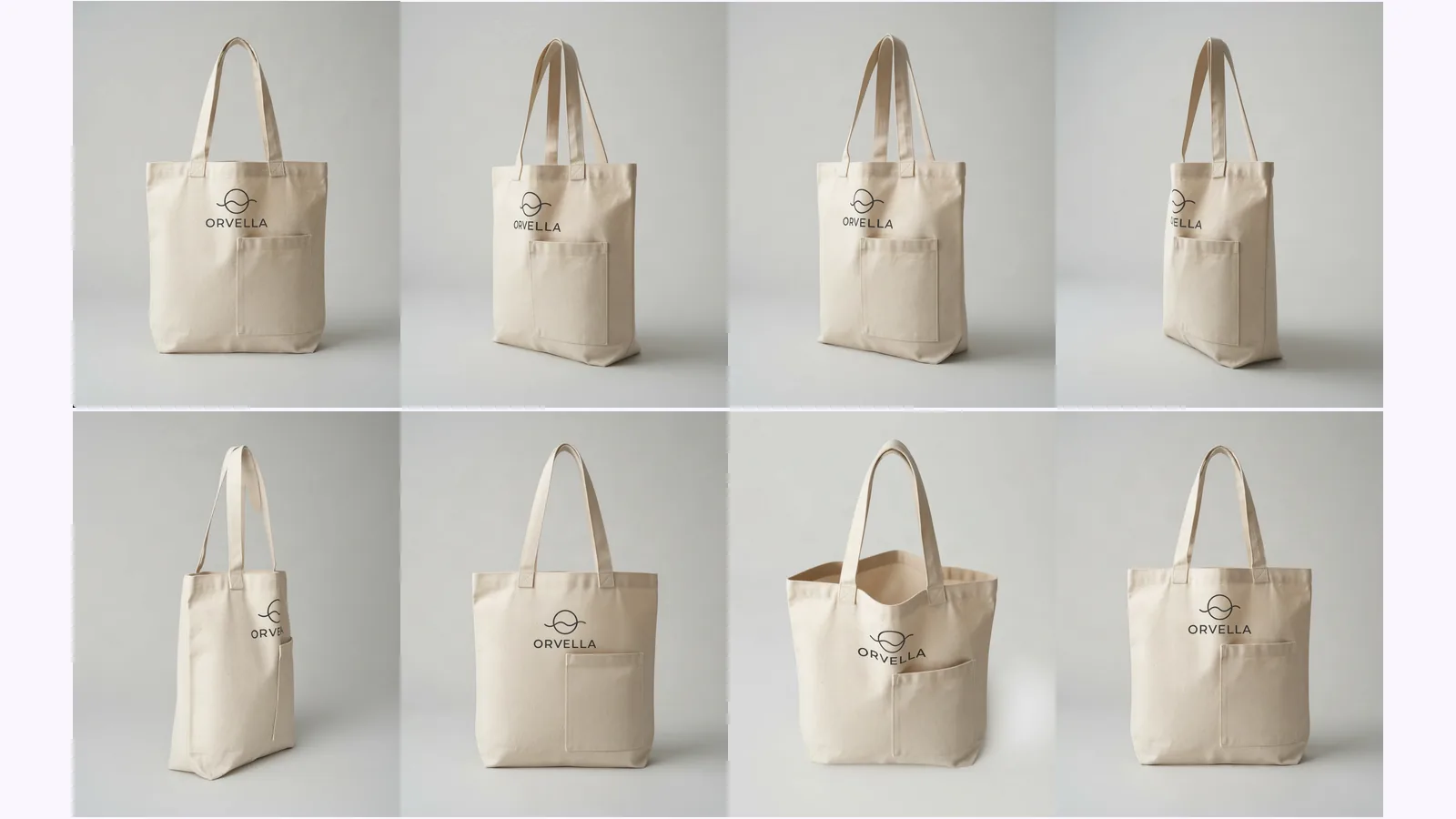
What each shot answers, which to skip by product type, and where AI-made views drift. Shown on one tote, with a pick table for bottles, shoes and bags.
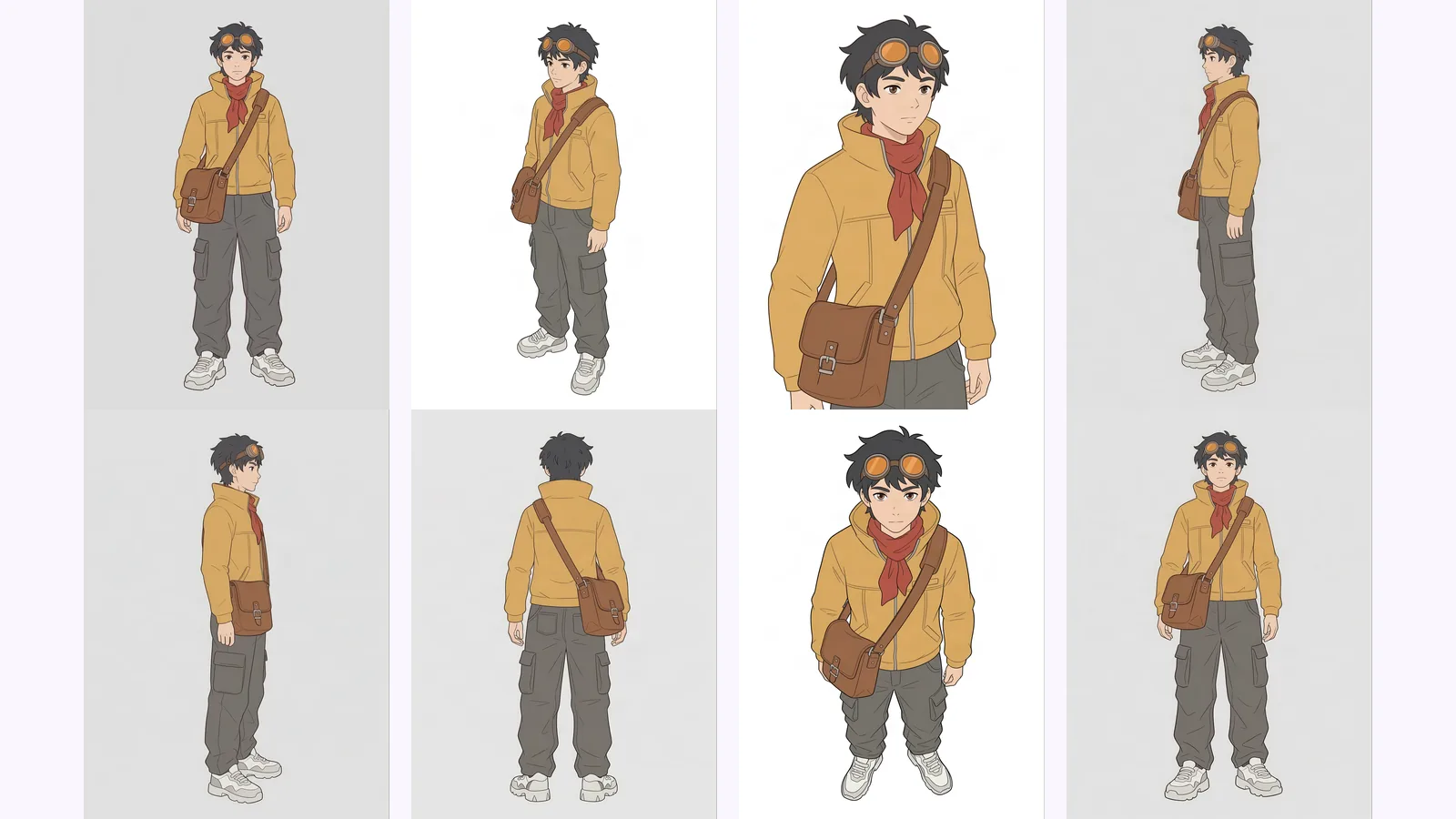
Multi-view images for 3D: the views Meshy, Hunyuan3D-2mv and Tripo take, how to make 8 consistent views from one drawing, and how to check them.