Products templatesProduct photos
Product photos
from every angle.
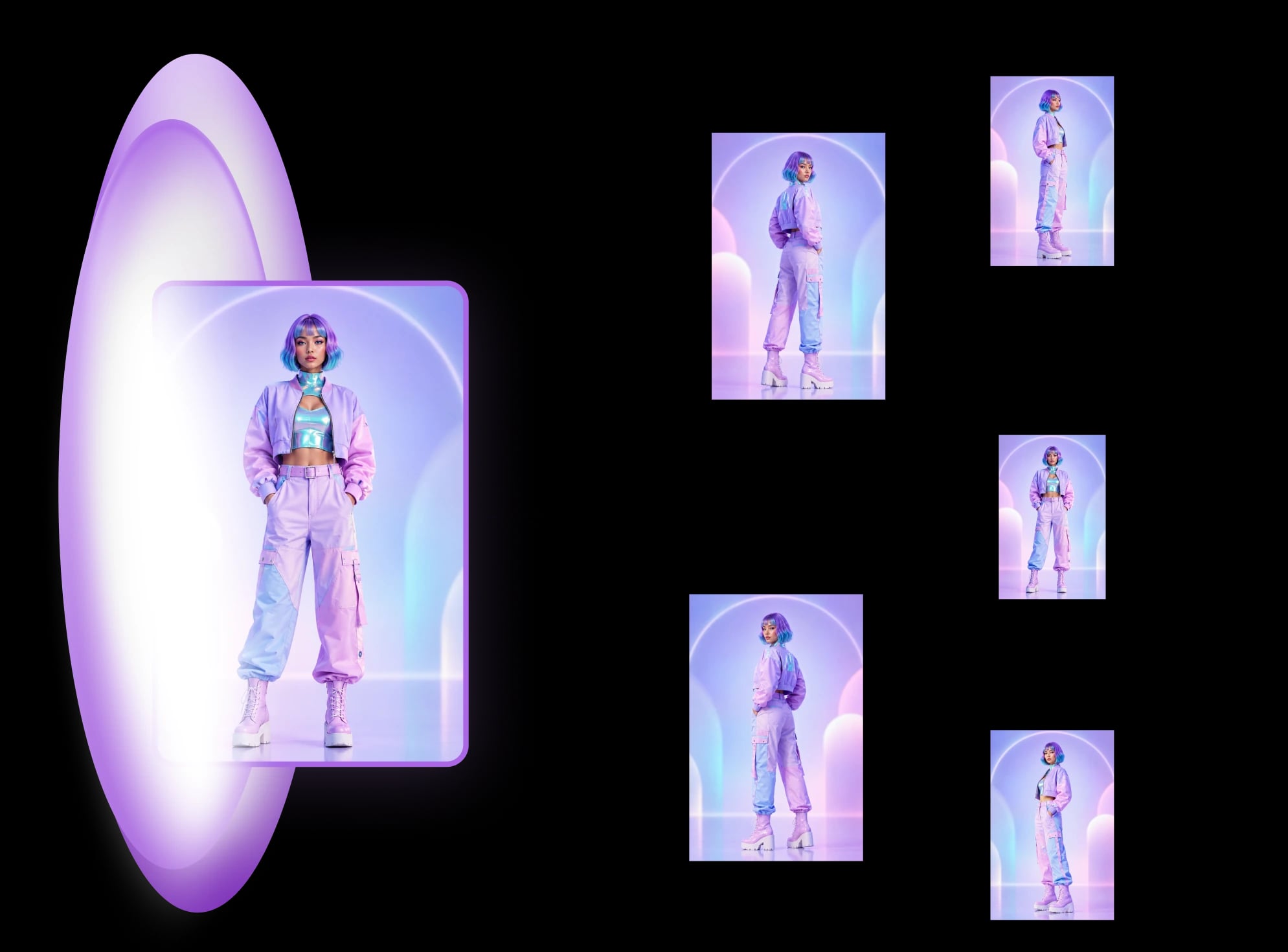
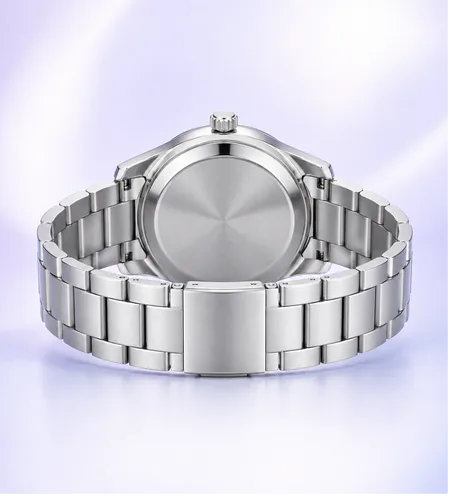
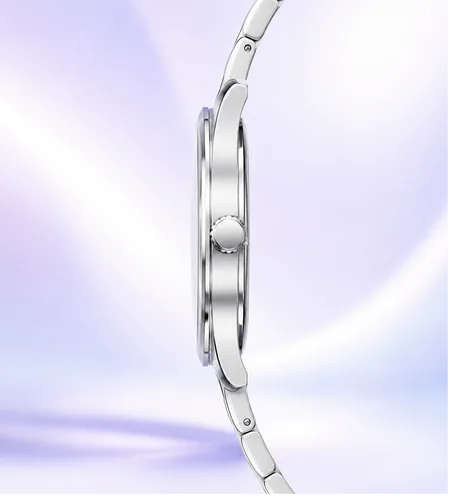
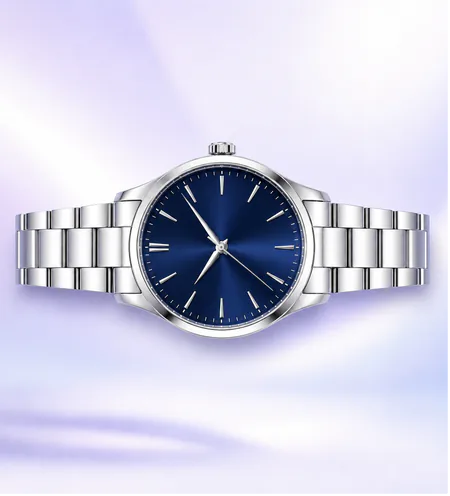
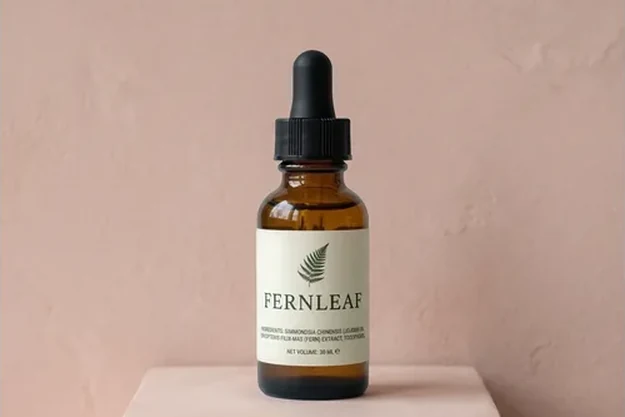
Upload one product photo and get a complete, camera-ready shot set — front, 3/4 left, 3/4 right, left side, right side, back, above and below — with materials, colour and lighting identical in every frame.
How it works
From One Reference To
A Ship-Ready Set.
Upload once. Every shot comes back locked, consistent, and ready to ship.
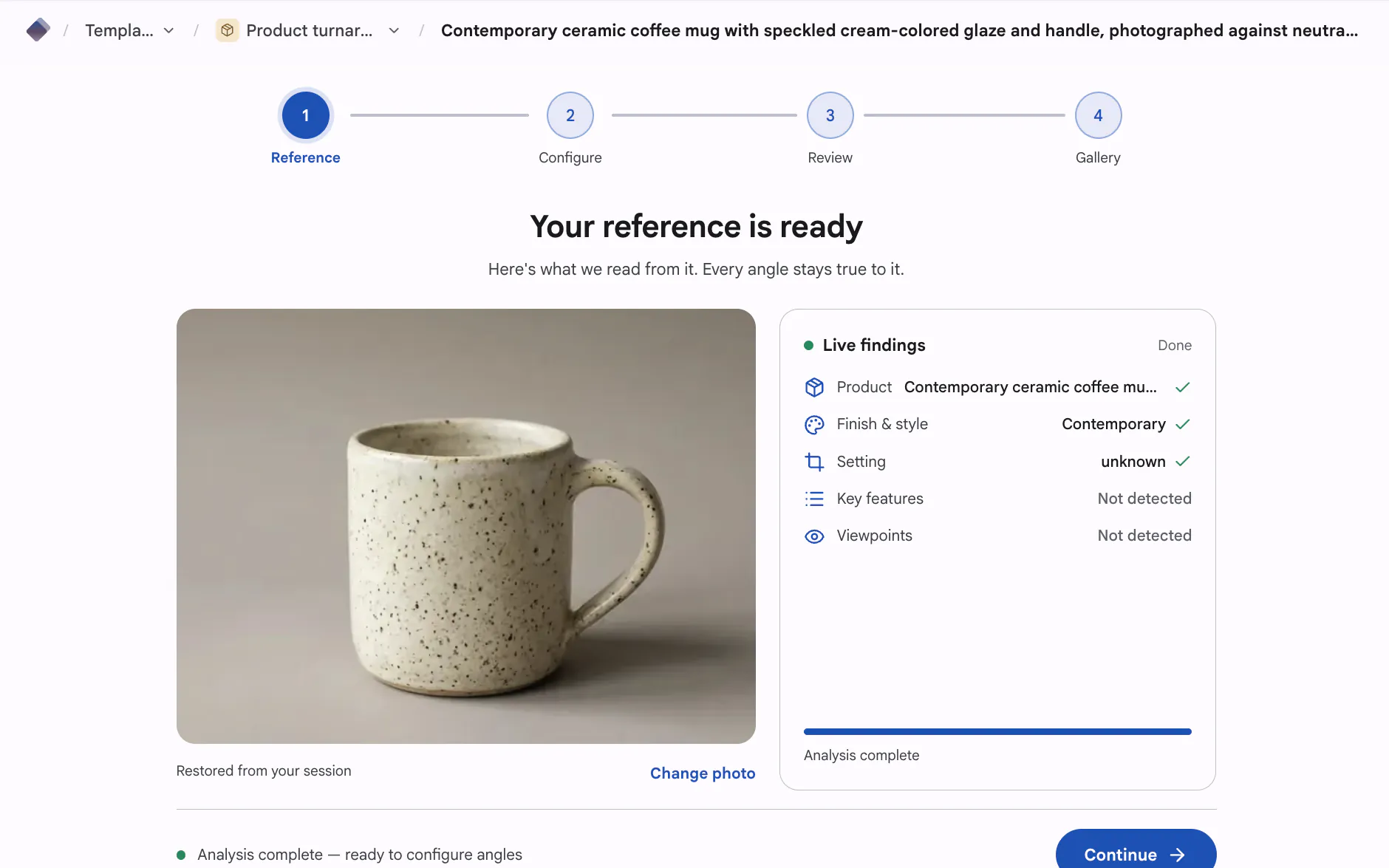
Upload one shot
Drop in a single product photo — phone snap or studio frame. The engine locks the object, materials, and colour.
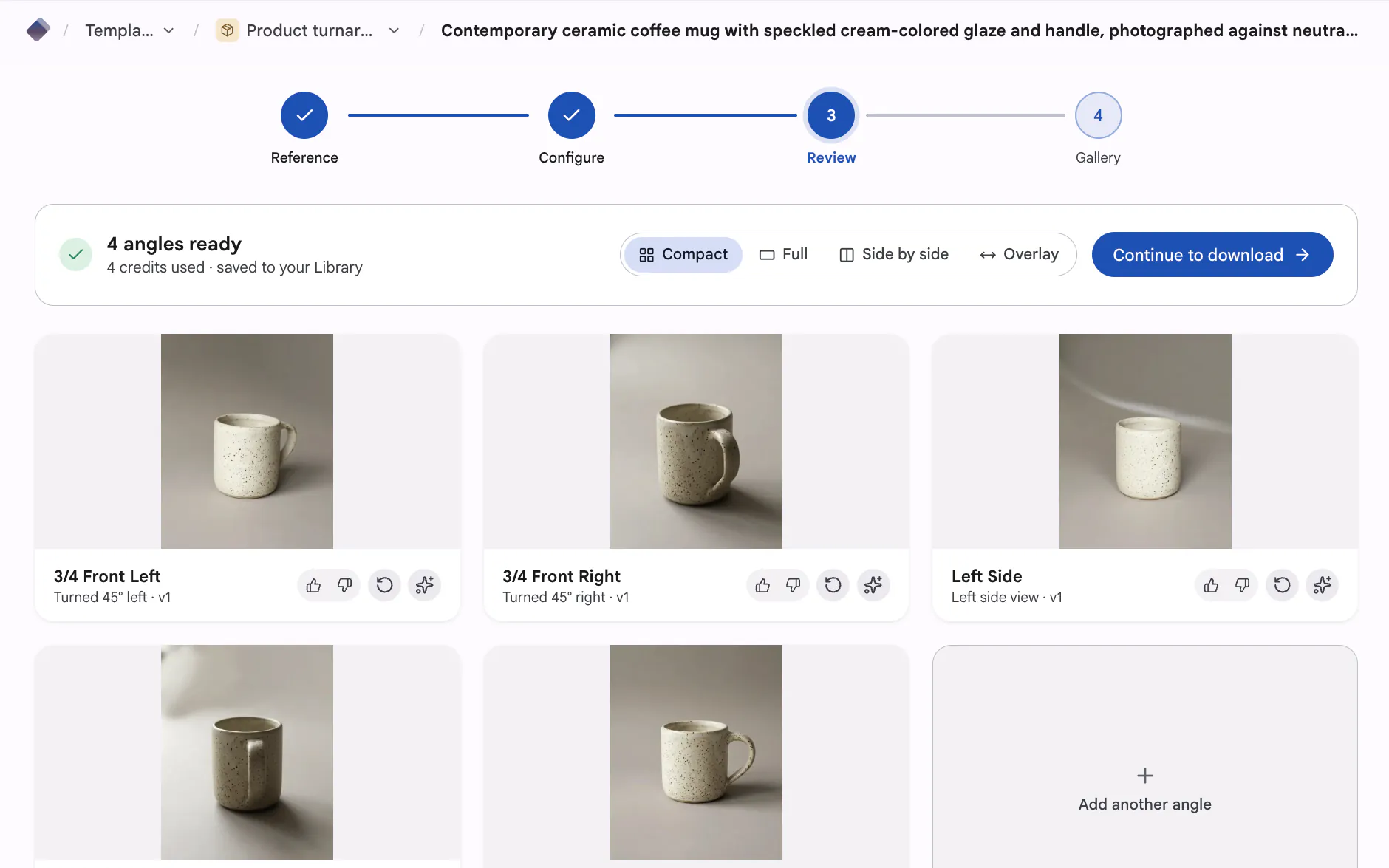
Generate every angle
Pick a template and render a balanced multi-angle set, or pick exact angles one by one.
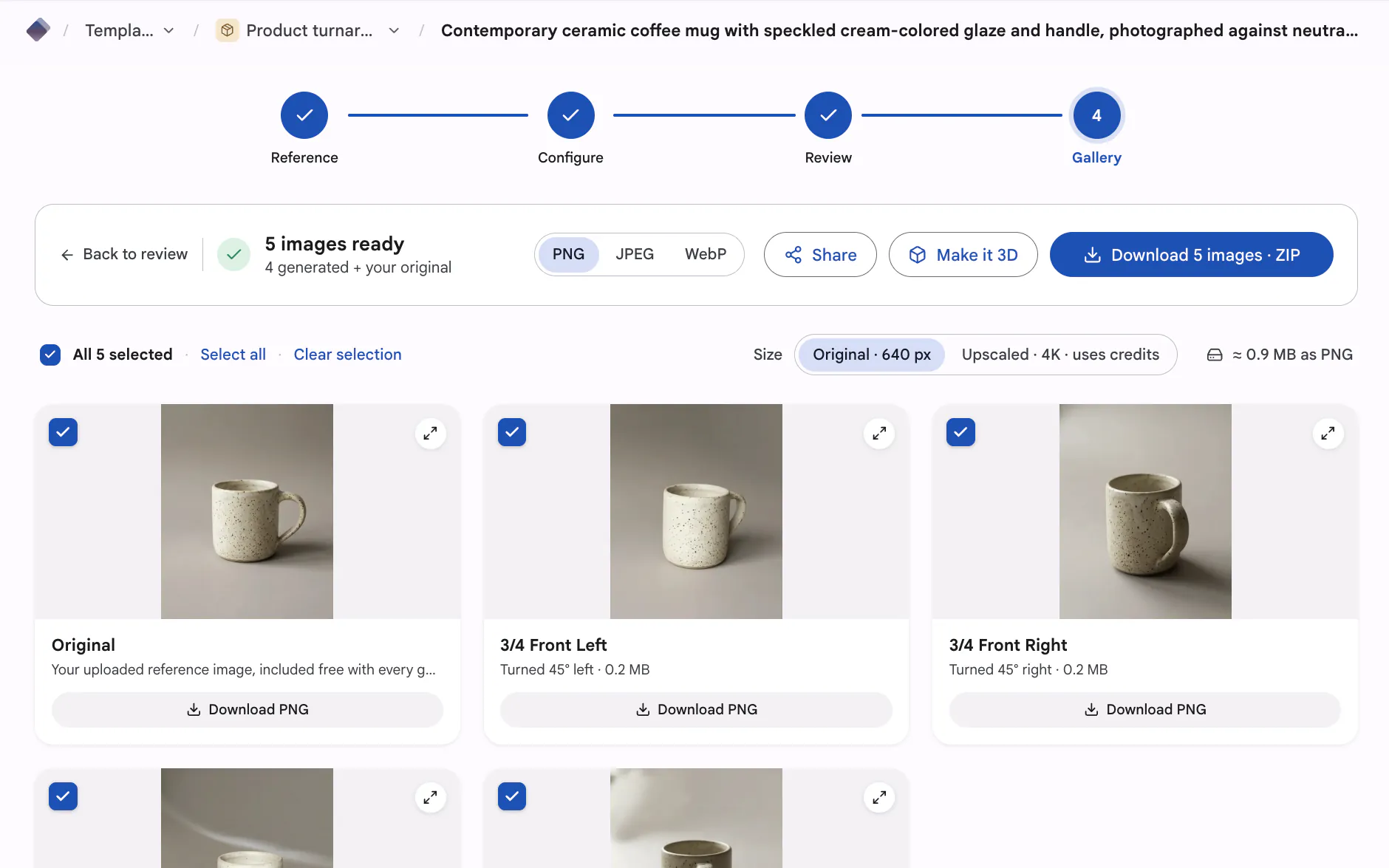
Export ready to ship
Download every frame as PNG, JPEG or WebP, singly or as a ZIP, ready for your listings, ads, or 3D pipeline.
Templates
Browse every product template
Skip the studio day: upload once, pick a template, and generate front, three-quarter, side, back and top-down views that all read as the same product, or a Product photoshoot: a white main image plus scenes of the real product.
Product photoshoot
The white main image plus up to 8 scenes of your real product, from one photo. First set free.
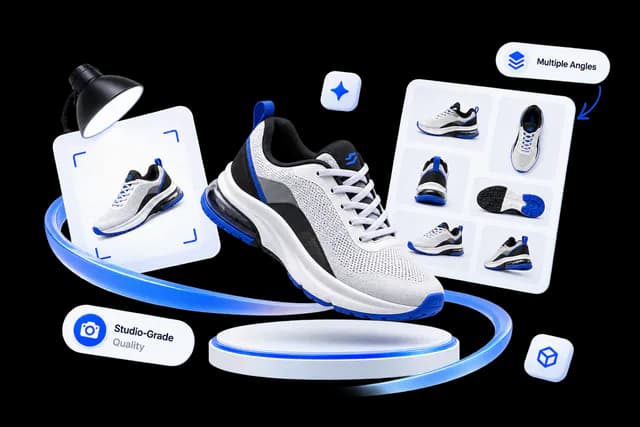
Product Photography
Studio-grade shots of your product from every key angle.
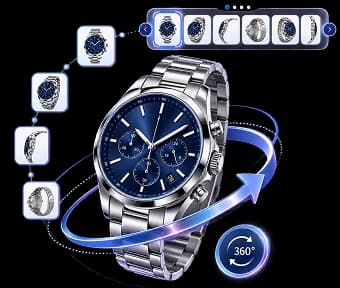
360° Spins
Coming soon. Smooth, consistent frames for an interactive 360° spin.
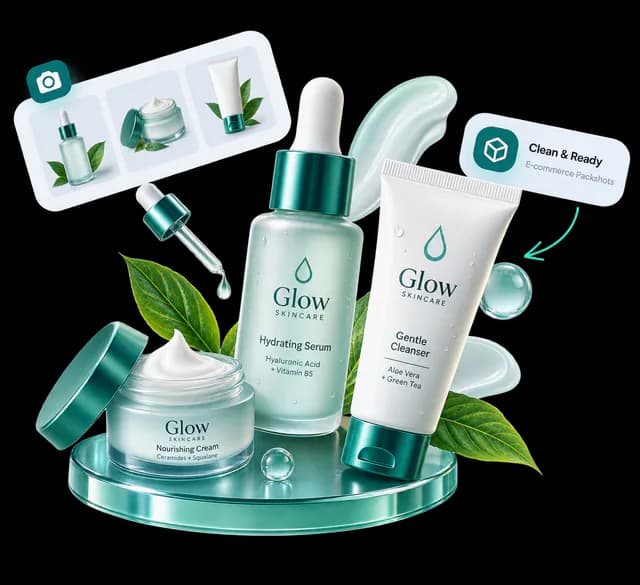
Packshots
Coming soon. Clean, e-commerce-ready packshots on a seamless background.
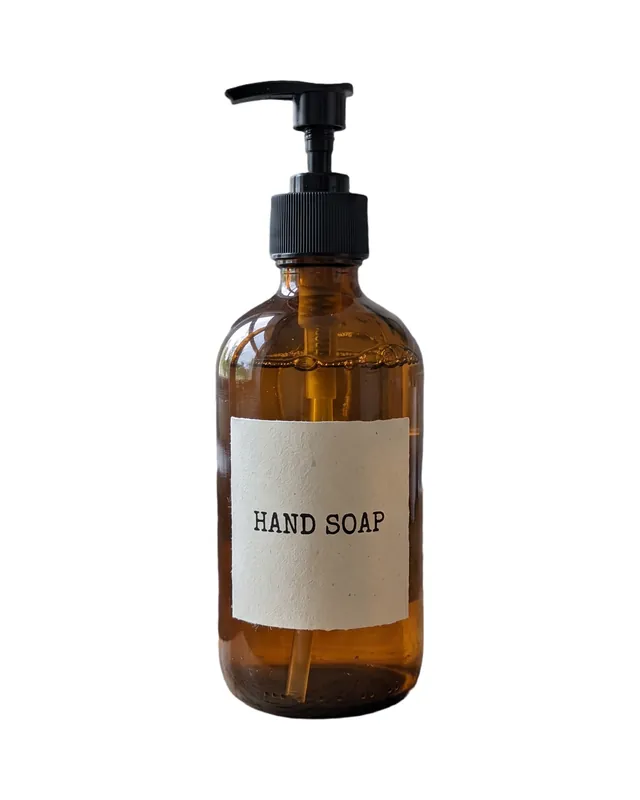
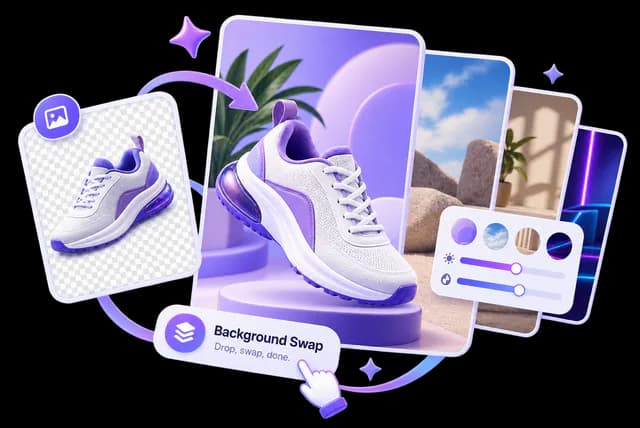
Background Swap
Coming soon. Drop your product onto any background, lighting matched.
Relight
Coming soon. Re-light the same shot — soft, hard, warm, or cool.
 Stock photo
Lifestyle Sets
Coming soon. Place your product in styled, on-brand lifestyle scenes.
 Stock photo
Examples
Example Subjects
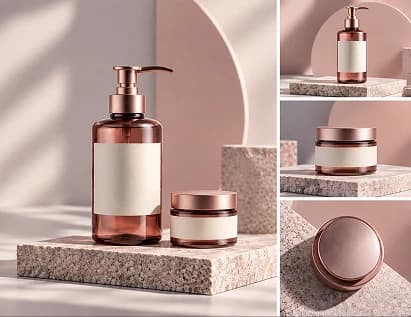
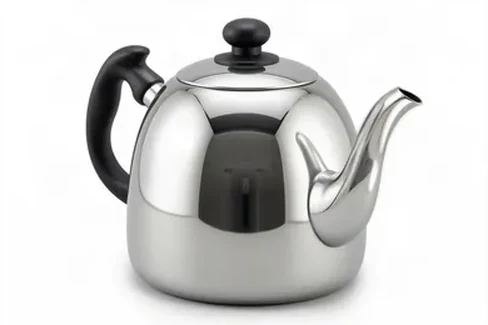
Illustrative only, not generated sets. Each card says what it is: an “Illustration” or a “Stock photo”.
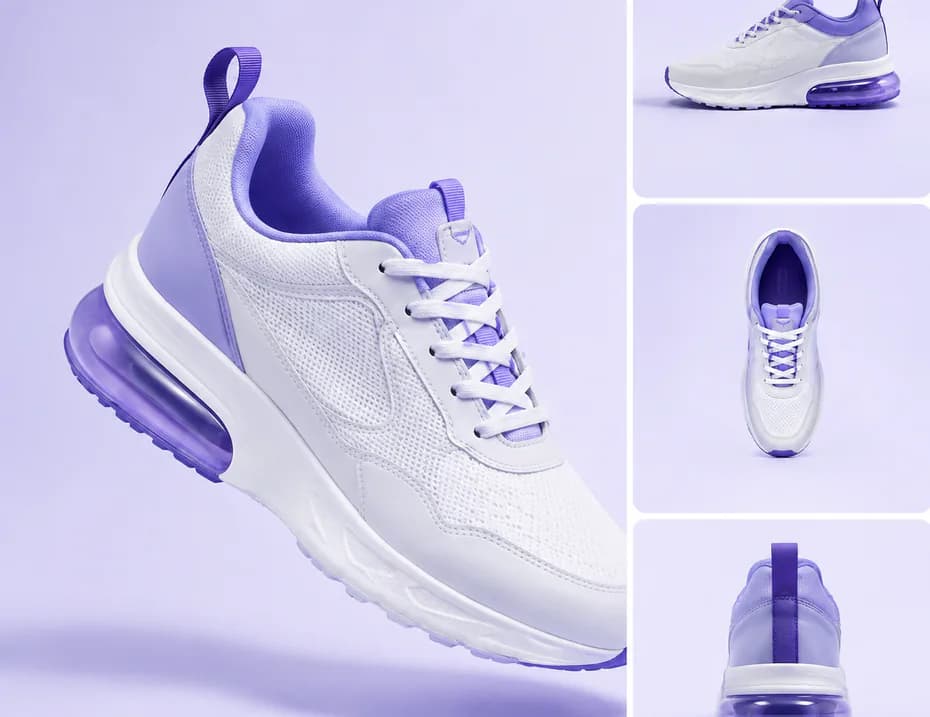
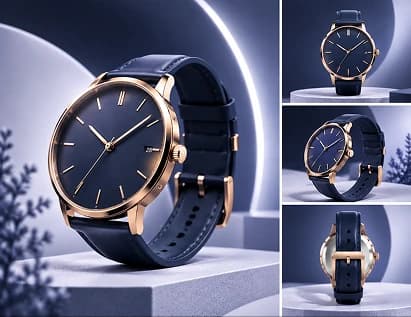
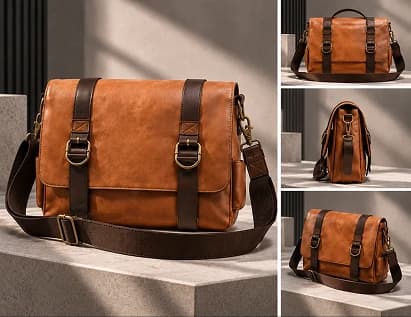

Real examples
Real sets from our guides.
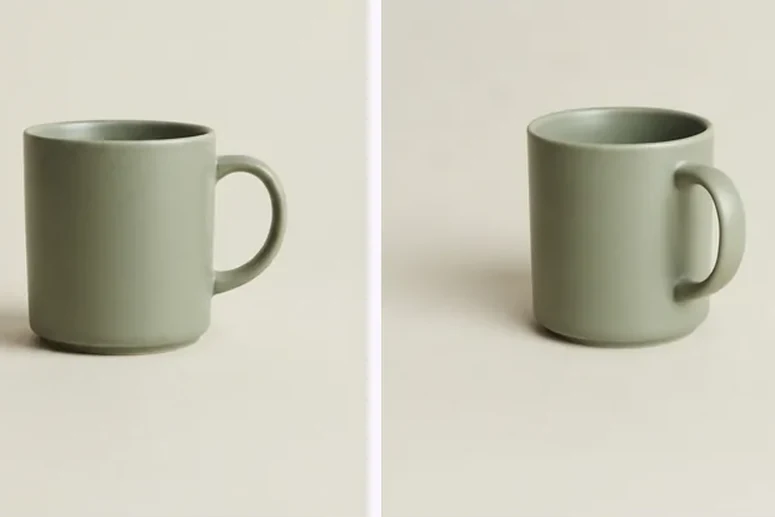
MultiAngle output and the checks we run on it, from our published guides. Each card says what it is.
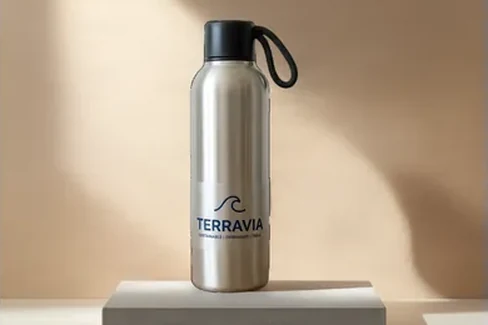

From the blog
Product photos.
Newest first. Browse the Product Photography Angle Guides.
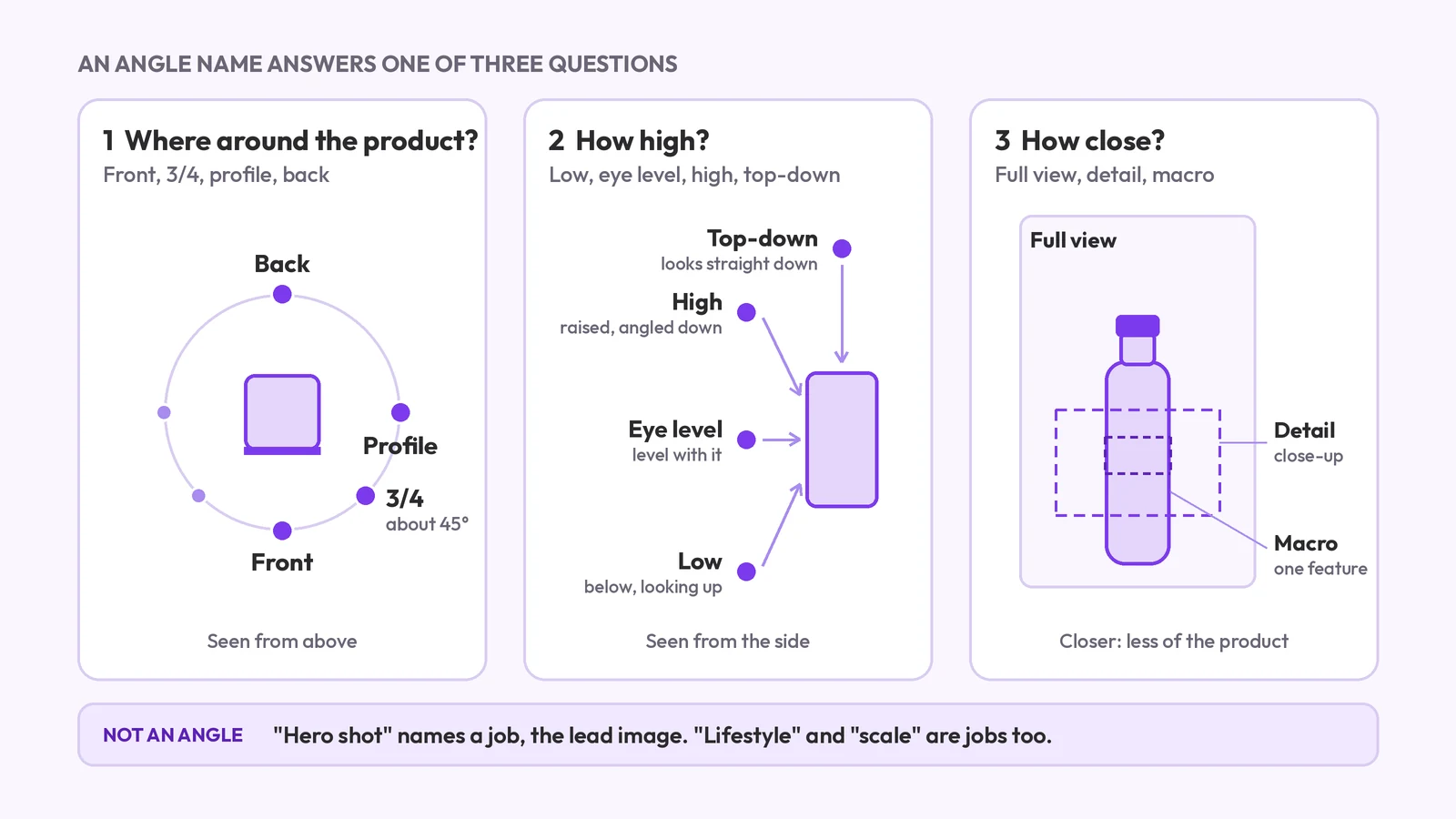
Product photography angle names, and which to use
Product photography angle names: front, 3/4, profile, back, high, low, top-down and detail. What each means, which products need which, and what a set covers.
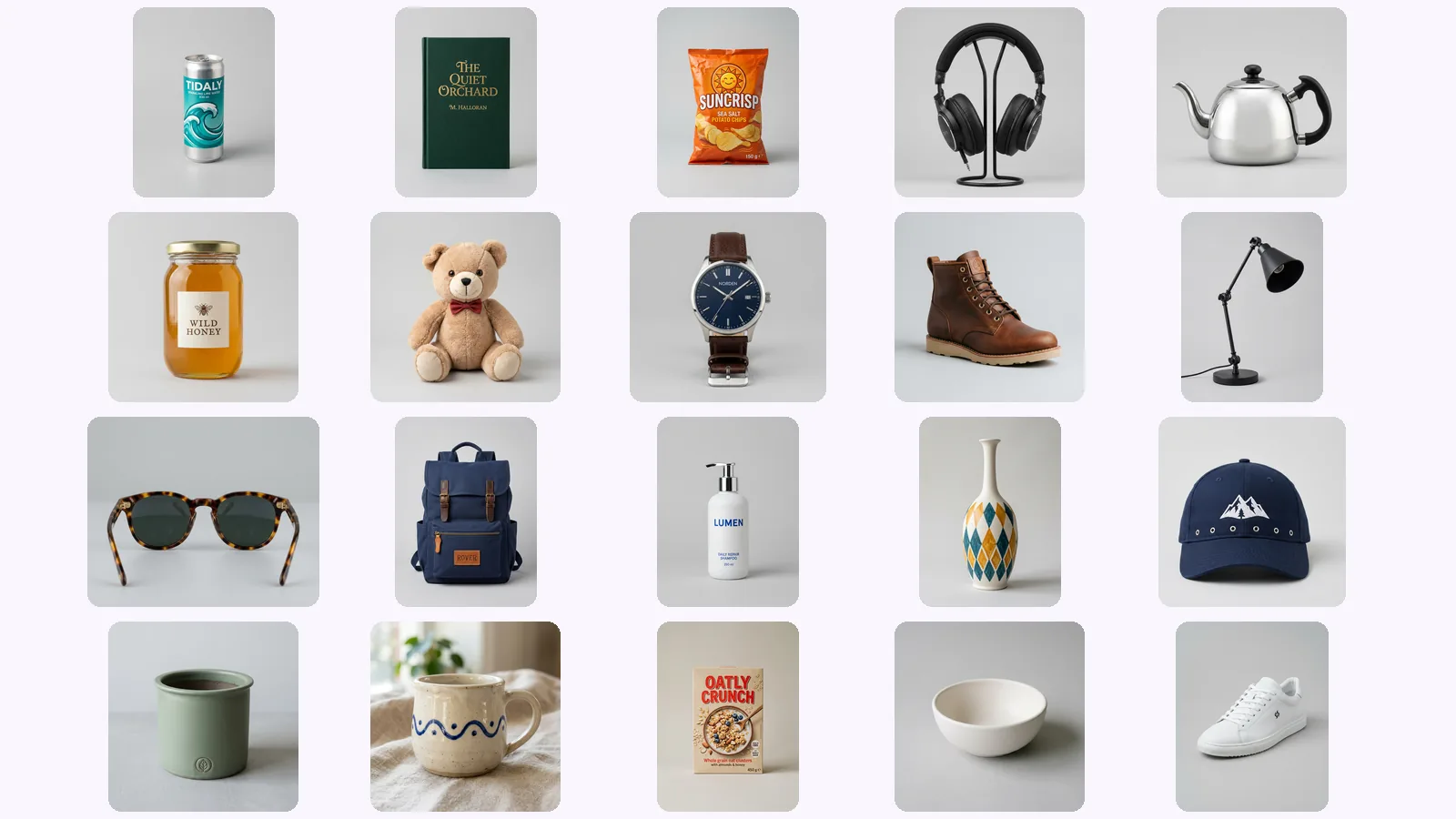
We generated every angle of 20 products: where AI drifts
We scored 139 generated views of 20 AI-made products on six checks. Where AI product photos drift: the back view, garbled lettering, a level 'below'.
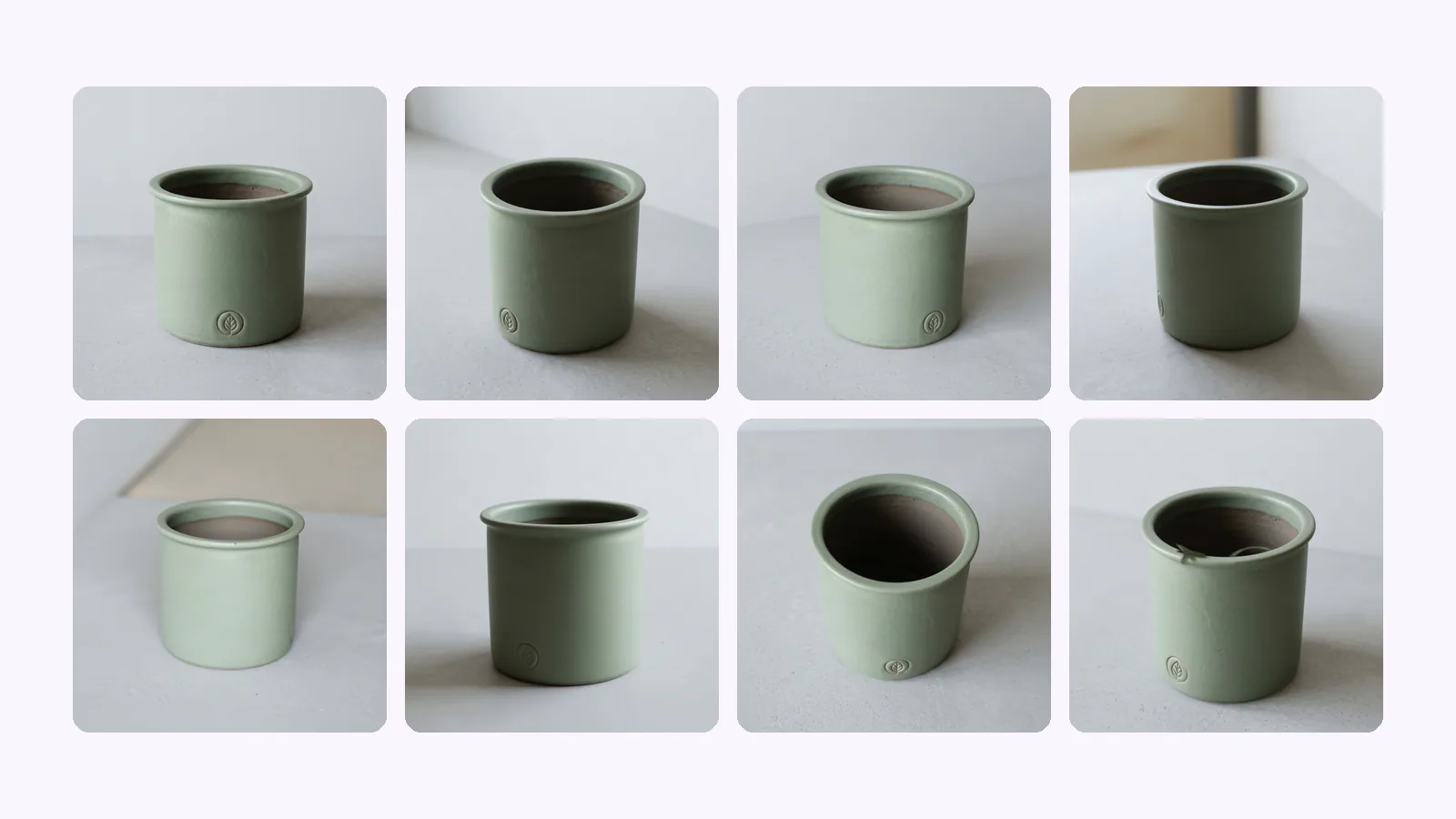
Shopify product image size: 2048 px, angles, checklist
Shopify product image size: 2048×2048 px square is Shopify's pick. The size table, how many images a product holds, which angles to upload, and a checklist.
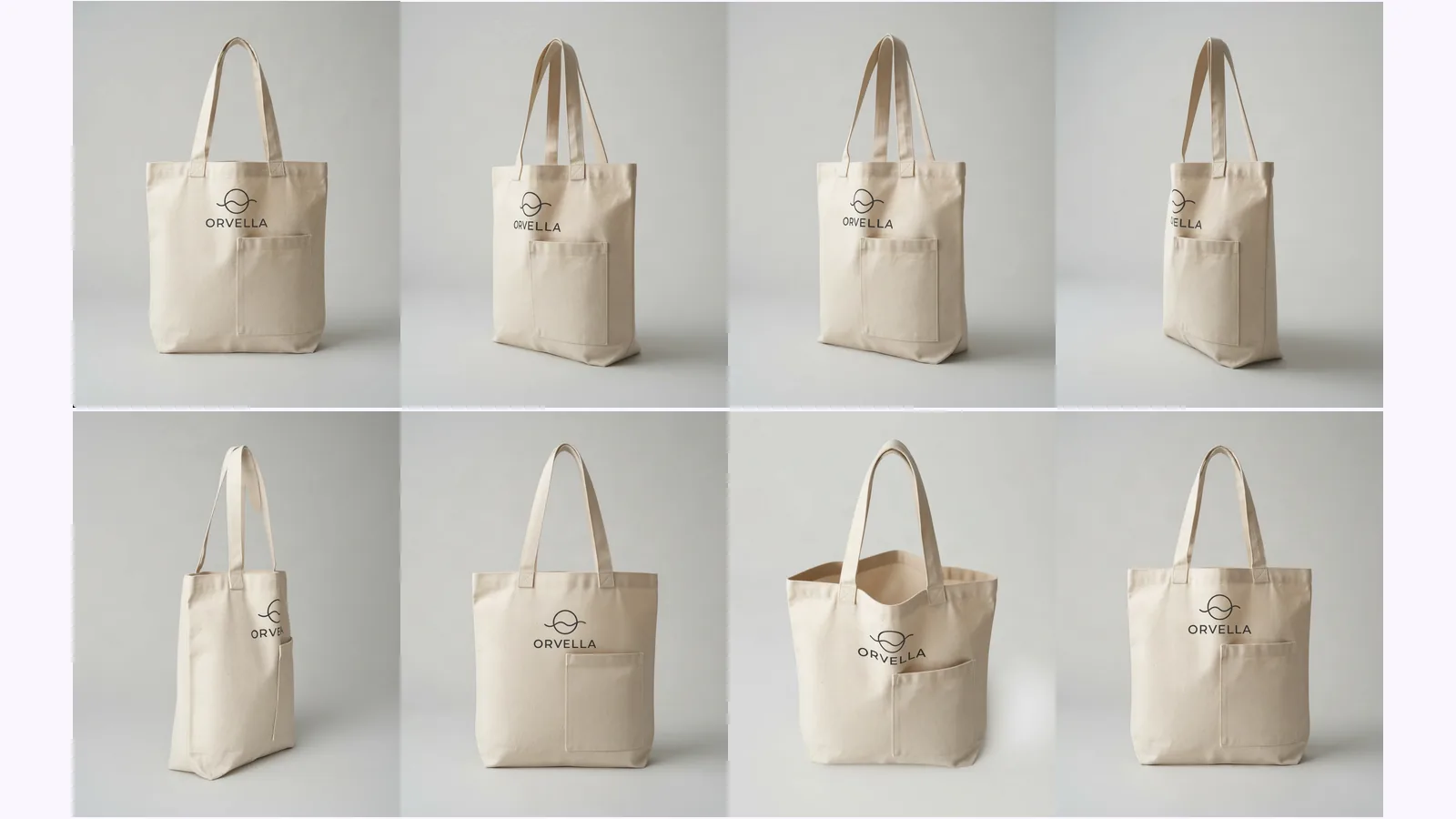
8 product photography angles and which to skip
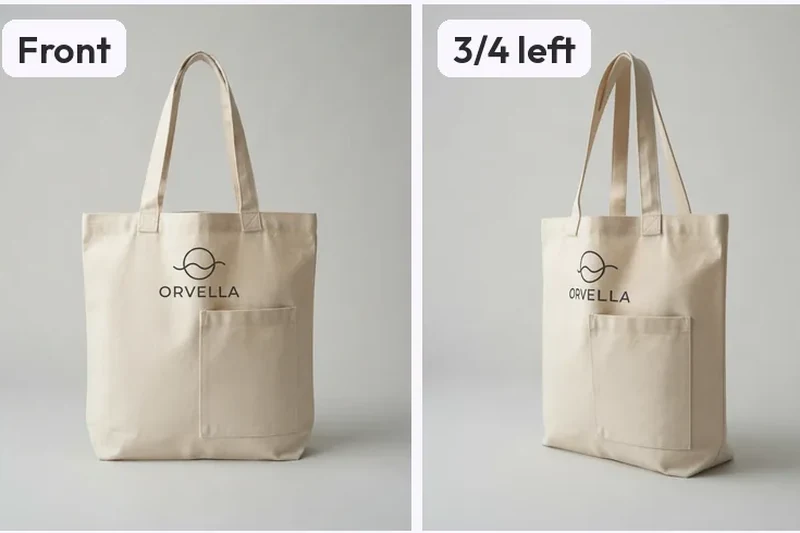
What each shot answers, which to skip by product type, and where AI-made views drift. Shown on one tote, with a pick table for bottles, shoes and bags.
Worlds
Explore Other Worlds
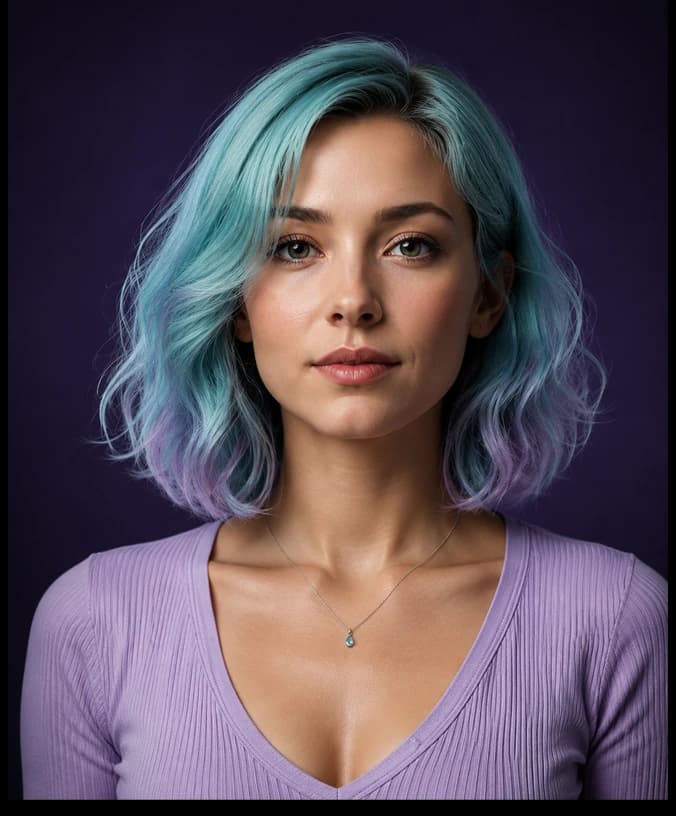
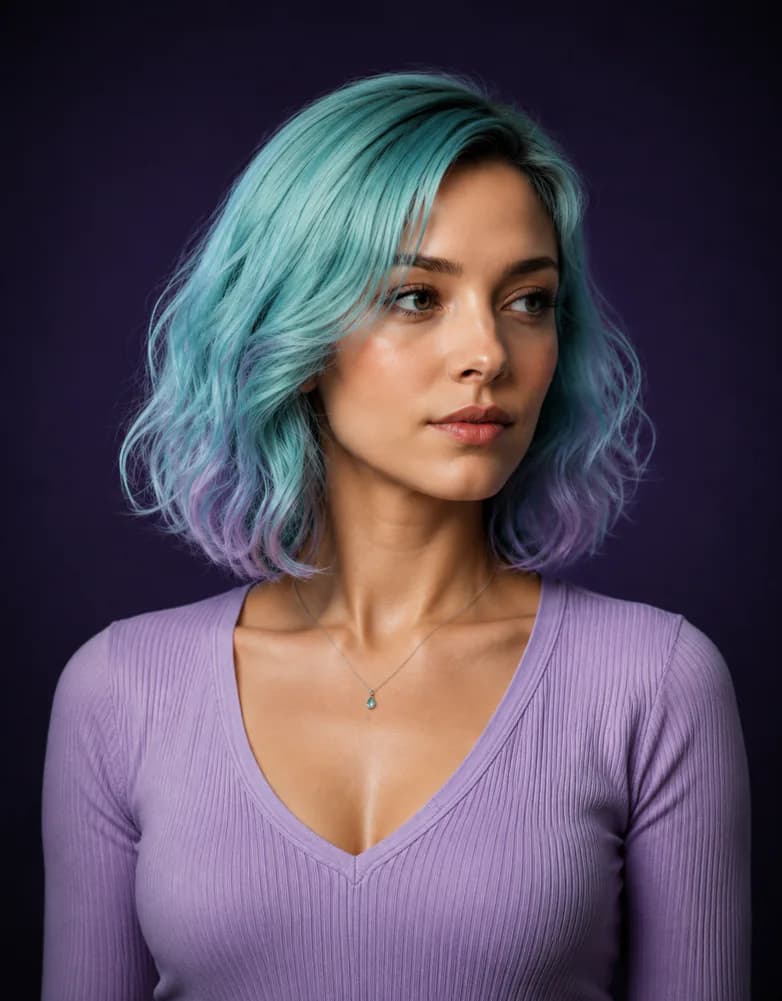
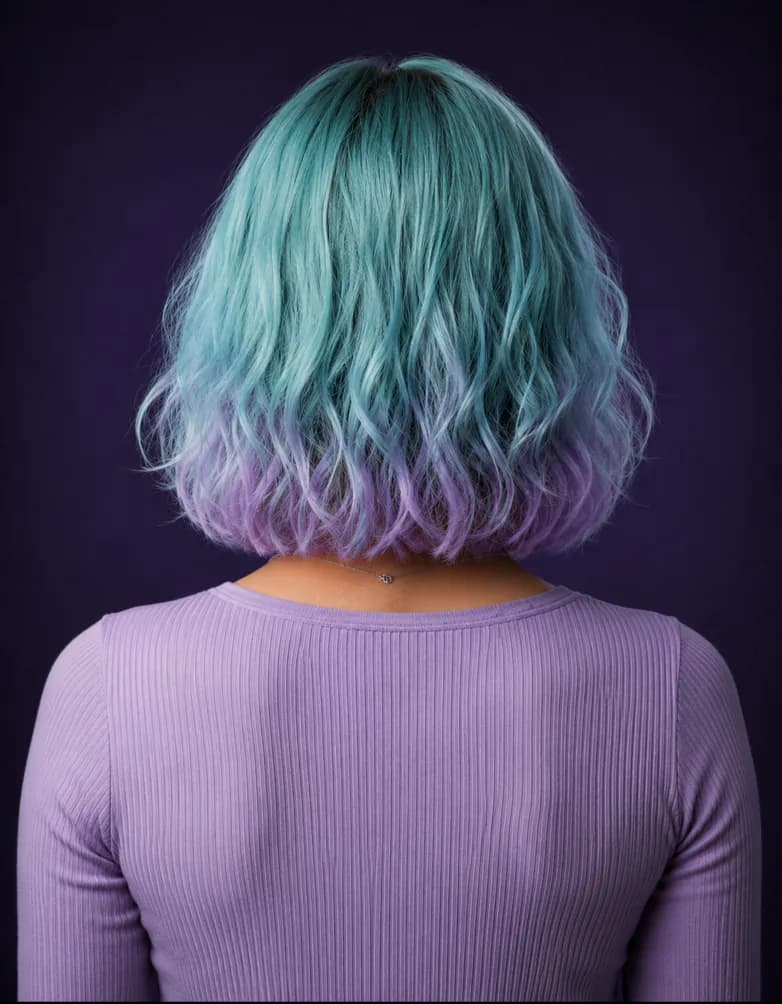
One photo in, a finished set out: 10 views of a room, 8 views of a character as a turnaround sheet, 8 views of a product, or a Product photoshoot with a white main image and scenes of your real product. Identity, lighting and style stay the same in every frame.
Products FAQ
Common questions.
Identity consistency, exports, control, and commercial use — answered for products work.
Upload one reference photo, MultiAngle.ai locks the identity, lighting, and style from that single image, then generates a coherent multi-angle set: 8 views of a person, character, or product, or 10 views of a room, your photo included. The whole flow runs in one workspace, with no re-prompting between angles.
An angle set is a coherent group of AI-generated images showing the same subject — a product, person, or environment — from different camera angles, with identity, materials, and lighting locked across every frame. For a character it's usually called a turnaround sheet. MultiAngle delivers the set as separate still images (PNG, JPEG and WebP, or a ZIP of the set), not as an interactive spin.
You choose them. Start from a suggested set or the full set, or pick exact angles one by one. During review you can regenerate any single angle without disturbing the rest of the set. Paid plans also get the prompt field, and Improve (edit one angle) on Room angles and Product turnaround.
Yes, from a fixed set of angles. MultiAngle.ai works as a different angle image generator: upload one photo and it renders the same subject from other camera positions: 8 views of a person or character (front and three-quarter to profile, back, above and below), 8 of a product, or 10 of a room (4 walls, 4 corners, the ceiling and the floor), your photo included. You pick which angles of the set to make. It is not a free-form camera, so you can't type in an arbitrary angle or orbit the subject, and each angle comes back as a separate still image.
Every plan downloads PNG, JPEG and WebP — one angle at a time, or the whole set at once as a ZIP (batch export). Ready for ecommerce listings, ad creative, decks, animation pipelines, and 3D reference.
It varies with load, so we don't promise a time. The analysis runs first, then the frames generate in parallel, so the gallery fills as they arrive and you can start reviewing and picking keepers before the set finishes.
Yes — on every plan, Free included, generated images are licensed to you for personal and commercial use: product listings, ads, games, films, and client work. You keep all rights to the reference photos you upload.