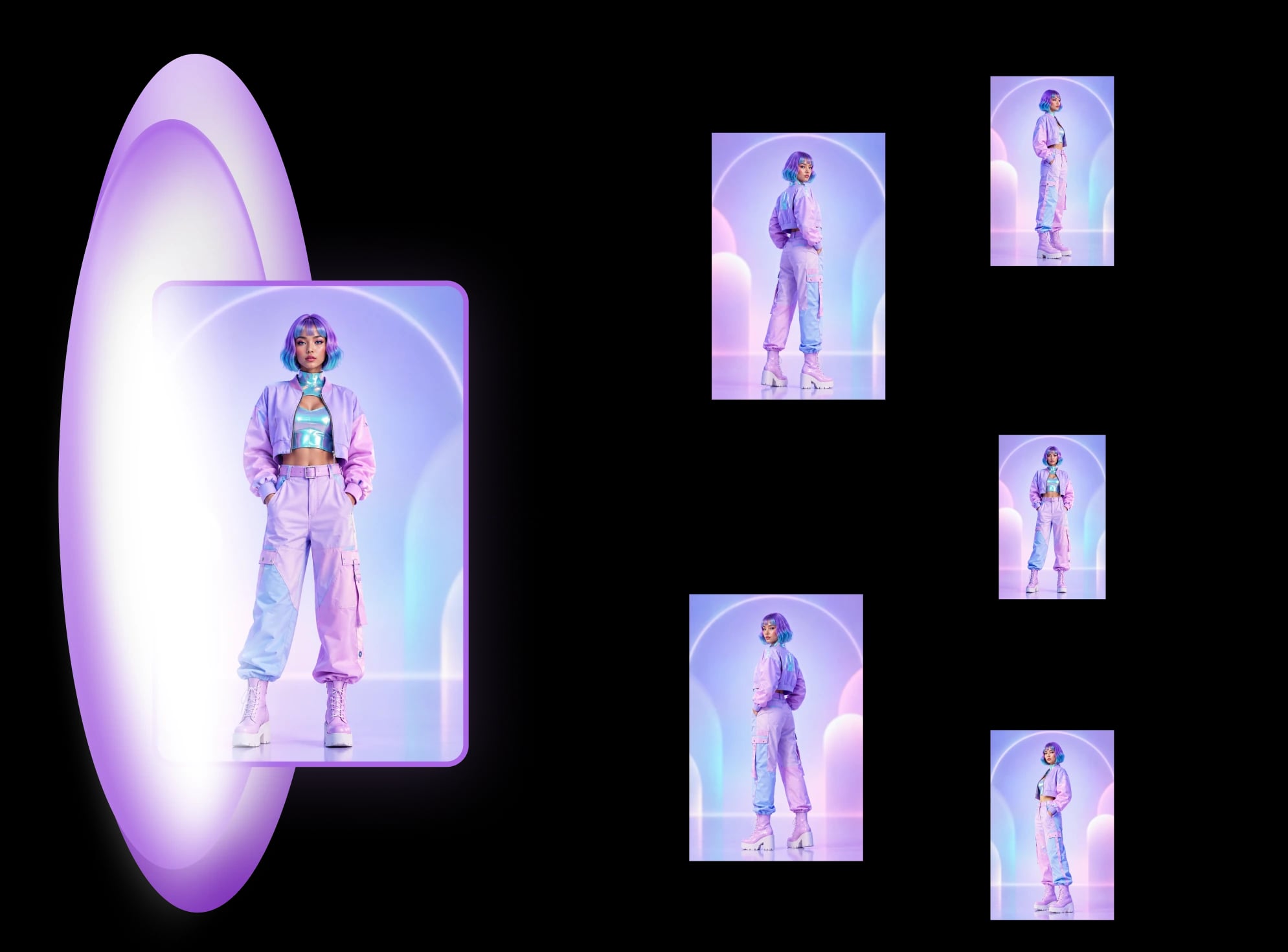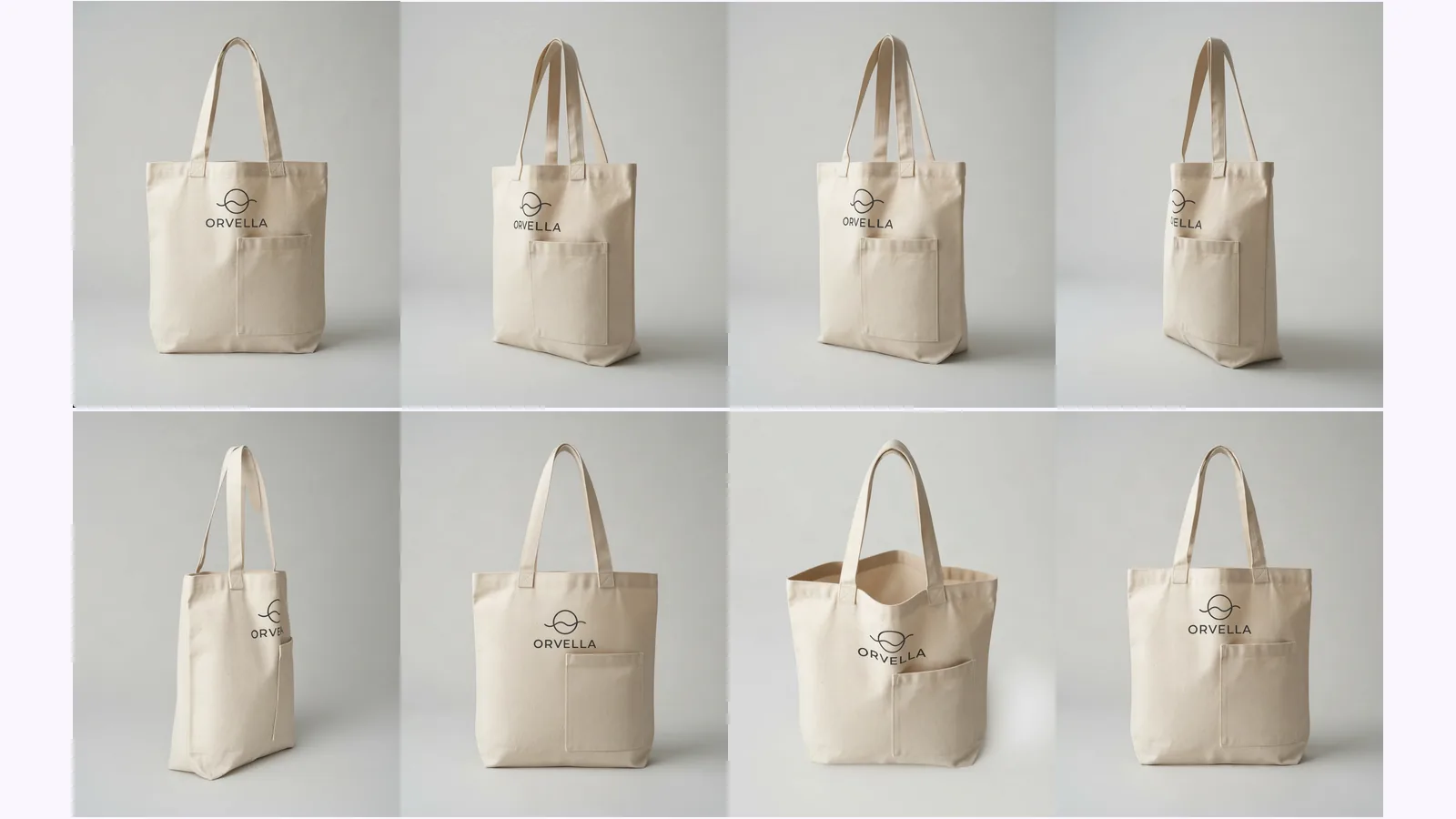
8 product photography angles and which to skip
What each shot answers, which to skip by product type, and where AI-made views drift. Shown on one tote, with a pick table for bottles, shoes and bags.
We scored 139 generated views of 20 AI-made products on six checks. Where AI product photos drift: the back view, garbled lettering, a level 'below'.
How accurate are AI product photos from new angles? We ran 20 AI-made product images through MultiAngle's Product turnaround and scored every generated view on six checks, 139 views in all. Of those, 117 had no failing check and 22 had at least one. The back view failed most, and 12 of the 15 invented-detail failures were garbled or mirrored lettering. One limit first: these are not photos of real products, so we could not check any side against the real thing.
Key takeaways
On this test, 117 of 139 generated views had no failing check, and 58 passed every check that applied. We report counts of views, not percentages, because 20 products is a small sample and one product moves a view's count by one.
| Measure | Result |
|---|---|
| Products | 20 |
| Generated views scored | 139 |
| Passed with no fails | 117 |
| Passed strictly (every applicable check passed) | 58 |
| Failed at least one check | 22 |
| Had at least one partial or fail | 81 |
Eleven of the 20 products had no failing view at all. Nine had at least one: the cereal box (5 of 7 views failed), the planter (4 of 7), the headphones (3 of 7), the watch (3 of 7), the can (2), the mug (2), and one each for the book, the chip bag and the bowl.
For the same question across the whole catalogue of angles, see our guide to product photography angles, which covers what each view is for before you decide which ones to check.
We used 20 products, each a single front image made with Nano Banana (Google's image model), not a photograph of a real product. We chose them to cover the cases that usually go wrong: printed text, reflective and transparent surfaces, soft items, asymmetric parts, small parts and plain shapes. Each image was run once, with no changes, through MultiAngle's Product turnaround template on 2026-10-04. The sneaker is the exception: it comes from an earlier run of the same template, described in our comparison of ways to get new angles.
| # | Product | Type | What the input shows that we could check |
|---|---|---|---|
| 1 | Metal can | Text-heavy packaging | TIDALY, sparkling lime water, 330 ml |
| 2 | Hardcover book | Text-heavy packaging | Gold foil: THE QUIET ORCHARD, M. HALLORAN |
| 3 | Foil chip bag | Soft or flexible | SUNCRISP, sea salt potato chips, 150 g |
| 4 | Headphones on a stand | Small parts | ONYX on the cups, L and R on the yokes |
| 5 | Steel kettle | Reflective or transparent | Spout on the left, handle on the right |
| 6 | Glass honey jar | Reflective or transparent | A WILD HONEY label with a bee |
| 7 | Plush bear | Soft or flexible | A red bow tie, one folded ear |
| 8 | Wristwatch | Small parts | NORDEN on the dial, a date window at 3 |
| 9 | Leather boot | Soft or flexible | A stamped logo patch on the tongue |
| 10 | Jointed desk lamp | Asymmetric | Shade angled to the right |
| 11 | Sunglasses | Reflective or transparent | Shows the back of the glasses (see below) |
| 12 | Canvas backpack | Asymmetric | A leather ROVER patch, a front zip pocket |
| 13 | Shampoo pump bottle | Text-heavy packaging | LUMEN, DAILY REPAIR SHAMPOO, 250 ml |
| 14 | Patterned vase | Plain or simple shape | A diamond pattern that wraps round |
| 15 | Navy cap | Soft or flexible | An embroidered mountain logo, eyelets |
| 16 | Sage ceramic planter | Plain or simple shape | A stamped leaf logo |
| 17 | Hand-painted mug | Asymmetric | A painted wave and dots, handle on the right |
| 18 | Cereal box | Text-heavy packaging | OATLY CRUNCH, a tagline and 450 g |
| 19 | White ceramic bowl | Plain or simple shape | Nothing printed: a control |
| 20 | White sneaker | Soft or flexible | A small logo on the side panel |
The set has 8 views and the upload is one of them, so 7 are generated per product. The app returned all of them for 19 products. The sunglasses came back with 6 views and no back view, and our input for them was an accident: it shows the glasses from behind, so every front-facing detail on them is invented. That gives 139 generated views: 19 products with 7 views and the sunglasses with 6. Three views of the can failed on the first attempt and came back on one retry, and none of those attempts were charged. A full set costs 7 credits. How a set is built from one photo is explained in how MultiAngle generates a set. We did not publish every output: the figures in this post show the ones we looked at closely.
What this means for the scoring. There is no real photo of any back or side, so a view can be judged in only two ways. Against the input: for printed text, logos, shape, colour and part positions that the input shows. And as invented detail on sides the input never showed: text, logos or parts that appear from nowhere, or come out garbled. We never claim a back or a side is "wrong" against reality, only that something was invented.
Each view got six checks, scored pass, partial or fail:
| Check | Pass | Partial | Fail |
|---|---|---|---|
| Shape and proportion | Matches the input | Visibly deeper, shallower, leaning or tapered | A different shape |
| Text, logo, artwork | Every letter and mark the input shows is intact where visible | Redrawn or distorted, still recognisable | Wrong, missing or extra letters, or a different mark |
| Colour and material | Same hue, finish and lightness | Visibly lighter, darker or greyer | A colour or finish a buyer would read as a different product |
| Parts and asymmetry | Each part once, on the side the geometry requires | A part is hidden, doubtful or awkwardly joined | A part is added, duplicated or on an impossible side |
| Invented detail | Unseen surfaces are plain or continue the input's design | New generic parts or illegible small print | Garbled or mirrored text, a new logo, front artwork repeated on another side, or an object from nowhere |
| Requested angle | The camera is where the name says | Under-rotated, or level when it should look up | A different view altogether |
A view passes if no check scored a fail. It passes strictly if every applicable check scored a pass. Colour was scored by eye, and for the plain-bodied planter, mug and bowl also from a measured patch on the body (a colour difference of 25 or more in Lab, which counts lightness and colour strength, was a fail).
Who scored. One reviewer scored every view by looking at it, with printed text checked on crops at 100%. There was no second rater, so we have no agreement figure. We publish the score sheet's totals here, and only the images in the figures.
The back drifted most: 12 of 19 backs had no failing check. Pass counts by view and product type, out of the products in each cell:
| Generated view | Text-heavy packaging (4) | Reflective or transparent (3) | Soft or flexible (5) | Asymmetric (3) | Small parts (2) | Plain or simple shape (3) | All (20) |
|---|---|---|---|---|---|---|---|
| 3/4 left | 3 | 3 | 5 | 3 | 2 | 3 | 19 |
| 3/4 right | 3 | 3 | 5 | 2 | 1 | 3 | 17 |
| Left side | 4 | 3 | 5 | 3 | 1 | 1 | 17 |
| Right side | 2 | 3 | 5 | 2 | 1 | 2 | 15 |
| Back | 1 | 2 of 2 | 4 | 3 | 0 | 2 | 12 of 19 |
| Above | 3 | 3 | 5 | 3 | 1 | 3 | 18 |
| Below | 4 | 3 | 5 | 3 | 2 | 2 | 19 |
The sunglasses have no back view, so the back row has 19 views; every other row has 20.
How to read it. With a few products per cell, one product moves a count by one, and 20 products in a row move a view's count by 5 points. We call out only gaps of roughly 25 points or more, and treat everything smaller as noise. Two gaps clear that bar:
Our hypothesis going in was that back and below would fail most. The back did. The below view passed on our checks (19 of 20), but for a different reason: it mostly did not do what its name says (see the angle row below).
The box is the text-heavy packaging case that drifted most: 2 of its 7 views had no failing check. Here is its input and every generated view.
Reading it view by view: the front wordmark held in every view that shows it except the 3/4 right, which spells it wrong (below), and the bowl and spoon artwork held in every view that shows it. The top face in the above view carries a mirrored, garbled "OATLY". Both side views show a side panel with a wordmark and rows of unreadable tiny print that the input never had, one of them with small icons too, and in both the front is still mostly face-on, so they read as 3/4 views. The back is the front artwork again: same wordmark, same bowl, same two badges. A shopper looking at that view for ingredients or a barcode would find neither.
We expected reflective steel to be hard. It was not: the kettle had no failing view on any check, and 4 of its 7 views passed strictly. Its input has the spout on the left and the handle on the right, and the back swaps them correctly.
It was not flawless. The 3/4 left view shows the handle on the left and the spout pointing at the camera on the right, which only works as a rear three-quarter view and not a front one. The left side view puts the handle in front of the body with the spout still showing behind, and the geometry does not quite add up. We scored both partial. The pump bottle was cleaner still: 6 of its 7 views passed strictly, and every letter on its label was correct on all six views that show it. The white bowl, our plain control, passed strictly in only 2 of its 7 views: its proportions drifted (deeper in some views, shallower and wider in others), and its left side came out as a dark grey-brown bowl (lightness L* 41 against 75 in the input).
Photoroom's July 2026 benchmark is the closest public comparison, and it is a vendor benchmark of a different job. It judged 850 products across 3,400 generations on four models. Its full-fidelity pass rates were 29.0% for Nano Banana 2, 28.2% for Nano Banana Pro, 27.2% for GPT Image 2 Medium and 16.8% for FLUX.2 Klein 9B, and 38.2% with Photoroom's own Fidelity Layer. Its most common failures were logo or text (20.1%), a missing element (12.5%), a pattern change (11.4%) and a colour shift (8.1%) (Photoroom, "fidelity gap" benchmark, checked 2026-09-26).
That test covered fashion virtual try-on (clothing, shoes, bags, jewellery), with no new camera angles, and it judged outputs against the source photo. Ours covers six product types, generates new views, and judges against the input and for invented detail. So we compare categories in words, not rates.
Failure counts by check, from our score sheet, over the 139 views:
| Check | Partial | Fail |
|---|---|---|
| Shape and proportion | 6 | 0 |
| Text, logo, artwork (where the input shows any) | 5 | 1 |
| Colour and material | 9 | 5 |
| Parts and asymmetry | 6 | 1 |
| Invented detail | 17 | 15 |
| Requested angle | 33 | 3 |
Three things stand out.
Invented detail is the main failure, and it is mostly lettering. Of the 15 views that failed it, 12 had garbled or mirrored lettering: the can's back and its right side, the book's back (the front title mirrored), the chip bag's back (a ghosted, garbled SUNCRISP), the headphones' two side views (garbled marks on the yokes), the watch's 3/4 right and back, and four views of the cereal box. Two more repeated a front logo or artwork on a side the input never showed (the box's back and the planter's back), and one was an object from nowhere: a plant sprig hanging over the planter's rim.
Text the input shows mostly held. Where the input showed lettering, it came out right in nearly every view: 79 of the 85 views that we could check on this were a pass, and 5 were partial. Only one failed outright, the box's 3/4 right wordmark above. The lettering that failed was almost all lettering the input never showed.
The angle check had the most partial scores. We scored 17 of 20 "Below" views as partial because the camera was close to level with the product, not looking up, and one more failed (the planter's "below" looks down into the pot). Six "Left side" and six "Right side" views were also partial, mostly because they were under-rotated, with the front or the cup still largely face-on. On the lamp, the two side views look almost like the input again.
Colour failed in 5 views, all on the plain-bodied products where we measured it. The planter's body came out very dark green in its left side view (lightness L* 23 against 51 in the input) and pale mint in its right side view (L* 80), and the mug's glaze turned whiter and cleaner in its 3/4 right and right side views. Those are shifts a buyer would read as a different product.
It draws one every time. Whether the back was wrong is something this test cannot say, because the products have no real back. What it can say is what appeared on the back that the input did not show.
On the four backs shown here, from products with printed text, each showed one of three things: garbled lettering (the can and the chip bag), the front title mirrored (the book), or the front artwork again (the box). On the can, "SPARKLING LIME WATER" is half formed, "330 ml" becomes "433 mk", and a block of glyphs that read as no word sits between them, plus two small gull marks that the input does not have. A back that carries this much unreadable text is useful as a shape, not as a label. The backs that came out cleanest were plain or continued the front's design: the kettle, the lamp, the vase, the cap and the shampoo bottle, whose back is a blank bottle with the edge of the label showing.
No. Every number above is a first output. We did not regenerate the failed views to improve the headline, and we did not run a retry pass, so we cannot say how many of the 22 failing views a second try would have fixed. The only retries were views the app itself failed to return: three on the can and two on the sneaker (in the earlier run), which came back on one retry. The app did not charge for the failed attempts.
Two kinds of limits apply: the tool's and this test's.
The tool
This test
If the result is bad for MultiAngle, that is still the result. Nothing was re-run to improve the headline.
Run the test on your own product
It can. Every view except the one you upload is generated, so any of them can change a logo, a part or a colour. In our test 22 of 139 generated views failed at least one check, most often by inventing or garbling detail on a side the input never showed. Where the input showed lettering, the lettering mostly held.
Text-heavy packaging and products with small parts were hardest in this test: 8 of 28 views failed on text-heavy packaging, and 6 of 14 on the two small-parts products. Soft or flexible products had 1 failing view of 35 and reflective or transparent products had none of 20. The sample is small, so treat it as a pointer, not a ranking.
No. From a front image, the back is the model's reconstruction of a side it never saw. In our test 7 of 19 backs failed a check, and on four of the products with printed text the back showed garbled lettering, mirrored lettering or the front artwork again. Check it against the product before you publish it.
Only if they show the product you ship. Marketplaces expect images that accurately represent the product, so check every generated view first. Amazon's rules, with the dates we checked them, are in Amazon product image requirements.
More on this topic: Product photos from every angle and Product Photography Angle Guides.
What each shot answers, which to skip by product type, and where AI-made views drift. Shown on one tote, with a pick table for bottles, shoes and bags.
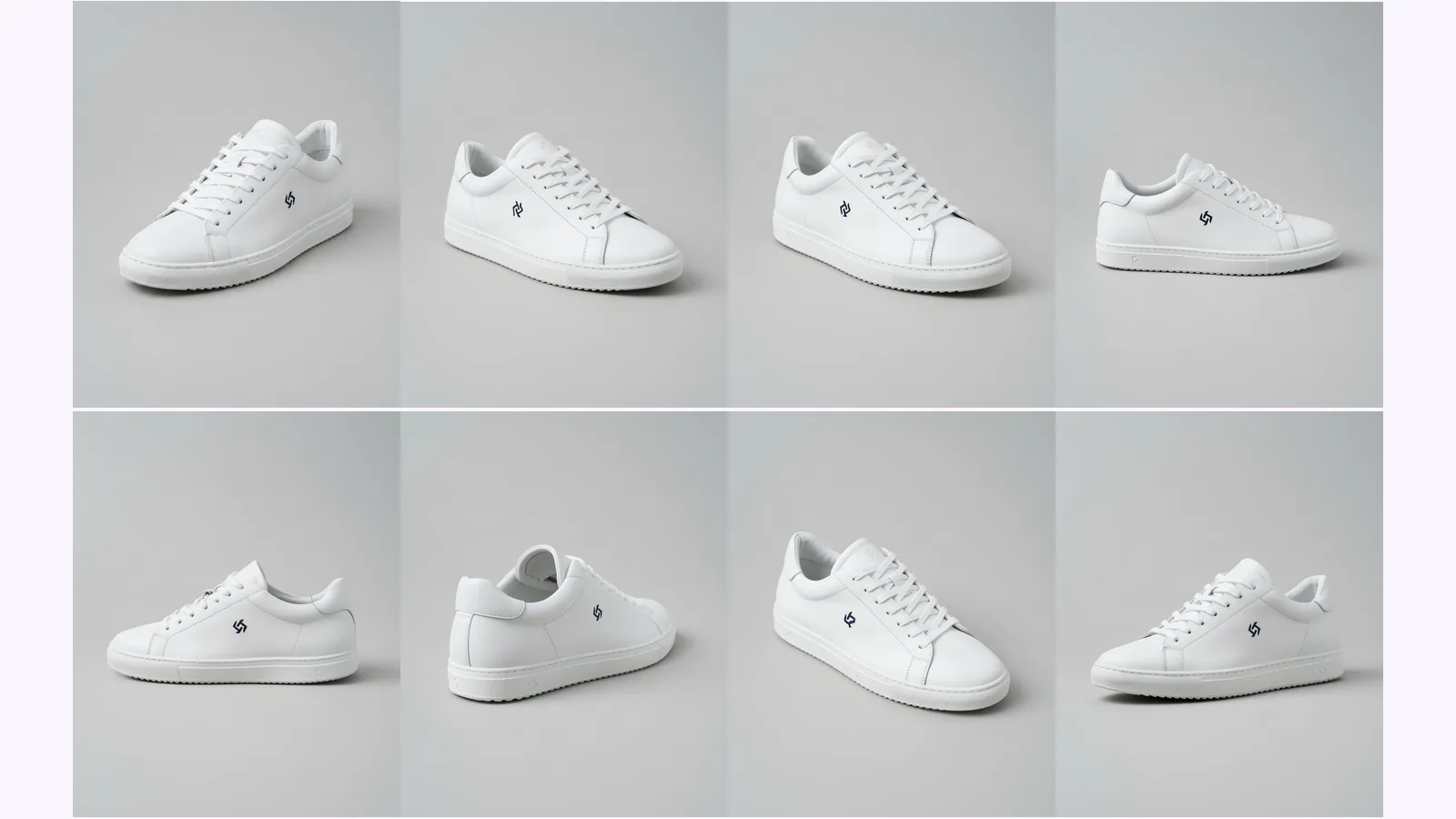
Prompt a chatbot, move a camera slider, or use a fixed angle set to get multiple angles of one image. We ran two on one product: which stayed consistent.
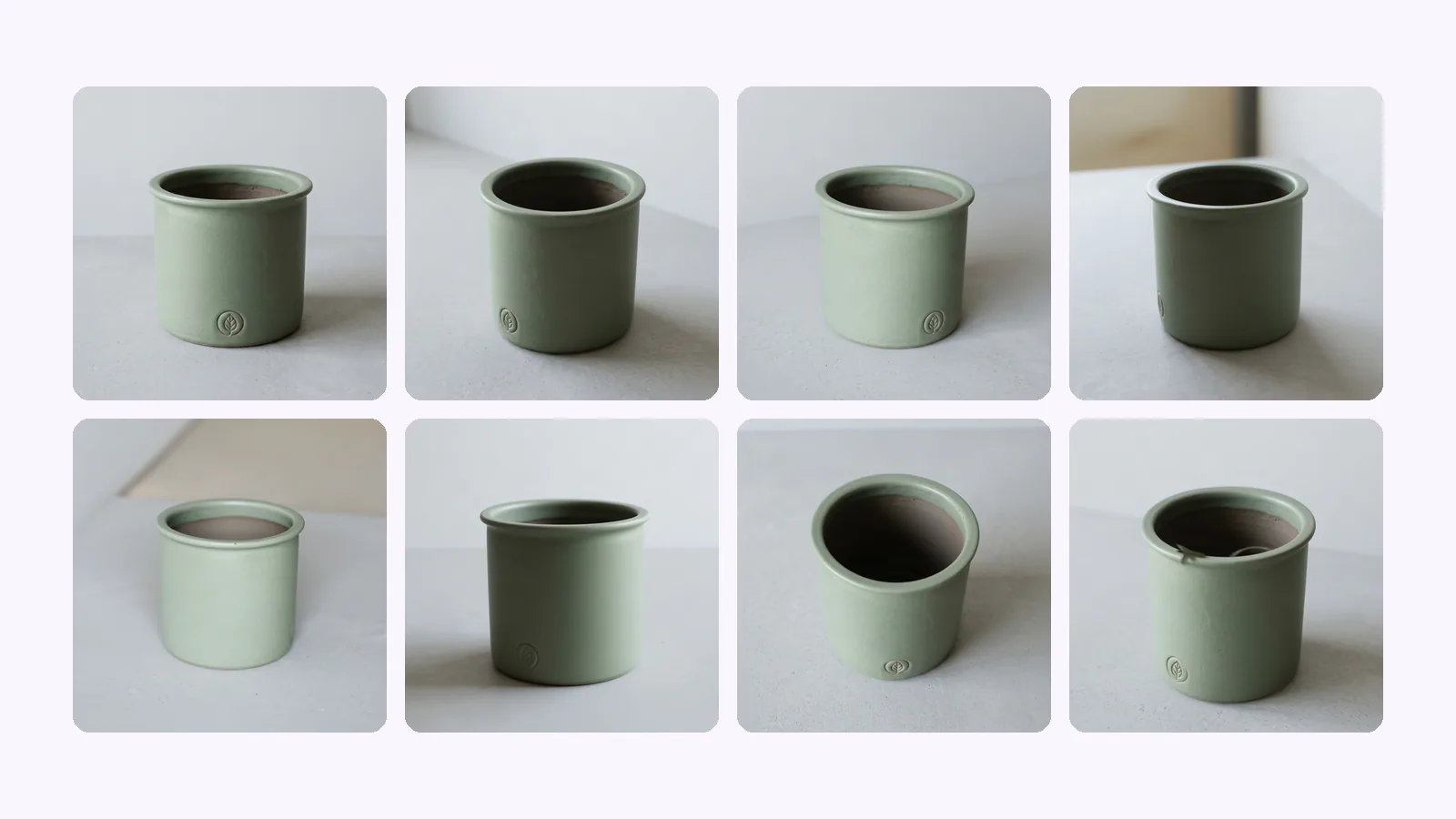
Shopify product image size: 2048×2048 px square is Shopify's pick. The size table, how many images a product holds, which angles to upload, and a checklist.