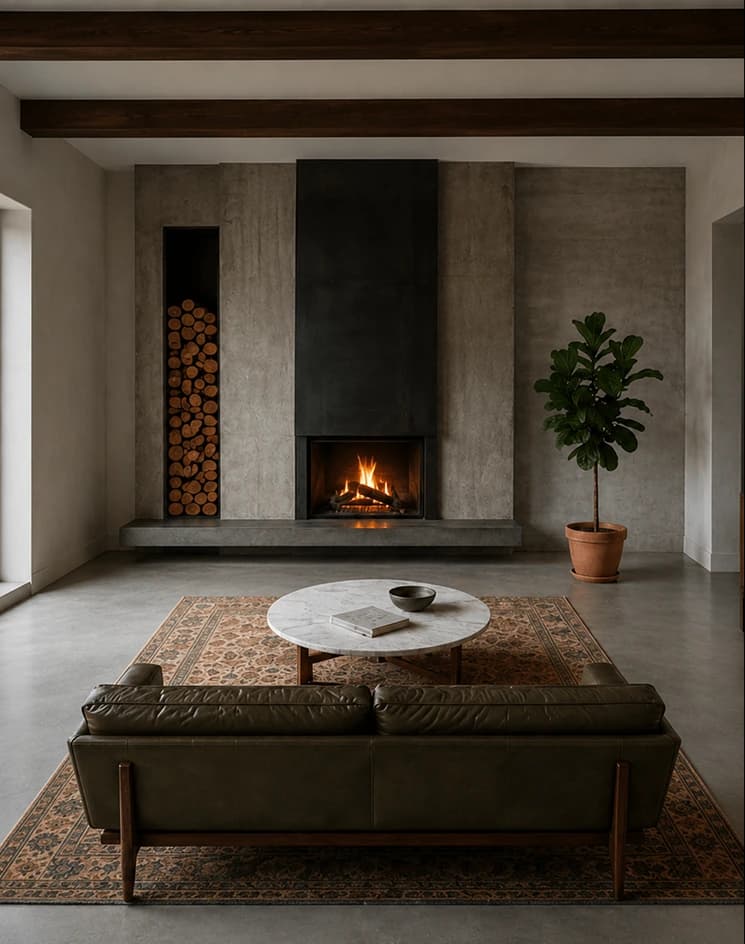
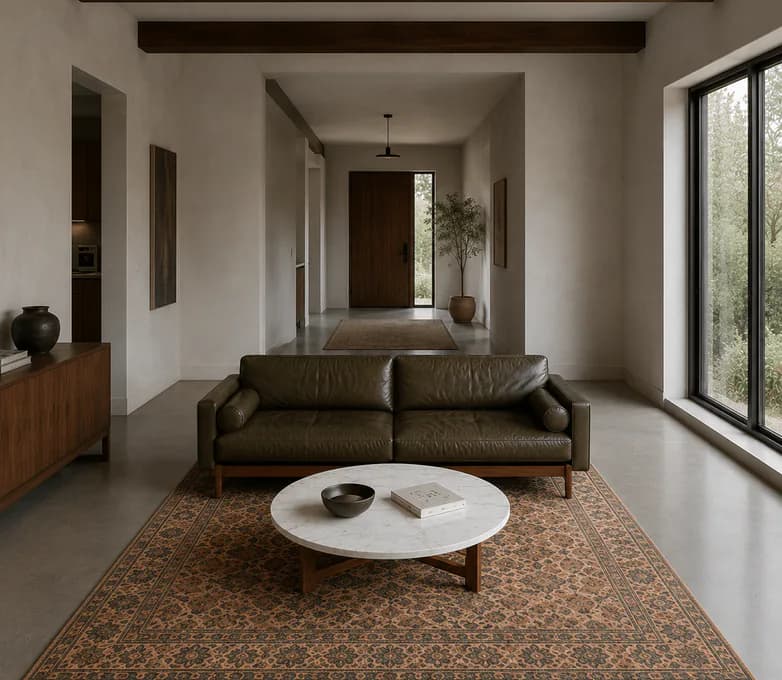
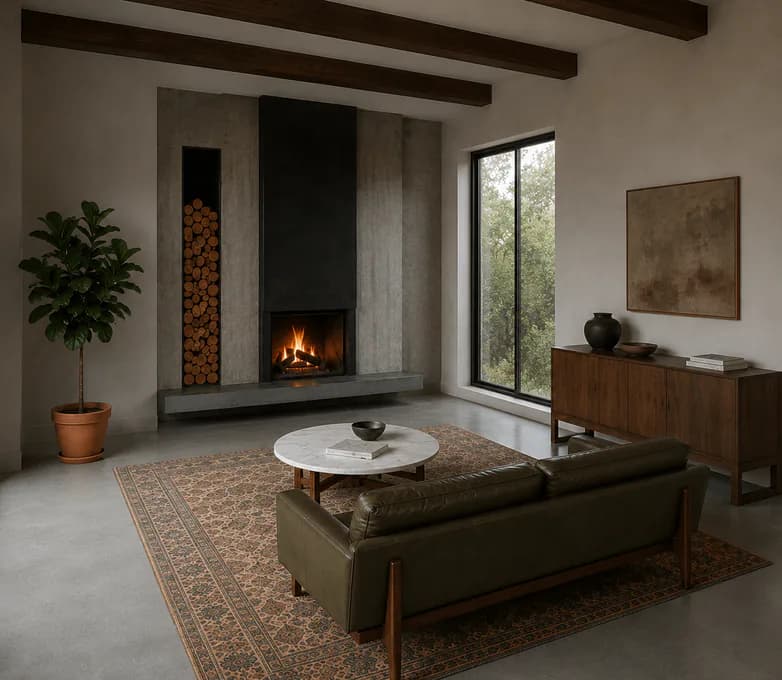

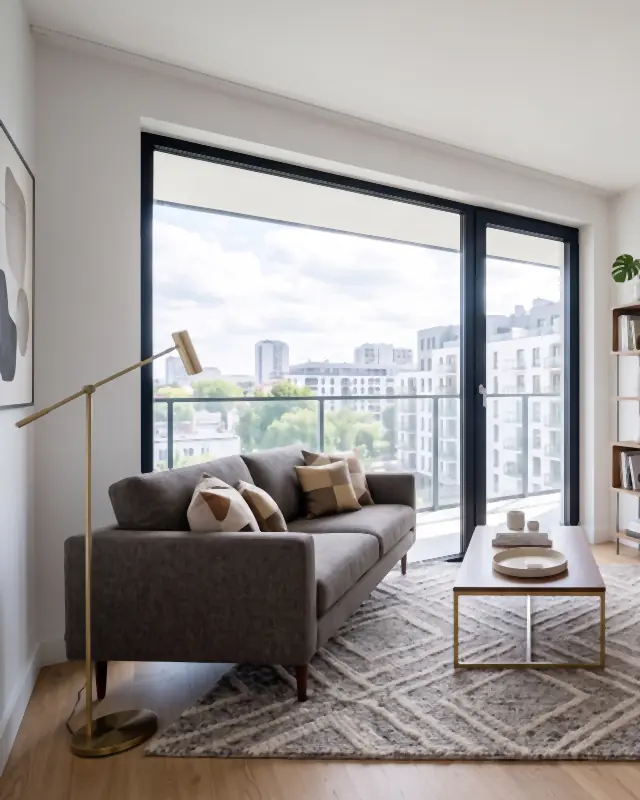
How to photograph a room for a listing: the angles
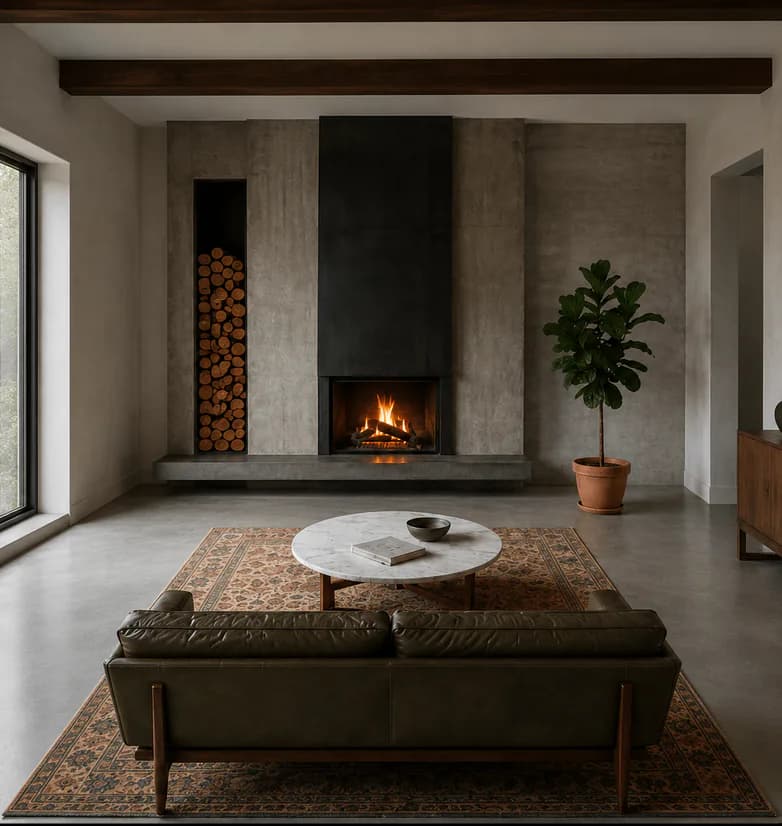
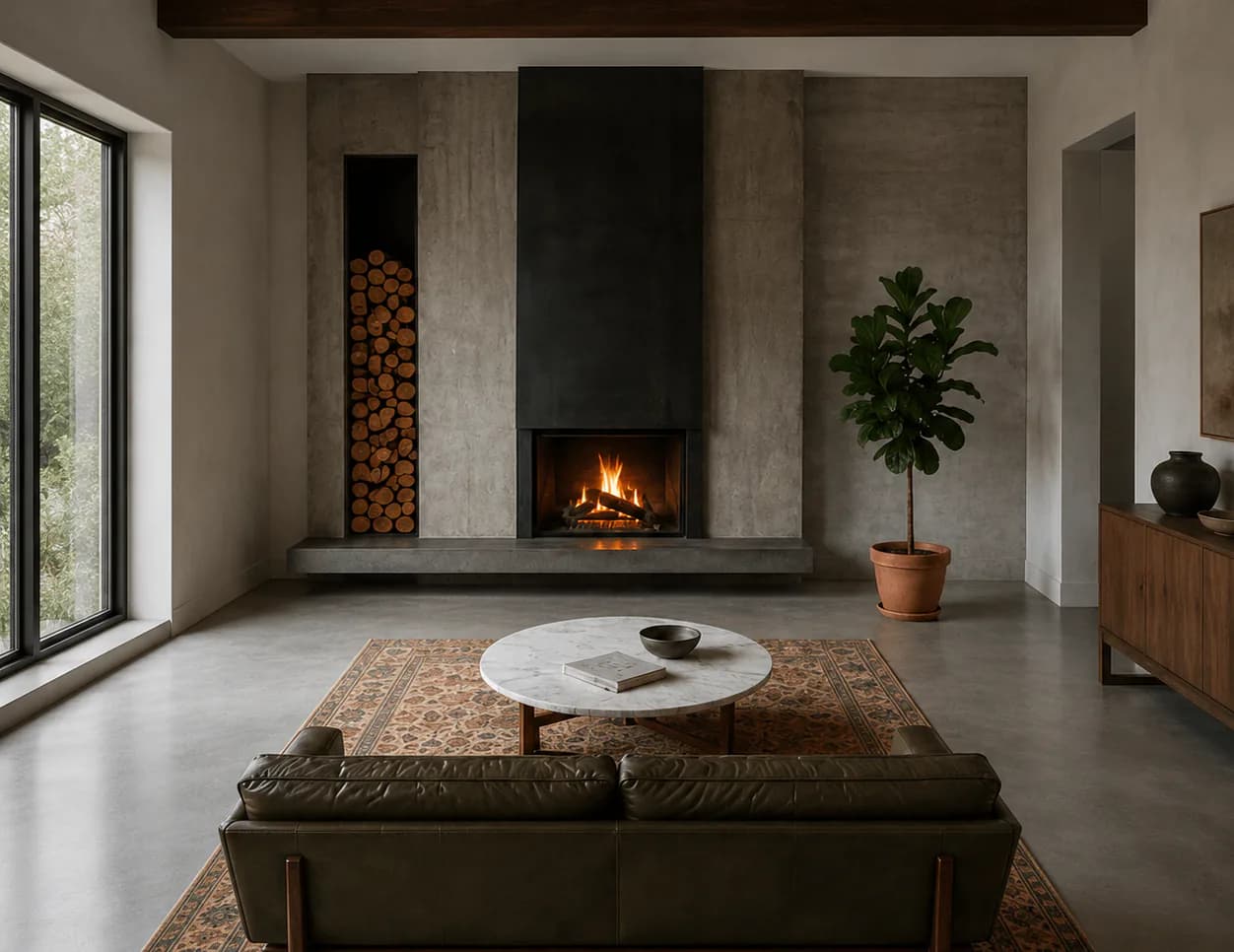
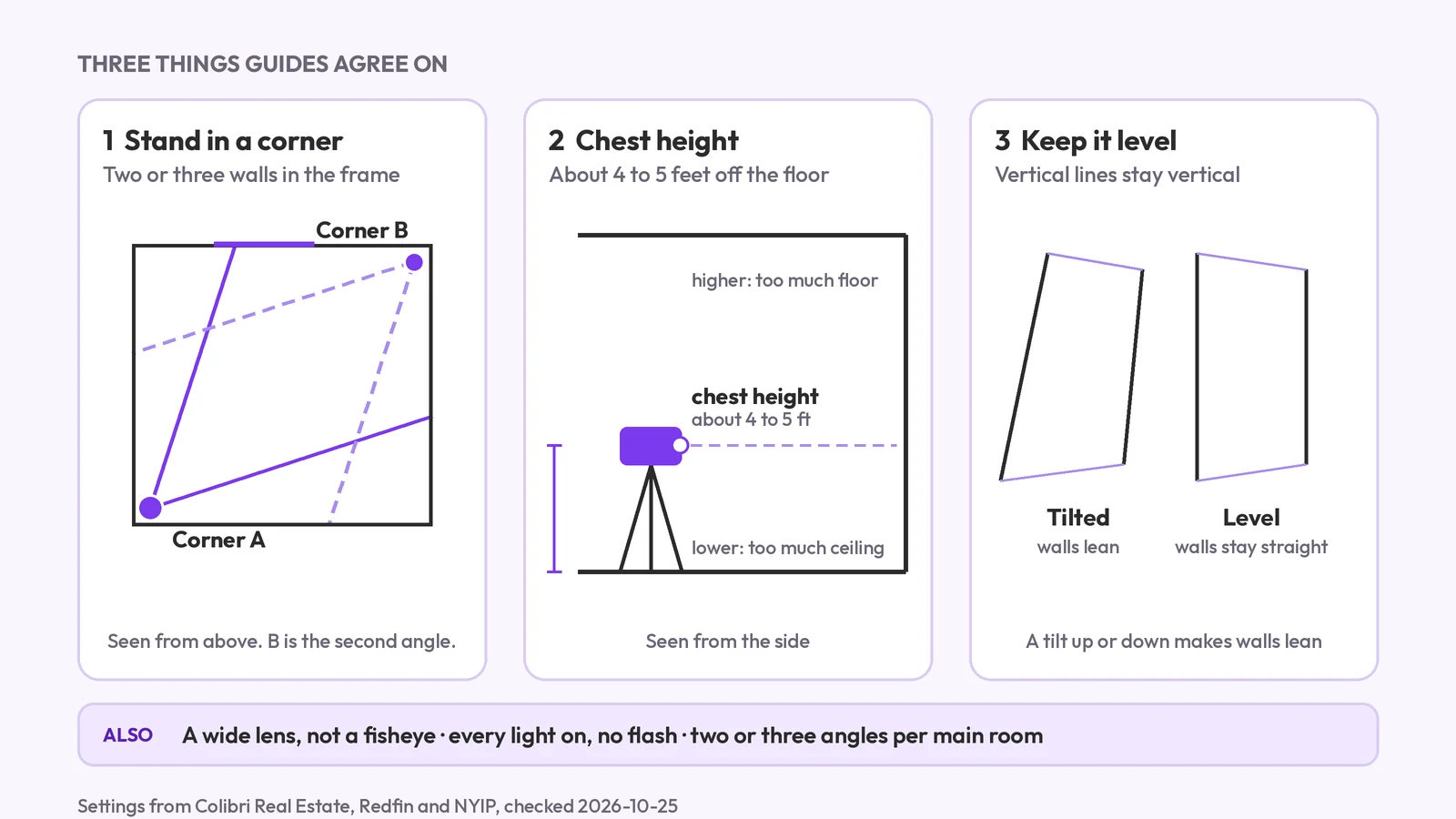
How to photograph a room for a listing: camera height, corners, lens, light and the angles to take, plus how one photo can show the other views for planning.
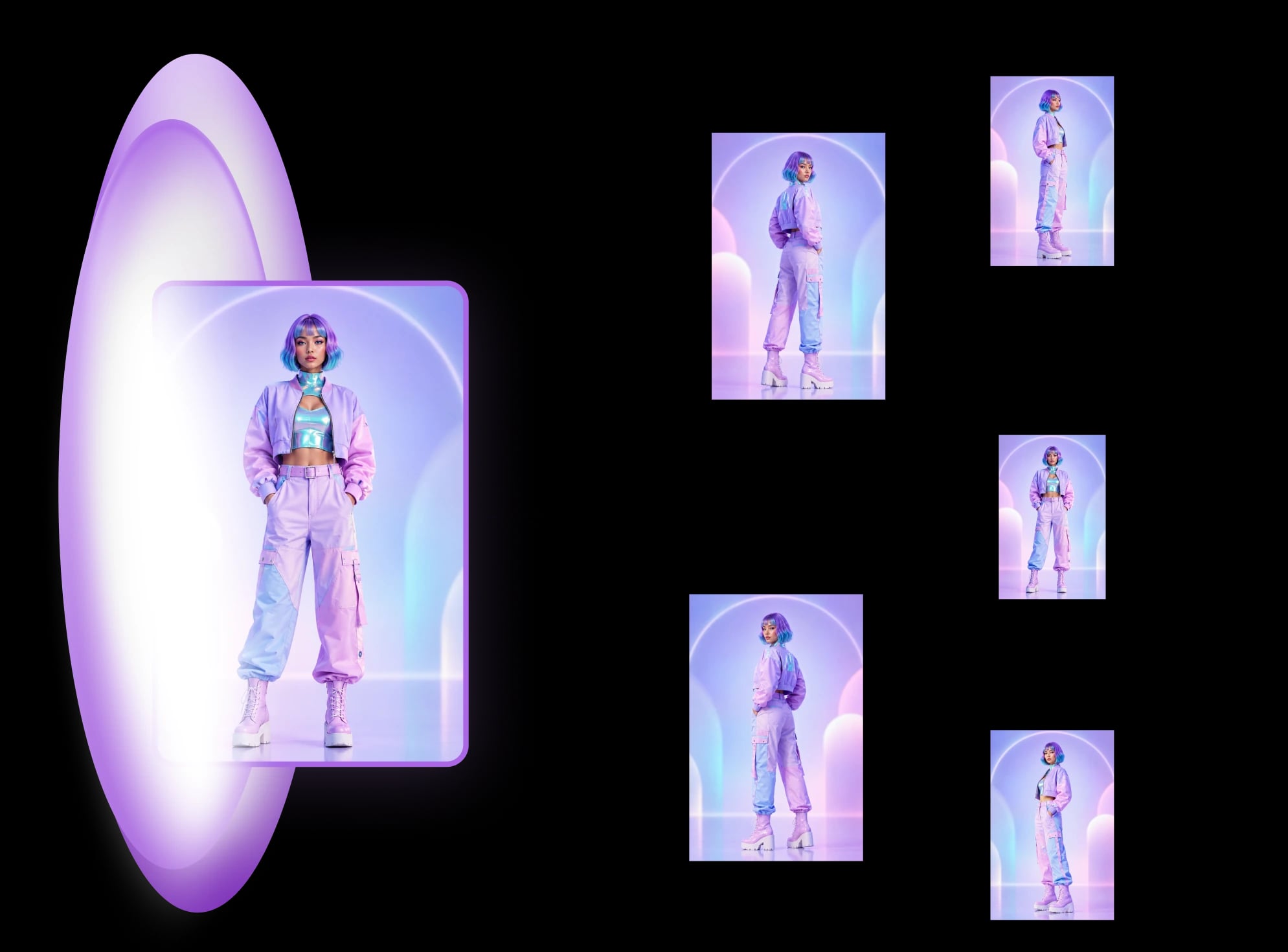
Pick a world to start. Each template turns a single image into a full, consistent set — then refine by style and use case.
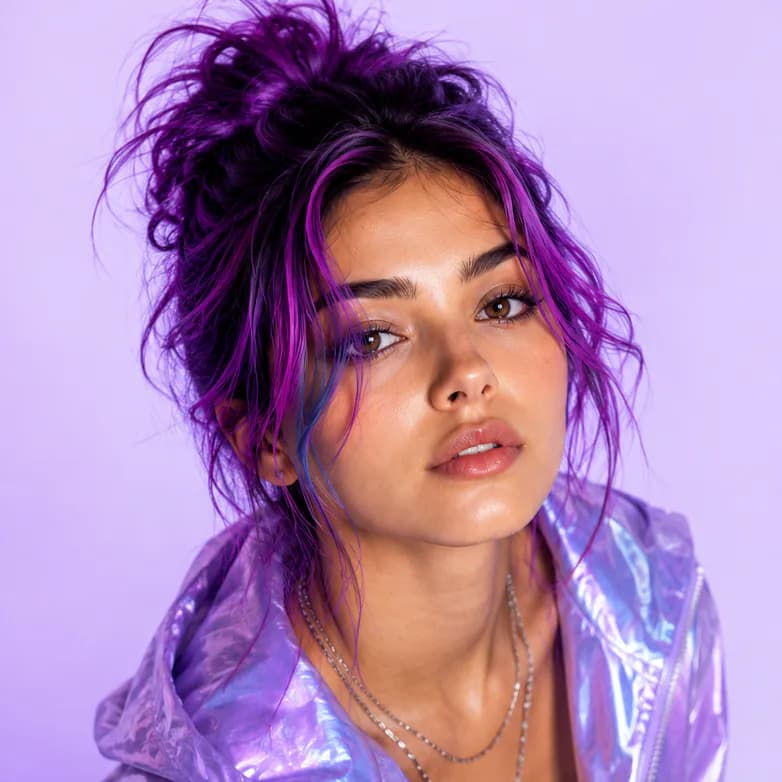
Pick the world that fits your work — products, avatars, or environments — and jump straight into the matching template hub. Looking for different angles of one photo? Start with the AI angle generator overview.
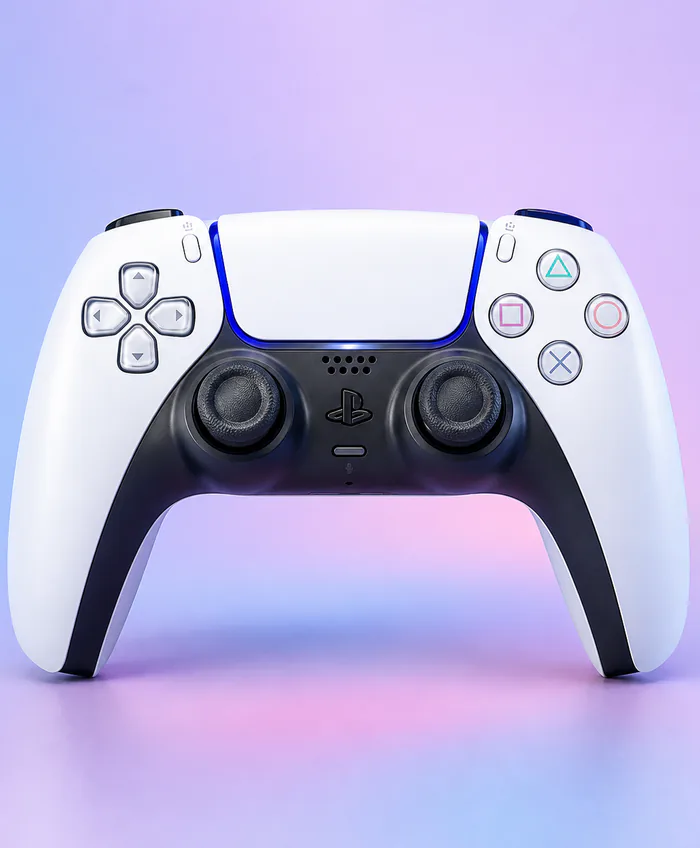
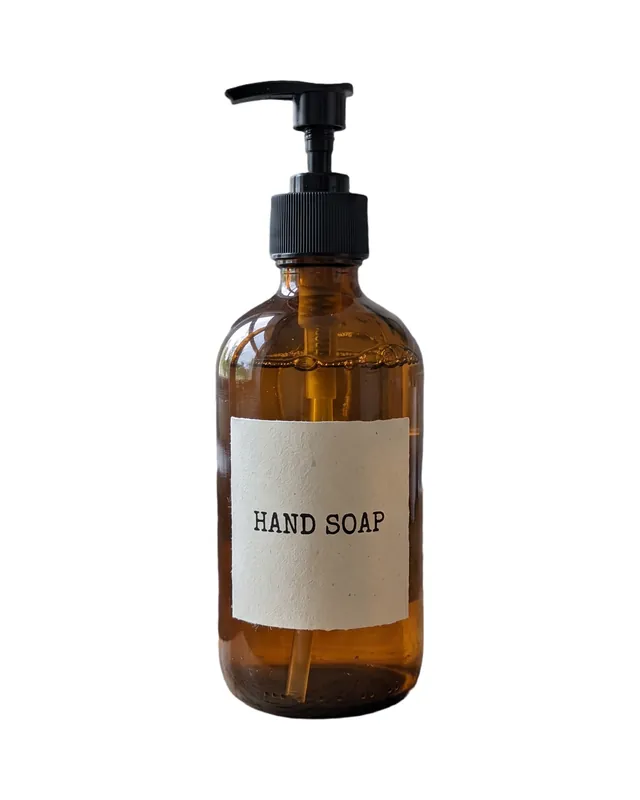
One recipe per job. Upload one photo and get the whole set: product photoshoots, staged rooms or headshots.
Read up before you generate — a hands-on guide for each world.
Newest first. Browse every guide on the blog.
How to photograph a room for a listing: camera height, corners, lens, light and the angles to take, plus how one photo can show the other views for planning.
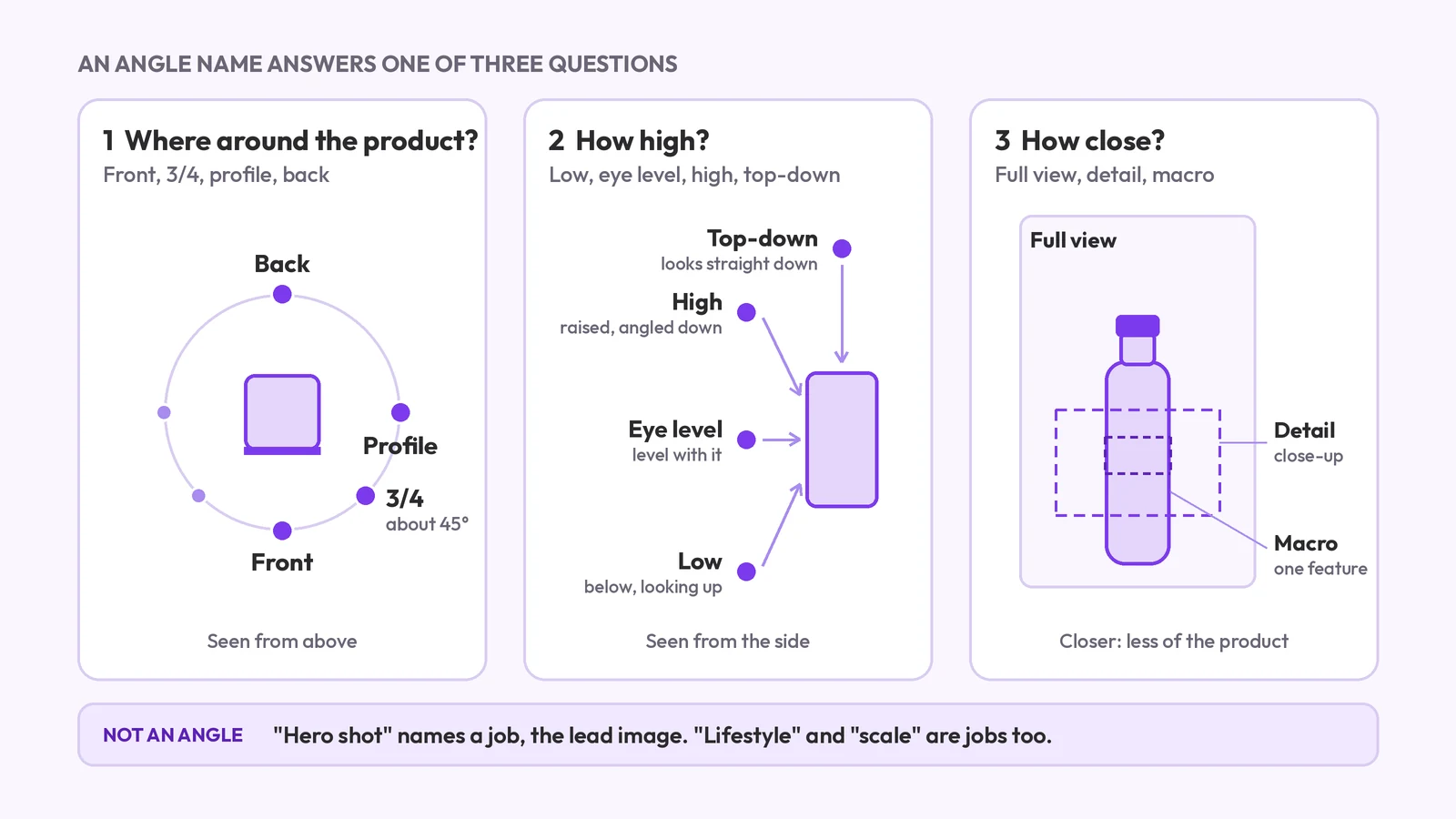
Product photography angle names: front, 3/4, profile, back, high, low, top-down and detail. What each means, which products need which, and what a set covers.
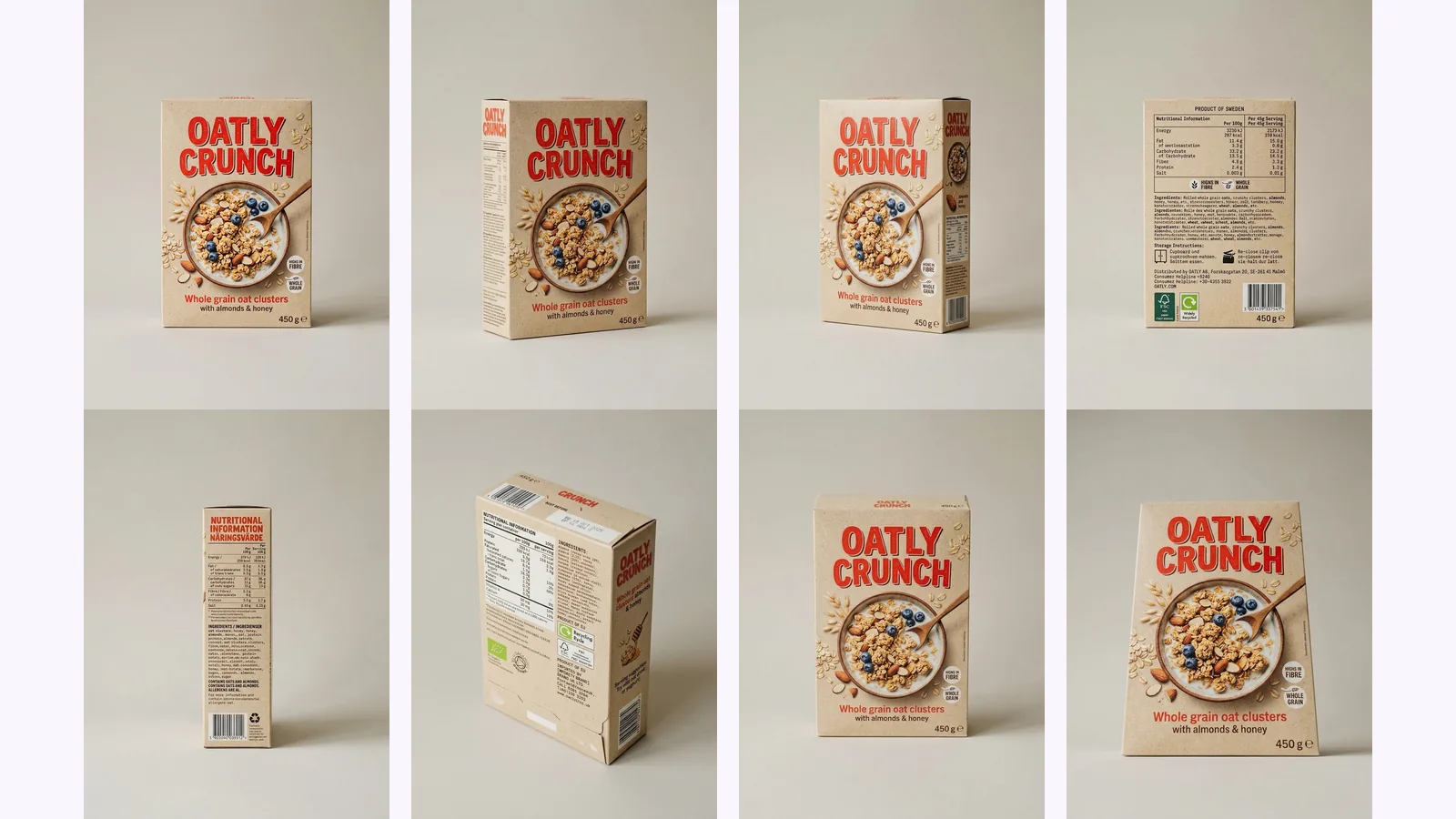
A Nano Banana different angles prompt, tested: eight copy-paste prompts run through the Gemini API on a box, a character and a room, and what drifted.
Multi-angle AI image generation, identity consistency, pricing, and commercial-use answers — for product, character, and environment work.
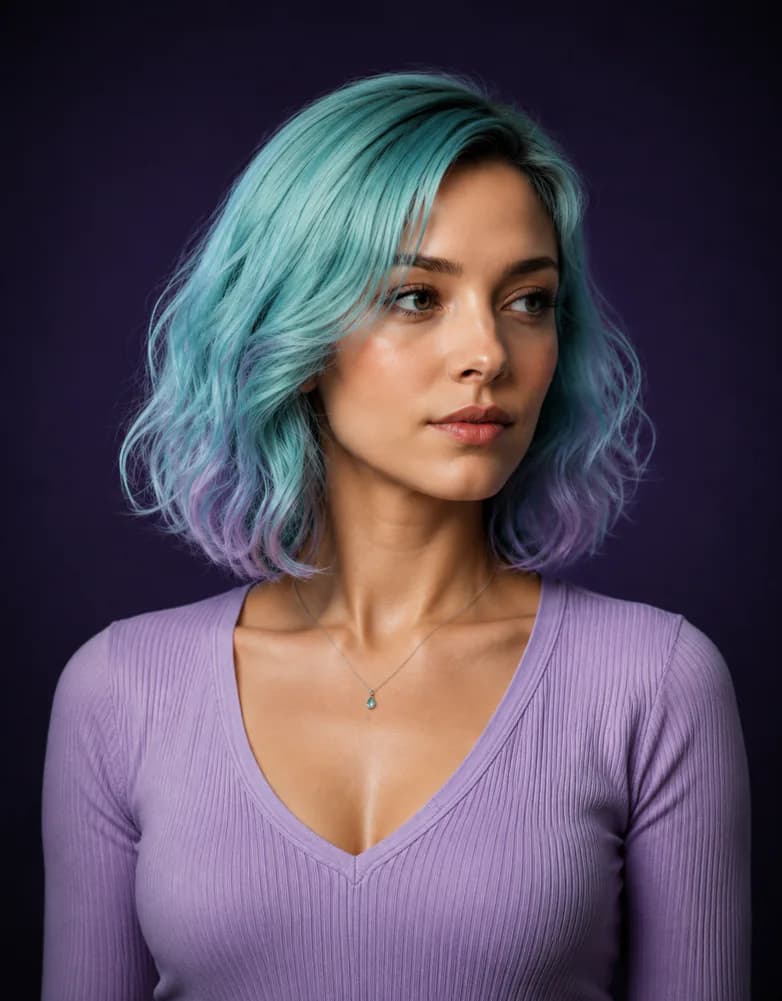
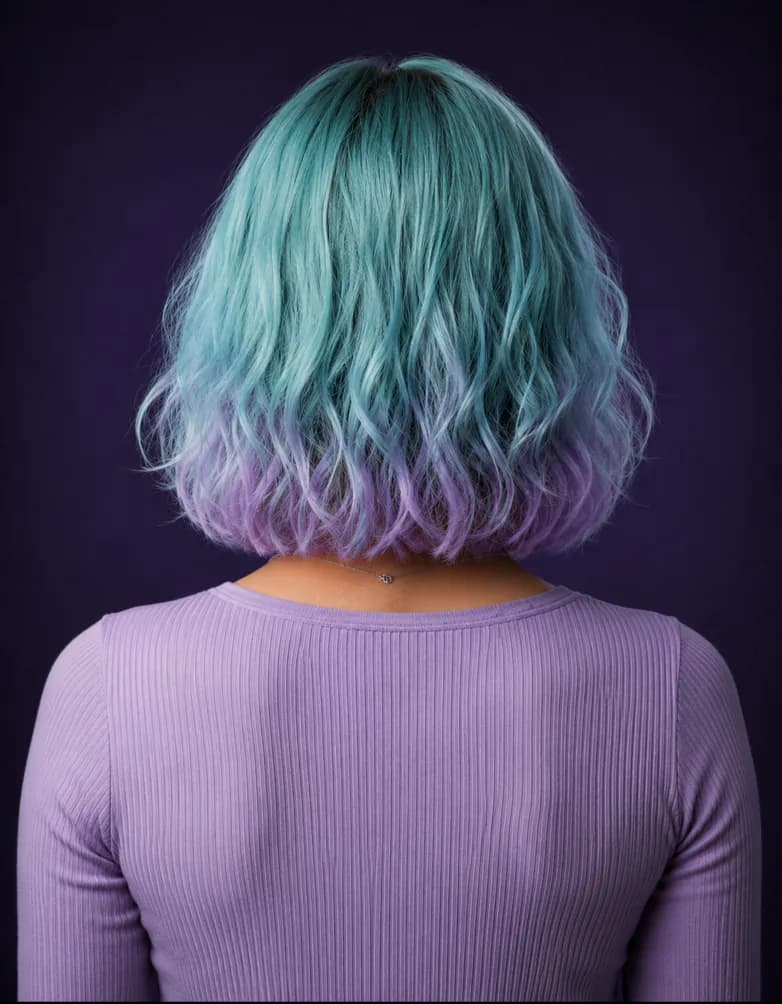
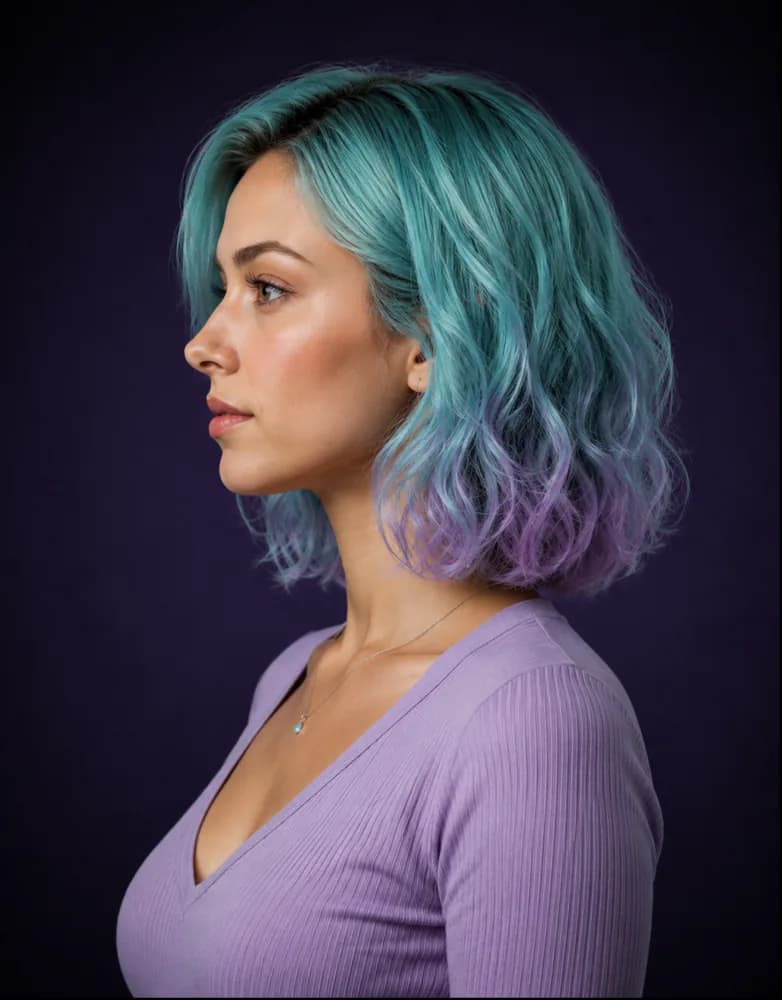
Upload one reference photo, MultiAngle.ai locks the identity, lighting, and style from that single image, then generates a coherent multi-angle set: 8 views of a person, character, or product, or 10 views of a room, your photo included. The whole flow runs in one workspace, with no re-prompting between angles.
An angle set is a coherent group of AI-generated images showing the same subject — a product, person, or environment — from different camera angles, with identity, materials, and lighting locked across every frame. For a character it's usually called a turnaround sheet. MultiAngle delivers the set as separate still images (PNG, JPEG and WebP, or a ZIP of the set), not as an interactive spin.
Yes — identity preservation is the engine's job. The face, skin tone, hair, clothing, and lighting stay locked across every frame in the set. That's what separates MultiAngle.ai from prompt-only tools like Midjourney that drift between generations.
Midjourney, Stable Diffusion, and Sora generate one image at a time and drift between prompts. MultiAngle.ai is built around angle sets — one reference in, a consistent multi-angle set out. Same subject, same lighting, every frame, ready for ecommerce, character work, or 3D reference.
Every plan downloads PNG, JPEG and WebP — one angle at a time, or the whole set at once as a ZIP (batch export). Ready for ecommerce listings, ad creative, decks, animation pipelines, and 3D reference.
You choose them. Start from a suggested set or the full set, or pick exact angles one by one. During review you can regenerate any single angle without disturbing the rest of the set. Paid plans also get the prompt field, and Improve (edit one angle) on Room angles and Product turnaround.