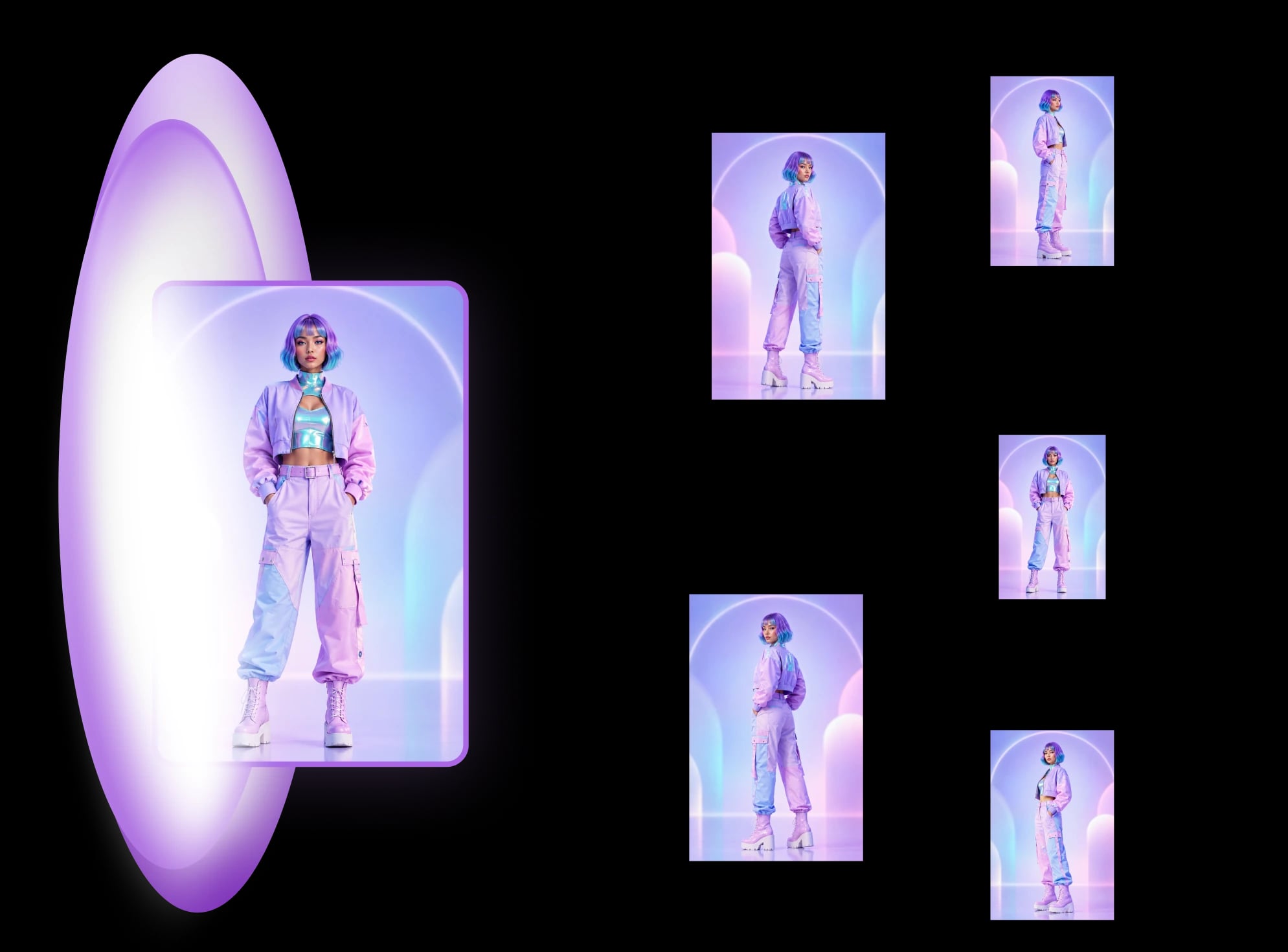
Change the camera angle of a photo with AI: 5 methods
Change the camera angle of a photo with AI: five methods compared, two tested on the same room, and where each one breaks, from reframing to 3D.
A Nano Banana different angles prompt, tested: eight copy-paste prompts run through the Gemini API on a box, a character and a room, and what drifted.
A Nano Banana different angles prompt works best when it names the subject as "the [object] in image 1", gives the camera move as degrees or a named position, and says what must not change. In our run that got clean turns and side views of a boxed product, but it did not get a believable view from above or below, and every hidden side came back filled with printed text the photo never showed. We ran eight prompts through the Gemini API on three subjects, first try each, with no re-rolls. It is one product and one run, so it shows where to look, not a success rate.
We make MultiAngle, so we also show what a fixed set did with the same box, including where it failed. For the broader comparison of prompting, camera sliders and fixed sets on one product, see how to get different angles of the same image with AI. If you want the matching set rather than one view, you can get a set of matching angles from one photo directly. More in the series: all our angle guides.
Key takeaways
What we ran. Google's gemini-3.1-flash-image model (the Nano Banana family), called directly through the Gemini API on 2026-10-04, with the input attached to each prompt. It is not the Gemini app, so app behaviour and limits can differ. We made 13 API calls in total: eight prompts on the box, two on the character, one on the room, and the two-step grid test. Every Nano Banana image in this post is the first try: nothing was re-rolled, and we did not cherry-pick, so each call is shown. Raw output is captioned "Nano Banana via the Gemini API, one written prompt", and is never MultiAngle output.
What we did not run. We did not test ChatGPT: its image model was not available to us for this test, so there are no ChatGPT outputs here, and nothing in this post says how ChatGPT behaves.
The three inputs. All three were made with Nano Banana, not photographed or drawn by hand: (a) a front-view cereal box with printed text on its front face, (b) one full-body front drawing of a fictional courier, and (c) a furnished living room with a window, a sofa, a TV and a stack of boxes.
How a prompt passed. We looked at two things on each output: whether the camera was where we asked, and whether what the input did show (wordmark, printed text, colours) stayed the same. We could not check the hidden sides against anything, because the input never showed them.
Name the subject as "the [object] in image 1", give the move as degrees or a named position ("from directly behind", "rotated 45 degrees to the left"), and say what must not change. Google's own Gemini image prompt guide (checked 2026-09-26) has a section on creating new images from different angles "using the same subject and setting", and advises naming each character or object and uploading clear references.
A reviewer, Chase Jarvis, tested Nano Banana Pro with "Create a new angle of the woman in [@]img1, like her entire body is rotated 45 degrees. Use the same framing as the original image." In his undated test he says Nano Banana Pro "might require a little more patience with the re-rolls". His test used a portrait, not products or rooms. We did not re-roll anything, so we cannot say what a re-roll would have changed.
The same reviewer recommends Higgsfield's Angles tool as a way to use Nano Banana Pro. We have not checked how Angles is built, but a camera slider is another route to one new view (see the Higgsfield Angles alternative guide).
We have no ChatGPT results, so we cannot say whether the prompts below work the same way there. What is sourced: a January 2024 thread on OpenAI's community forum, about DALL-E 3, where the poster wants "exactly same character but with different pose" and replies say that is hard to get (OpenAI community thread, checked 2026-10-04). It is old and about a different model, so it says little about ChatGPT today. The prompt structure (name the subject, name the move, pin what must not change) is generic, but treat it as untested in ChatGPT, and check printed text on every view.
Eight prompts, each filled in for the subject. For the box we ran prompts 1 and 3 once in each direction. For the character we ran prompts 2 and 3 only, and for the room prompt 7 only. These are the exact strings, with "[subject]" replaced by "box" or "character".
1. Degrees
Rotate the camera 45 degrees to the [left or right] around the [subject] in image 1.
Use the same framing, background and lighting as the original image.

2. Named position: back
Show the [subject] in image 1 from directly behind. Keep the same shape, colours, printed text, logos and lighting, on the same background.

3. Pinned: profile
Show the [subject] in image 1 from the [left or right] side, a straight profile.
Do not change: colours, proportions, printed text, lighting, background, framing.

4. Bare baseline
Show this from another angle.

5. From above
Show the [subject] in image 1 from above, the camera about 45 degrees above
looking down. Keep the same colours, text, lighting and background.

6. From below
Show the [subject] in image 1 from a low angle, the camera near the ground
looking up. Keep the same colours, text, lighting and background.

7. Reverse room angle (room only)
Show the room in image 1 from the opposite side, as if the camera stood by the
window and looked back at the wall the original camera faced. Keep the same
walls, floor, window, colours and lighting.

8. Grid, then isolate
First: Make a 3x3 grid of the box in image 1 from nine different camera
angles, with the same lighting and background in every cell.
Then: Make the image top left full screen.
Prompt 4 is the baseline: it shows what a vague request gets. Prompt 8 is the grid trick from a Higgsfield subreddit thread: ask for a grid of angles, then ask for one cell full screen. Through the API there is no chat to continue, so we sent the second line as a new call with the grid image attached.
"Angle as asked" means the camera was where the prompt said, judged by eye on the first try. Every row is one image from one call. We judged the kind of angle, not left against right: on prompt 1 the "right" run showed the box's left face and the "left" run its right face, so the direction can be read either way, and we counted both as asked.
| Prompt | Subject | Angle as asked? | What drifted |
|---|---|---|---|
| 1. Degrees, right | Box | Yes | Wordmark and front text held. The new side face is filled with small text the input never showed. |
| 1. Degrees, left | Box | Yes | Same: front held, side face has an invented mini wordmark, a garbled nutrition block and a barcode. |
| 2. Back | Box | Yes | The whole back panel is invented: a nutrition table, ingredient lines, an address, a "Product of Sweden" line, an FSC logo and a barcode. |
| 2. Back | Character | Yes | The shoulder bag gains a compass emblem and a line of lettering that the front never showed. |
| 3. Profile, left | Box | Yes | A straight narrow side with an invented nutrition table and a barcode. |
| 3. Profile, right | Box | Yes | Straight side. It prints a sentence that reads like an instruction instead of box copy (see below). |
| 3. Profile, left | Character | Yes | A left-facing profile. A hood-like shape appears behind the neck; the front view shows a high collar. |
| 4. Bare baseline | Box | No angle asked | It chose a high view from behind, with the back panel, flaps and a "BEST BEFORE" date. The front is not visible. |
| 5. From above | Box | Barely | Close to a straight-on front view. Only a thin strip of the top face shows. |
| 6. From below | Box | No | A front view with the box redrawn as a trapezoid, wider at the base. No underside is visible. |
| 7. Reverse room | Room | Partly | A new viewpoint, but not the opposite one (see below). |
| 8. Grid, then isolate | Box | Not a clean grid | See the grid section. |
Of the seven box runs that asked for a specific angle (prompts 1, 2, 3, 5 and 6, with prompts 1 and 3 run in both directions), five gave that angle. Prompts 5 and 6 are the two that did not.
What held on the box: the red wordmark, the cereal bowl artwork, the beige board and the lighting stayed the same in every view that shows the front. What did not: every face the input never showed, and the shape in prompt 6.
The input shows only the front, so any text on a side or back is invented. On the right-profile view the invented side copy starts with a sentence that reads like a note to the designer: "Product description and ingredients text from the original box side is here, perfectly legible, detailed and specific (e.g.," followed by an ingredients line with misspelled words. That is not box copy, and it is a good reminder to read every word on a generated side.
The back is where the difference is biggest. Nano Banana gave a complete, plausible-looking back panel with a nutrition table, ingredients, a distributor address in Malmö, a "Product of Sweden" line and recycling logos, all invented from a front view, with several misspelled words. A seller who published it would be printing claims nobody wrote. Our fixed-set run (below) did something different and also wrong: it returned a "back" view that repeats the front artwork.
On the courier drawing, the back and left-profile prompts both gave the requested view, with the jacket, scarf, goggles and trousers recognisable. The drift was in the details the front never showed.
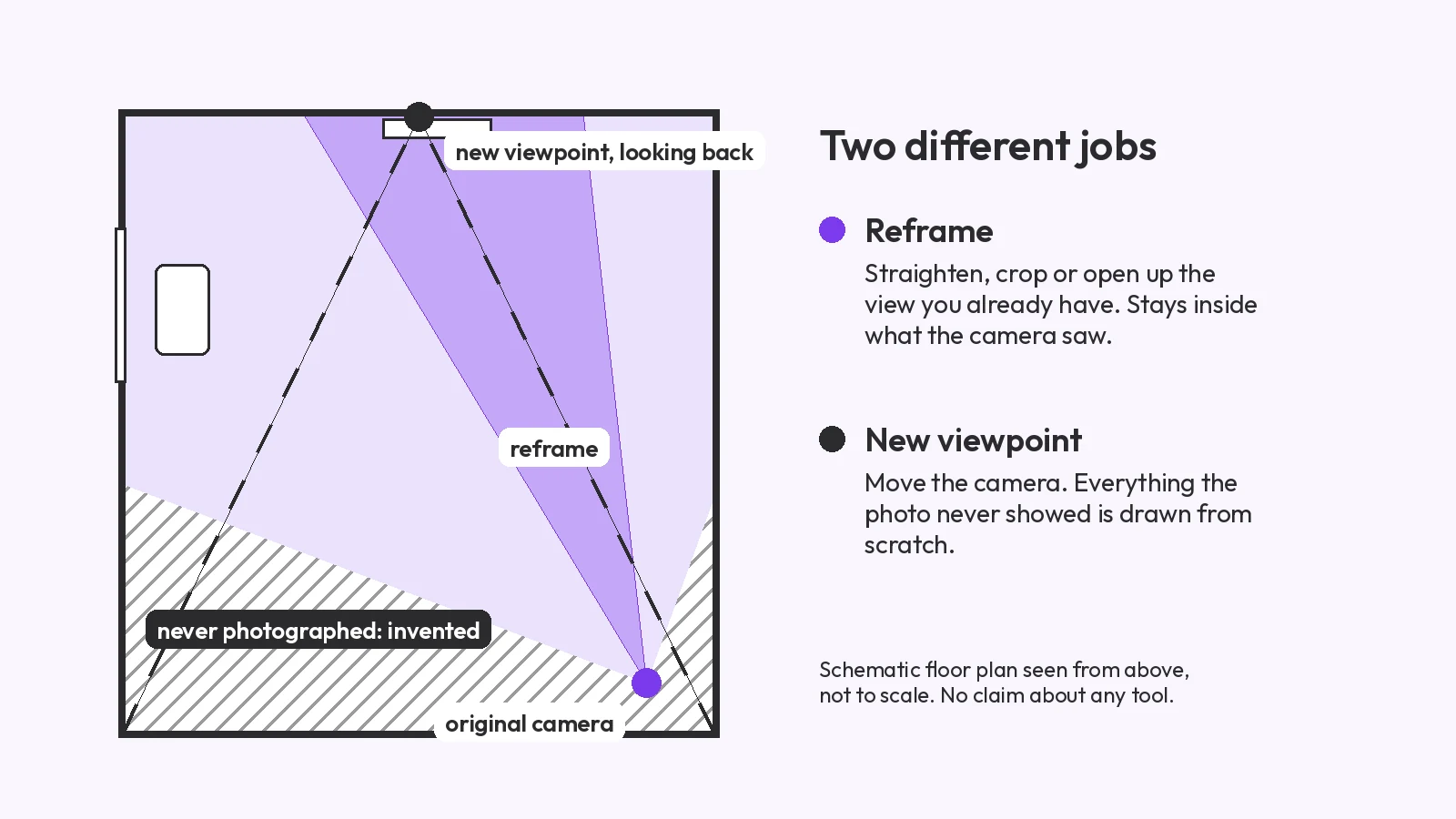
The room prompt asked for the opposite side of the room. The result is a believable new viewpoint, but not a reverse one: the sofa, coffee table, rug and stack of boxes from the original are all still in view, and they stood in front of the original camera. The TV and its stand do not appear, and a coat nook with a hung coat, which the photo never showed, was added.
Prompt 8 asks for a 3x3 grid of angles, then asks for the top-left cell full screen. We measured both files. The grid is 1024 x 1024 px, so each cell is about 341 x 341 px. The isolated image is also 1024 x 1024 px, so it is a redraw at the full size of the grid, not a crop of one cell.
The grid itself is not nine clean angles: two of the nine cells are close-ups of the printed artwork rather than new camera positions. The isolated cell reads "480 g". The input says "450 g". The weight is hard to read for certain in the grid cell, and the text there is already garbled ("eat clusters", "heney" at 100%), so we cannot say which step changed it, only that the final image differs from the input.
Because the model redraws the picture; it does not rotate a 3D scene. Whatever was out of frame in your photo, the back of the object, the far wall, is guessed, and the parts that were in frame can be redrawn too. A Reddit asker on r/nanobanana put it this way: Nano Banana Pro "keeps changing the scene (people/props/lighting/layout), even when I say 'same scene'", and a reply suggested a JSON-style prompt (r/nanobanana thread, no resolution reported).
An essay on the AI Photography Training newsletter makes the same point about new viewpoints: AI "cannot re-photograph things" (published 2025-11-13, checked 2026-09-26; full citation in the angles comparison linked above). Our room run shows it: asked for the opposite wall, the model kept the furniture and invented the rest.
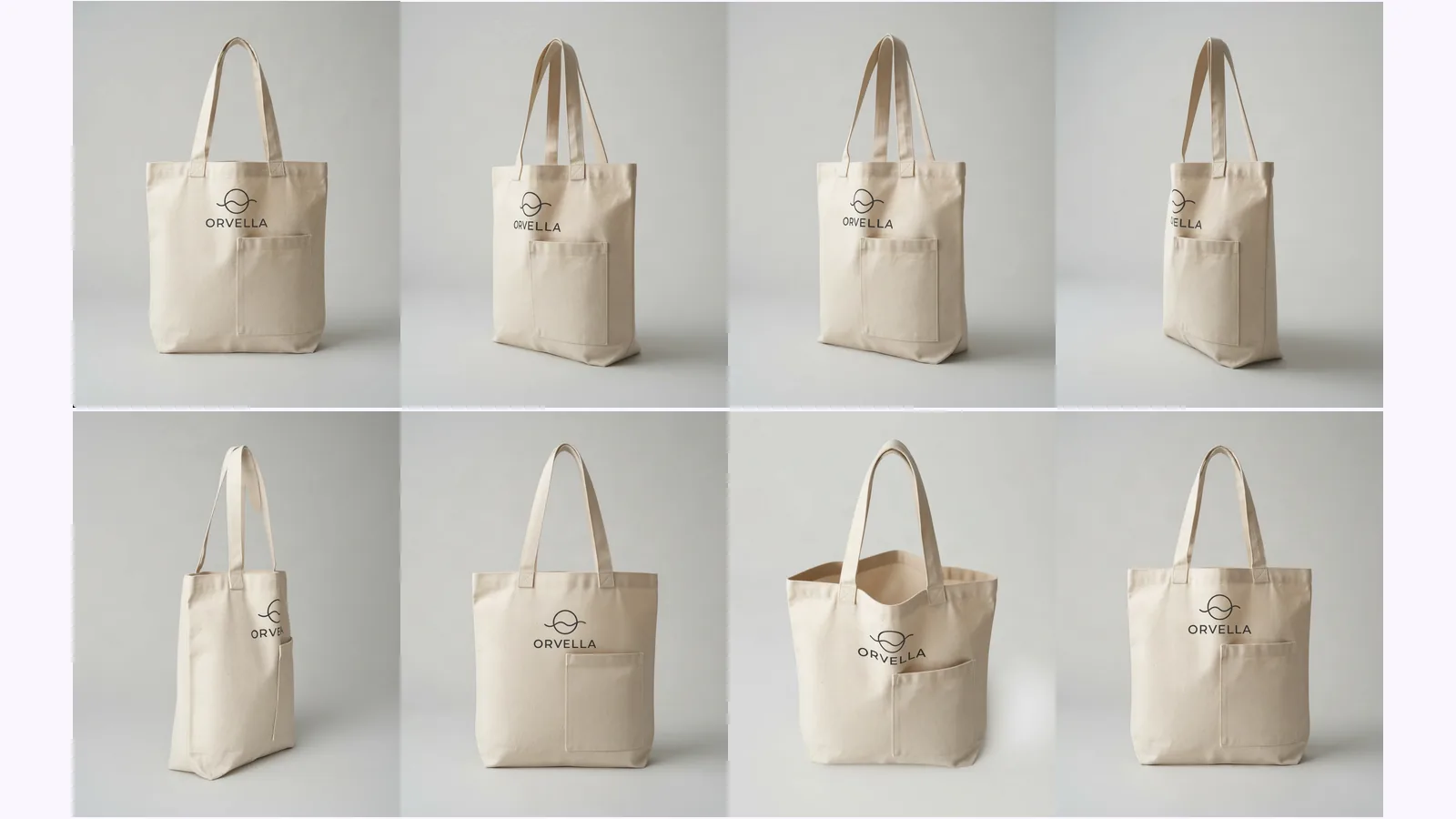
When you need several views that match, one upload is less work than eight prompts. MultiAngle's Product turnaround template returns 8 views: front, 3/4 left, 3/4 right, left side, right side, back, above and below. Your upload is one of them, so 7 are generated, for 7 credits at one variant per angle. Room angles returns 10 views for 9 credits. Plans and credit costs are on the pricing page.
We ran the same cereal box through the Product turnaround once, with the same input file as above.
What held and what did not, from the images:
For the room we ran MultiAngle's Room angles on the same living room, as the reference set. It returns the ceiling, the floor, four walls and four corners.
The room set shows the walls, floor and ceiling in one run, and some views show furniture and boxes the input already contained. We did not check every view against the original. The one wall that the input could not show, the one behind the camera, is again a guess.
The fixed set loses in two places. The angles are fixed, so you can't ask for a custom one, and there is no prompt field on the Free plan: the prompt field, and Improve (edit one angle) on Room angles and Product turnaround. The Free plan gives 4 credits, on the 1st of each month (UTC), which covers part of a set. This is a single product in a single run, for both tools.
Make a product angle set from one photo
Name the subject as "the [object] in image 1", give the camera move in degrees or as a named position, and list what must not change: colours, printed text, lighting, background and framing. On our box, "rotate 45 degrees" and "straight profile" prompts gave the requested angle on the first try. "From above" and "from below" did not.
Partly. On our courier drawing, back and left-profile prompts gave recognisable views of the same character, but the bag flap gained an emblem and lettering that the front never showed. Chase Jarvis's undated test of Nano Banana Pro says it "might require a little more patience with the re-rolls". For a full set of one character, MultiAngle's Character turnaround returns 8 views (front, 3/4 front left, 3/4 front right, left profile, right profile, back, above and below) from one drawing for 7 credits.
We did not test ChatGPT, so we cannot say. A January 2024 OpenAI forum thread about DALL-E 3 describes a poster who wanted "exactly same character but with different pose" and was told it is hard. Whatever you use, check printed text and logos on every generated view.
One image per prompt by default. You can ask for a grid of angles, but each view then gets only part of one image's pixels, and the "make the top left full screen" step regenerates the cell: in our test the grid was 1024 x 1024 px and the isolated image was a 1024 x 1024 px redraw, not a crop.
Yes, with limits. The Gemini app has a free tier and publishes no fixed daily number (checked 2026-09-26), so expect to hit a limit at an unpredictable point. MultiAngle's Free plan gives 4 credits a month. We called the Gemini API, not the app, for this test.
More on this topic: AI angle generator and Different Angles of One Image With AI.
Change the camera angle of a photo with AI: five methods compared, two tested on the same room, and where each one breaks, from reframing to 3D.
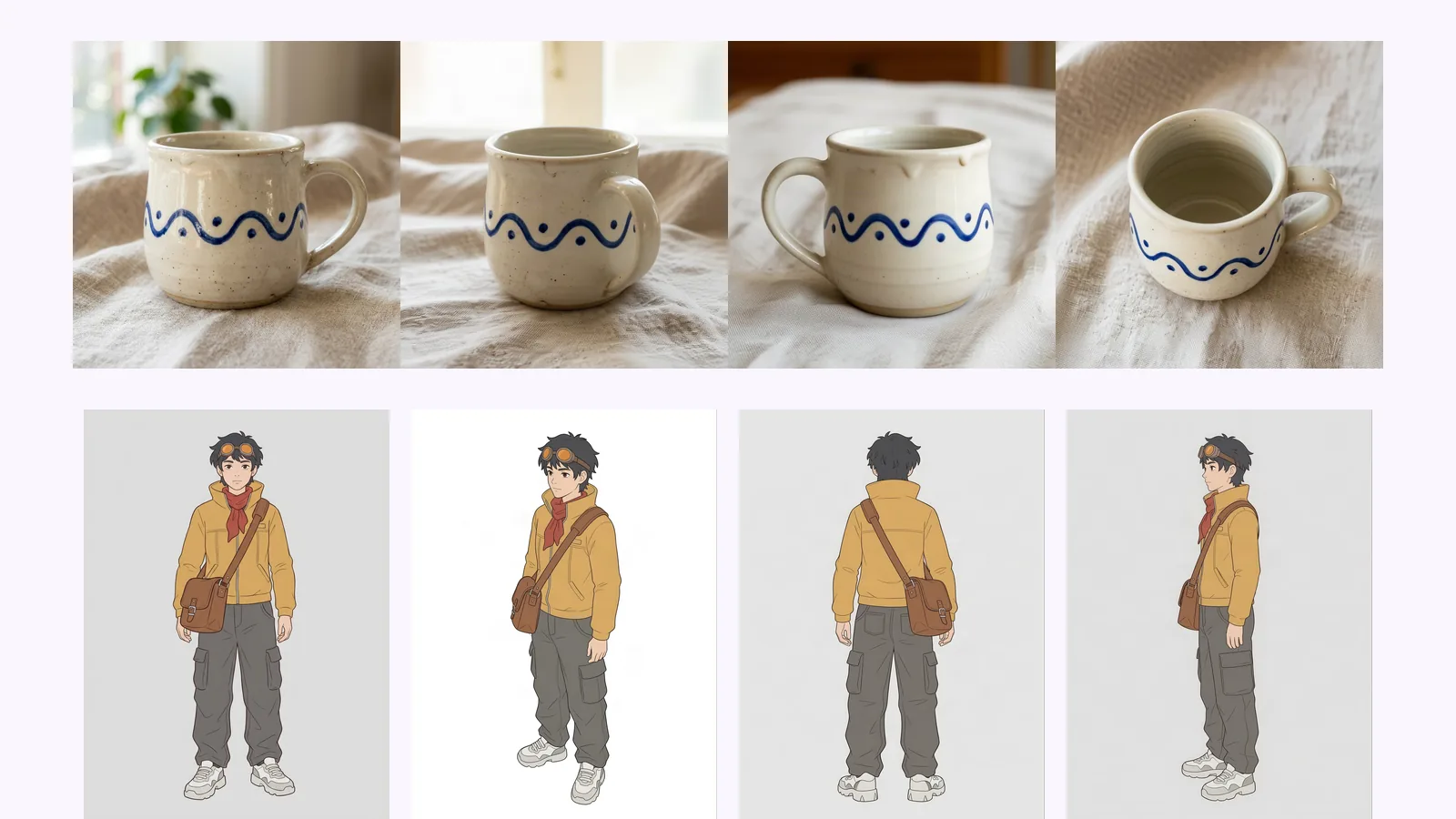
Higgsfield Angles lets you aim the camera; MultiAngle returns a fixed set. What each fits, from Higgsfield's pages and our outputs. We did not run Higgsfield.
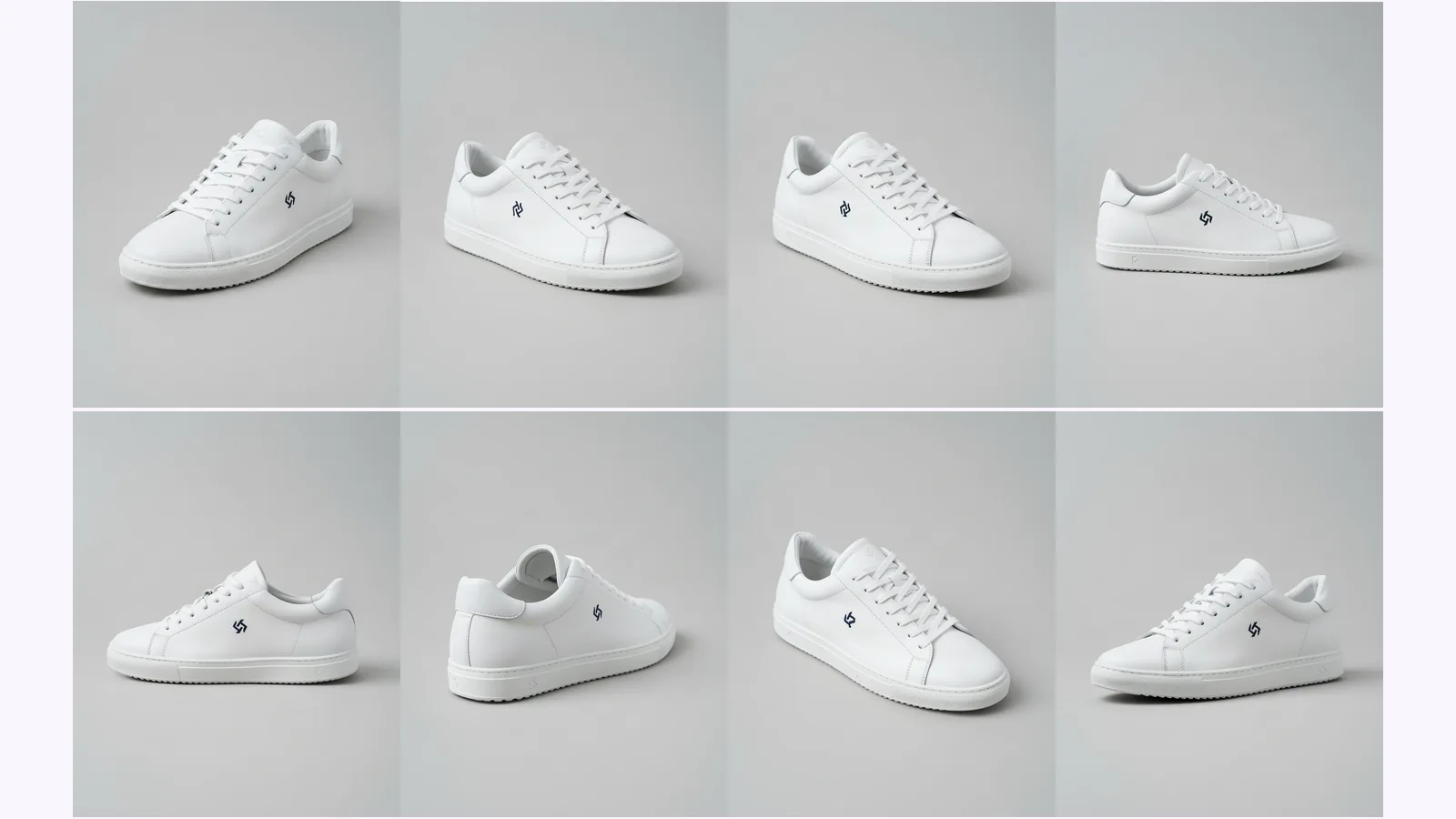
Prompt a chatbot, move a camera slider, or use a fixed angle set to get multiple angles of one image. We ran two on one product: which stayed consistent.