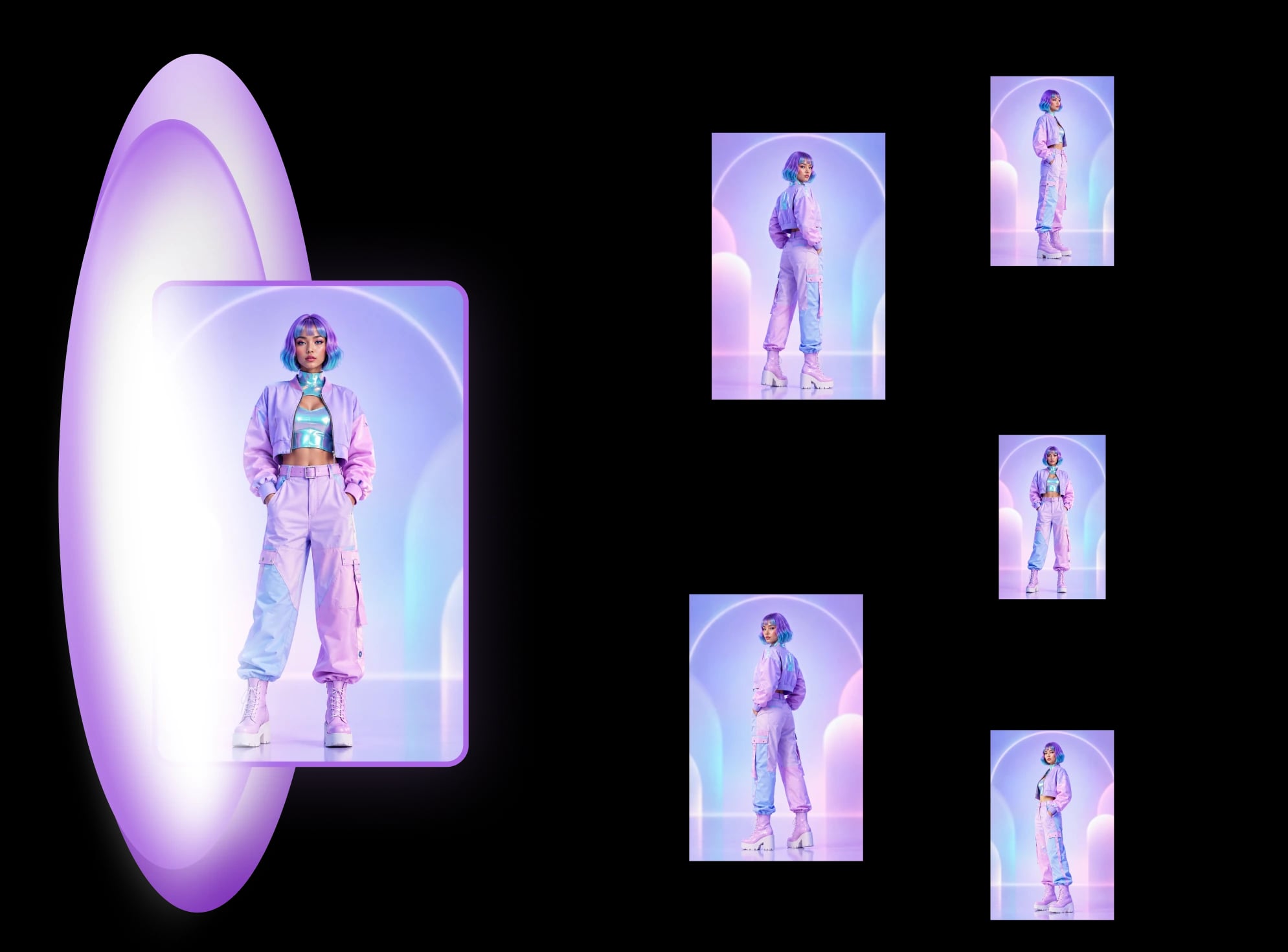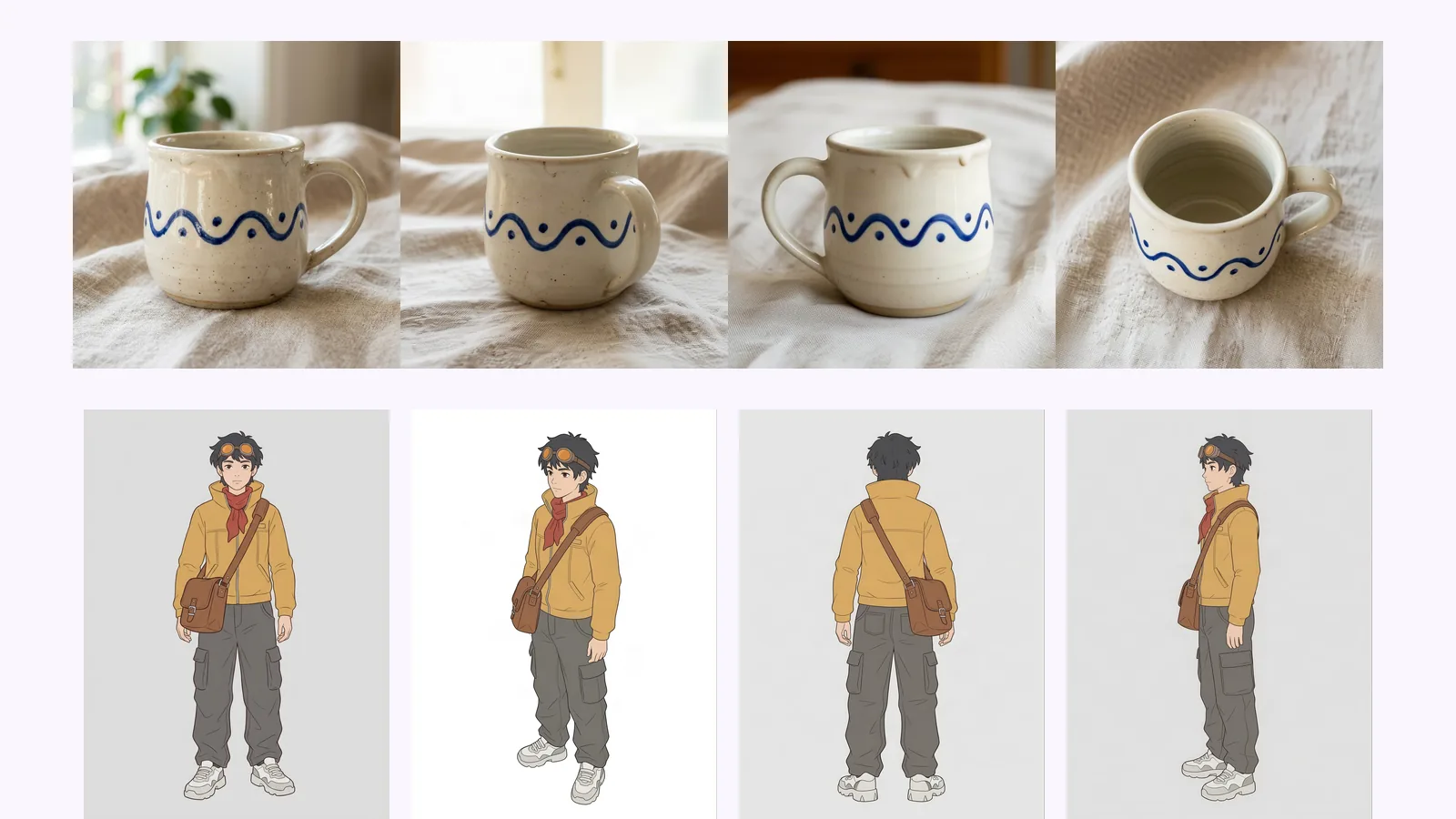
Higgsfield Angles alternative: fixed set vs camera slider
Higgsfield Angles lets you aim the camera; MultiAngle returns a fixed set. What each fits, from Higgsfield's pages and our outputs. We did not run Higgsfield.
Change the camera angle of a photo with AI: five methods compared, two tested on the same room, and where each one breaks, from reframing to 3D.
You can change the camera angle of a photo with AI in two ways: reframe the shot you have, or redraw it from a new viewpoint. Reframing keeps what you shot. A new viewpoint invents what the camera never saw. The right method depends on whether you need one view, a matching set or a whole scene.
We make MultiAngle, which is one of the five methods. We ran two of them on the same image: a prompted new viewpoint in Nano Banana and MultiAngle's Room angles. The input was one eye-level, wide image of a furnished living room with a window, a sofa, a floor lamp, a TV and a stack of boxes. We did not test the other three (Adobe Firefly, a slider tool and image-to-3D), and say so where they come up. For the job of getting a matching set of one product or character, see how to get different angles of the same image with AI. This post stays on one photo, one new viewpoint, and scenes. If you want a set of matching angles from one photo, start at MultiAngle's AI angle generator, and the rest of this series is in our guides to changing and generating angles.
Key takeaways
Yes, in two different ways. It can reframe the shot you have, by straightening a tilted line or opening up a tight crop. Or it can redraw the scene from a new viewpoint, which means it has to invent the parts of the scene the photo never showed. The first stays close to your photo. The second is a reconstruction you have to check.
This matters most for rooms and streets. As an essay on the AI Photography Training newsletter puts it, in a piece on why AI models struggle with new viewpoints:
AI can re-stage people … cannot re-photograph things.
Treat that as the working rule for the five methods below. The diagram shows the difference between a reframe and a new viewpoint on a floor plan.
Adobe's Firefly "Change Perspective" tool describes itself as a way to "rotate an angle, straighten a tilted line, or open up a tight shot", and it fills gaps with generated content. Free daily generations come with an Adobe account (Adobe, Change Perspective, checked 2026-09-26). We read that as reframing the shot you already have, which is the right job for tilted verticals or a crop that cut off the corner of a room.
It is the wrong tool if you want to see the room from the other side. Searchers mix the two jobs up, because "perspective" names both.
We did not test Firefly: we have no Adobe account set up for this, so there is no output here, and the description above is Adobe's own, not our result.
Upload the photo to a general image model, such as Google's Nano Banana (Gemini image) or ChatGPT, and describe the new viewpoint in words. It is flexible and often free, but every view is a separate generation, so you re-roll until one holds. For the tested prompts and re-roll counts on three subjects, see Nano Banana and ChatGPT different-angle prompts, tested.
The prompt we used for the reverse viewpoint, verbatim:
Show this same living room from the opposite wall, looking back toward where the camera was standing. Keep the same sofa, rug, coffee table, floor lamp, TV, boxes, window, colours and lighting.
We ran that prompt once on the input in Nano Banana (Gemini 3.1 Flash Image) on 2026-10-04 and show the first result. We did not re-roll, so this says nothing about how many tries a better one would take. We did not test ChatGPT.
It looks like a clean, plausible room, and the objects carried over: the three-pane window, the sofa with its knitted throw and worn seat patch, the coffee table, the rug, the lamp and a stack of three boxes. The room around them was rearranged to suit the prompt. The window moved from the side wall to the far wall, with the lamp beside it and the boxes to its right. The TV we asked it to keep is not in the frame; a pale wooden corner at the bottom-right edge is all that shows, and we could not tell what it is. A doorway with a glazed front door and a framed picture appear on the right wall. The input shows a plain door at the end of a recess and no picture.
Angle tools let you set the position instead of describing it. Higgsfield Angles has sliders for rotation, zoom and vertical angle plus presets (Higgsfield guide, checked 2026-09-26). ImagineArt offers rotate, up-down and zoom sliders, and Upsampler runs a free multiple-angles tool without an account on a daily allowance, one view per instruction (checked 2026-09-26). GoStudio's Perspective tool offers 10 named angles, including 3/4 left and right at 45°, profiles at 90°, back, top-down, bird's eye and worm's eye, with 10 free credits (checked 2026-09-26).
They suit one chosen view of one subject. For a comparison of Higgsfield Angles against a fixed set, see the Higgsfield Angles alternative guide.
We did not test a slider tool: we have no account with any of them, so the descriptions above come from their own pages and we show no output.
MultiAngle's Room angles template returns 10 views from one upload: 4 walls, 4 corners, the ceiling and the floor. Your upload is one of them, so 9 are generated, and a full set at one variant per angle costs 9 credits. You don't set the camera: the angles are the template's. For people and characters, Character turnaround returns 8 views (front, 3/4 front left, 3/4 front right, left profile, right profile, back, above and below) for 7 credits.
We ran Room angles on the same input once. One of the 10 views looks back at the wall behind the original camera, which is the closest match to the prompted view above.
Here the window stays on the same side wall as in the input, seen from the other end, with the sofa under it, and the stack of boxes is on the opposite wall. The wall at the far end is blank white, with no window, door or picture. That wall was never photographed, so it is invented too. It contradicts the input less than the prompted view does, because nothing the input showed has changed wall. It also shows nothing where the prompted view drew a door. The other views in that run are discussed in how to see a room from every angle from one photo, including a repeated view and a door that appears in one view and not in another.
Image-to-3D tools build a model from the photo, and you then render it from any camera position you choose. It gives the most control, and once the geometry is built, new viewpoints stay consistent with each other. It also takes the most work: you build, fix and light a model. Where you need a true, repeatable camera move, this is the method that wins. We did not run it, and MultiAngle does not export 3D.
| Method | What actually changes | Reframe or new viewpoint | Cost basis | Where it broke in our test |
|---|---|---|---|---|
| 1. Reframe (Adobe Firefly) | Tilt, crop and fill on the shot you have, per Adobe's description | Reframe | Free daily generations with an Adobe account (checked 2026-09-26) | Not tested |
| 2. Prompt a general model | A new image drawn from your wording, one generation per view | New viewpoint | Free and paid tiers; not priced or checked for this post | Kept the objects but moved the window and dropped the TV; added a door and a picture (one try) |
| 3. Camera slider or named angle | A new image from the position you set, one view per run | New viewpoint | Varies: Upsampler free with no account; Higgsfield credits from a paid plan (checked 2026-09-26) | Not tested |
| 4. Fixed set (MultiAngle) | 10 template views from one upload | New viewpoint | 9 credits per room set; Free plan 4 credits | The sofa, window and boxes kept their walls, the unseen far wall came out blank; one view in the run repeated another (one run) |
| 5. Image-to-3D | A model built from the photo, then rendered from chosen cameras | New viewpoint, from geometry | Depends on the tool; not priced here | Not run |
Every new viewpoint fails in the same places, because it draws what the photo never showed. This is what we saw in two runs on one room.
We did not test these, so treat them as general cautions and not as results:
At close range the objects we compared held. The window in the prompted view has three panes and a blind like the input's, the sofa keeps its knitted throw and the worn patch on the seat, and both new views draw three boxes in the same small-to-large order. The MultiAngle view shows only part of the window, so we could not count its panes. What changed was where things stand, not what they look like. One room and one run each: this shows where to look, not a ranking.
For what happens between upload and download, see how MultiAngle generates a set. MultiAngle has no custom camera position: you get the template's views.
Make a room angle set from one photo
Rotating turns the flat picture you already have. A new camera angle shows surfaces the photo never captured, so the AI has to draw them. Reframing tools sit in between: they tilt and crop what you shot and fill the gaps.
It can turn a face somewhat, and the side the photo shows stays closest to the truth. The further the head turns past profile, the more the model invents, so compare the result with the original for likeness. MultiAngle's Character turnaround returns front, 3/4 front left, 3/4 front right, left profile, right profile, back, above and below.
Yes, with limits. Adobe Firefly offers free daily generations with an Adobe account, Upsampler runs without an account on a daily allowance, and GoStudio gives 10 free credits (all checked 2026-09-26). MultiAngle's Free plan gives 4 credits, on the 1st of each month (UTC).
No. Each template returns a fixed set, for example 4 walls, 4 corners, the ceiling and the floor for a room. For one exact view, use a camera-slider tool.
More on this topic: AI angle generator and Different Angles of One Image With AI.
Higgsfield Angles lets you aim the camera; MultiAngle returns a fixed set. What each fits, from Higgsfield's pages and our outputs. We did not run Higgsfield.
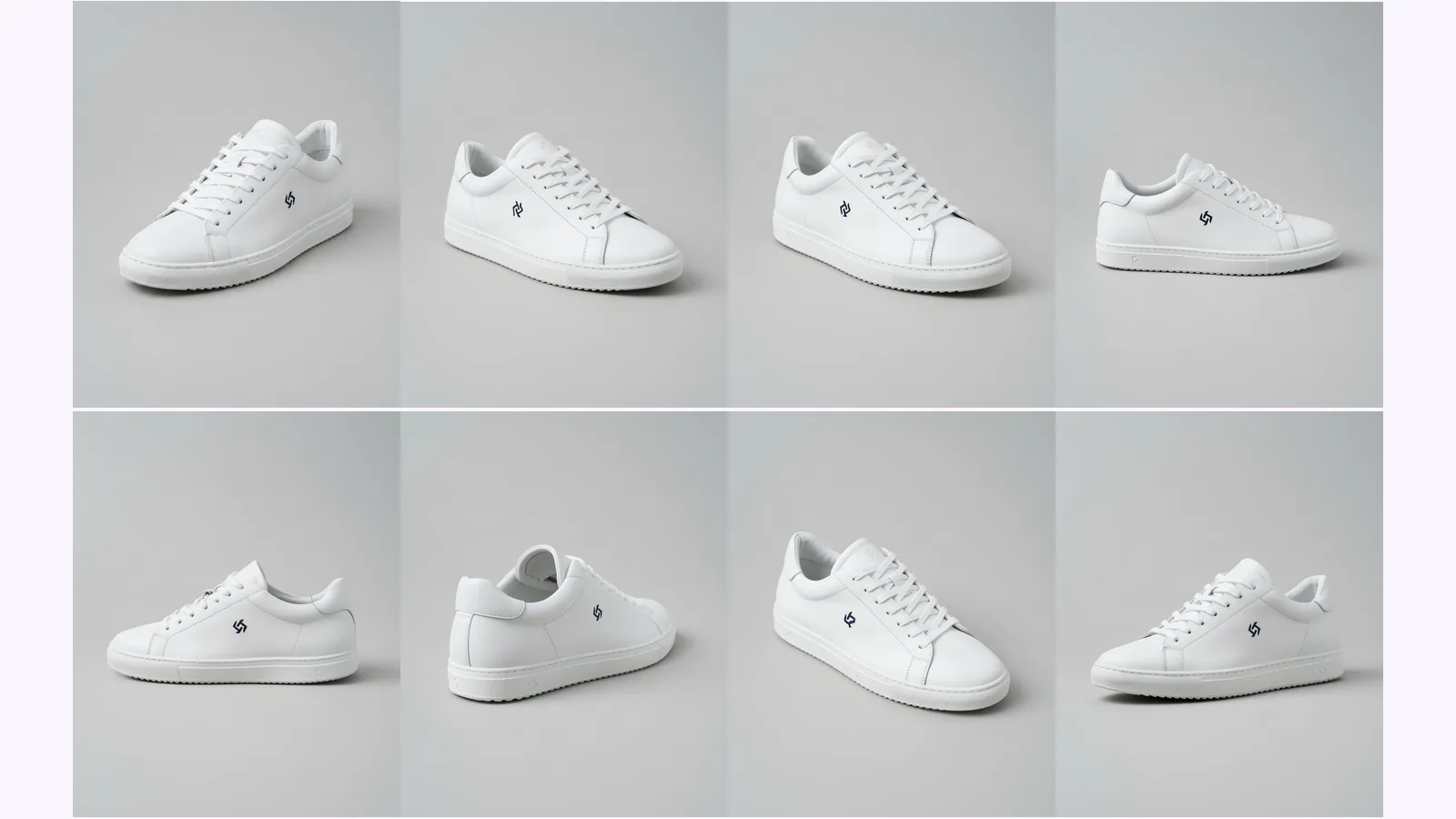
Prompt a chatbot, move a camera slider, or use a fixed angle set to get multiple angles of one image. We ran two on one product: which stayed consistent.
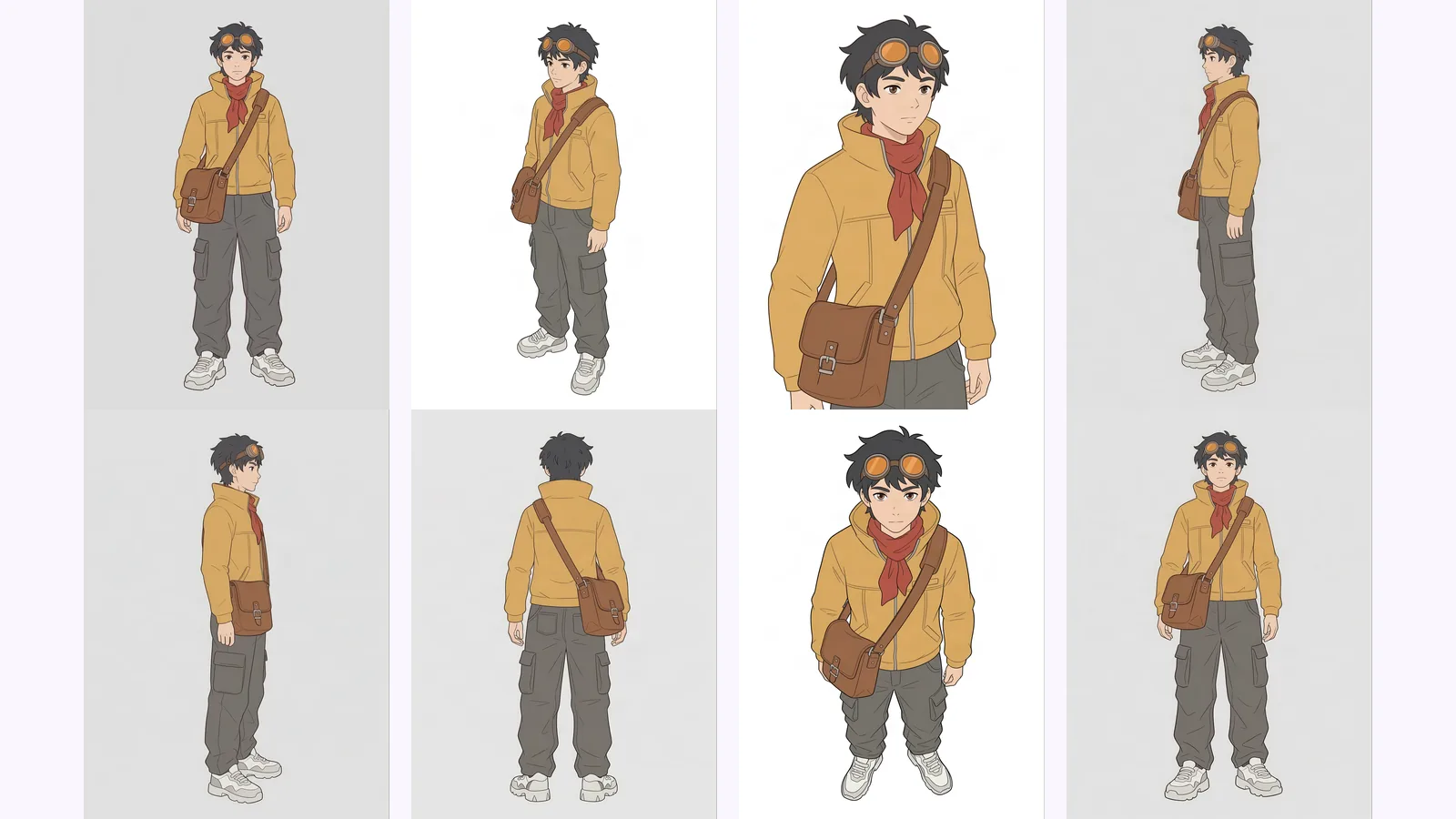
Multi-view images for 3D: the views Meshy, Hunyuan3D-2mv and Tripo take, how to make 8 consistent views from one drawing, and how to check them.