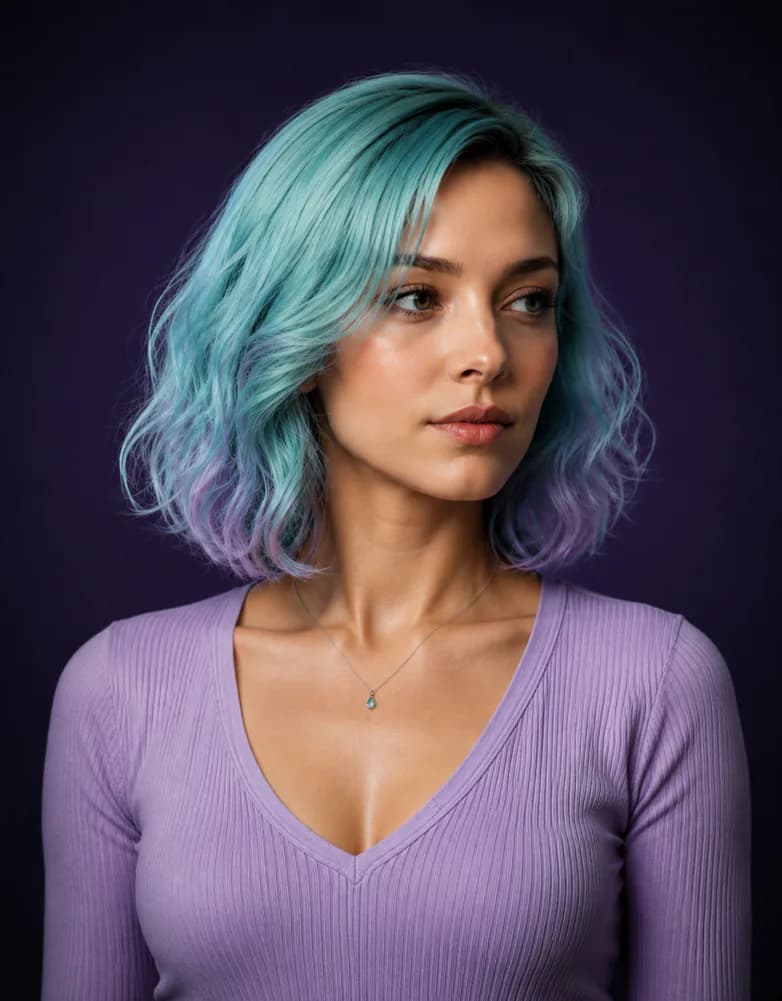
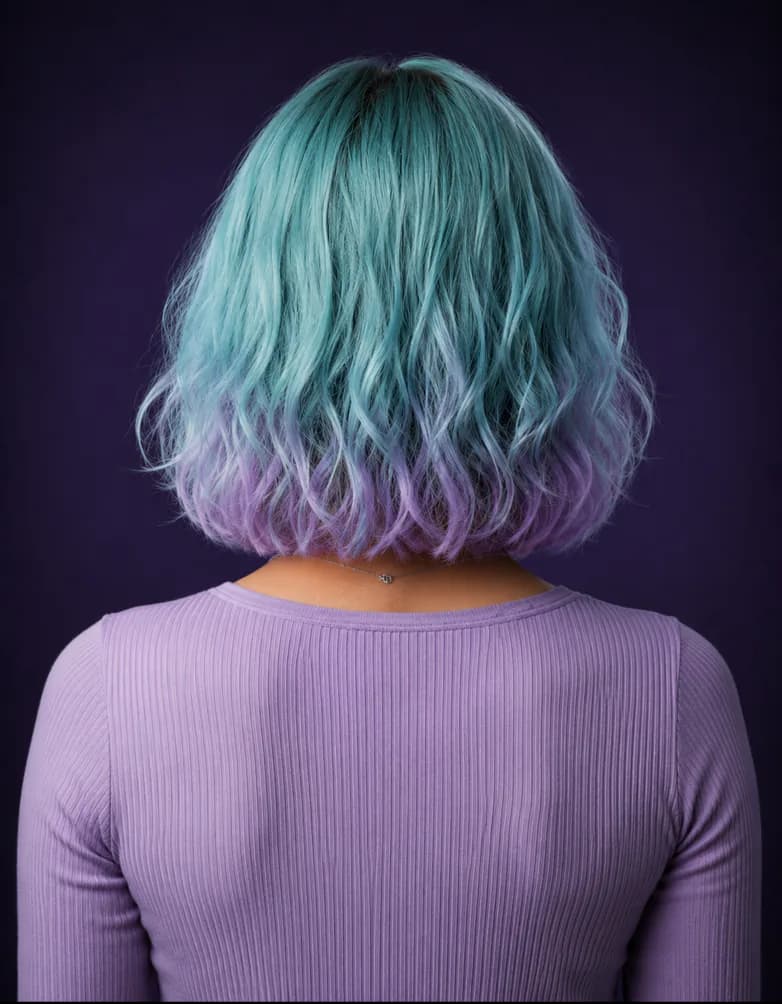
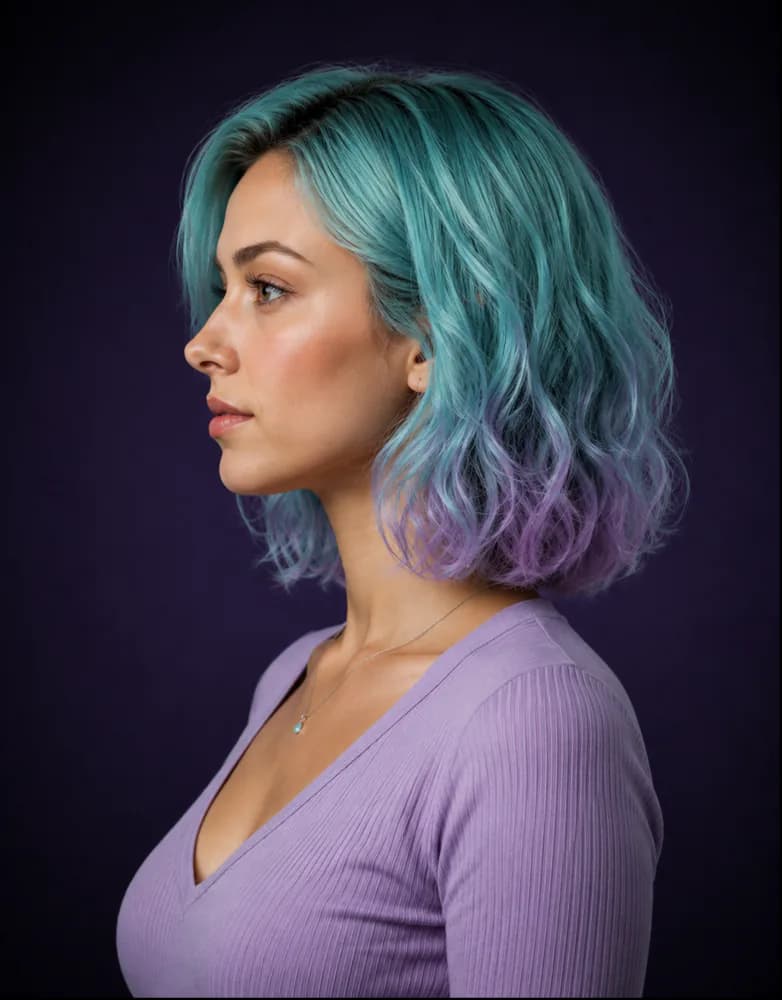
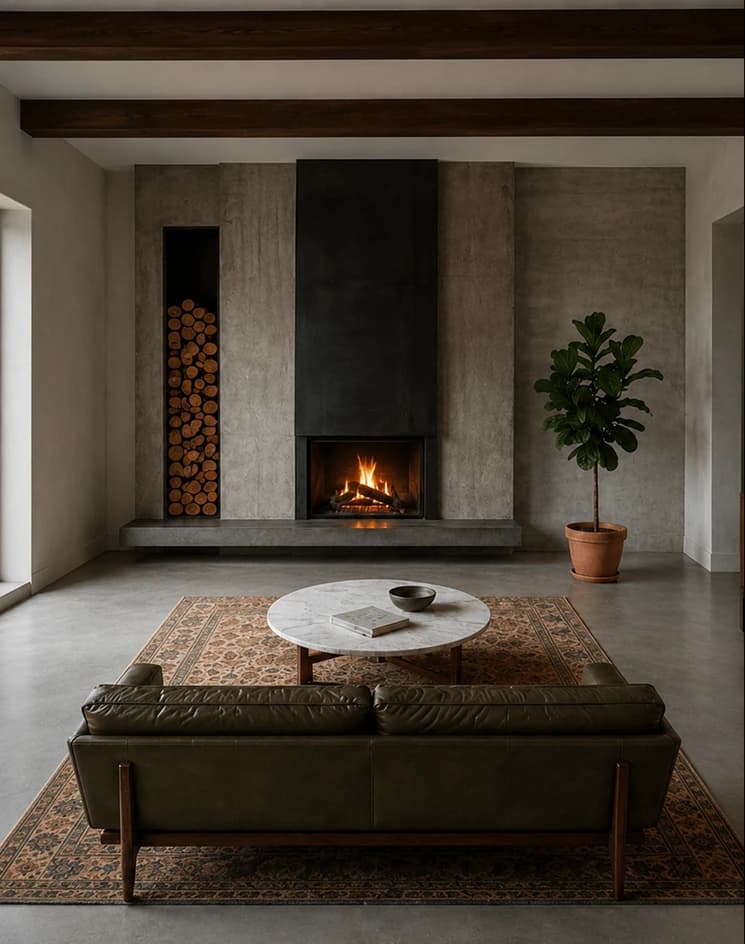
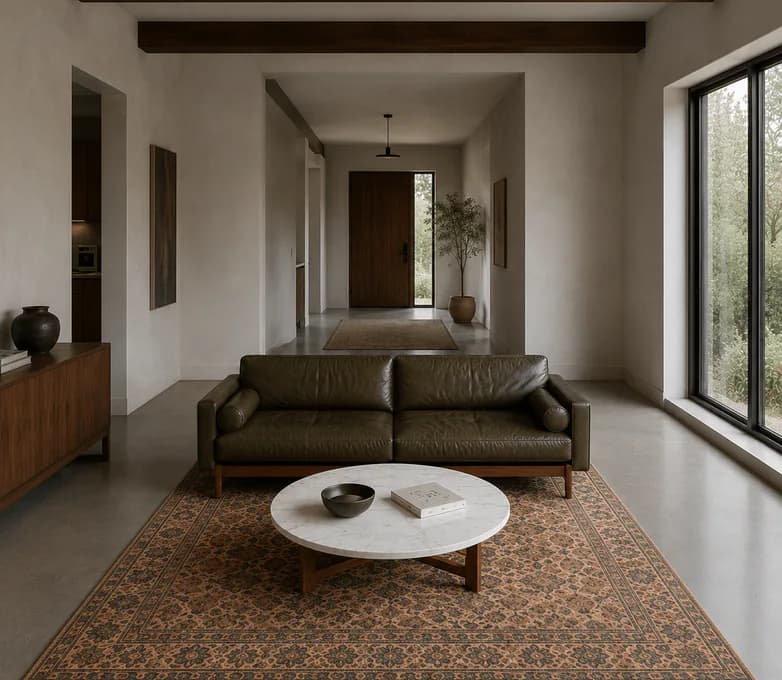
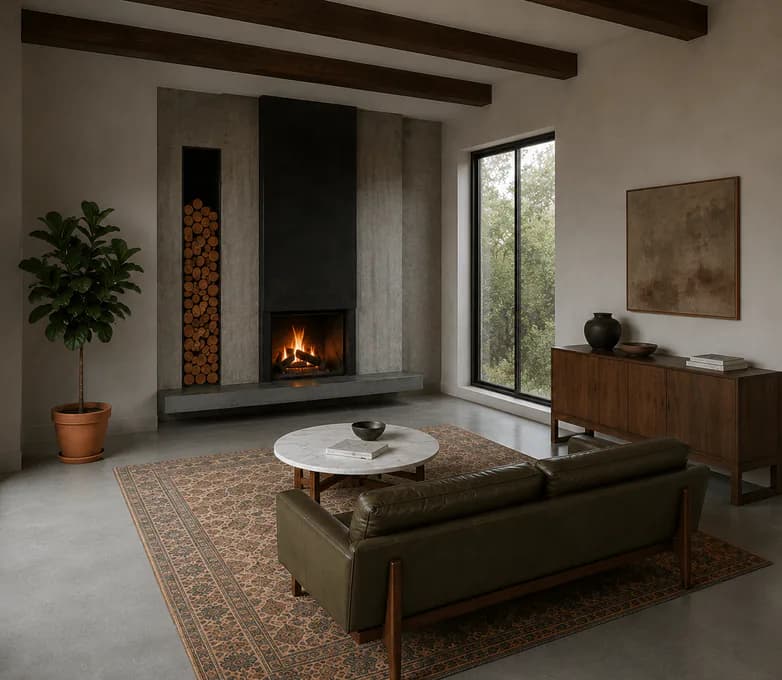
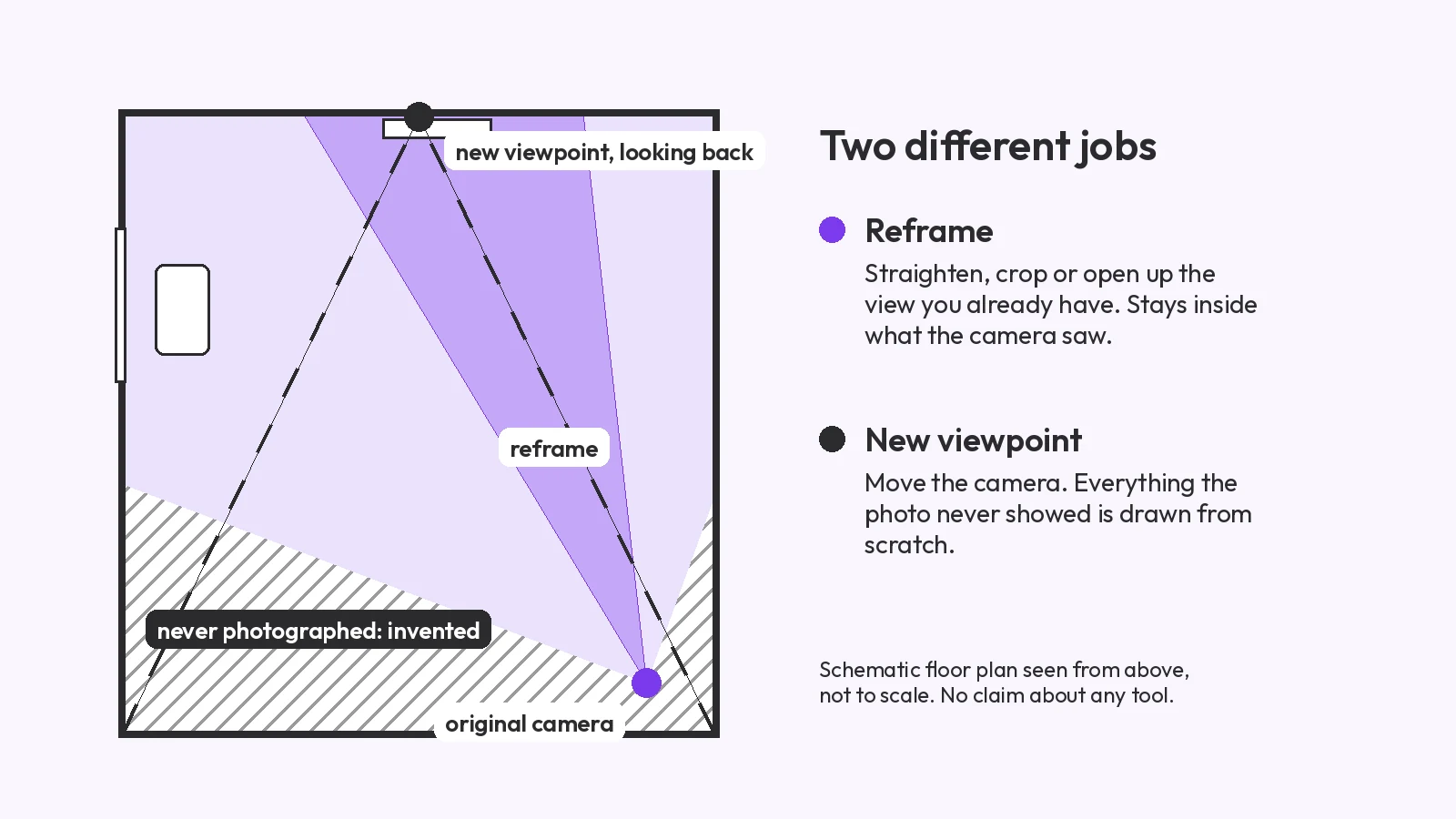
Change the camera angle of a photo with AI: 5 methods
Change the camera angle of a photo with AI: five methods compared, two tested on the same room, and where each one breaks, from reframing to 3D.
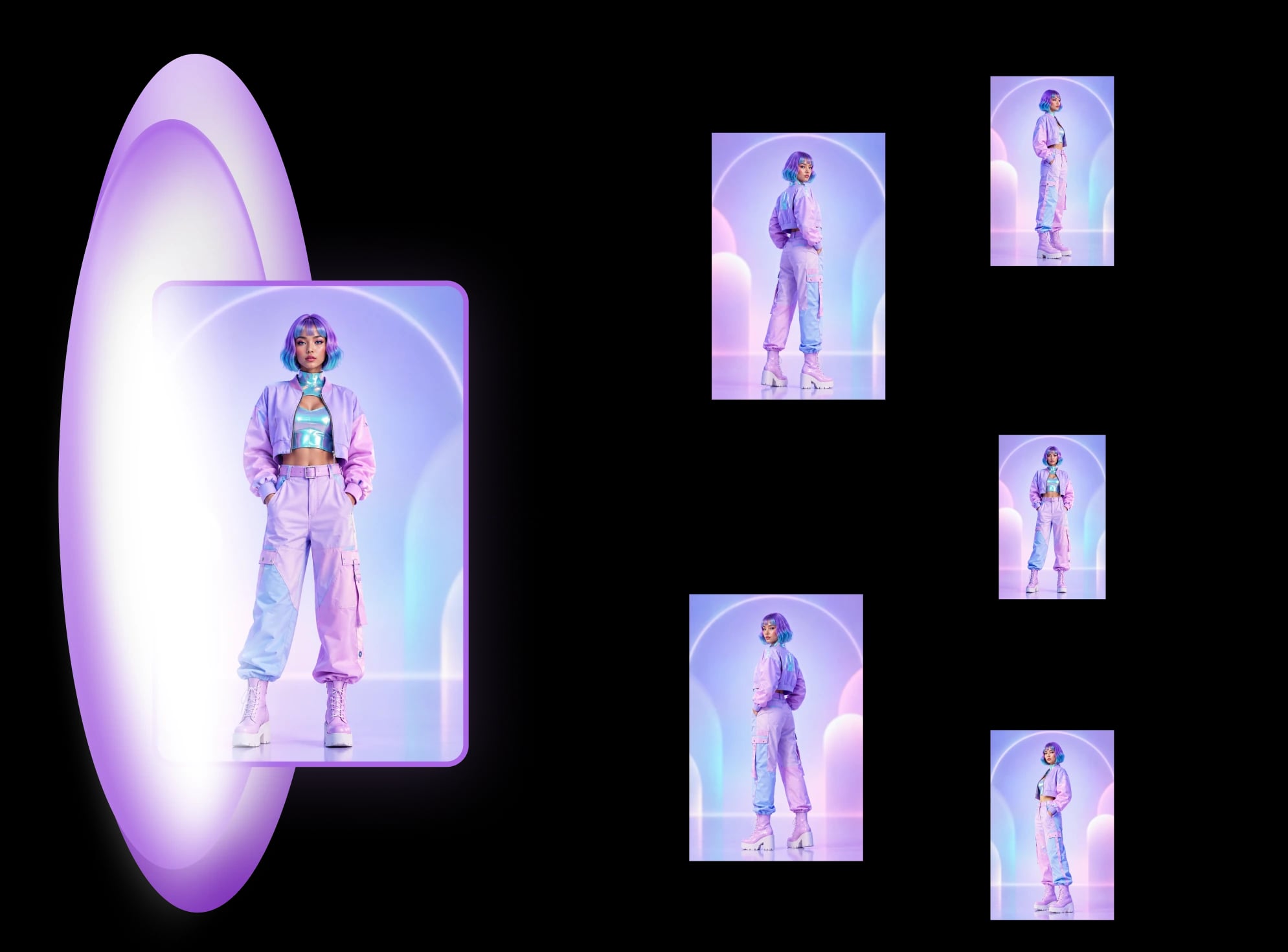
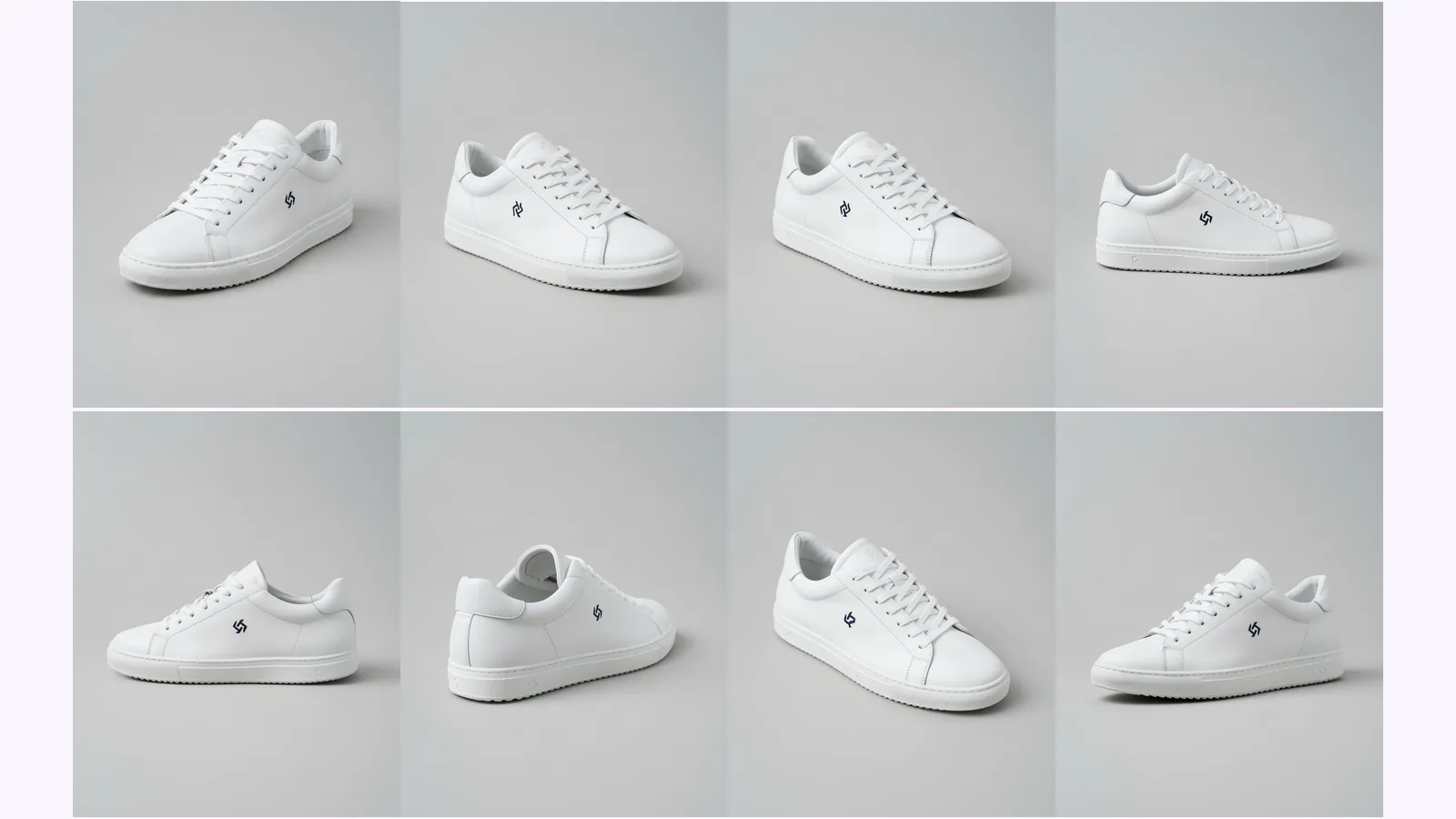
Upload one photo and get a finished set of the same subject: 8 views of a character as a turnaround sheet, 8 views of a product, or 10 views of a room, your photo included. The angles come from fixed sets you pick from, and each one is a separate still image, not a free-form camera.
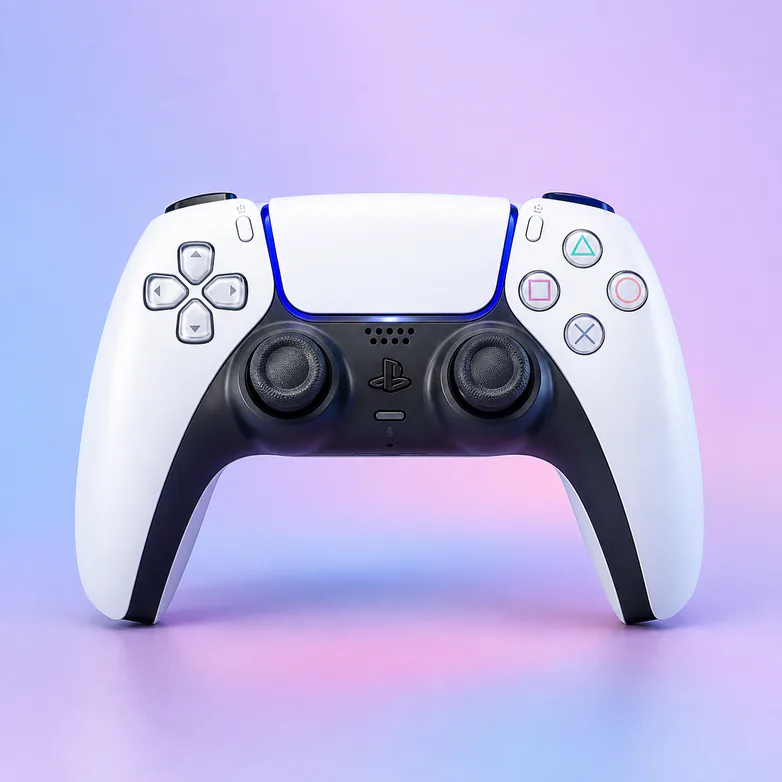
An AI angle generator can mean a free-form camera, a multi-view set or a new viewpoint on one photo. MultiAngle is the multi-view set. Here is what that gets you, and what it does not.
Upload one photo and get the same subject from other camera angles, made together so identity, materials and light carry across the set: 8 views of a person, character or product, 10 of a room. Your photo is one of the views.
Start from a suggested set or the full set, or choose which of its angles to make, one by one, and regenerate a single angle without redoing the rest. A person or character: front, 3/4 front left, 3/4 front right, left profile, right profile, back, above and below. A product: front, 3/4 left, 3/4 right, left side, right side, back, above and below. A room: 4 walls, 4 corners, the ceiling and the floor.
There is no free-form camera, so you cannot type in an arbitrary angle or orbit the subject. Each angle is a separate still image, not a video or a 3D model. Sides your photo never showed are generated: check the back and any small print against your original. For one exact view of a photo, a camera-slider tool fits better.
Choose the template that matches what you photographed: 8 views of a character, 8 of a product, 10 of a room. Each page shows its examples and the templates built on it.
One reference photo in, a coordinated set of views out. Here's the whole workflow in four steps.
Start from one reference photo of your subject. A clear, well-lit shot gives the model the most to work with, but you don't need studio conditions. This single image is the source of truth for everything that follows.
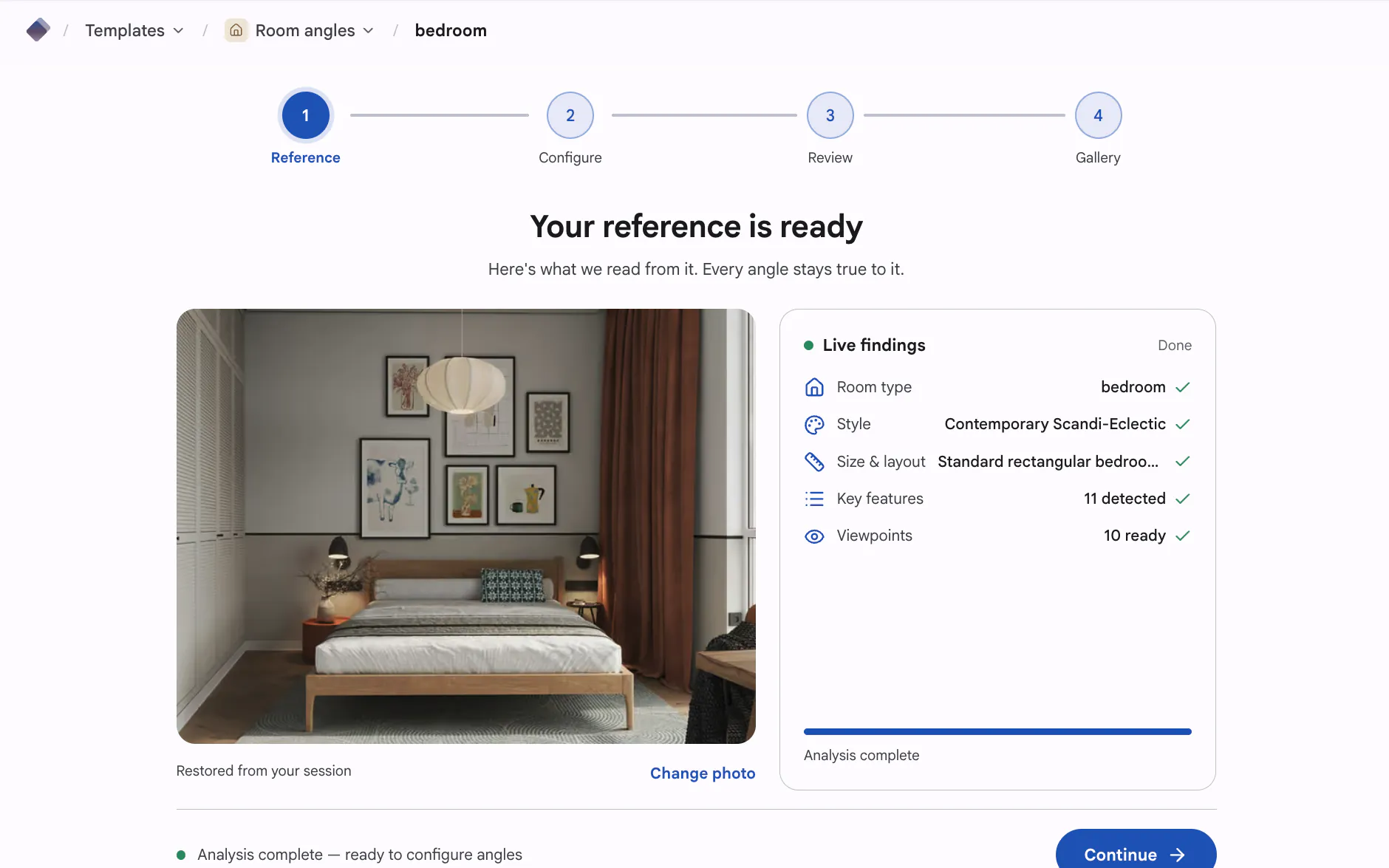
Pick a template in the world that fits your subject, then run it. The model reads your reference and produces a matching set of views, one per angle, rather than a single image you'd have to recreate from scratch for each new angle. You choose the template; the set comes back together.
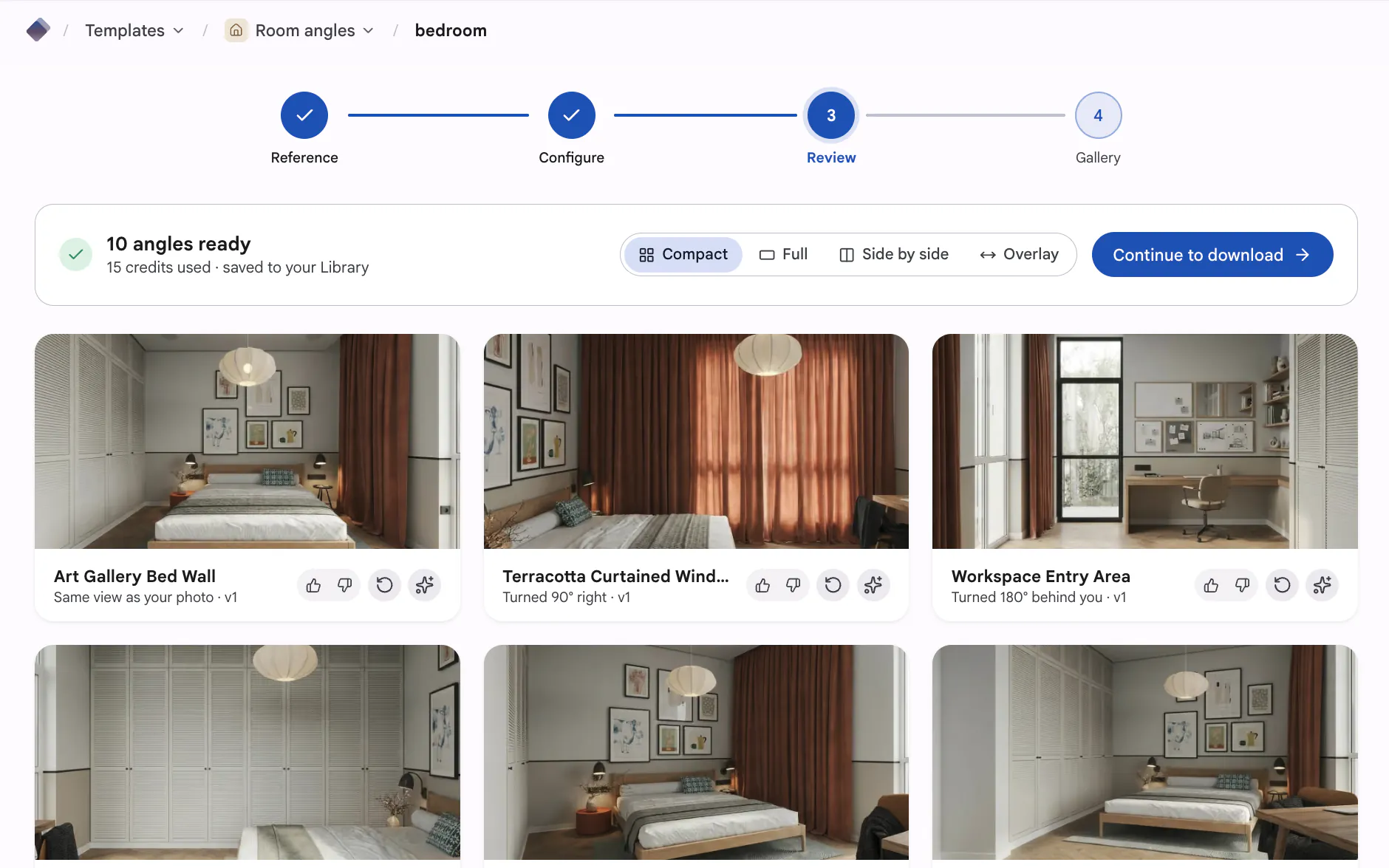
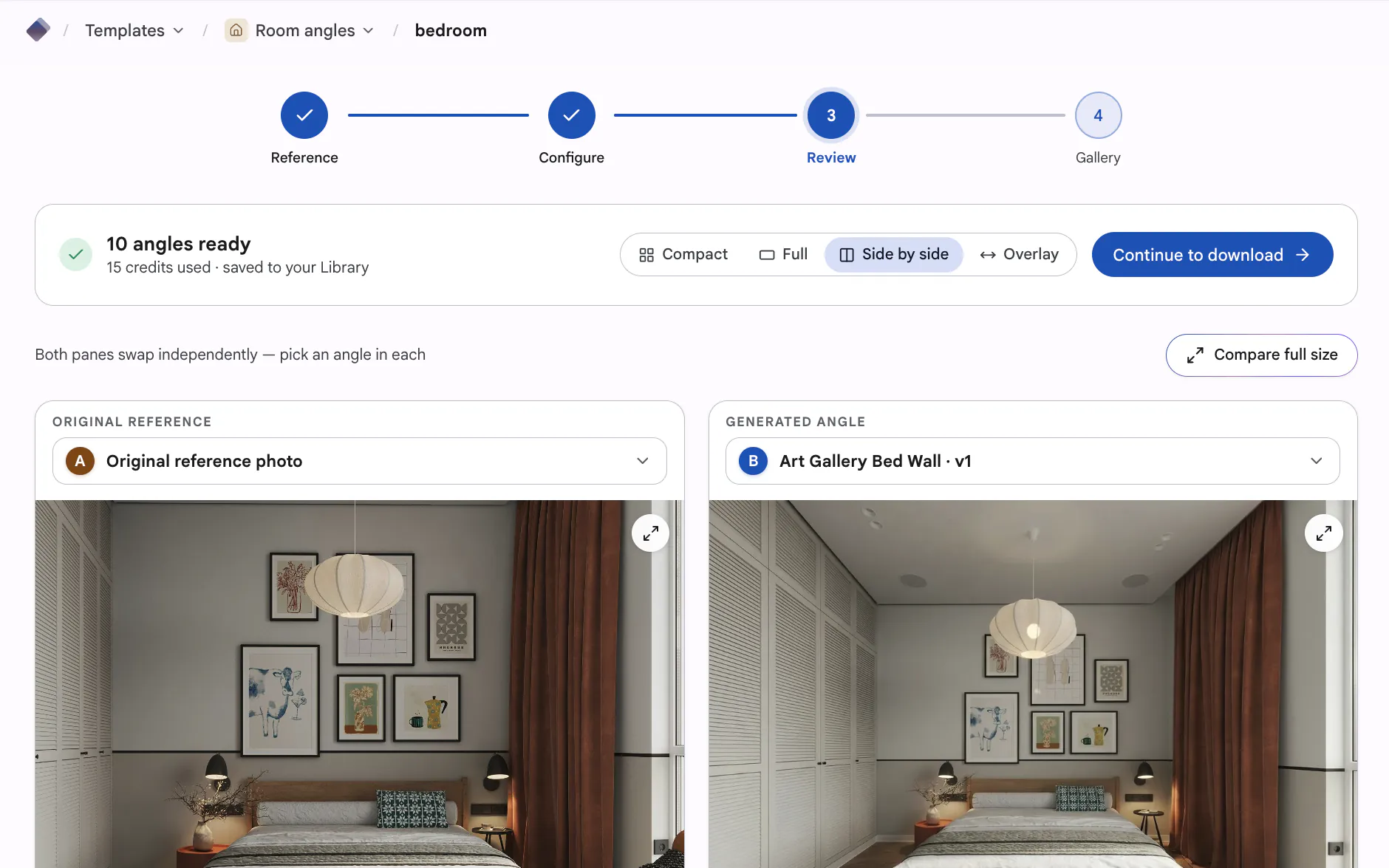
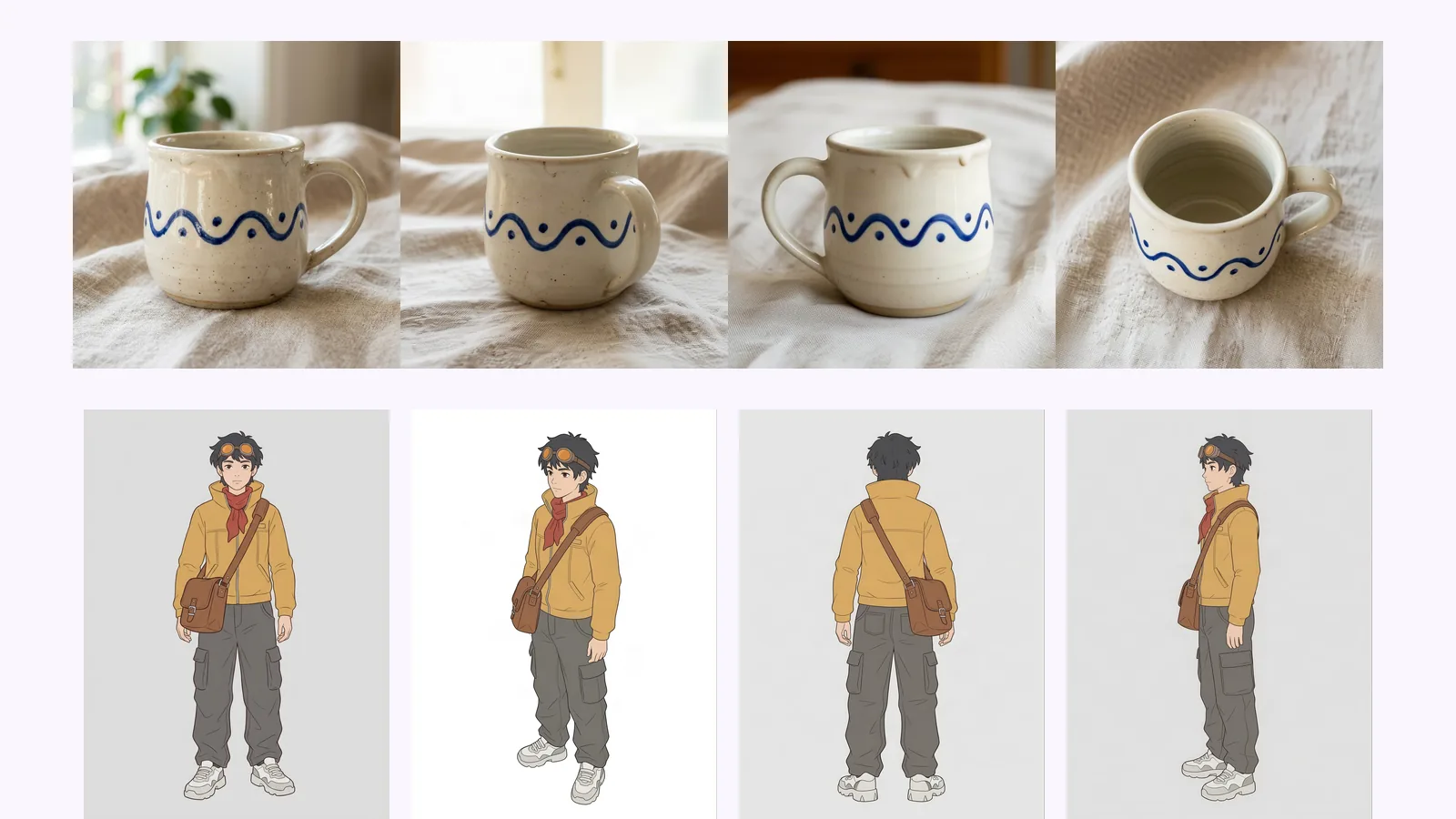
This is what separates a set from a pile of look-alikes. The same subject stays recognizable across every angle and crop, so an object keeps its shape and finish, a face keeps the same features, and a space holds its layout. You get one coherent subject seen from many sides, not several near-misses.
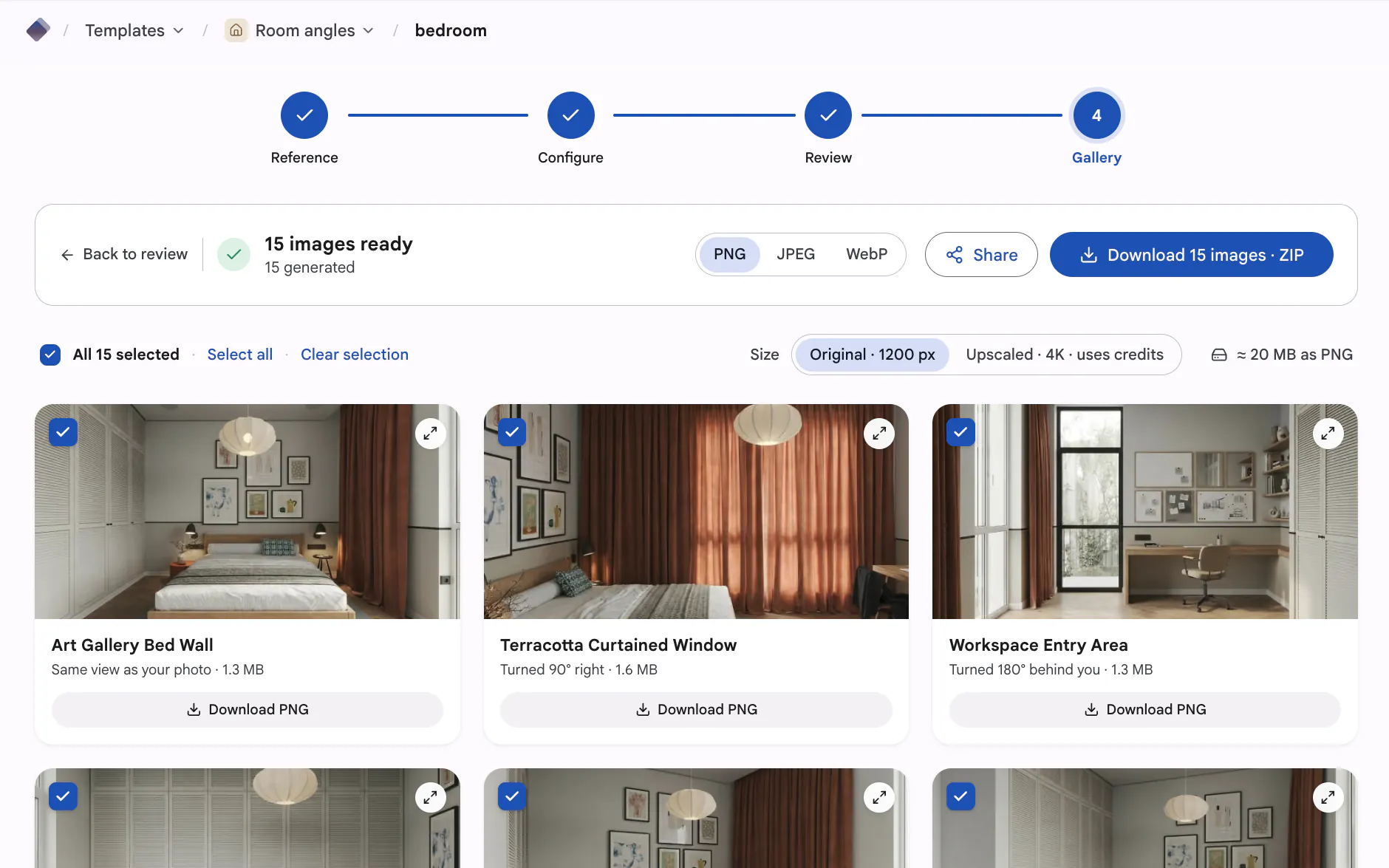
Download the finished set when you're happy with it. The views come out ready to use directly, whether that's product listings, profile photos, or reference for other work. Take the whole set or just the angles you need.
The full walkthrough, the terms behind multi-view images, and a guide for each kind of subject.
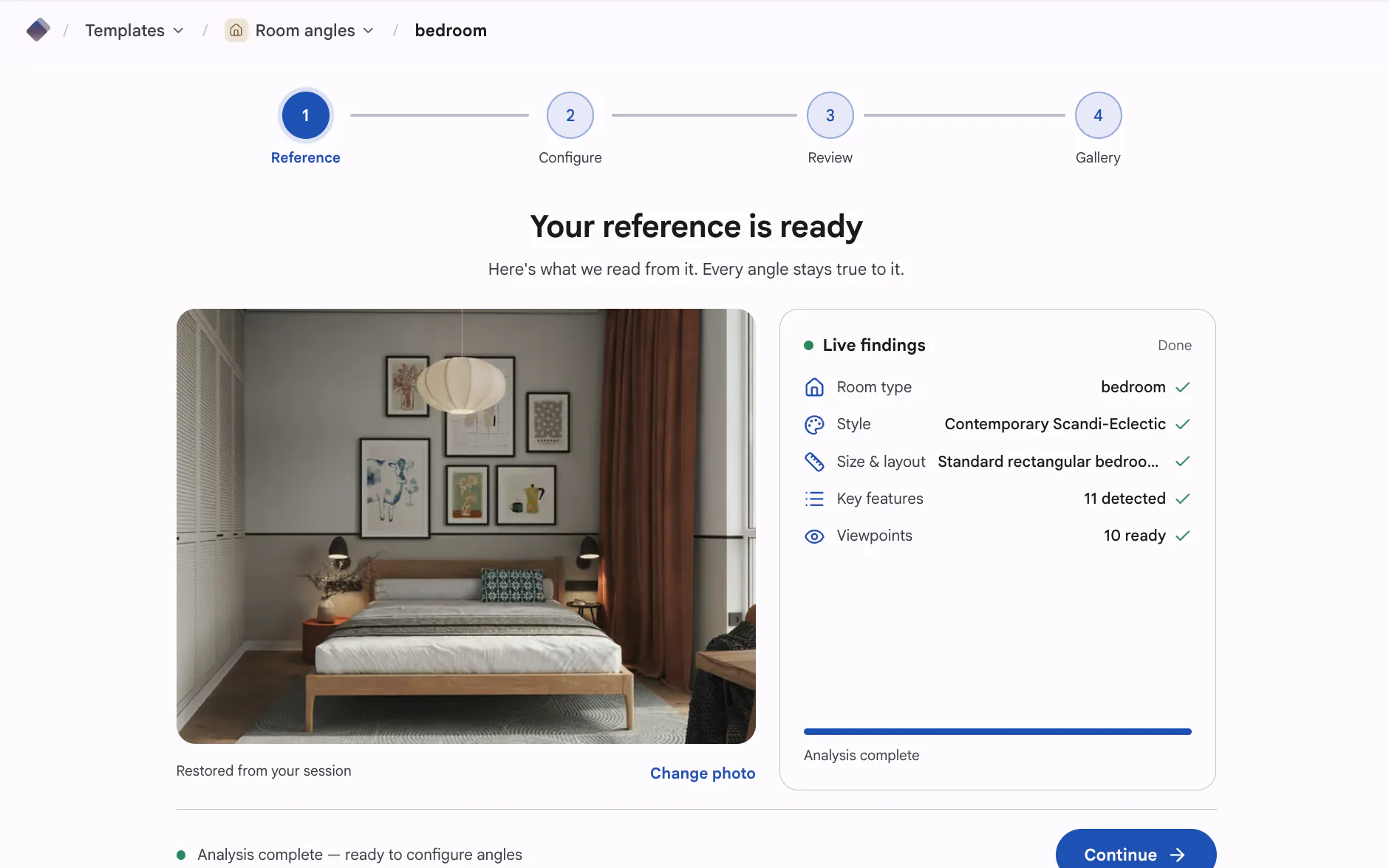
From one upload to a full set of matching angles — the workflow, step by step.
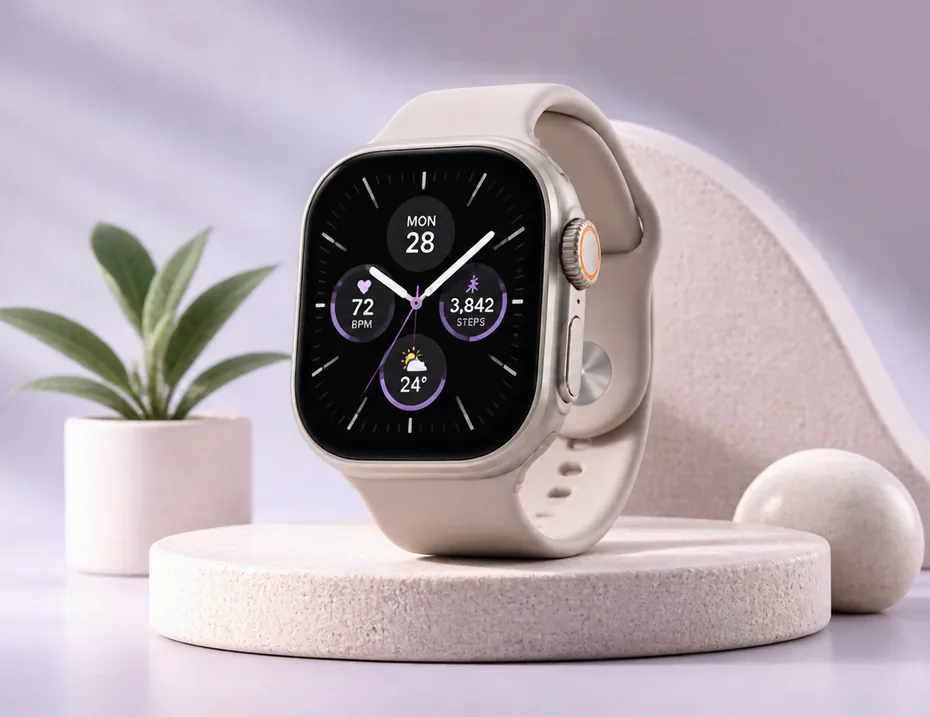
The vocabulary behind turning one photo into a consistent set of views, defined in plain language.

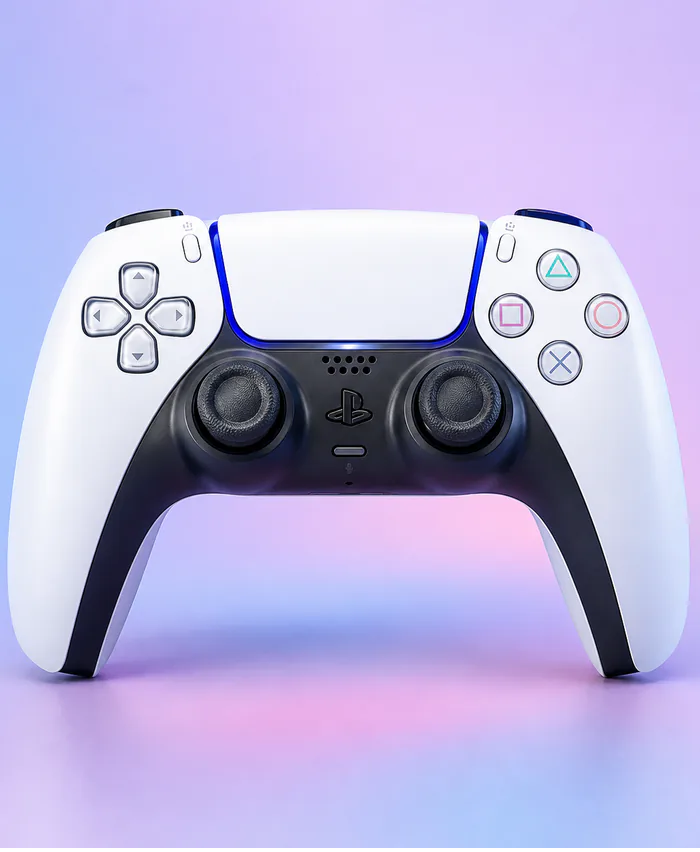
Turn one reference photo into a consistent set of commercial product angles.
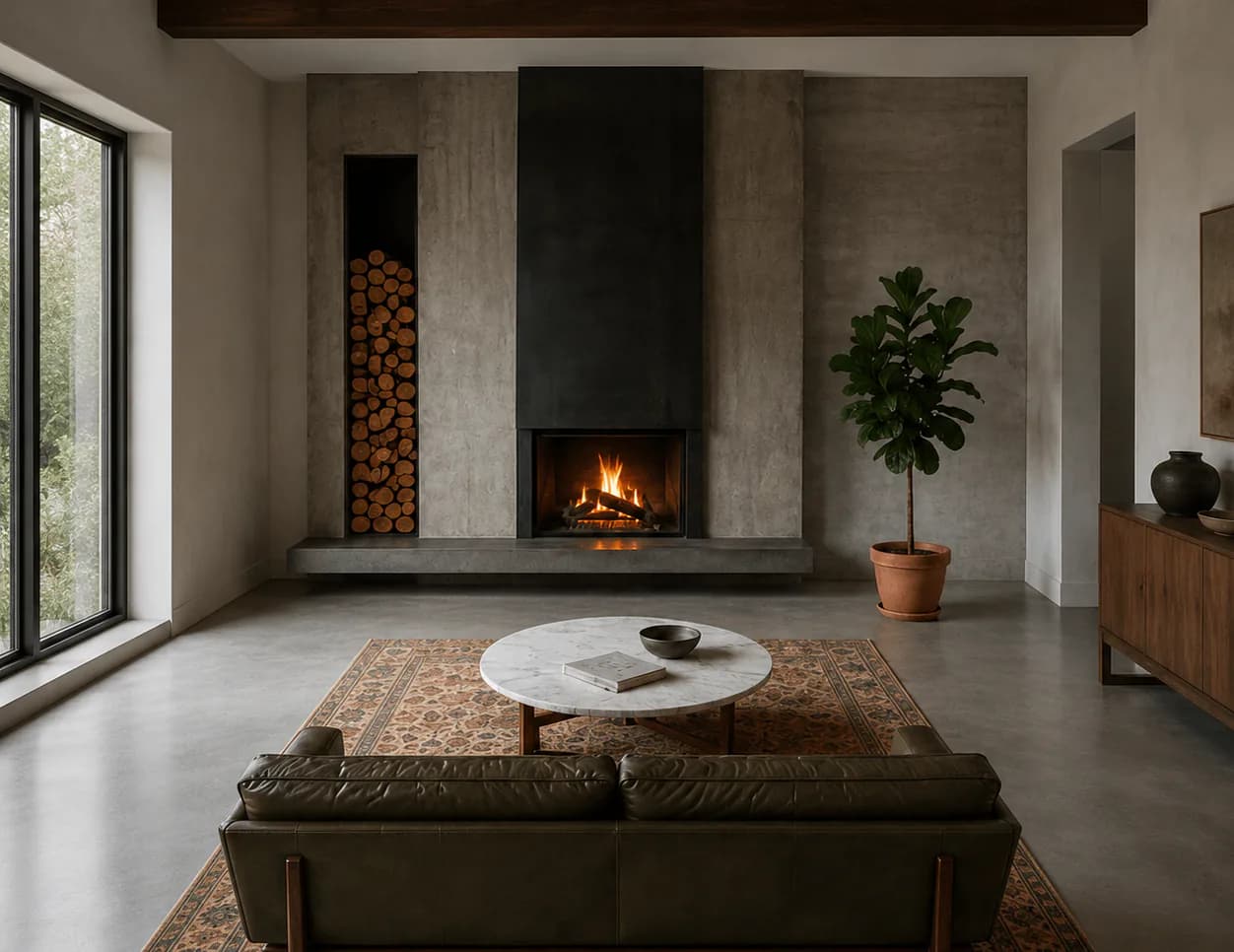
See a room from 10 fixed vantage points for listings, staging, and pitches.
Newest first. Browse the Different Angles of One Image With AI.
Change the camera angle of a photo with AI: five methods compared, two tested on the same room, and where each one breaks, from reframing to 3D.
Higgsfield Angles lets you aim the camera; MultiAngle returns a fixed set. What each fits, from Higgsfield's pages and our outputs. We did not run Higgsfield.
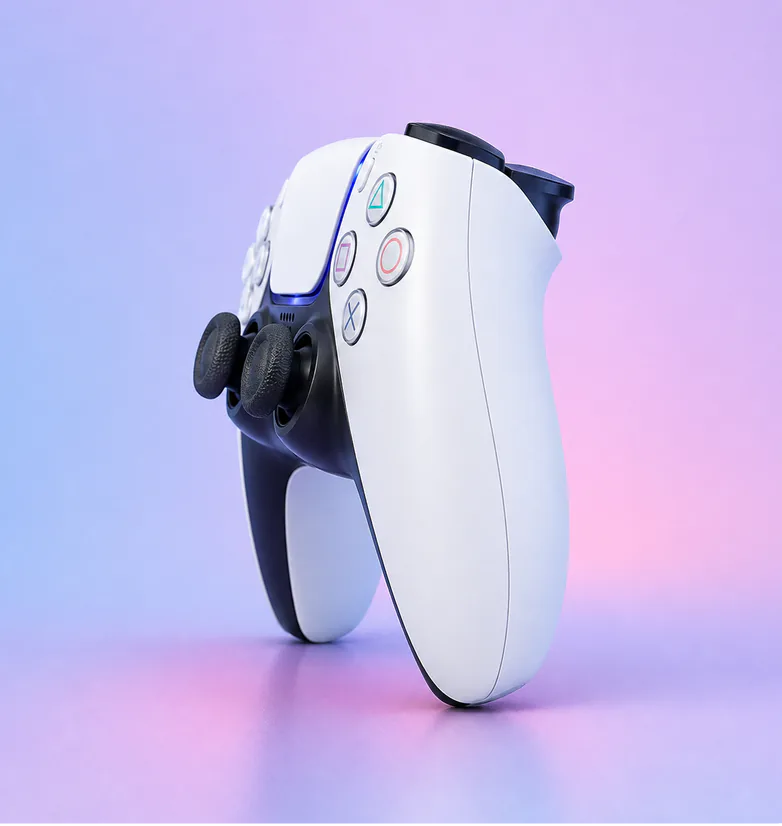
Prompt a chatbot, move a camera slider, or use a fixed angle set to get multiple angles of one image. We ran two on one product: which stayed consistent.
What the angles are, what you can pick and what you cannot.
Yes, from a fixed set of angles. MultiAngle.ai works as a different angle image generator: upload one photo and it renders the same subject from other camera positions: 8 views of a person or character (front and three-quarter to profile, back, above and below), 8 of a product, or 10 of a room (4 walls, 4 corners, the ceiling and the floor), your photo included. You pick which angles of the set to make. It is not a free-form camera, so you can't type in an arbitrary angle or orbit the subject, and each angle comes back as a separate still image.
A multi-view image generator makes several views of the same subject from one input image. MultiAngle.ai is one: upload a photo and it returns a consistent set of fixed views, 8 for a person or character, 8 for a product and 10 for a room, with identity, materials and light held across the set. The views are fixed angles you pick from, and they download as separate still images (PNG, JPEG and WebP), not as a 3D model or a video.
Partly. It changes the camera angle of an existing photo, turning one image into a different angle of the same subject, but only to the angles in its fixed sets: front, 3/4 front left, 3/4 front right, left profile, right profile, back, above and below for a character, front, 3/4 left, 3/4 right, left side, right side, back, above and below for a product, and 4 walls, 4 corners, the ceiling and the floor for a room. There is no free-form camera control, so you can't rotate to an arbitrary angle or move through the scene, and it makes still images, not video.
You choose them. Start from a suggested set or the full set, or pick exact angles one by one. During review you can regenerate any single angle without disturbing the rest of the set. Paid plans also get the prompt field, and Improve (edit one angle) on Room angles and Product turnaround.