The same four steps apply whether you're working in the Products, Avatars, or Environments world. The template you pick decides what kind of set you get; the workflow underneath stays identical, so once you've made one set you already know how to make the next.
Resources
How It Works
One reference photo in, a coordinated set of views out. Here's the whole workflow in four steps.

About How It Works
MultiAngle is built around a single idea: you shouldn't have to reshoot or re-render a subject just to see it from another angle. You start with one photo of a product, a person, or a space, and the model generates a set of views that all read as the same subject. No additional shots, no manual setup, no fiddling with settings to keep things consistent.
- 1
Upload
Start from one reference photo of your subject. A clear, well-lit shot gives the model the most to work with, but you don't need studio conditions. This single image is the source of truth for everything that follows.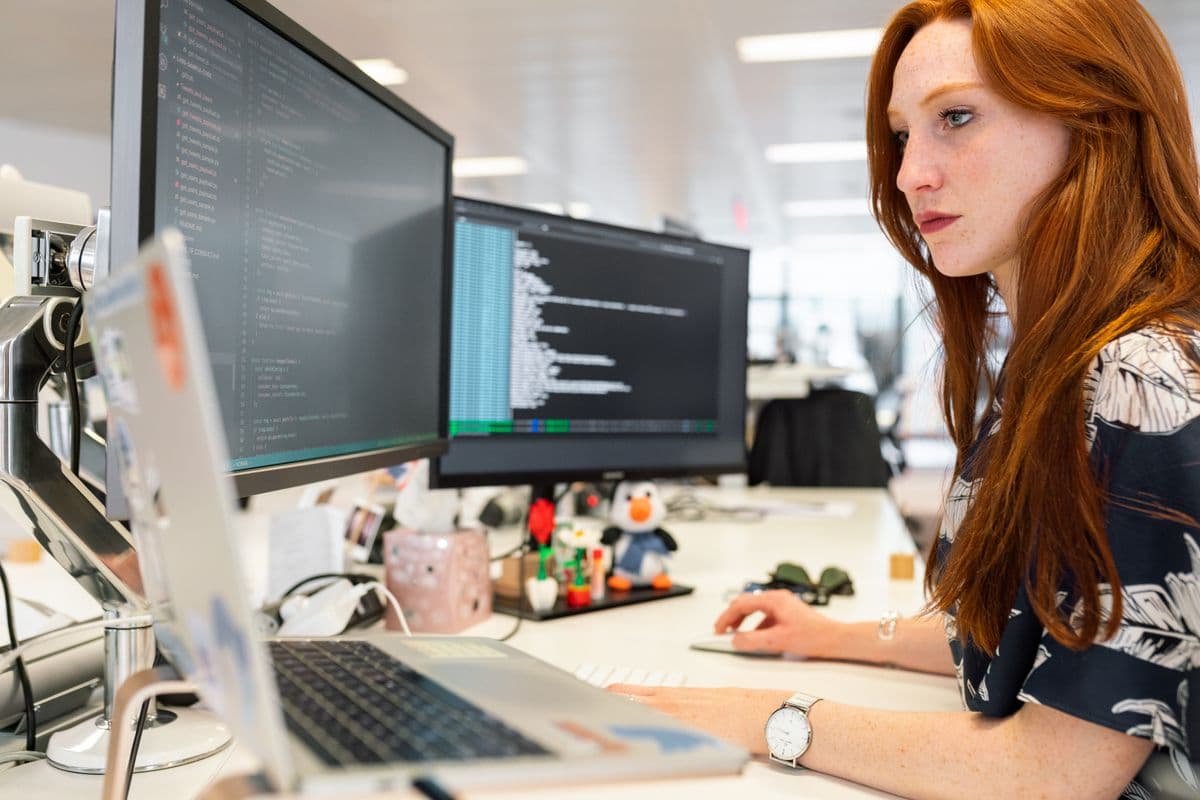
- 2
Generate
Pick a template in the world that fits your subject, then run it. The model reads your reference and produces a coordinated set of views in one pass, rather than a single image you'd have to recreate from scratch for each new angle. You choose the template; the set comes back together.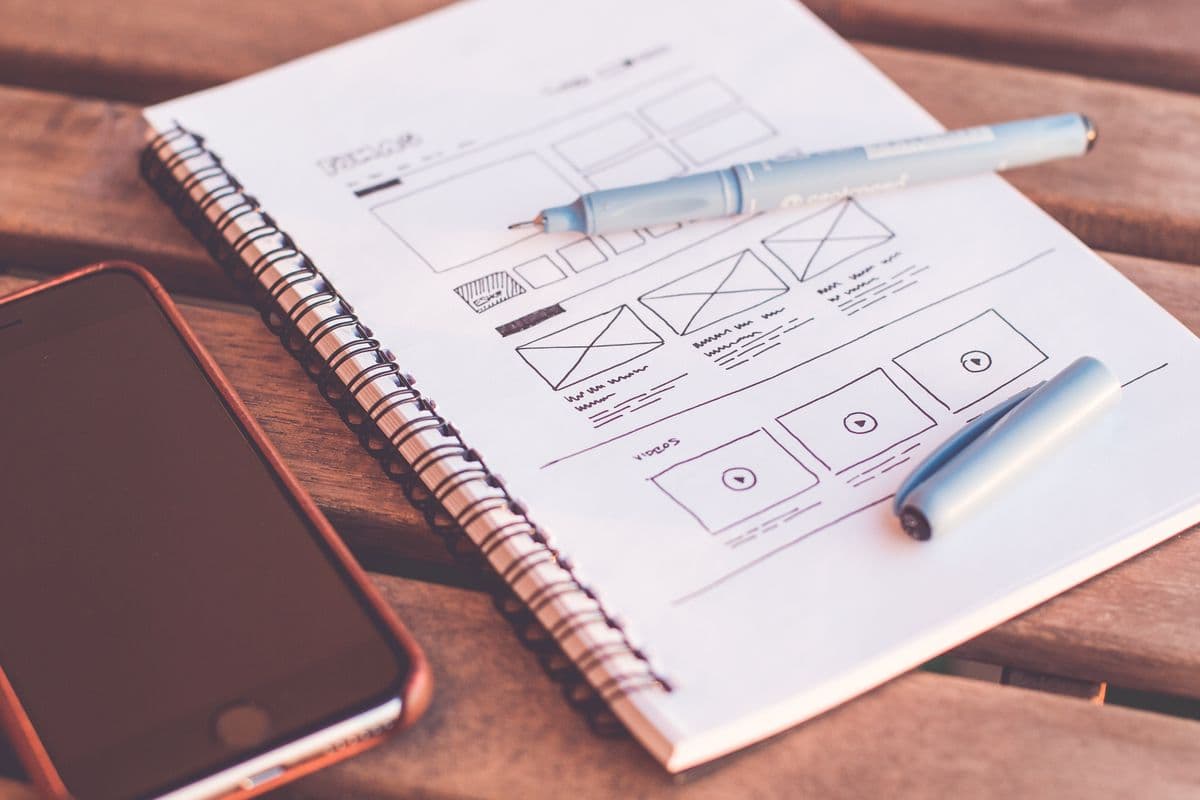
- 3
Identity lock
This is what separates a set from a pile of look-alikes. The same subject stays recognizable across every angle and crop, so an object keeps its shape and finish, a face keeps the same features, and a space holds its layout. You get one coherent subject seen from many sides, not several near-misses.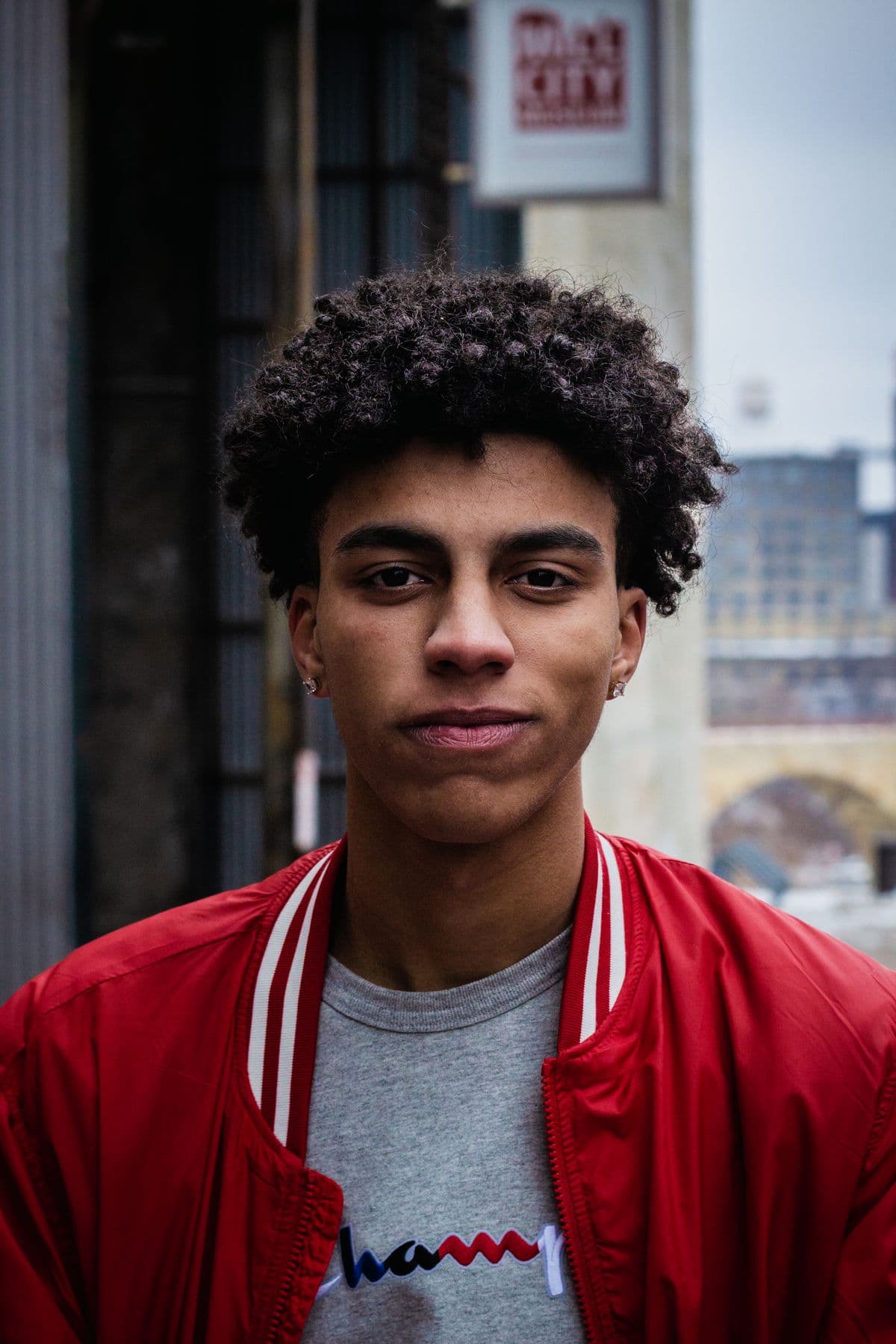
- 4
Export
Download the finished set when you're happy with it. The views come out ready to use directly, whether that's product listings, profile photos, or reference for other work. Take the whole set or just the angles you need.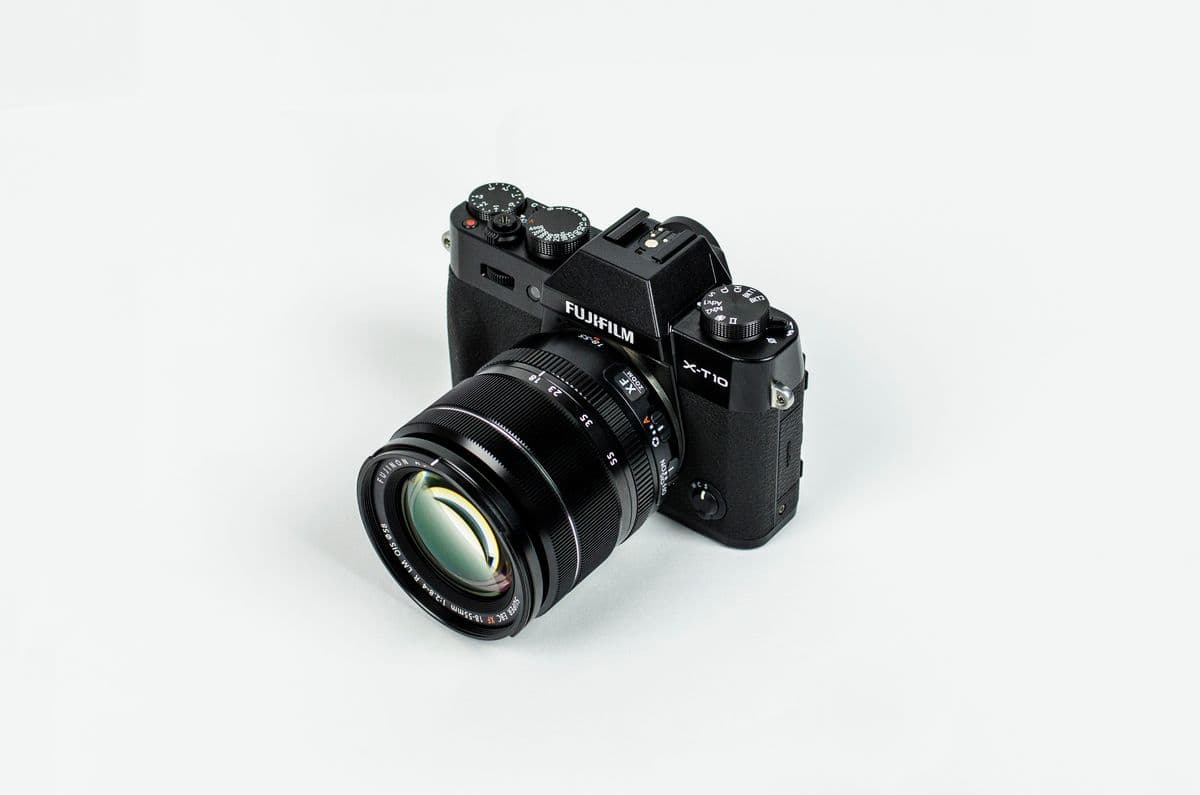
The fastest way to understand the workflow is to run it once. Three templates are live today: Product Photography in the Products world, AI Headshots in the Avatars world, and Interior Scenes in the Environments world. Each one takes you through all four steps with your own photo.
Pick whichever world matches what you're working on and generate a set. More templates are rolling out across all three worlds, but the live ones already give you a complete sense of how upload, generate, identity lock, and export fit together.
Try it
Templates for this topic
Jump straight into a template and turn one photo into a full angle set.
Browse by style & use case
Studio is open18 angles ready
One photo.
Every angle.
Upload one photo and get a full set of consistent angles in minutes. Free to start — no card required.
Get started for free- Free tier
- No card
- No waitlist
- No training data