Amazon product image requirements: the 7-image set
Amazon's image rules, quoted from Amazon and dated: 500–10,000 px, RGB 255 white, 85% fill, the AI-people tag, and one product taken through a full set.
What each shot answers, which to skip by product type, and where AI-made views drift. Shown on one tote, with a pick table for bottles, shoes and bags.
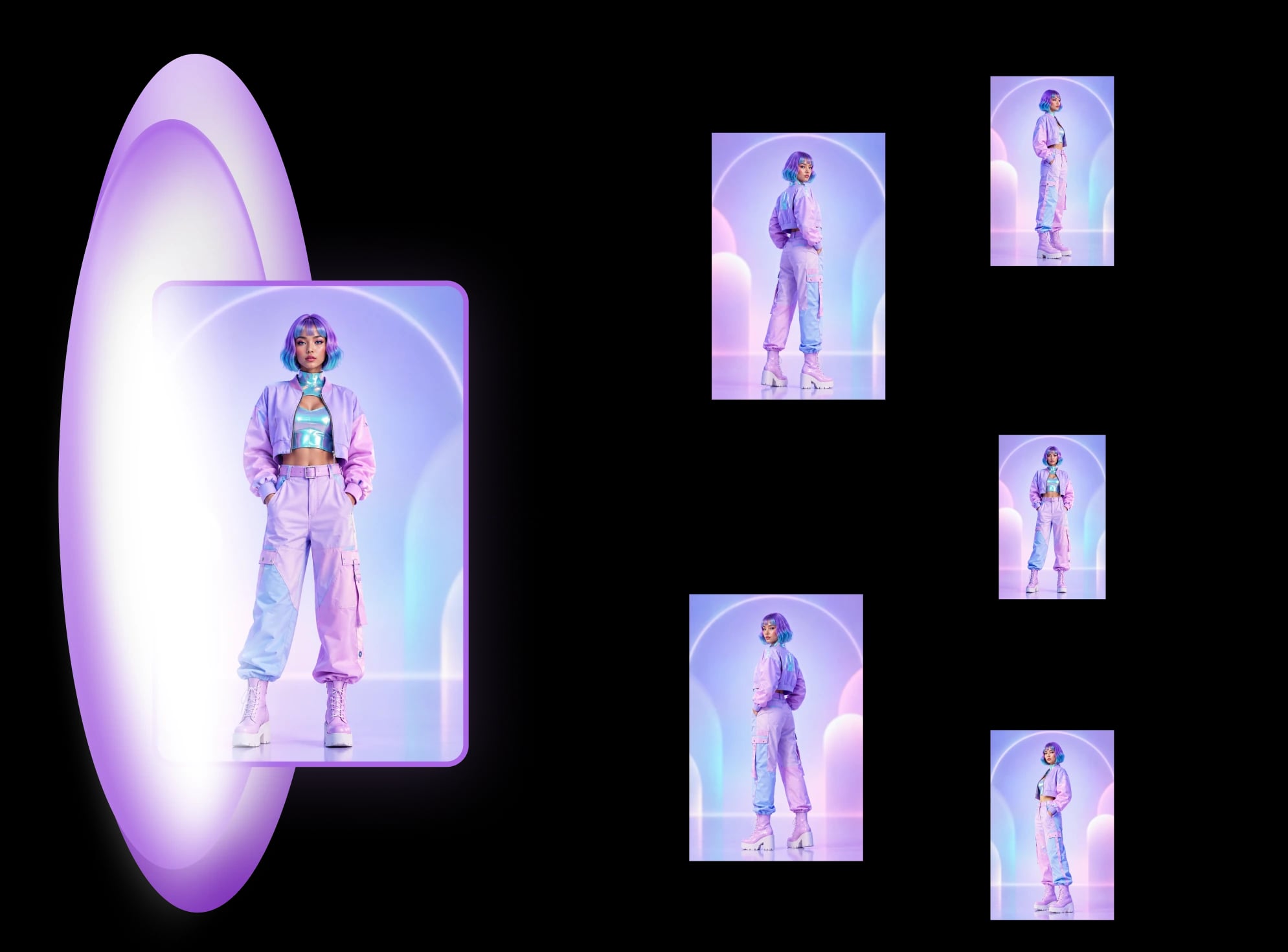
The core product photography angles are front, 3/4 left, 3/4 right, left side, right side, back, from above and from below. Front and 3/4 do most of the selling. The others answer specific questions a shopper has before buying. This is the shot-list guide: what each angle is for, which ones each kind of product can skip, and one tote bag carried through all of them. If you already have one photo and want the other views made for you, that is AI product photography: MultiAngle's product template generates a fixed set from a single front image.
Key takeaways
A full set covers front, 3/4 left, 3/4 right, left side, right side, back, above and below. That's the product seen straight on, turned partway round each way (the 3/4 views), square to each side, from behind, and from a camera above and below it. You rarely need all of them: pick five to eight by what a shopper needs to check.
Older guides split the same idea differently. Practical Ecommerce, for example, lists three viewpoints (low, eye-level, high) and six angles (Practical Ecommerce, checked 2026-09-26). The names change; the job is the same: leave no side of the product a mystery.
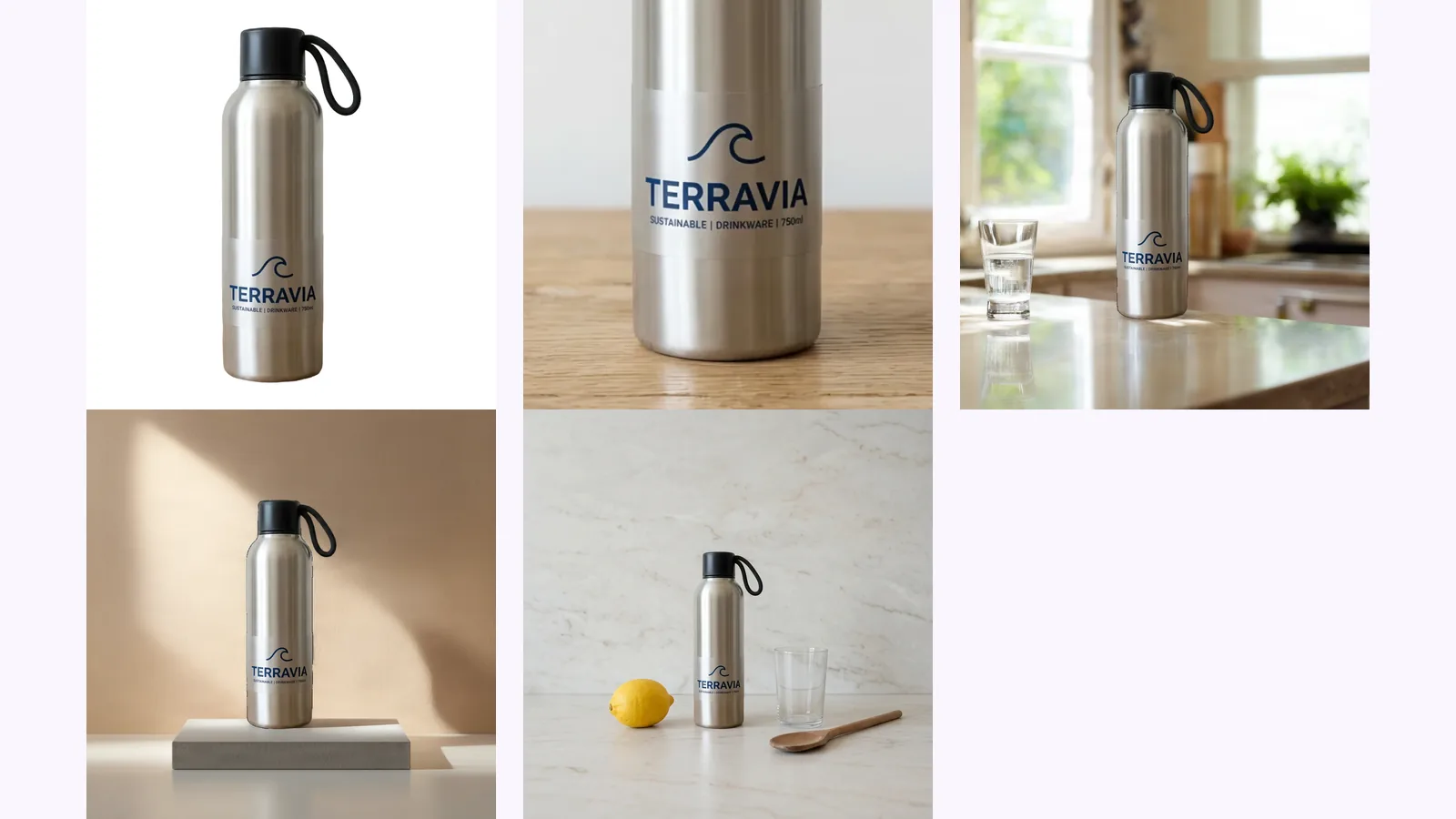
If you have one good photo and need the rest, make the set from it and pick the views you need, using the table below to decide.
For most products the first image is the front, at eye level, on a plain white or light background. It's the view shoppers expect first when they scan search results. Products with depth, such as shoes, furniture and bags with a gusset, often lead with a 3/4 view instead, because it shows two sides at once.
If you sell on a marketplace, its rules can decide this for you. Amazon's main image, for example, has to be on pure white, and some categories set the angle (see Amazon product image requirements).
Amazon recommends at least six images per product and requires at least one (Amazon, "6 tips for taking product photos", dated 2024-12-04, checked 2026-09-26). Five to eight covers most products. Flat or symmetric items need fewer: a notebook has no useful left-versus-right, and a round bottle looks the same from either side.
Amazon's own list of the shots that work is "standard dead-on front shot, back shots, side shots, overhead, closeups, and 45-degree shots". Add one detail shot and one lifestyle shot, and you have a complete page.
This is our pick, not a rule. ✓ means publish it, ○ means optional, – means skip it.
| Product | Front | 3/4 L | 3/4 R | L side | R side | Back | Above | Below | Detail | Lifestyle |
|---|---|---|---|---|---|---|---|---|---|---|
| Bottle | ✓ | ✓ | – | ○ | – | ✓ | ○ | – | ✓ | ✓ |
| Shoe | ○ | ✓ | ○ | ✓ | ○ | ✓ | ✓ | ✓ | ✓ | ✓ |
| Bag | ✓ | ✓ | ○ | ✓ | ○ | ✓ | ✓ | ○ | ✓ | ✓ |
| Mug | ✓ | ✓ | ○ | ✓ | – | ○ | ○ | – | ○ | ✓ |
| Electronics | ✓ | ✓ | ○ | ✓ | ✓ | ✓ | ○ | ○ | ✓ | ✓ |
Why these picks: a bottle is symmetric, so one 3/4 and one side do the work, but the back carries the label text people read. A shoe sells on its profile and its sole. A bag needs the side (for depth) and the top (to show the opening). A mug needs the handle side and a lifestyle shot for scale. Electronics need every side with a port on it.
We made one front image of a canvas tote bag with a made-up printed logo and a front pocket, using Google's Nano Banana so no real brand is on it, and then made the rest of the views from that image.
On this tote we would publish the front, both 3/4 views and the view from above. We would drop the back, which repeats the front's logo and pocket, and the view from below, which looks as if it was shot straight on rather than from underneath. The two side views are fine for depth, but the logo is cut off at the edge in both.
Yes, for many rigid products, if you check every view before you publish it. Our product turnaround template returns 8 views: your upload is one of them and 7 are generated. The front is your real photo. Every other view is the model's best reconstruction of sides it never saw.
8
views in one set
7
of them generated
7 credits
to make a full set
That's why the check matters. The picture below circles the two details on the tote where a generated view had to infer something the input never showed.
The back is the clearest miss: it carries the same logo and pocket as the front, though the input never showed the back. On the side views the logo continues round the edge, so the lettering is cut off, and the pocket shows as a thin strip or a second shape. Nothing in the input says what the real bag does there, which is why those views need checking against the product.
A rigid product with a handle is a harder test of consistency, because the handle has to stay on the same side as the camera moves around. We ran a plain ceramic mug for that.
On this mug it did. The handle is on the right in the front, 3/4 and above views, on the left when seen from behind, as it should be, and visible in the left-side view and out of sight in the right-side view. As with the tote, the view from below looks level rather than looking up at the base.
If you're weighing up other ways to get extra angles, such as prompting a chatbot or using a camera slider, we compared them on one input in how to get different angles of the same image with AI.
More on the approach, including what to shoot yourself, is in our practical guide to how a product set is made and checked.
Selling on Amazon? Each of these angles maps to a slot in the Amazon image requirements, and the Amazon listing set builds them in one run.
Make every angle from one product photo
A 3/4 view shows the product turned about 45° from the camera, so you see the front and one side at once. It shows depth better than a straight front shot, which is why shoes and furniture often use it as the first image.
Only if the base matters: shoe soles, furniture feet, a label or stamp underneath, or a non-slip base. For most bottles, mugs and boxes, skip it.
Yes, within a set. A shared background and lighting make the views read as one product. On Amazon the main image has to be pure white; the other images can use any background.
A spin shows every angle, but it needs a turntable or many shots and a viewer on your store. A set of still angles covers the same questions for most products. MultiAngle doesn't export spins or video; it makes still images.
More on this topic: Product photos from every angle.
Amazon's image rules, quoted from Amazon and dated: 500–10,000 px, RGB 255 white, 85% fill, the AI-people tag, and one product taken through a full set.
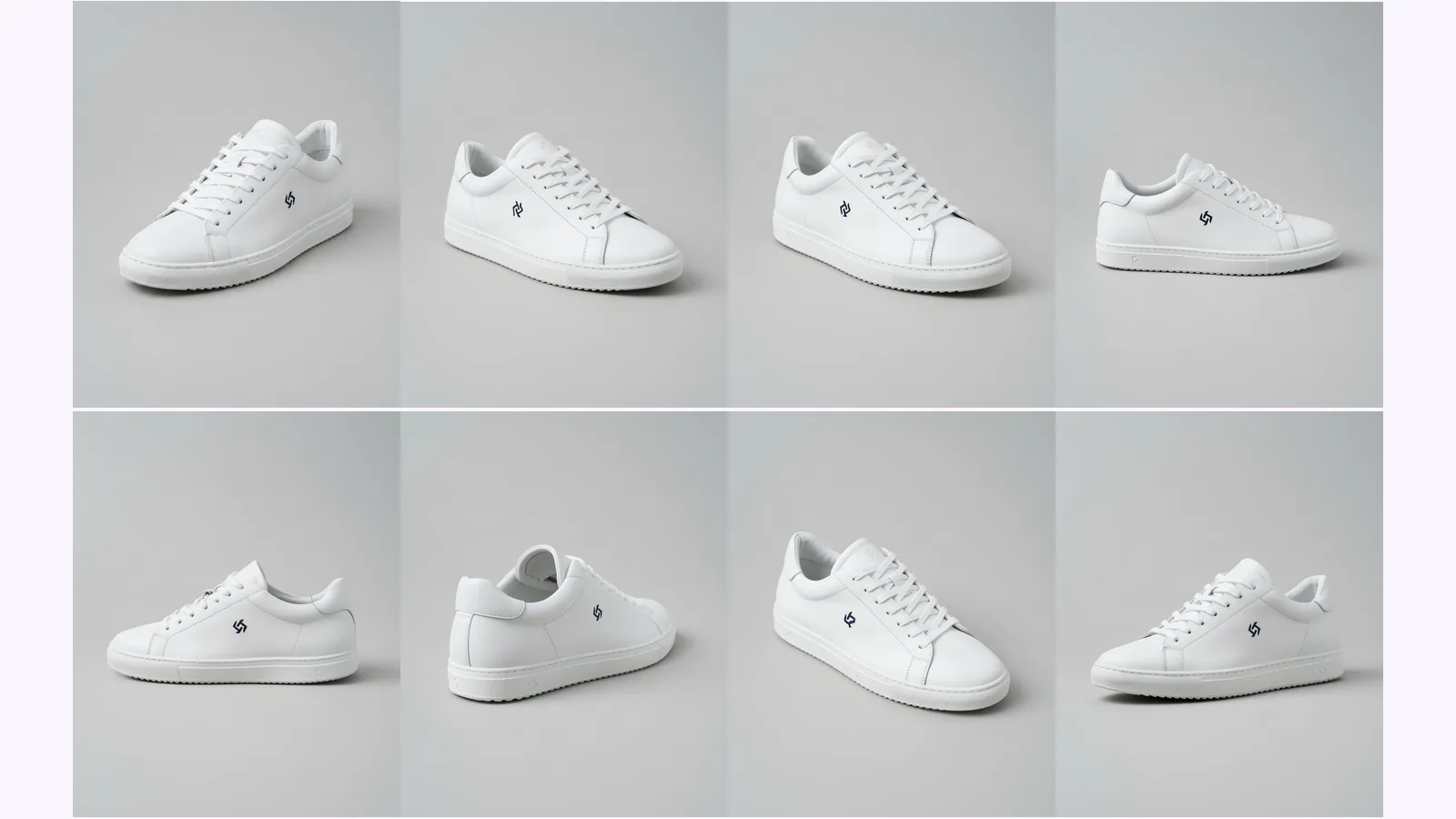
Prompt a chatbot, move a camera slider, or use a fixed angle set to get multiple angles of one image. We ran two on one product: which stayed consistent.
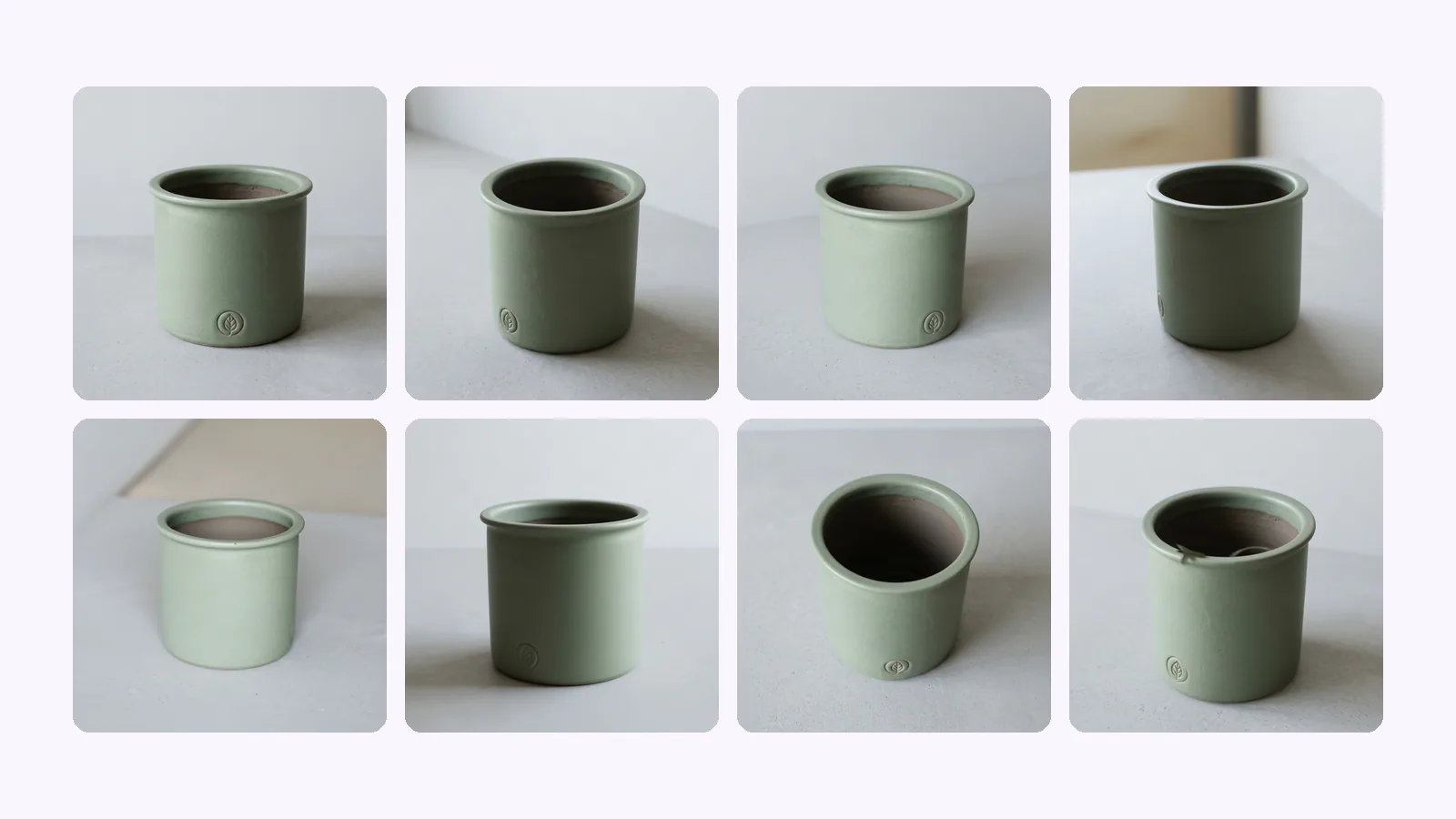
Shopify product image size: 2048×2048 px square is Shopify's pick. The size table, how many images a product holds, which angles to upload, and a checklist.