Amazon product image requirements: the rules, checked
Amazon's image rules, quoted from Amazon and dated: 500–10,000 px, RGB 255 white, 85% fill, how many images a listing needs and the AI-people tag.
Amazon's main image must be pure white with no text; secondary images are looser. What each slot may show, the AI-people tag, and what we couldn't confirm.
Amazon image requirements are strict for the main image and looser for the rest. The main image shows the whole product alone on pure white, with no text, graphics, logos or watermarks. Secondary images can show the product in use, in context, in detail, from other angles and beside something for scale. This guide lists what each slot allows, who said it, and what we could not confirm. All sources were checked on 2026-10-25.
Key takeaways
contains-synthetic-performer tag.The main image shows the whole product, and only the product, on pure white (RGB 255, 255, 255), filling 85–100% of the frame. It carries no text, graphics, logos, watermarks or promotional messaging, no props or accessories that are not in the order, and no second view of the product. That list comes from an Amazon staff post on the Seller Forums.
The post is Dougal_Amazon's "Product Photography Standards: What's New in 2026" (the page shows no absolute date; checked 2026-10-25).
Amazon's public sellers' guide, "6 tips for taking product photos" (dated 2024-12-04, checked 2026-10-25), agrees on the colour and the fill: "In most cases, product shots should be taken against a white background (RGB color values: 255, 255, 255)" and "Have the product fill 85% or more of the frame." The size and format numbers are in Amazon product image requirements, and the 255 test is in the eyedropper check.
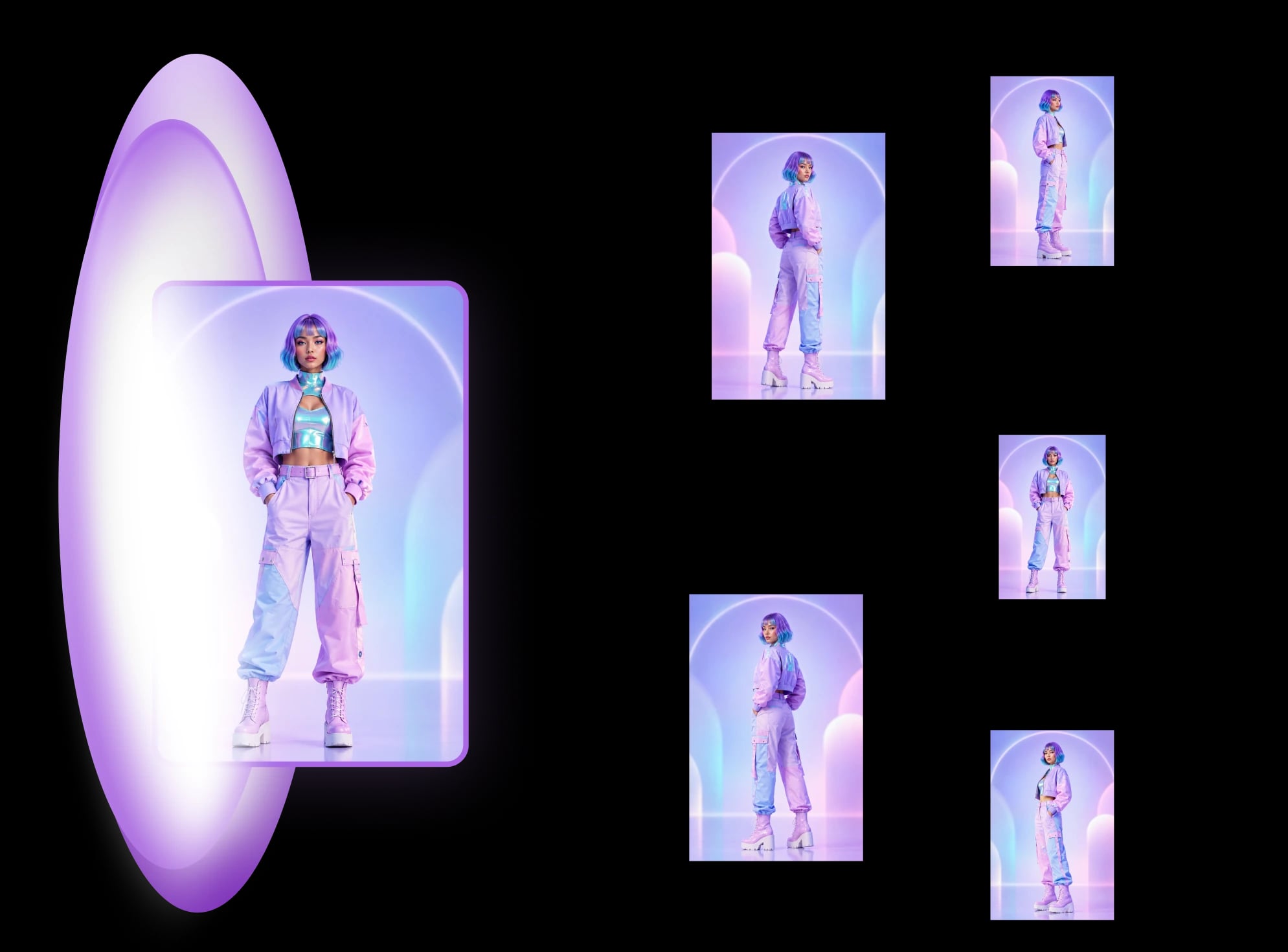
If you have one product photo and want the main image cut out to that target, MultiAngle's Product photoshoot builds it. The last section says what it makes and what it does not.
Secondary images, which the same staff post calls additional images, have room the main image does not. They can show the product in use or in context, its details, textures and features, other angles or cross-sections, and size comparisons or usage instructions. The post sets no background or fill rule for them. It says only that the main image "must follow strict guidelines".
Amazon's public guide lists the shots that work: "standard dead-on front shot, back shots, side shots, overhead, closeups, and 45-degree shots". Our product photography angles guide covers what each of those views is for.
The main image is one view of the whole product on pure white with nothing added. A secondary image can be anything that helps a buyer decide, as long as it shows the product accurately. The table gives each rule and who said it. A blank cell means we found no Amazon sentence on it.
| Rule | Main image | Secondary images | Who says so |
|---|---|---|---|
| Background | Pure white, RGB 255, 255, 255 | No rule in the pages we could open | Amazon staff post (main only) |
| Fill | 85–100% of the frame | No rule in the pages we could open | Amazon staff post (main only) |
| Text, graphics, logos, watermarks | Avoid all of them | Seller guides say allowed; Amazon pages we could open are silent | Staff post for main; Helium 10 and Jungle Scout for secondary |
| What it may show | The whole product, one view, out of its packaging | In use, in context, details, other angles, size comparisons | Amazon staff post |
| Size | 500–10,000 px on the longest side, every image | Same | Amazon public guide, 2024-12-04 |
| AI-generated people | Tag needed if photorealistic | Same | Amazon staff reply |
Seller guides say yes, but we could not confirm it from Amazon. The page that settles it, Amazon's product image guide G1881, needs a seller login. The Amazon pages we could open do not say either way. One Seller Forums thread shows a seller quoting two Amazon pages that seem to disagree, and we saw no Amazon reply to settle it.
Helium 10 says sellers "CAN put additional text/infographics" in secondary images (modified 2024-01-04). Jungle Scout, which copies parts of G1881, recommends text, graphics and size charts there (2024-04-05). SellerSprite says "even promotional text" can go there (2026-06-16). In each, the permission reads as the author's advice, not as a quoted Amazon sentence.
In the thread, on the Listings Lounge of Amazon's EU Seller Forums, a seller says one Amazon page asks for "No text or pricing details (Swatch only)", while the Quick Start Style Guide warns of a quality alert for "Borders, watermarks, text, or other decorations". The Amazon staff post that opens the thread says images that miss its standards "may be rejected, removed, or altered".
So if you add words to a secondary image, keep them short, true and readable at phone size, and read G1881 for your category first.
Amazon's own marks are banned on every image: its logos and trademarks, and badges such as "Amazon's Choice", "Premium Choice", "Best seller" and "Top seller". The image must also show the product you ship, accurately. Both rules come from Jungle Scout's copy of the G1881 list, because we could not read G1881 itself.
Jungle Scout's copy reads "Images must accurately represent the product that is for sale". The staff post adds, for the main image, "Display only what's included in the purchase (no props or accessories that aren't part of the order)". A scene with a different lid, colour or label breaks the first rule, and our lifestyle images guide covers how to check for it.
Only if the image shows a person. Amazon staff say a photorealistic person who is entirely AI-generated needs the keyword contains-synthetic-performer in the image's XMP dc:subject field, and that compliance has been mandatory since 6 June 2026. Real people, characters, non-photorealistic people and images with no people need no tag.
The staff reply is on the Seller Forums (checked 2026-10-25). It says the requirement "applies to all buyer-facing media across Amazon, not just A+ Content", which covers listing images, A+ Content, Brand Story, Store images and videos. For A+ Content only, an "AI-generated people" checkbox applies the metadata for you. For a partly visible person, it gives one test: if the content "still depicts a photorealistic AI-generated human, the metadata should be applied".
Two points are open. The question the reply answers cites 23 July 2026 and the reply says 6 June 2026, so confirm the date in Seller Central. And the reply does not say whether older uploads need the tag. The law behind it is New York's S8420-A, signed on 11 December 2025, which requires advertisers who know a synthetic performer is in an ad to disclose it. That is general information, not legal advice. We found no Amazon page that bans AI-made images as such.
Amazon decides what passes, and the page with the detail, G1881, needs a seller login. Confirm each rule in Seller Central for your category and marketplace before you upload.
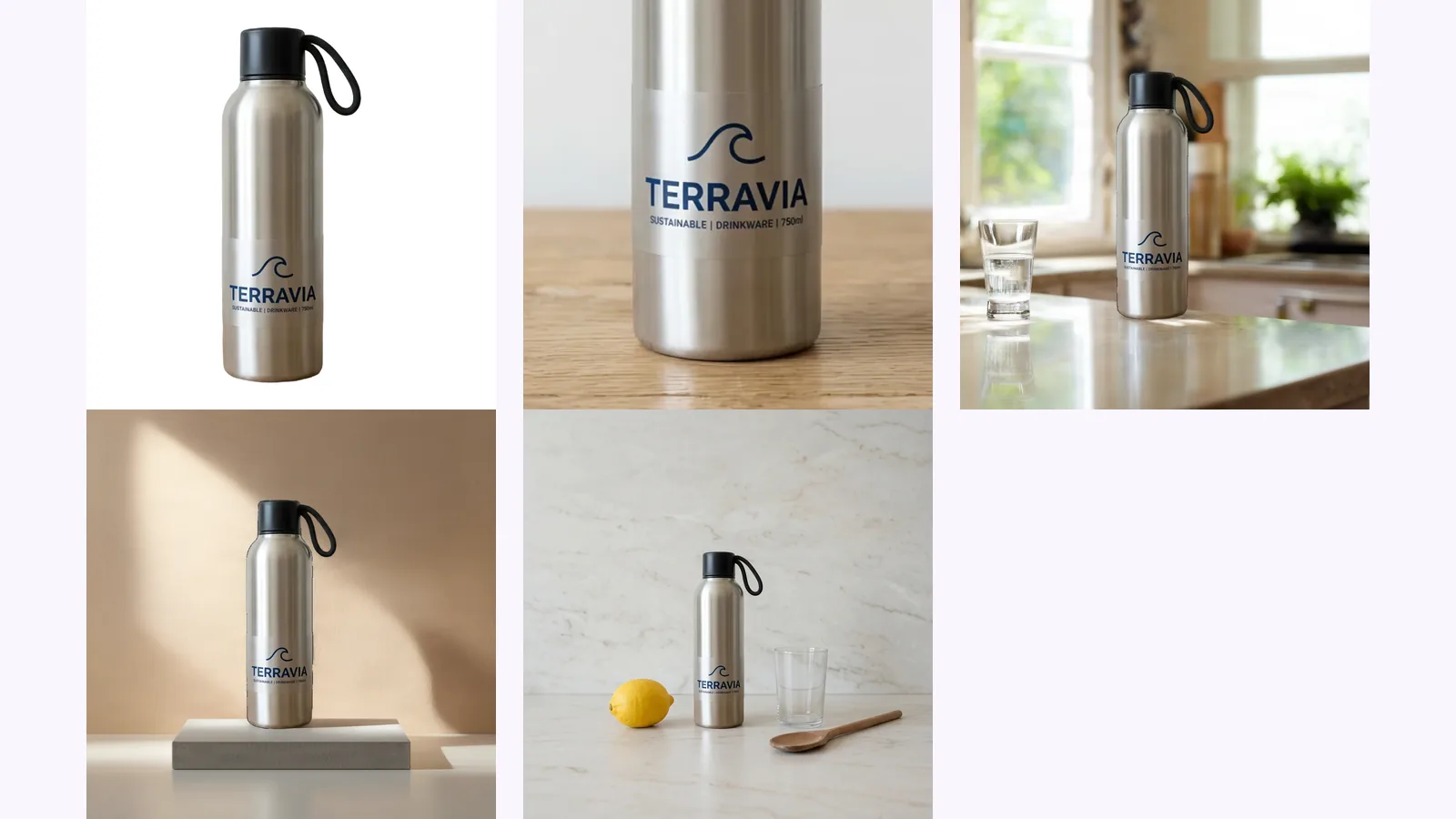
One photo gives you a white main image and up to 8 scenes. The main image is a pure-white JPEG, square, 1,000–2,000 px, cut out of your own photo, with the product filling about 87% of the frame. In each scene the AI paints the room and your real product is pasted back from the photo. The scenes add no people, text or logos, so they fill the in-use and in-context slots, not the size chart or the infographic.
The app's own copy says the AI "never redraws your product" and "never adds people, text or logos". That is a design limit, not a promise about every image, so look at each one before you upload.
It makes no text. For a size chart, a benefits graphic or a what's-in-the-box image, use an editor and apply the text rule above. Amazon size chart and what's-in-the-box images covers what to measure and show, and how the AI product photoshoot works goes through the scenes and the cost.
Make a white main image and scenes from one photo
Seller guides say yes: Helium 10, Jungle Scout and SellerSprite all do. The Amazon pages we could open do not say either way, and only the main image is barred from text, graphics and logos. Read G1881 in Seller Central for your category before you upload (checked 2026-10-25).
In the replies to the staff post, an Amazon moderator says the main-image guide does not mention human hands. Category style guides differ, so check yours. A photorealistic person who is entirely AI-generated needs the contains-synthetic-performer tag.
We could not confirm it. The pages we read are written for the US store, plus one thread from the EU forum. Check Seller Central for your marketplace.
Amazon says every product needs at least one image and recommends at least six. Its public guide gives no maximum. Jungle Scout's summary of G1881 says up to nine uploads, with the first seven shown on the live listing (six if it has a video). We could not check that against G1881.
More on this topic: Product photoshoot for Amazon listings and Amazon Listing Image Guides.
Amazon's image rules, quoted from Amazon and dated: 500–10,000 px, RGB 255 white, 85% fill, how many images a listing needs and the AI-people tag.

Amazon lifestyle images explained: the in-use, styled and scale scenes, whether AI scenes are allowed, the AI-people tag, and how to check the label survived.
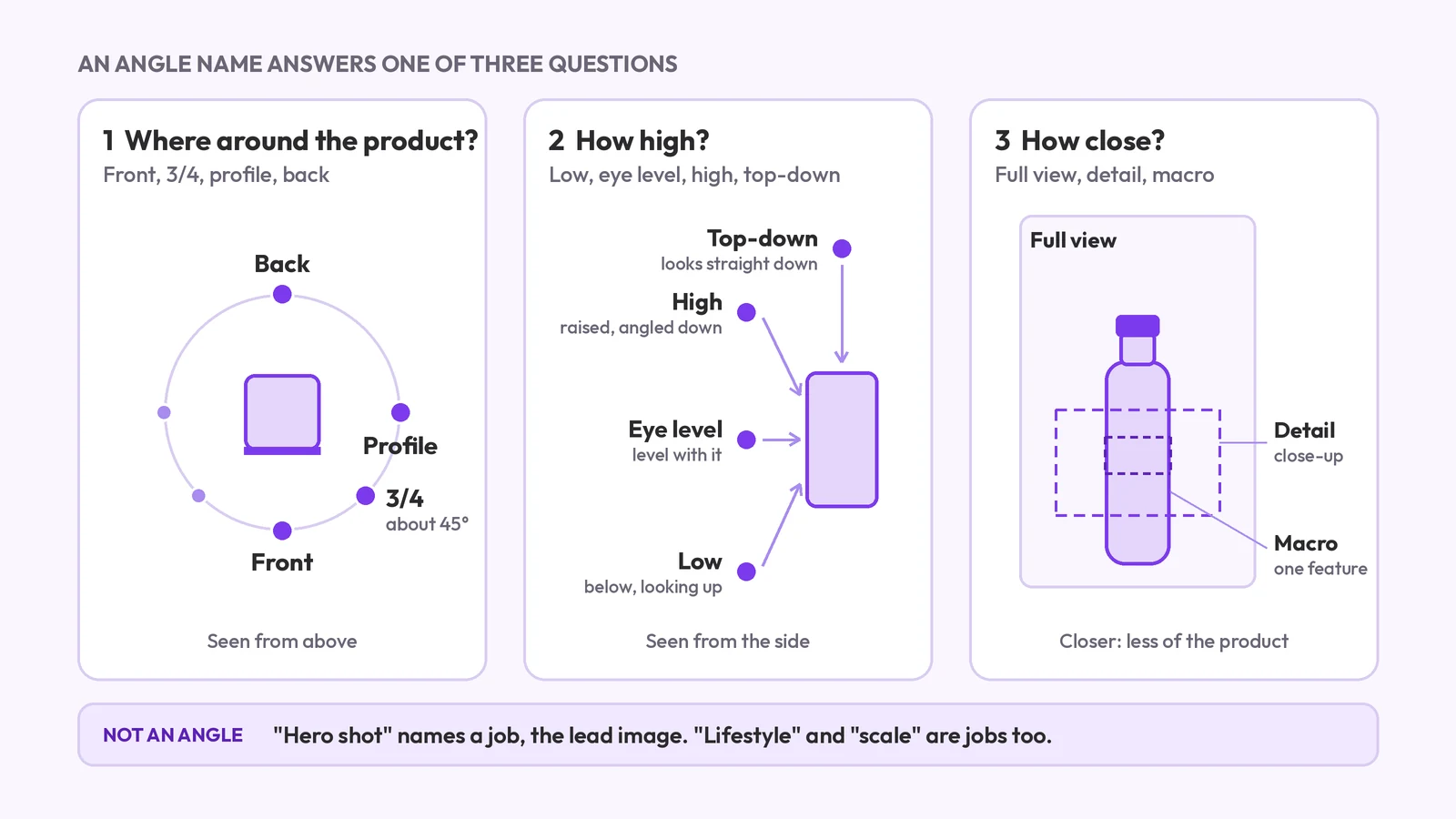
Product photography angle names: front, 3/4, profile, back, high, low, top-down and detail. What each means, which products need which, and what a set covers.