Character turnaround sheet from one image: 3 methods
How to make a character turnaround sheet from one drawing: what the input needs, three methods compared, and a guide-line check on every view for AI drift.
A free blank character turnaround sheet template: 8 panels and 7 shared guide lines, as PNG, PDF and SVG. Fill it by hand or from one drawing.
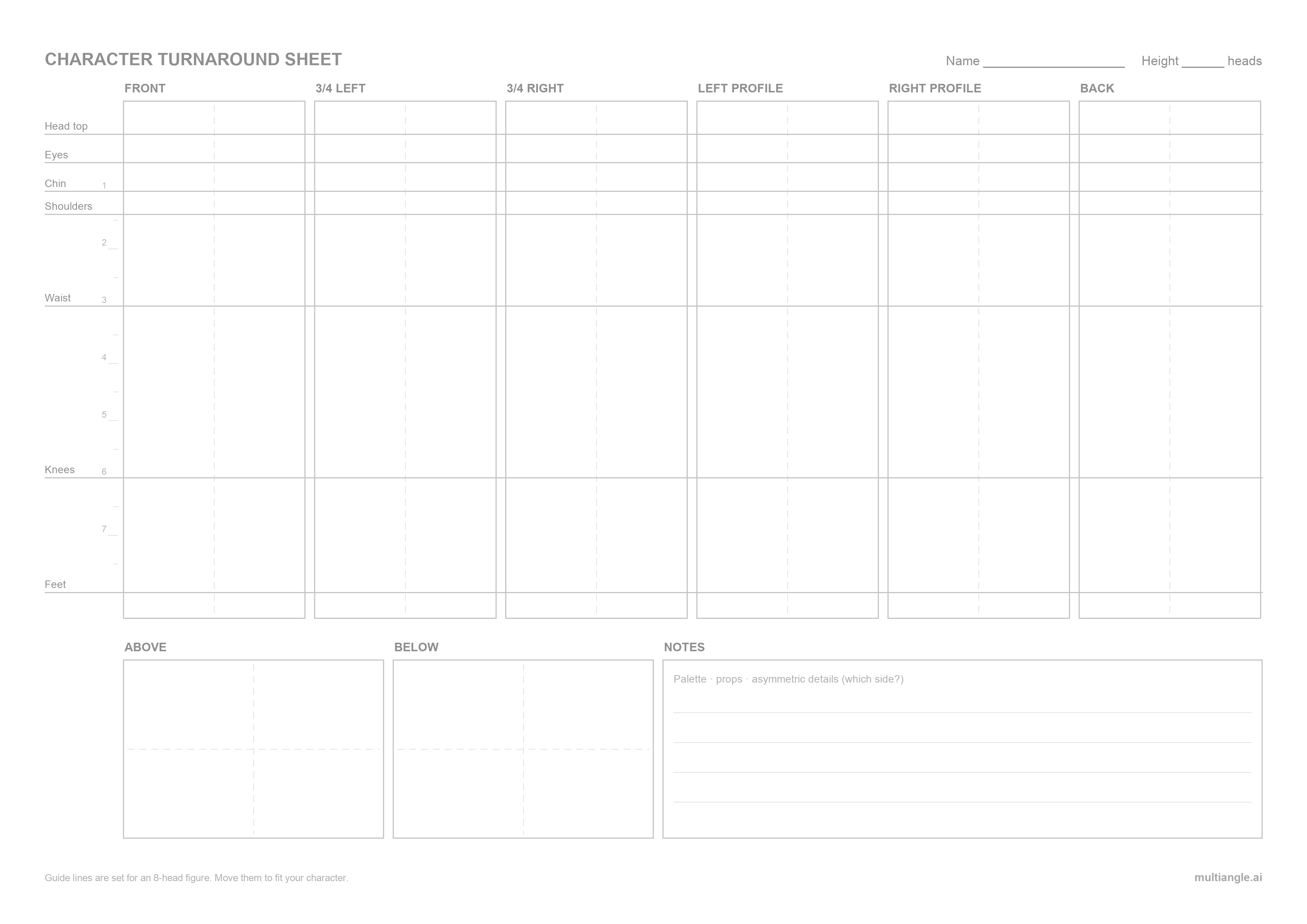
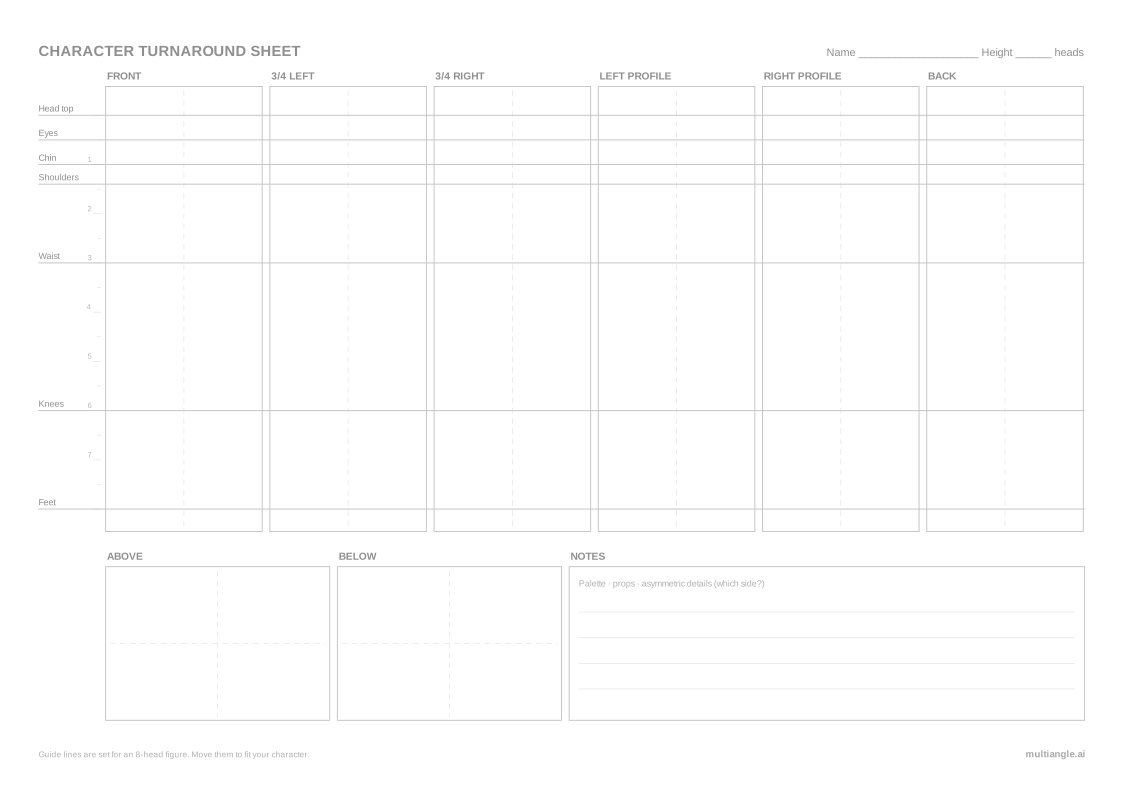
This free character turnaround template is a blank A4 sheet with 8 labelled panels: six standing views on one baseline, plus views from above and below. Seven light grey guide lines run across all six standing views, so the head, eyes, chin, shoulders, waist, knees and feet land at the same height in every panel. Download it below as a PNG, PDF or SVG, then fill the turnaround sheet by hand or from one drawing.
The template comes in three files, all the same design: a PNG for drawing apps, a PDF for printing, and an SVG for vector editors. Each is A4 landscape. It is blank, with no example character, and free to use for your own work, including commercial and client projects. Please don't resell the blank template itself.
If you would rather not draw every view, MultiAngle can generate the other views from one drawing and you can place the results in these panels. That route is covered further down.
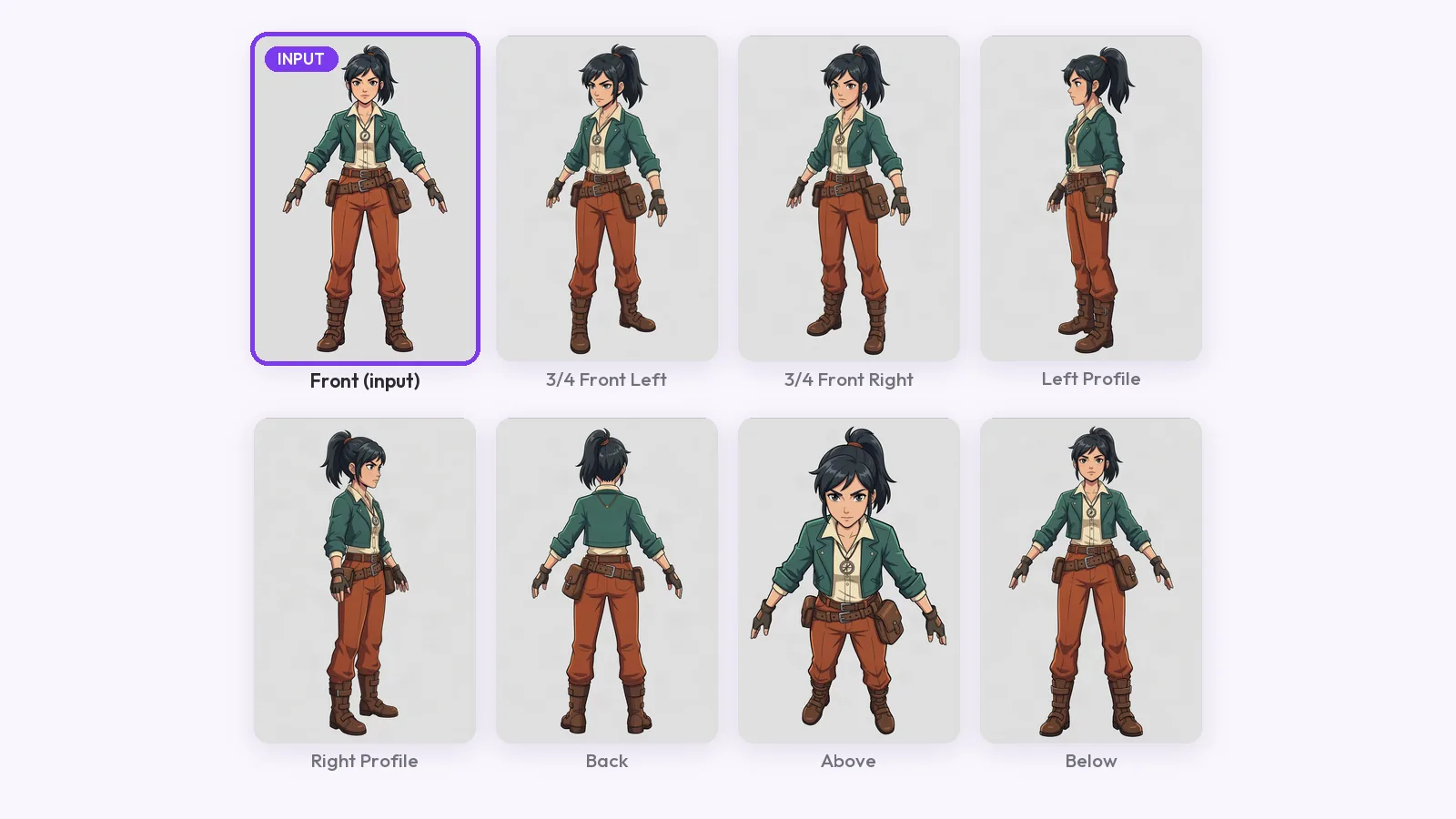
The panels are labelled with the 8 views MultiAngle generates: front, 3/4 front left, 3/4 front right, left profile, right profile, back, above and below. The six standing views share one row and one set of guide lines. Above and below sit in a second row next to a notes box for palette, props and which side each asymmetric detail is on.
Why eight rather than the usual three to five? CharacterHub's character design sheet guide says a rotation can be as few as two views, with three to five common. The extra panels earn their place in two cases:
If you only need three or five views, leave the other panels empty. The heights still line up.
Seven horizontal lines cross every standing panel: head top, eyes, chin, shoulders, waist, knees and feet. They are set for an 8-head figure, with small head-unit ticks down the left edge. Draw your front view first, then move each line to where that feature actually sits, and build every other view to the same heights.
The default positions, in head units from the top of the head:
| Guide line | Head units from top (8-head figure) | Move it if your character… |
|---|---|---|
| Head top | 0 | wears a hat or tall hair (keep the line at the skull) |
| Eyes | ½ | has a stylised face with large eyes |
| Chin | 1 | has a long or short face |
| Shoulders | about 1.4 | is broad, narrow or hunched |
| Waist | 3 | has a high or low waistline |
| Knees | 6 | has short or long legs |
| Feet | 8 | is shorter or taller than 8 heads |
Most characters are not 8 heads tall. Clip Studio's model sheet tutorial starts from a taller head count and adjusts its character down to about 6¾ heads; a chibi can be 2 or 3.
Keep the lines faint while you draw. In a drawing app, import the PNG as its own layer, set it to Multiply at 20–40% opacity, and draw on a layer above it. In the SVG, the lines are already on their own "Guide lines" layer.
Draw the front view first and set the guide lines from it. Then draw the profiles, then the three-quarters, then the back, carrying every height across on the lines. Finish with above and below. This order means each new view has the most information to build on.
Write the asymmetric details in the notes box as you go ("satchel: character's left hip"), so whoever uses the sheet next doesn't have to guess.
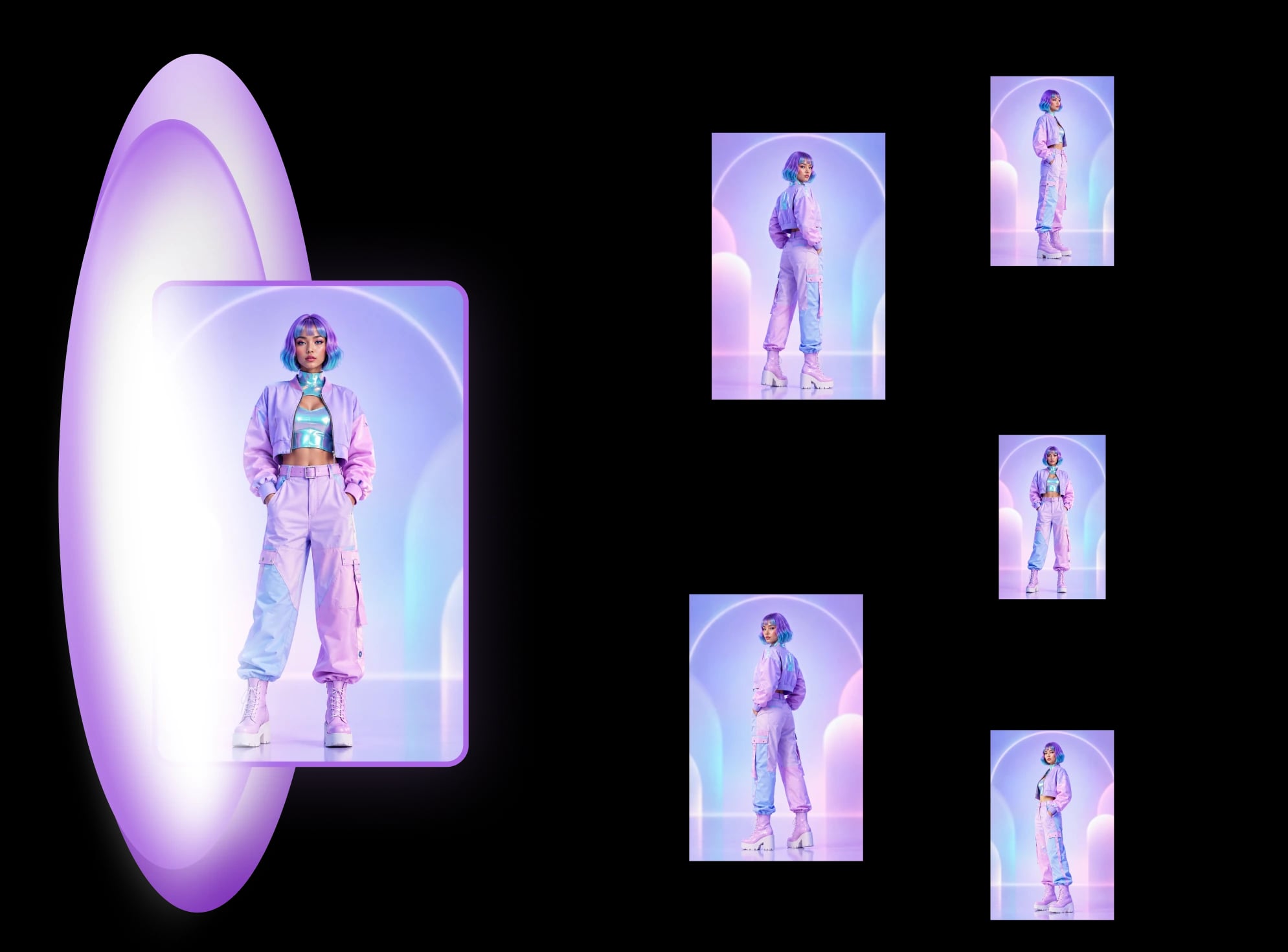
Upload one front drawing to MultiAngle's character turnaround template and it generates the other 7 views. Your upload is the eighth, so the set fills every panel of this sheet. A full set costs 7 credits, and the panel labels match the app's view names.
Download the set (PNG, JPEG and WebP, plus a ZIP of the set), place each view in its panel, and scale them so the feet sit on the bottom line and the head top on the top line. Then check the other five lines. Our step-by-step guide to a turnaround from one image covers what makes a good input and what to expect.
On the Free plan you get 4 credits a month. Full sets you can make on Free: none (4 credits cover part of a set). That is enough to test a few views before you pay.
We scaled every view by the same amount from the front view and set the feet on the bottom line. The eyes, chin, shoulders, waist and knees then line up across all six standing panels, and the head top misses only slightly, in the profiles. The feet are where it misses: in both three-quarter views and both profiles the far foot sits above the feet line, because those views carry some perspective. The back view's feet hit the line. Measure heights from the near foot, and redraw the far foot if you need a strict orthographic sheet.
Fill the template from one drawing
A template gives you consistent heights. It can't fix a design, and it can't make AI views agree on its own. Know what it does not do before you rely on it.
For the turnaround sheet definition and related terms such as the three-quarter view, see the glossary. For products and rooms, the product and room angle templates do the same job.
Large enough that the smallest panel holds detail. This one is A4 landscape at 300 dpi (3508 × 2480 px), so each standing panel is roughly 490 × 1390 px. Draw bigger and scale down if your app allows it.
Yes. Use it for personal and client projects. Please don't resell the blank template itself.
No. Three views (front, side, back) are enough for most comic work. Use all eight for asymmetric designs or when a 3D modeler needs both sides and the top.
Partly. It is a turnaround template: six standing views, above and below, and a notes box for palette, props and asymmetric details. It has no expression or pose panels, so add palette swatches and callouts yourself. What goes on a character reference sheet lists the parts.
The panels do; the guide lines need new labels. A four-legged creature has different landmarks, such as the back line, belly, knees and paws. Rename the lines in the SVG or ignore the labels on the PNG.
No. The PNG opens in Photoshop as a normal image, and the SVG keeps panels, guide lines and labels on separate layers in vector editors.
More on this topic: Character turnaround sheets and Character Turnaround Sheet Guides.
How to make a character turnaround sheet from one drawing: what the input needs, three methods compared, and a guide-line check on every view for AI drift.
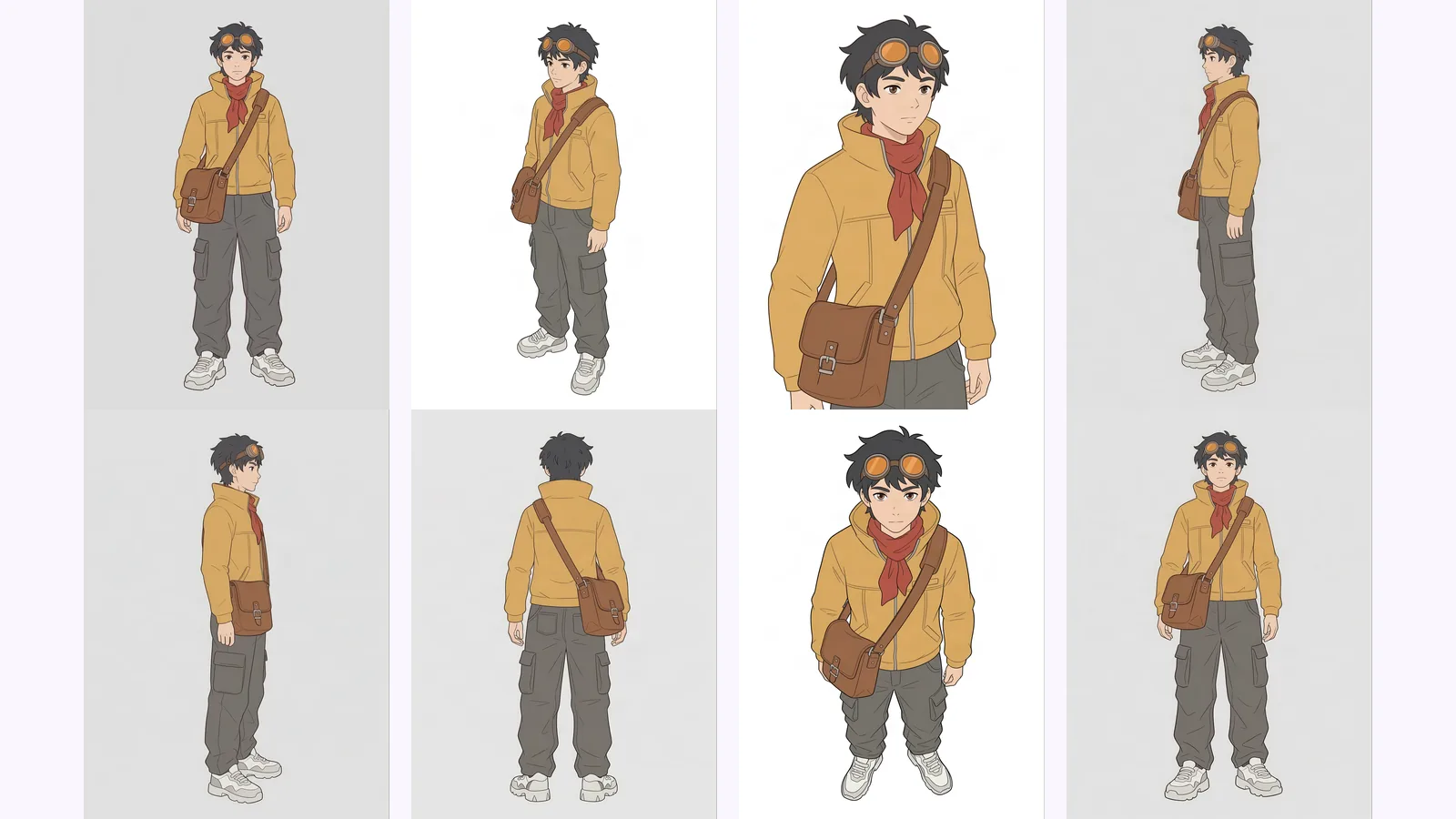
Multi-view images for 3D: the views Meshy, Hunyuan3D-2mv and Tripo take, how to make 8 consistent views from one drawing, and how to check them.
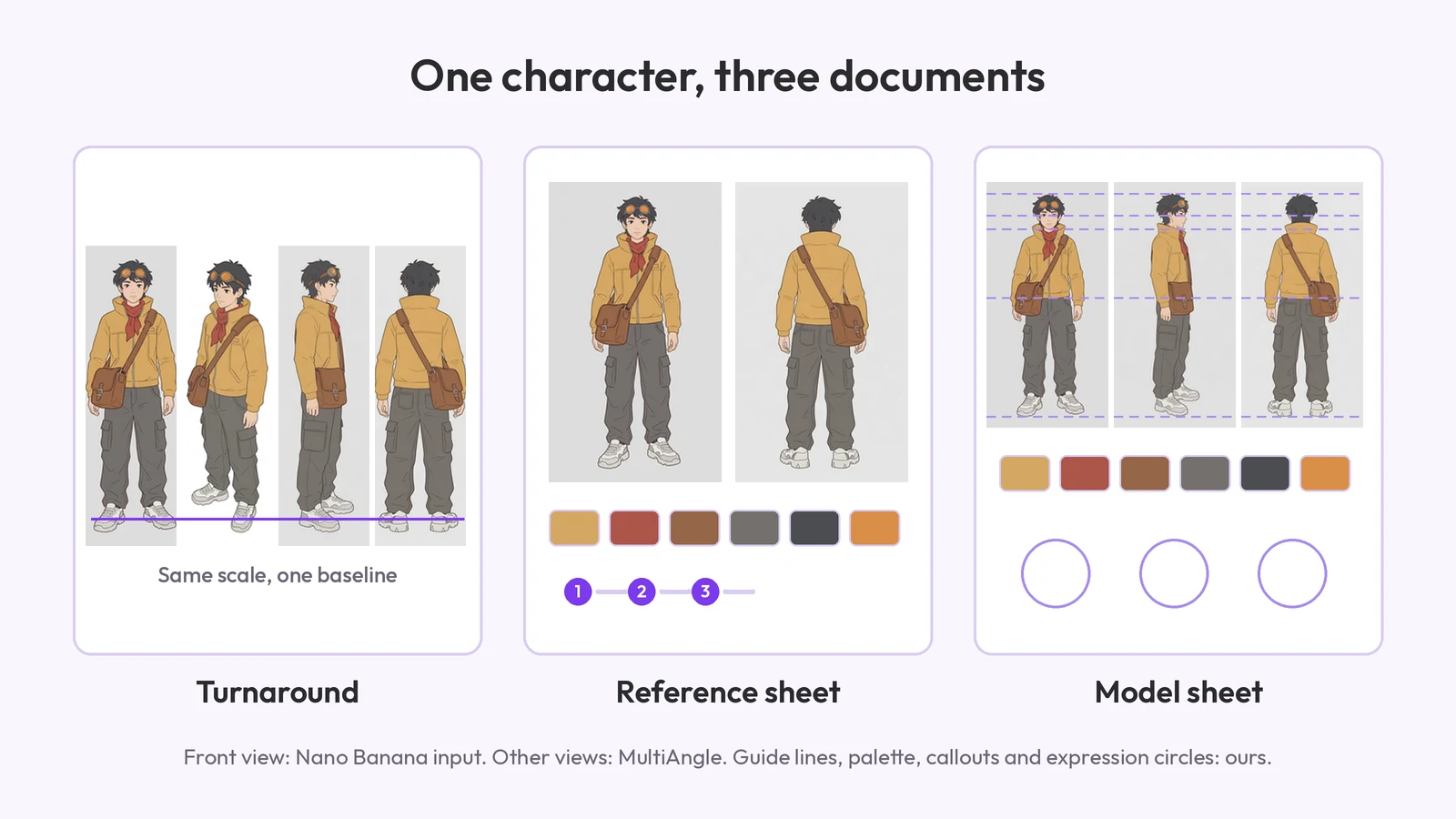
What a character reference sheet is, what goes on it, how to make one step by step, which template to start from, and how it differs from a turnaround.