Amazon product image requirements: the rules, checked
Amazon's image rules, quoted from Amazon and dated: 500–10,000 px, RGB 255 white, 85% fill, how many images a listing needs and the AI-people tag.
Amazon size chart image and what's in the box image: what to measure, cm and inches, how to label each, and what Amazon's own posts say to show.
An Amazon size chart image shows the product's real dimensions, each labelled with what it measures, in centimetres and inches, with a small familiar object for scale. A what's-in-the-box image shows exactly what ships, with a quantity on each item. Both belong in secondary slots, not the main image. We found no study proving either lowers returns, so this guide gives the sources we have and a checklist. Sources checked 2026-10-25.
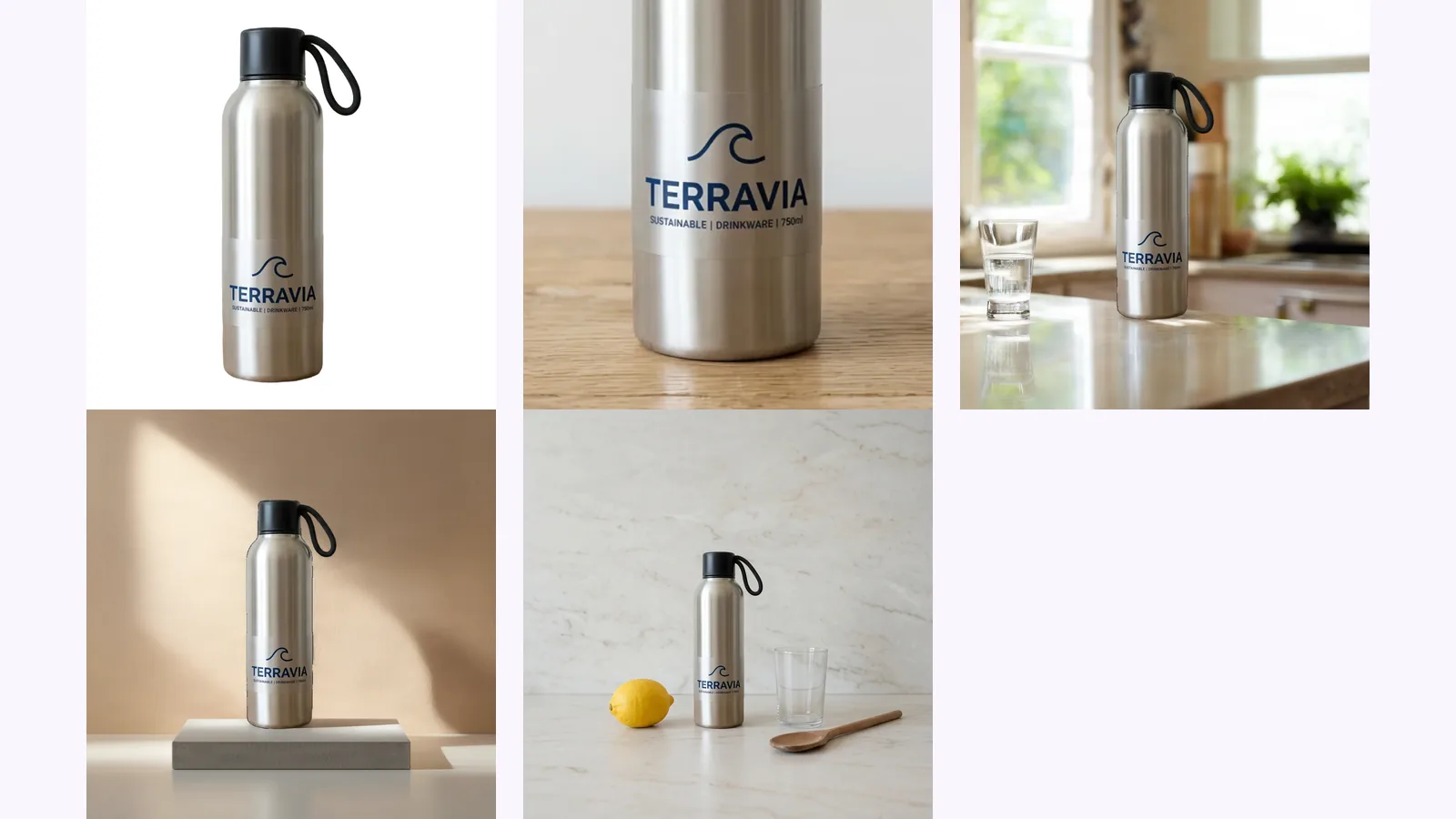
MultiAngle's Product photoshoot for Amazon listings makes the white main image and the scenes. These two images carry words and numbers, so you make them in a design tool; more on that below.
Key takeaways
Because buyers return products that were not what they expected. Signifyd's data, reported by Digital Commerce 360 on 2026-01-27, puts "significantly not as described" at nearly half (48%) of all returns in 2025. That figure covers online retail, not only Amazon, and includes damaged items, so it does not measure size errors alone.
The same article cites a Rithum survey of 6,000 consumers in five countries: 61% primarily returned items because of poor fit, and 33% because the product did not match its online photos or description. It does not split the results by product type, and fit is mostly a clothing problem (Digital Commerce 360, checked 2026-10-25).
Amazon's own forum posts give the practical version. A post by the account Sakura_Amazon_ on the EU Seller Forums lists three tips: "Show accurate size, colour, and scale", "Don't include accessories not included with the product" and "Ensure images match the actual product being shipped" (Seller Forums, no absolute date on the page, checked 2026-10-25). Some tool vendors claim large drops in returns from size charts. We found no independent study.
The product's real dimensions, each labelled, in centimetres and inches, with a familiar object beside it for scale. Amazon's own seller blog says "scale shots give customers a better idea of the actual size of a product by comparing it with other everyday items" (Amazon Selling Partner Blog, 2024-12-04, checked 2026-10-25). Keep to the numbers a buyer needs to decide.
We found no Amazon template for a size chart, so what follows is practice, not a rule. What to measure depends on the product:
| Product type | Measure | Add |
|---|---|---|
| Hard goods (tools, kitchenware, organisers) | Height, width, depth | Weight |
| Round items (bottles, mugs, jars) | Height, diameter, opening | Capacity |
| Things that fit somewhere (holders, storage, mounts) | Outer size and inner size | What it fits |
| Straps and bands | Length range | How to measure, and which range each size fits |
Clothing and shoes have their own category rules on Amazon, and we did not research them for this guide.
Measure the finished product with a ruler or calipers, not the packaging, and write the numbers in millimetres or centimetres. Convert once for inches: 1 inch is exactly 2.54 centimetres. Use the same numbers on the image, in your bullet points and in the item dimensions, so no two places disagree.
Exactly what ships, laid out on one image, each item labelled with its quantity. Show the items out of their wrappers, add nothing that is not in the order, and say plainly when something a buyer might expect, such as batteries, is not included.
Amazon's 2026 photography standards post states the test: "Display only what's included in the purchase (no props or accessories that aren't part of the order)." It sits in that post's list of main-image rules (Seller Forums, Dougal_Amazon, no date shown, checked 2026-10-25). Applying it to every image is our reading, backed by the Sakura_Amazon_ tip above. A third-party explainer on Amazon's error 13041 says the image moderator flags photos that show items not in the sale, and that a disclaimer in the description does not fix it (GoDataFeed, undated, checked 2026-10-25).
| Image | The question it answers | Must include | Common mistake |
|---|---|---|---|
| Size chart | Will it fit where I need it? | Labelled dimensions in cm and in, a scale object | Box size shown as product size |
| What's in the box | What do I get? | Every item, with quantities | A prop that does not ship |
In the secondary slots, after the white main image. Amazon recommends at least six images, and we found no rule on the order of the extra ones, so put the size chart higher if buyers keep asking about size, and the box image higher if they ask what is included.
On file size, Amazon's blog gives 500 to 10,000 pixels on the longest side and prefers over 1,000 for zoom (2024-12-04, checked 2026-10-25). Two things Amazon's public posts do not say. The 2026 standards post asks sellers to "avoid text, graphics, logos, watermarks, or promotional messaging on main images", so a size chart cannot be the main image. For additional images it states no rule on text, and Amazon's full image guide (G1881) returned a landing page with no image rules when we fetched it on 2026-10-25. Check your category's rules in Seller Central before you publish. How the white main image is judged is covered in the main image white background check, and the other secondary slots are in the Amazon product image requirements guide.
No. The Product photoshoot makes the white main image plus up to 8 scenes from one product photo. The app says it never adds people, text or logos, and never makes claims such as sizes it cannot see in the photo. Words and numbers on an image are yours to add in a design tool such as Canva, Figma or Photoshop.
The app also says it never redraws your product. Two more limits apply. A scene's objects are not measured, so do not use a scene as proof of size: our lifestyle images post found, in an earlier flow, that a scale shot only looked plausible, and says to check it against real dimensions. And the photoshoot works on one product at a time, so a flat lay of several items for a what's-in-the-box image is a photo you take yourself. What the photoshoot is good for here is the white main image that sits in slot one, with these two images after it.
An image can only be as right as its numbers. These are the failures to check for.
Make the white main image and scenes from one photo
Amazon does not require one in anything we read. Add it when your questions and reviews show buyers asking about size, or when the product goes somewhere with a fixed space.
Both. It costs one extra line, and shoppers on different Amazon stores use different units.
No. Amazon's 2026 standards post tells sellers to avoid text, graphics, logos and watermarks on main images. Use a secondary slot.
We found no requirement. It helps when the listing could leave doubt about accessories, parts or quantities, and it must match what ships.
More on this topic: Product photoshoot for Amazon listings and Amazon Listing Image Guides.
Amazon's image rules, quoted from Amazon and dated: 500–10,000 px, RGB 255 white, 85% fill, how many images a listing needs and the AI-people tag.
Amazon lifestyle images explained: the in-use, styled and scale scenes, whether AI scenes are allowed, the AI-people tag, and how to check the label survived.
Amazon wants a pure white main image, RGB 255. How to check yours with an eyedropper, fix an off-white background, and shoot a white product on white.