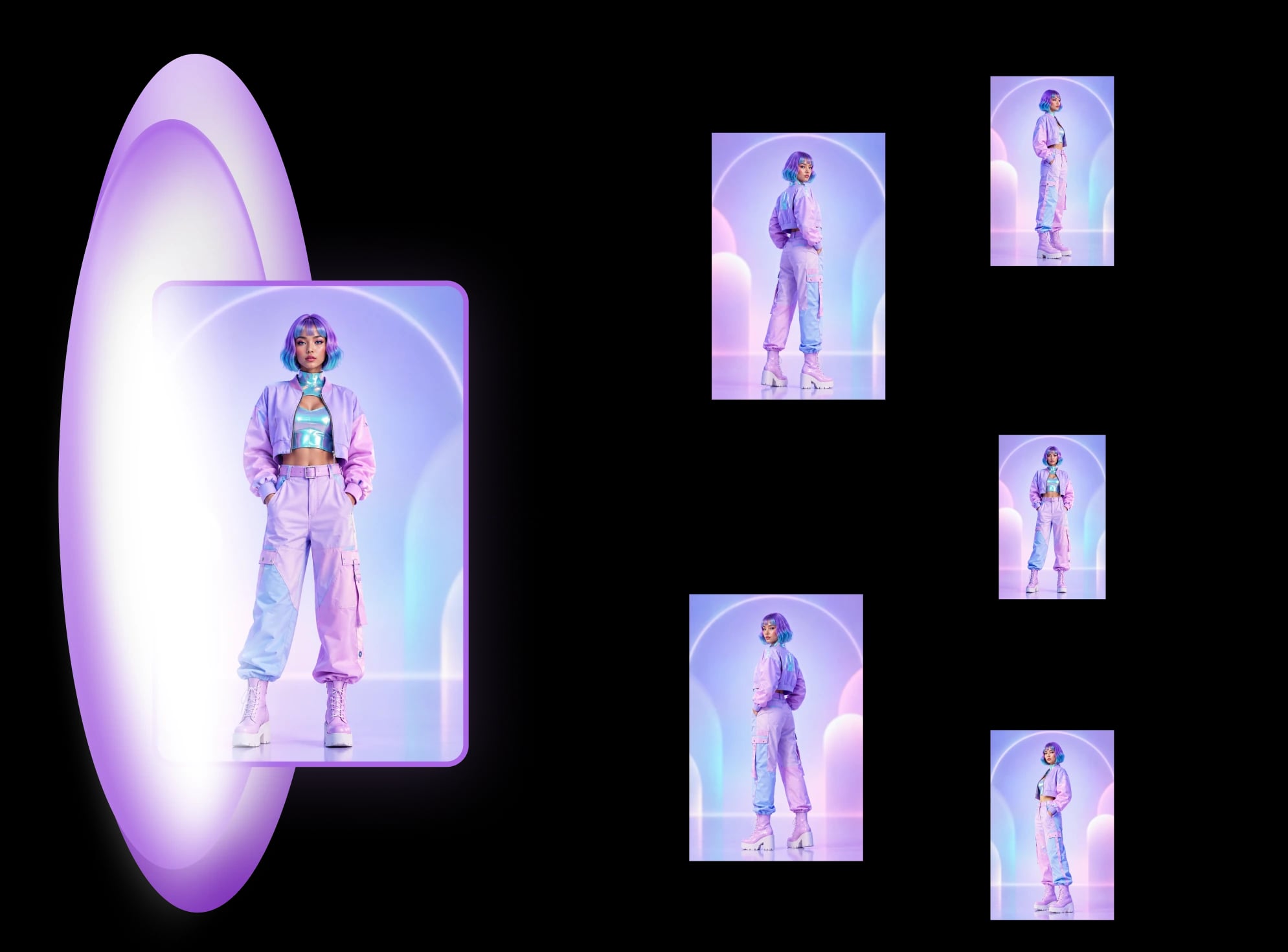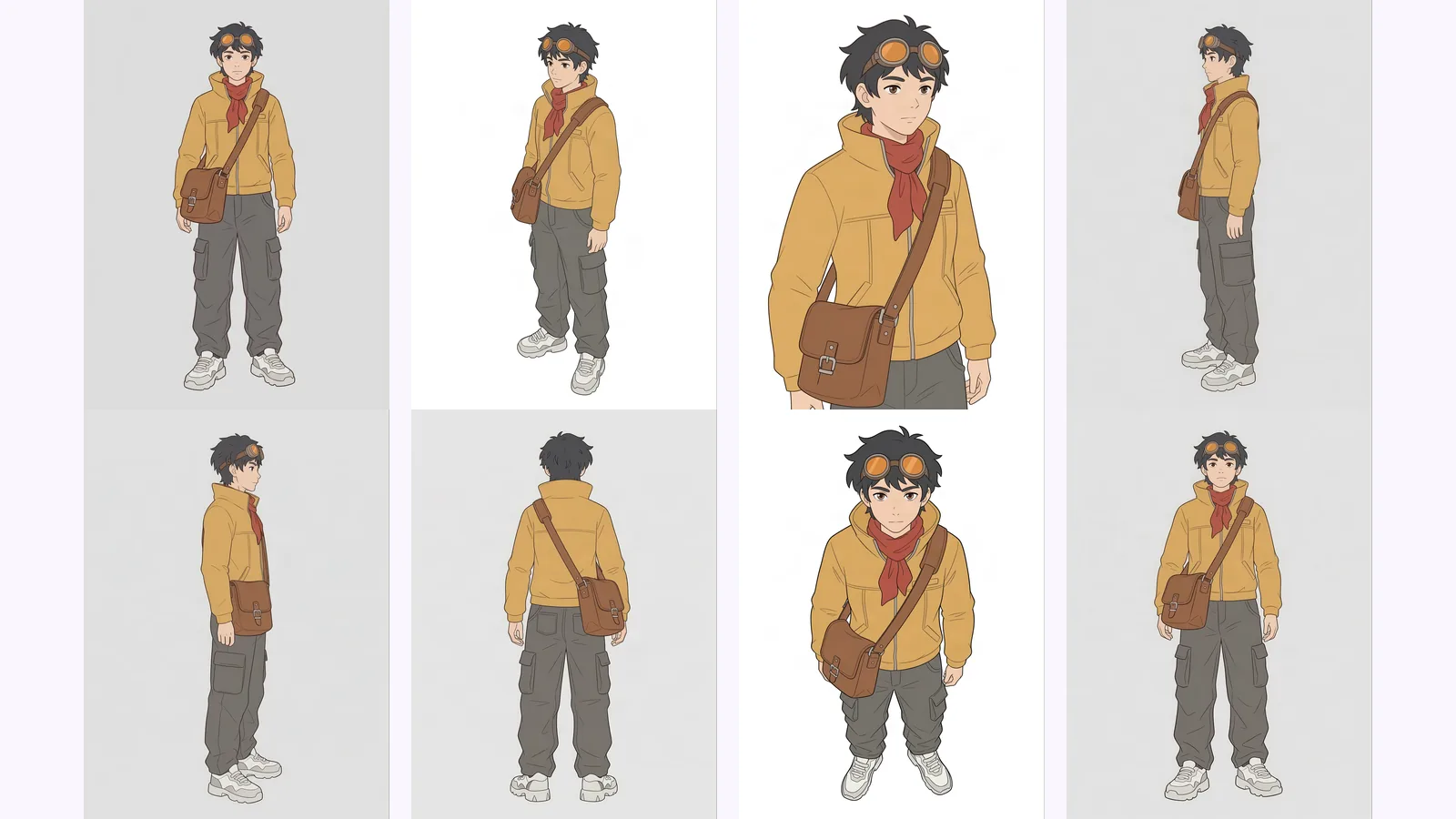
Multi-view images for 3D: 8 consistent views
Multi-view images for 3D: the views Meshy, Hunyuan3D-2mv and Tripo take, how to make 8 consistent views from one drawing, and how to check them.
LinkedIn headshot tips as five checks: likeness, face size, being alone, background and light, tried on 4 AI headshots from three photos.
The LinkedIn headshot tips that matter come down to five checks: the photo looks like you today, your face fills about 60% of the frame, you are alone in it, the background is plain, and the light is soft and even. LinkedIn's own guide lists these (checked 2026-09-26). Below: each check, how to take the photo yourself, and three casual photos run through our LinkedIn headshot recipe and judged against the same list.
Key takeaways
Five things, all from LinkedIn's own advice (LinkedIn Talent Blog, "tips for taking professional LinkedIn profile pictures", 2024-08-01, checked 2026-09-26):
The same page says a profile with a photo is "14 times more likely to be viewed". That is LinkedIn's own figure for having any photo, not for a particular style of photo, so it is a reason to add one and not a reason to polish it endlessly.
We cut a square from the top of each 4:5 output, drew the circle LinkedIn displays, and measured the head from the top of the hair (or the cap) to the chin. LinkedIn does not say where it measures from, so this is our reading of its 60% rule. The three heads come to about 59%, 55% and 58% of the frame height, give or take three points: at or a little under the guide. The circle clipped the corners and the lower shoulders in all three, and the ends of the long hair slightly in two. It left the cap, the top of the hair and the glasses clear. In the Office and Outdoor outputs the face is visibly smaller than in Studio · Classic, so check those against the 60% guide first.
LinkedIn's guide gives a minimum of 400×400 px and a maximum of 8 MB (same page, checked 2026-09-26). The photo is shown as a circle, so the corners of a square image are cut off and the top of your head is the first thing to go if you have not left room.
MultiAngle's headshot recipe returns 4:5 portrait (1600×2000) and 1:1 (1200×1200), as JPEG or PNG files. The 1:1 file is the one to use for a profile photo; the 4:5 portrait suits a website or a speaker page. The square in the figure above is our own cut from a 4:5 output, not the app's 1:1 file. The "Studio · Turned" look is the same face from a different angle; how that works in general is in getting different angles of the same image with AI.
Yes. LinkedIn's list suggests having someone else take the photo, so ask a friend to hold the phone or put it on a tripod. Beyond that, our suggestions:
We did not have a good selfie and a bad one of the same person, so we could not do that comparison. We did not have photos of people who had agreed to appear here either. So we used three free stock photos from Unsplash, each showing a person in a free stock photo whom we do not know, and ran each through the recipe once with the default outfit setting, Business casual. They are not customers, users or testers of MultiAngle. If you are in one of these photos and want it taken down, tell us and it goes.
These are not selfies. They are well-made photographs, and each sits awkwardly with at least one item on the app's own upload checklist (just you in the photo, face the camera, eyes visible and no sunglasses, even natural light, head and shoulders in frame, 1024px or more each side). Photo 1 is a laugh with the eyes nearly shut. Photo 2 has a hand on the chin and the head tilted. Photo 3 is turned three-quarters, with the brim of the cap shading the upper face and a red wall behind. All three are at least 1024 px on each side, so the size check passes.
The recipe's upload screen says that by uploading you confirm the photo is you and that you are 18 or older. These runs were demonstrations on stock photos. Upload only yourself.
LinkedIn's rule is about likeness, not method. Its Help page on profile photos says: "Your profile photo must reflect your likeness." Stock imagery, celebrities and fictional characters are removed, and illustrations of yourself are allowed (LinkedIn Help, "Profile photo guidelines and conditions", checked 2026-09-26). We found no AI-specific rule on that page. Our AI headshots guide covers the wider picture.
LinkedIn does run detection. In a 2022 post on fake accounts, its Trust & Safety team described a model that detects AI-generated photos "that do not correspond to real people" (LinkedIn, 2022-10-25, checked 2026-09-26). That is aimed at made-up people. A headshot made from your own photo that still looks like you is a different case, but the practical test is the same: would a colleague recognise you?
The only recruiter data we found is a vendor survey, so read it with that in mind. Ringover ran a vendor survey of 1,087 recruiters. In blind tests, 76.5% preferred the AI headshots. And 88% said AI use should be made clear (Ringover, "AI headshots", checked 2026-09-26). Both numbers matter: recruiters liked the pictures and also wanted to be told.
We did not run a recruiter test, and we did not run the friend test we would suggest for you, because we do not know the people in these photos and so cannot ask anyone who does. That test is cheap with your own photo: show the original and the AI version, shuffled, to two or three people who know you, and ask which looks most like you.
It depends on how many looks you need, what you can spend and how much risk of a wrong likeness you will accept. Competitor prices come from each vendor's own page.
| DIY phone photo | AI headshot packs | MultiAngle recipe | A photographer | |
|---|---|---|---|---|
| Cost | Free | HeadshotPro: $29 (30 headshots), $39 (50), $59 (70), one-time. Aragon: $35 (40), $45 (60), $75 (100) | 4 credits for 4 shots; the Free plan gives 4 credits on the 1st of each month (UTC) | See what a photographer costs against AI |
| Number of looks | As many as you take | Dozens, many outfits and backgrounds | 4 fixed looks: Studio · Classic, Studio · Turned, Office and Outdoor | Set by the session |
| Likeness risk | None, it is you | Check each one | Check each one | Low: a camera records you |
| Needs | A window and a helper | See the vendor's page | One photo | A booking |
Prices checked 2026-09-26 from HeadshotPro and Aragon; Aragon's page also showed a 20% promotion. Where the packs win is choice: far more shots, outfits and backgrounds than our 4. Where we fit is a small, fixed set from one photo.
These are the places to look at 100% before you upload any AI headshot, ours included:
Here is what we saw, photo by photo. We do not know these people, so "likeness" below means how close the output looks to the input photo to us, nothing more.
Photo 1, the laugh. The input is an open-mouth laugh with red lipstick and a red high-necked top. Every output has a closed-mouth smile, natural pink lips and no red lipstick, and the top becomes a blazer over a plain tee. The brows, the nose and the dark wavy hair carry over. The cheeks look less full in the outputs, though a laugh pushes cheeks up, so some of that is the expression. The input hair is blown back with no parting we could see; the outputs style it half up in Studio · Classic and loose with a side parting in the others. We cannot compare eye colour, because the eyes are nearly shut in the input. No output shows teeth.
Photo 2, the glasses. The glasses stay in every output, rectangular like the input, and so do the hoop earrings. Studio · Classic also shows a small stud above one hoop, which the input does not. Three things changed. The frame was near-black with a thick top rim in the input, and is tortoiseshell-brown in Studio · Classic and a thinner dark brown, or burgundy-brown in Outdoor, in the others. The strong green reflection across one lens in the input is gone or fainter in every output, though Office keeps a pale streak across one lens and Outdoor a green tint. And the eye colour moves around: grey-green in both studio looks and in Outdoor, brown in Office. The input's own eye colour is hard to tell through the reflection. The hand with a ring and a bracelet is out of frame in every output, and the broad smile with teeth is a closed mouth.
Photo 3, the cap. The cap and its swoosh logo are kept in every output, in the same place and the same shape. The beard is the same full shape. The input has heavy-lidded eyes and a closed, neutral mouth; the outputs have more open, warm-brown eyes (wide open in Studio · Classic), and Studio · Classic and Office add a smile that shows teeth. The face looks broader in Studio · Classic than in the input, but the input is turned three-quarters, so part of that is the angle. The hairline is under the cap in every image, so we could not check it. Studio · Turned has a hard shadow down one side of the face.
Skin. At 100%, the output from photo 3 keeps pores, fine lines at the eyes and individual beard hairs. The Studio · Classic output from photo 1 is smooth, with little pore texture. Smoothing was uneven, not uniform.
Photo 3 is our weakest input on the app's checklist: turned away, half-lidded eyes, the brim shading the top of the face, a loud red wall behind. The recipe did not carry those over. The eyes are more open in every output, the red wall is replaced by a plain studio grey or a generated office or outdoor scene, and only Studio · Turned keeps a turned head.
That is a different thing from "the recipe fixes a poor photo". The eyes, the open expression and the teeth in two outputs are made up, because the input does not show them. The face we then see is a new one drawn from the input, and the input gives less to go on. We have no better photo of the same person to compare against, so we cannot say how much a stronger input would have improved it.
Limits of the recipe itself: it makes 4 looks and no more, you cannot set your own pose, outfit or background, and you cannot edit a single headshot afterwards (Improve exists only on Room angles and Product turnaround). The output is a face made from your photo, so it is only as good as what that photo shows.
The recipe returns Studio · Classic, Studio · Turned, Office and Outdoor from a single photo. Here are all of them for photo 3.
Against the five checks, and on what we can see:
Every output passes "alone". On photos 1 and 2 the studio looks have the same plain background and larger face, so we would start with Studio · Classic there too.
The plans and credits page covers paid plans, from $19/month, and how it works explains what happens between upload and download. Questions about accounts and credits are answered in the MultiAngle FAQ, and more guides like this one are under AI headshot guides.
Make 4 LinkedIn headshots from one selfie
Photo credits: the AI outputs, including the cover, were made from Unsplash photos by Michael Dam, Vinicius Wiesehofer and Luis Villasmil.
What you would wear to work, which is LinkedIn's own advice. Our suggestion: pick plain, solid colours, and check how they look against your background at thumbnail size. The recipe's default outfit setting is Business casual, and in all of our runs it changed the clothes to blazers.
No platform rule says. Our rule of thumb: update it when a colleague meeting you in person would not recognise you from it, for example after a change of hair, beard or glasses.
LinkedIn's guide lists a smile that shows teeth among its ten tips (checked 2026-09-26). It is a recommendation, not a requirement. Pick the expression that looks most like you in person.
We found no LinkedIn rule requiring it (checked 2026-09-26). The rule is that the photo must reflect your likeness. In the Ringover survey above, 88% of recruiters said AI use should be made clear, so if it came up in conversation, say so.
More on this topic: AI LinkedIn headshots from one selfie.
Multi-view images for 3D: the views Meshy, Hunyuan3D-2mv and Tripo take, how to make 8 consistent views from one drawing, and how to check them.
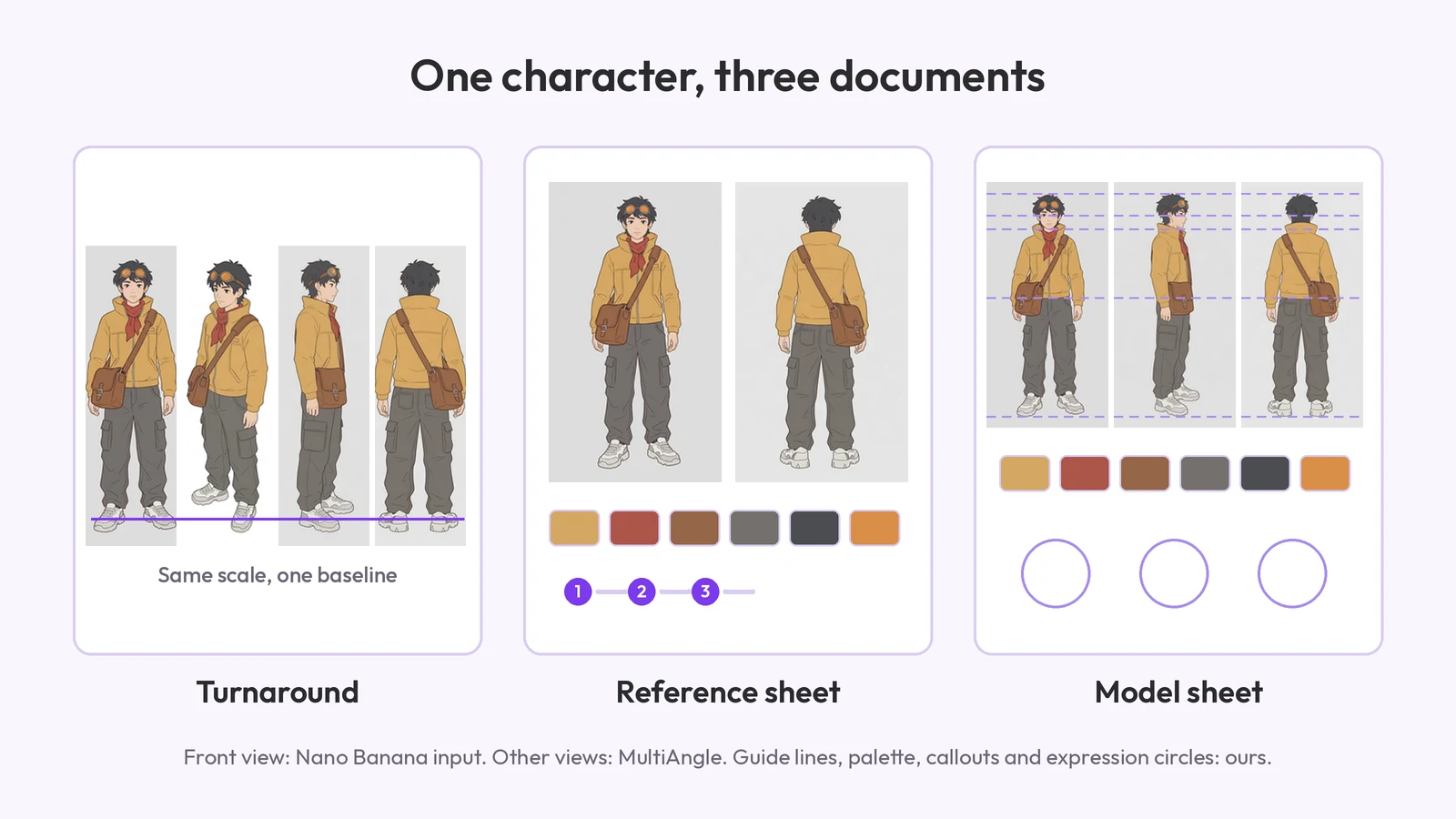
What a character reference sheet is, what goes on it, how to make one step by step, which template to start from, and how it differs from a turnaround.
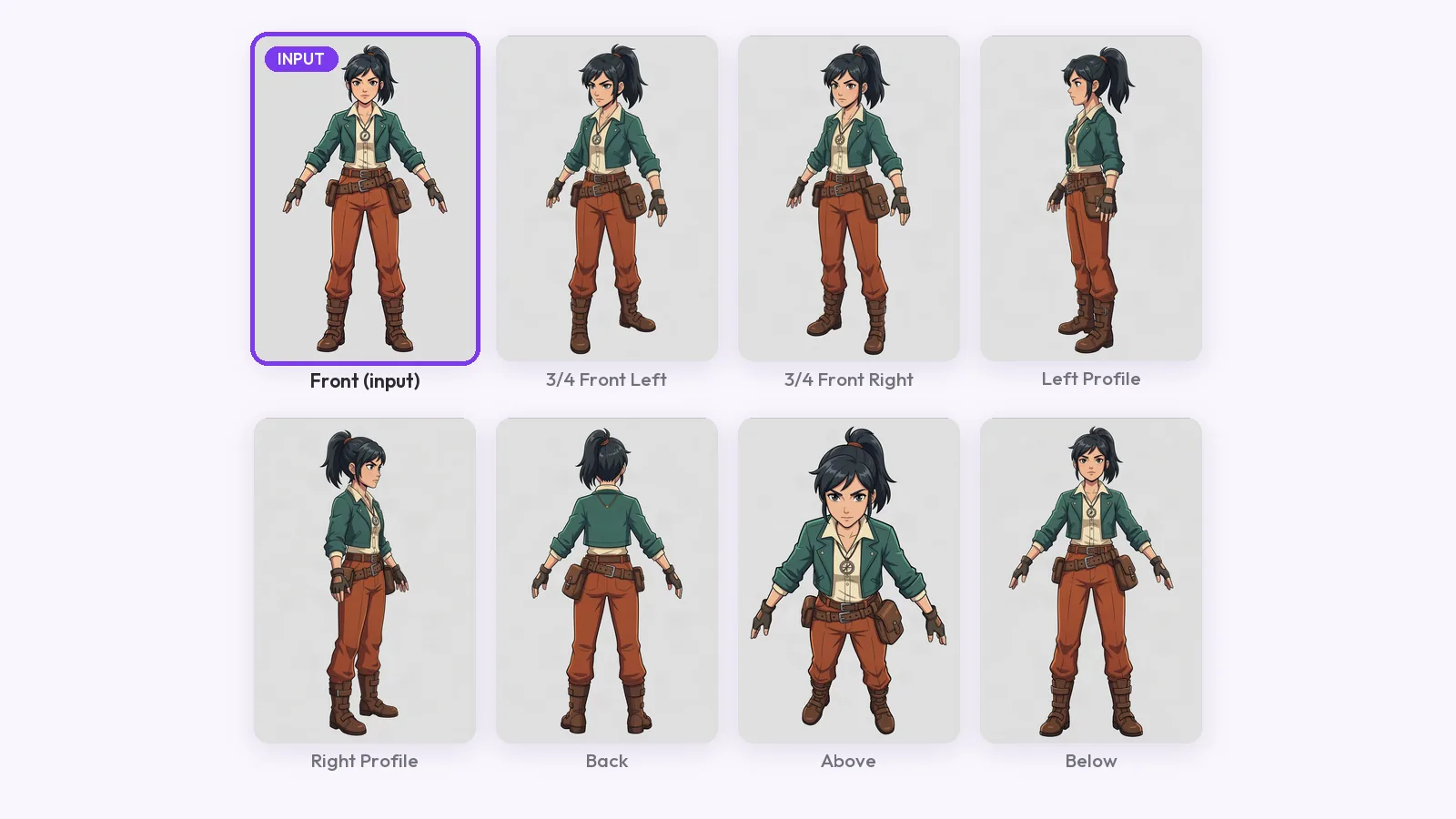
How to make a character turnaround sheet from one drawing: what the input needs, three methods compared, and a guide-line check on every view for AI drift.