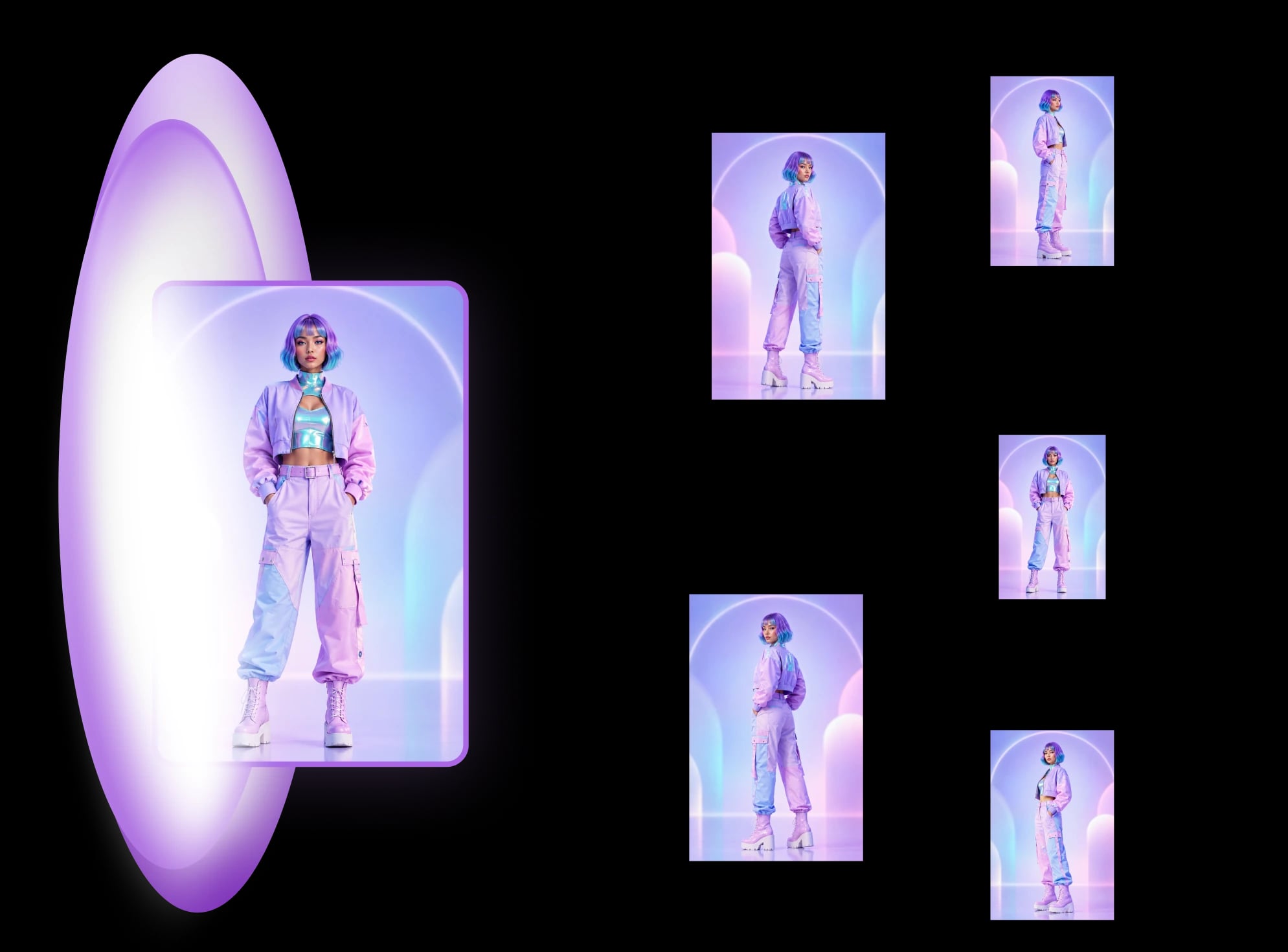
How to see a room from every angle from one photo
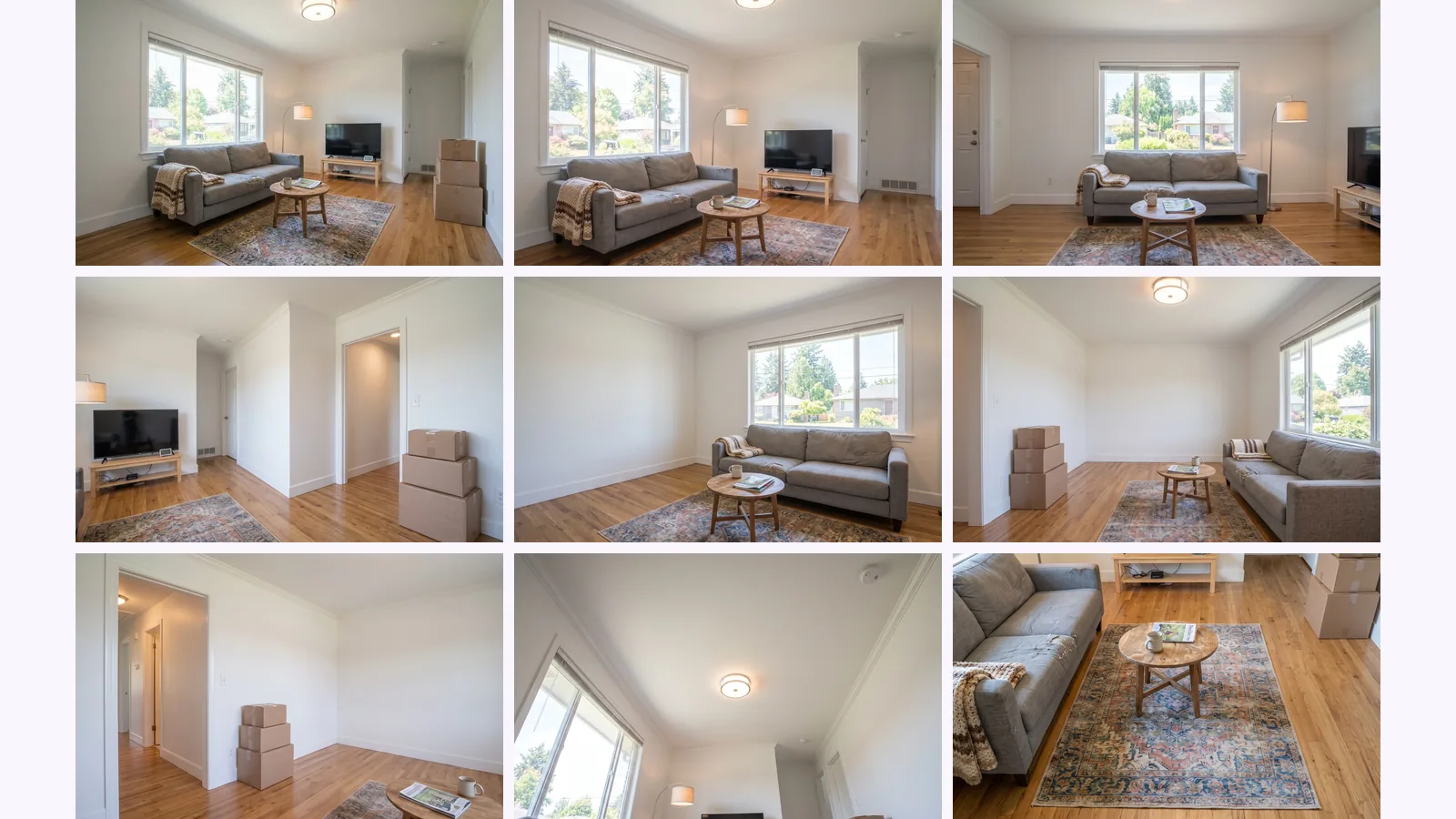
Can AI show a room from different angles? One photo became 10 views, each tagged seen, partly seen or invented, and where it fails.
How many photos should a real estate listing have? What vendors, an agent survey and MLS rules say, plus a room-by-room shot list and the angles to cover.
There is no official number. In HomeJab's 2021 survey of 289 agents, the most common answer was 30 photos (51%), though that is habit, not proof that 30 sells. Your MLS sets the cap: CRMLS allows 75. Below: what the sources say, a room-by-room shot list, and a map of the angles a room needs.
Cover: stock photo by rawkkim on Unsplash.
Key takeaways
Going by what photo vendors and one agent survey say, mid-size homes land somewhere between the mid-teens and about 30 photos, and the right count grows with the size of the home. It is guidance, not a rule, and the sources disagree at the edges. Dates below are when the page was published or last updated; we checked each on 2026-09-26.
Both come from photography companies, which sell photos. The HomeJab figure is what agents said they do, not what sells.
Some guides also cite a Zillow Research study, "Searched It, Saw It, Bought It", on photo counts and how fast homes sell (Zillow Research). We could not open the study ourselves when we checked on 2026-10-04, so we don't quote its figures here. Read it directly before relying on a number from a second-hand summary, and remember that a study of listings can show photo counts moving with sale speed without showing that more photos cause a faster sale.
It depends on your MLS. CRMLS, for example, states the limit in its knowledgebase:
You can upload a total of 75 photos per listing, each with a maximum file size of 15 MB or 3000 x 2000 pixels.
Other MLSs set other caps and file rules, so read the photo rules page of the one you list on. Treat the cap as a ceiling for the shot list below, not a target.
Start from the rooms buyers look at first and cover each with a small number of angles. The counts below are Virtuance's per-room ranges (guide last updated 2025-05-15, checked 2026-09-26). The angles and the "skip if" notes are our own judgement.
| Room type | Photos | Best angles | Skip a shot if… |
|---|---|---|---|
| Exterior | 2–4 | The front at eye level, then one from the side or the yard | The second shot repeats the first from the same spot |
| Living room | 2–3 | A corner shot that shows two walls and the way in, then the opposite corner | The room is small enough that one corner covers it |
| Kitchen | 2–4 | One wide shot from a corner, one on the counters and appliances | The second shows the same wall as the first |
| Bathrooms | 1–3 | From the doorway, plus one on any feature that sells the room | The bathrooms are near-identical: show one fully and the rest briefly |
| Bedrooms | 1–2 each | From the doorway corner, so the bed and the window both show | The second bedroom is a mirror of the first |
| Everything else (dining, office, laundry, yard) | Not covered by the sources we checked | One corner shot each | The room is not part of what you are selling |
The sources frame it differently. HomeJab's guide, for example, speaks of angles rather than photos: three for major rooms and two for bedrooms and bathrooms. Use the range that fits the size of the home and the cap of your MLS.
Click the checklist to enlarge it, then save the image to print it. The ranges are the table's, and the cap box is for your MLS's number.
MultiAngle's Room angles template gives a map of the views a room can be seen from: 4 walls, 4 corners, the ceiling and the floor, 10 views in all. A listing does not need most of them. Corner views show two walls at once. In our judgement a pair of opposite corners shows a room's main walls, and the ceiling and floor are rarely worth a photo of their own.
Use the map as a plan for the shoot: stand where the corner views would be taken and photograph the room yourself. The map is not a source of listing photos. Generated views of walls the camera never saw are invented, which is covered in how to see a room from every angle from one photo.
If a room looks small, odd or lifeless empty, staging can help buyers see how it is used. Virtual staging of an empty room is meant to keep your photo's camera position and add furniture to it, and a run costs 4 credits. The download includes a labelled copy, a clean copy, and your original with disclosure text. Our step-by-step is in how to virtually stage an empty room.
A staged photo is an altered photo, and some MLSs treat it that way. CRMLS Rule 11.5.2, as summarised in its digitally altered image FAQ (checked 2026-09-26), has altered photos labelled and the original placed right before or after them (CRMLS). That means a staged photo and its original use two of your photo slots. This is general information, not legal advice. Your MLS decides.
Here is what a run looks like. The empty living room below was made with Nano Banana, not photographed. The staged version is the Scandinavian style from a real Virtual staging run on it.
The camera did not move. In our view the window, the fireplace, the ceiling lights, the doorways and the floor vent are all still there, and what was added is a sofa with cushions, a coffee table with books and a candle, a rug, a shelving unit with a plant and baskets, and a vase with a stem. The camera held in this run; in a Bohemian-style run on the same room the framing widened and turned, so check your own run against the original the same way before it goes on a listing.
For the label, here is the download from the earlier room in the staging how-to: the original, a labelled copy and a clean copy.
For the wider set of room tools, see the interior and real-estate guide and the real-estate use cases. Staging runs are priced in credits: what each plan includes. The Free plan gives 4 credits, on the 1st of each month (UTC).
Stage the empty rooms in your listing
Yes, once photos start repeating the same view. None of the sources we could read says more photos hurt a sale, and the figures we found are vendor opinion, so there is no proven ceiling. Your MLS cap is the hard limit.
It sits inside the range Virtuance gives for a 2,000 to 3,000 square foot home. There is no official threshold, so judge it by whether every room and every main feature is shown once, well.
It depends on the MLS. Some, such as Stellar MLS, allow a floor plan to be uploaded as an image (see its photo rules, checked 2026-09-26). Whether it uses one of your photo slots is set by the MLS, so check its rules page.
It depends on your MLS. Under CRMLS Rule 11.5.2 the original goes next to the altered photo, so a staged room takes two slots there. Check the rules of the MLS you use.
It is set by the MLS. CRMLS allows 75 per listing. Check the photo rules page of yours.
More on this topic: Room angles from one photo and Room Photos From Every Angle: Guides.
Can AI show a room from different angles? One photo became 10 views, each tagged seen, partly seen or invented, and where it fails.
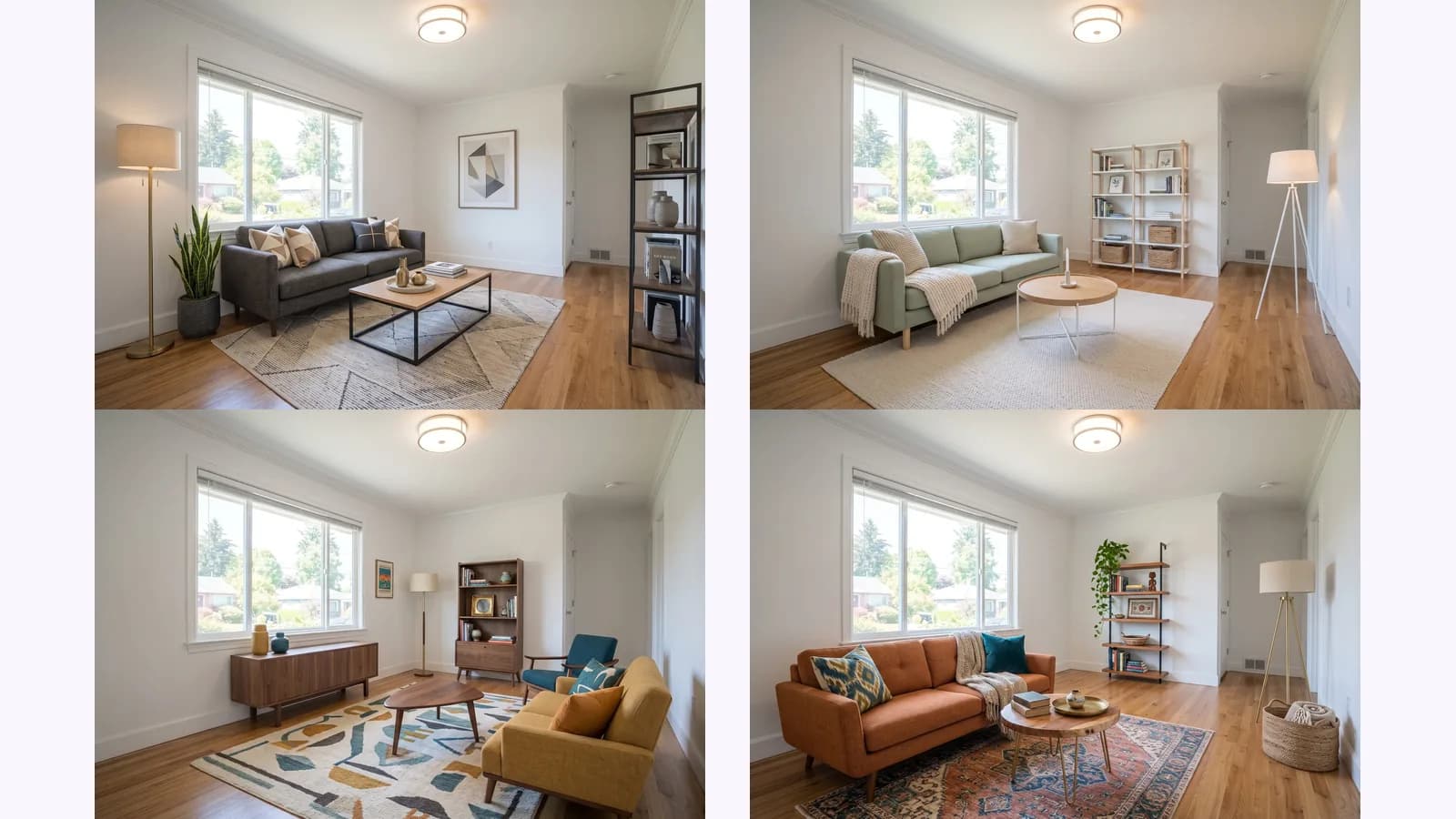
How to virtually stage an empty room: shoot one level corner photo, stage it, then check every change against the original. One room shown in 4 styles.
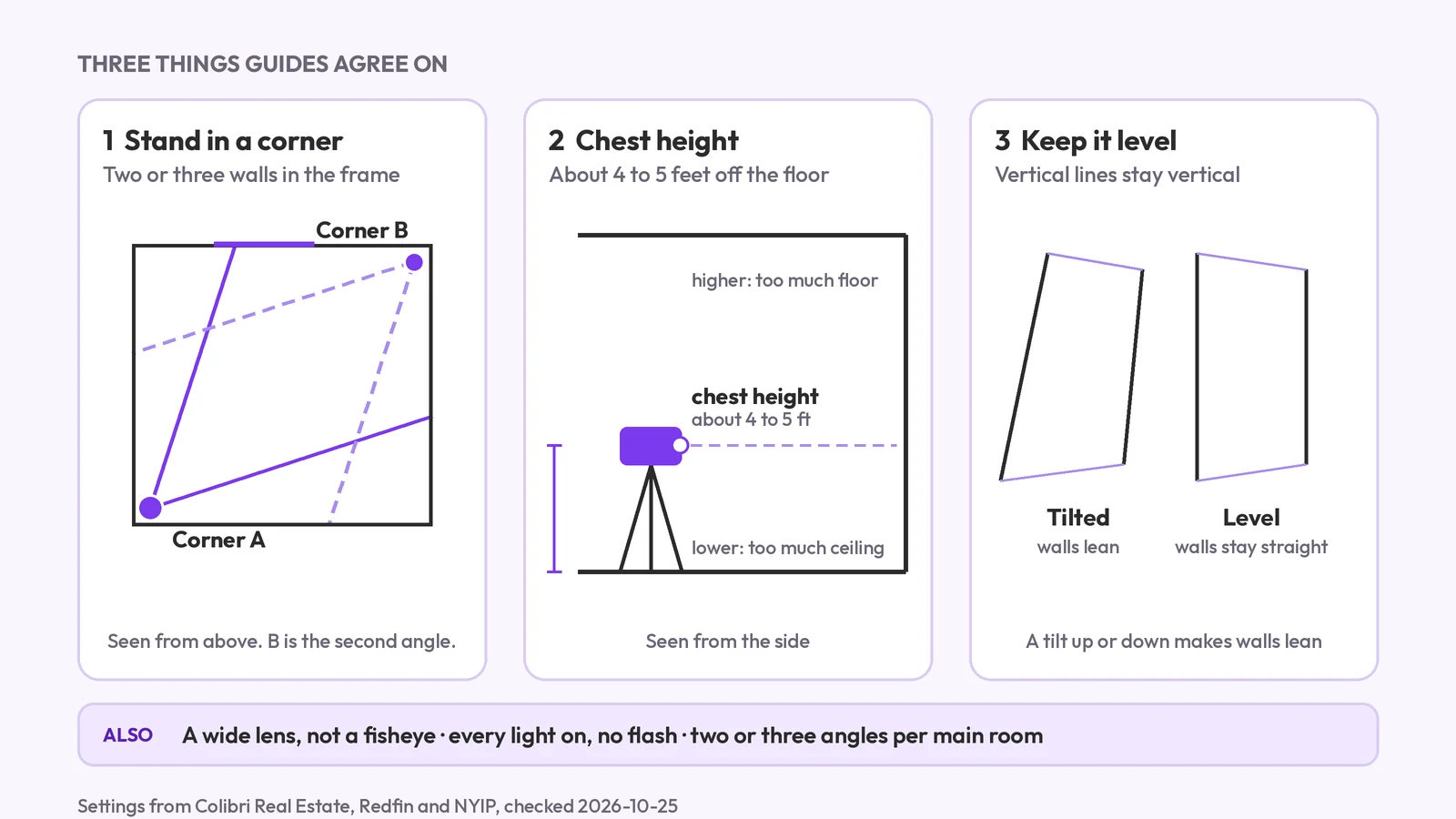
How to photograph a room for a listing: camera height, corners, lens, light and the angles to take, plus how one photo can show the other views for planning.