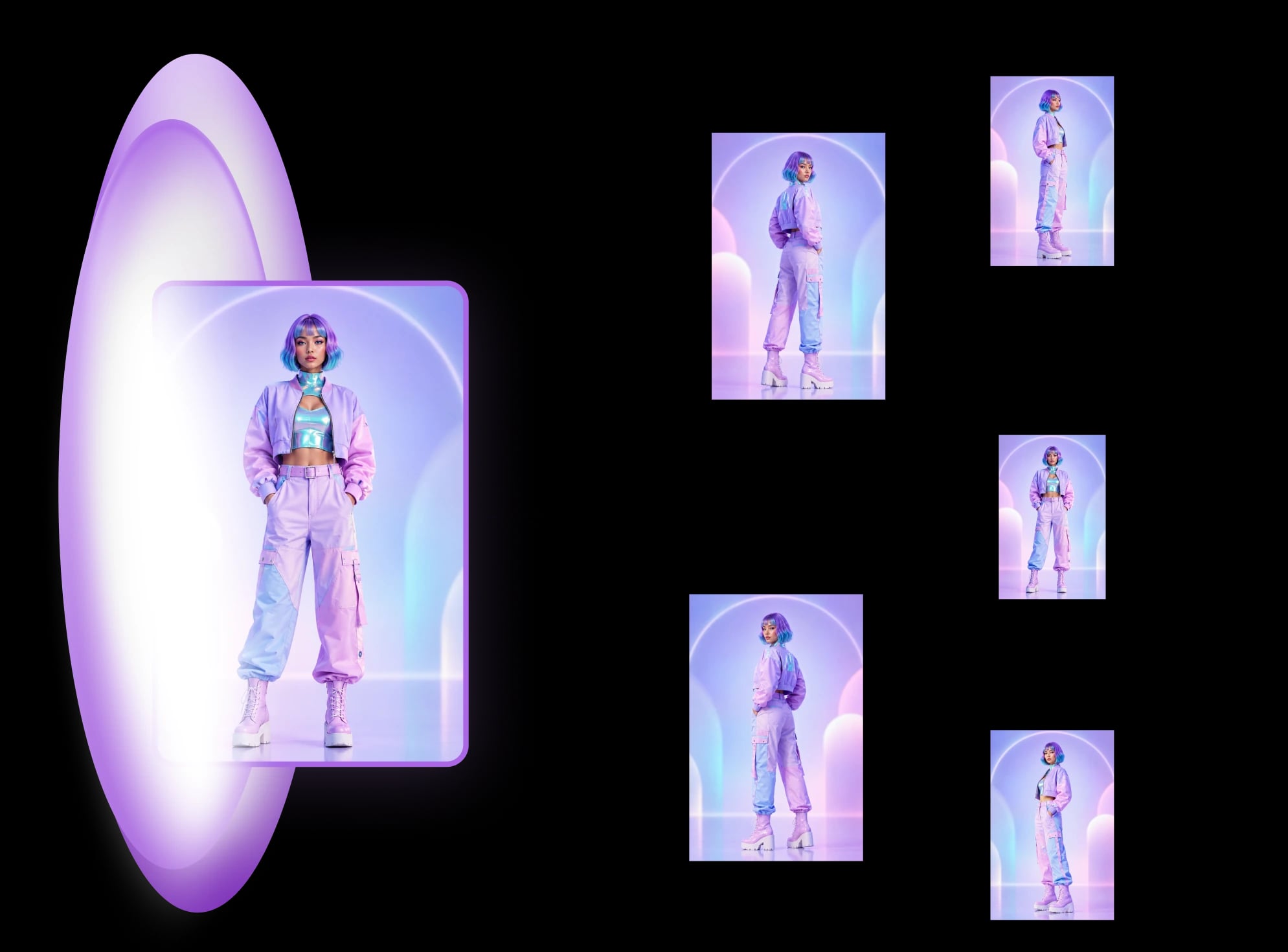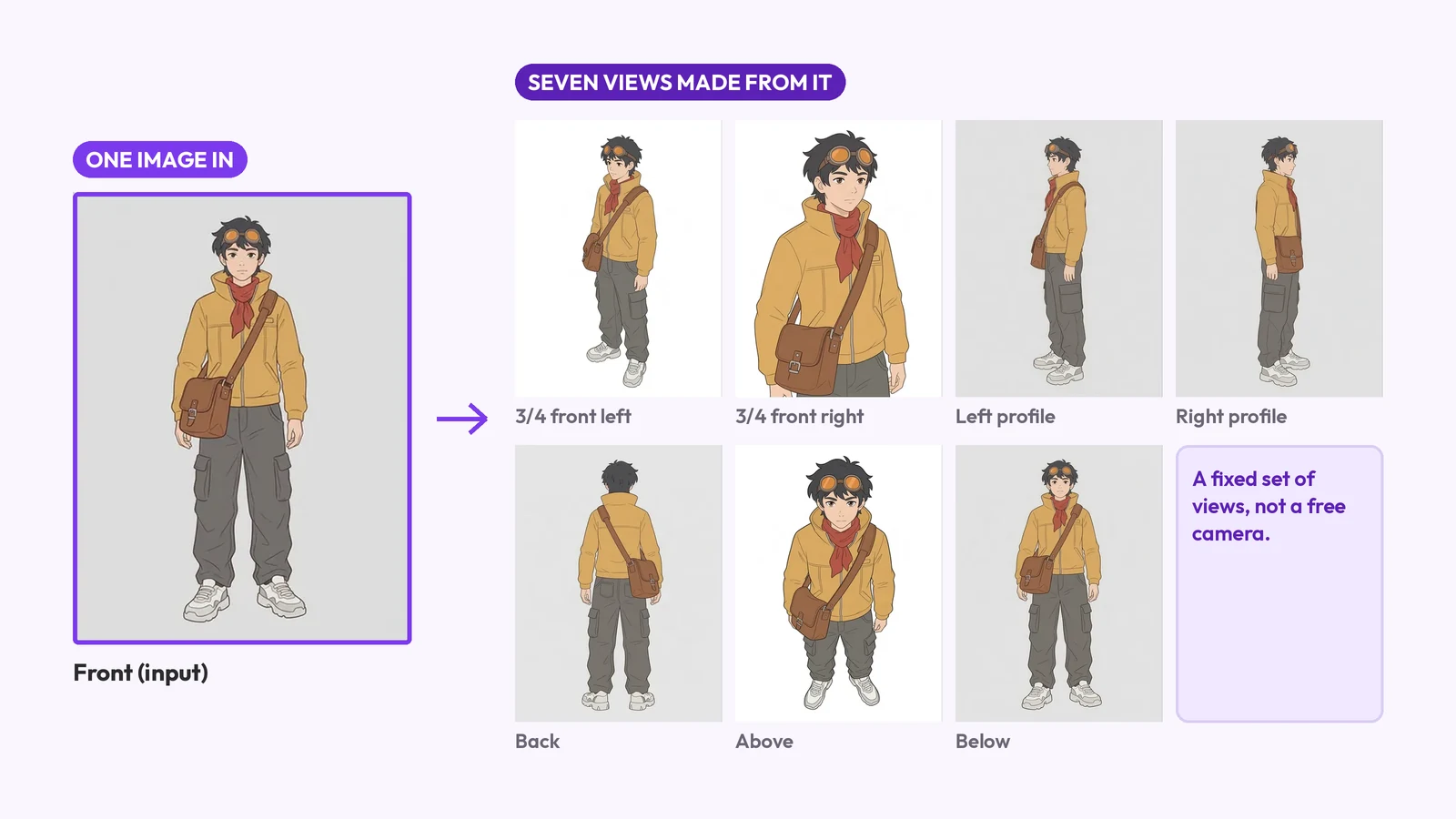
Avatar template: 8 views from one photo
An avatar template is a profile-picture design, a game body, an AI restyle or 8 views of one character. What each is, and how to make the last.
Keep an AI character consistent across angles: lock one reference, generate every view as one set, then check each view against a short list of anchor traits.
To keep an AI character consistent across angles, lock one reference image, generate every view as one set from that image, then check each view against a short list of anchor traits. The hard part is rotation, not scenes: profile, back and from-above views show what your reference never did, and each one is a fresh guess unless the set is built from the same reference.
Key takeaways
An AI model has to invent whatever the reference does not show: the back, the sides and the underside. Each new view is a separate guess unless the views are made together against the same reference. So the face, outfit and props can shift as the camera moves, and the shift is largest on the views the reference shows least.
Most guides cover a different problem. Kling's guide recommends three or more reference images at different angles, and says a turnaround sheet "dramatically improves consistency" (checked 2026-09-26). Neolemon's guide compares four methods; the examples we saw in it were front-facing poses (checked 2026-09-26). A tool like MultiAngle covers the rotation case: it makes a character turnaround from one image, with the profile, back, above and below views in one set.
A good reference is full-body, in a neutral pose, evenly lit, on a plain background, with every asymmetric detail visible. The model can only keep what it can see. A cropped, angled or busy reference leaves it guessing at the body and at the details you most want to keep.
We ran both. The weak reference (waist-up, three-quarter pose, cluttered market) returned only two views, the 3/4 front left and the back, and we don't know why it stopped there. The 3/4 front left stays close to the input: same framing, same market behind. The back view shows the jacket from behind with the head turned over the shoulder, adds large COURIER lettering across the back (the input has only a small COURIER patch on the chest), and the goggles are no longer visible. The good reference returned all 7 generated views, full body on a plain background.
Expect trouble on the views the reference showed least, and check each view for the same few things. The table lists the 8 views of MultiAngle's character template, front, 3/4 front left, 3/4 front right, left profile, right profile, back, above and below, with what tends to break and what to check. Apatero's turnaround guide makes the same point in general: side and back views tend to trigger anatomy errors more often than front views (checked 2026-09-26).
| View | What tends to drift | What to check |
|---|---|---|
| Front | Little; it is closest to your reference | Face, outfit and colours against the reference |
| 3/4 front left | Asymmetric details flipping side | The prop or earring is on the same side as in the reference |
| 3/4 front right | The same, mirrored | The same check, mirrored |
| Left profile | Face shape, how far the body turns | Nose, jaw and hair line against the front |
| Right profile | The same, on the far side | Which side the prop is on |
| Back | Hair and the back of the outfit, which were never shown | Straps, cords and hair length; added or missing details |
| Above | Proportions, hat and hair tops | Head size against the body |
| Below | Proportions, soles | Feet and hem against the front |
We ran an original courier through the template: a yellow jacket, a red scarf, goggles pushed up on the head and a brown satchel on one hip. The set held its design well. The jacket, scarf, trousers and satchel look the same in every view where they show. What drifted was mostly framing and direction, and one view that did nothing.
We looked at one character. Another will drift in other places.
Write each trait from the character's own left and right, then check two asymmetric traits in every view as pass or fail. A dev.to essay by nomurasan (Sep 2026, checked 2026-09-26) argues that asymmetric details such as a hair ornament or a strap flip with the camera angle, and proposes exactly this check. We borrow the idea.
In practice: "satchel on the right hip" means the character's own right, which is the viewer's left in the front view. Then in the profile and back views, find the satchel and ask whether it is on the side it should be after the rotation. The back view is where flips are easiest to miss, because the left side of the character is now on the viewer's left.
We found no flip in this set. The satchel hangs on the character's right hip in the front view, which is the viewer's left, and in the back view it is on the viewer's right, which is the same hip after the turn. In the right profile, which shows the character's right side, it hangs on the near hip. The one view we could not judge cleanly is the left profile: the satchel is on the far hip there, and it is drawn in front of the torso, so we can't tell from a flat image whether that placement is right.
Upload the reference to the character turnaround template and run the full set. It returns 8 views from one upload: your image plus 7 generated, for 7 credits. Generating together matters because every view comes from the same reference in the same run, instead of from seven separate prompts.
The credits and plan prices cover how many sets each plan makes, and how the generation works describes what happens in between.
Run these six checks on every view before you use it. They take a minute per view and catch most of the drift described above.
Even a good reference gives views that need fixes, and some problems come from the setup rather than the input. Plan to check every view, and expect to redo the back first.
We ran a second original character, an anime-style adventurer with a silver braid and a navy cape, through the same template.
It held on the design: the silver hair and braid, the cape with its ring brooch, the belt pouch, the gold trim and the boots are in every view where they show, and the pouch is on the character's left hip in the left profile as it should be. The drift looks like the courier's. The two 3/4 views turn the same way, the below view looks close to the front, the braid in the back view hangs down the middle of the cape, and the above view has a white smudge near the boot on the viewer's left. Two characters are not a pattern, so test yours.
Make all views of your character
One, for the character template: a full-body front image. Tools built for video often ask for more; Kling's guide recommends three or more reference images at different angles (checked 2026-09-26). More references only help if they agree with each other.
Yes, but it is invented. The model builds the back from what backs usually look like, so treat it as a first draft and compare its details with the front. If the back has a feature that matters, draw it. To see different ways of generating angles from one image, read how to get different angles of the same image with AI.
Test it with yours. Exaggerated proportions and stylised hair are where views slip most often. The second test above shows one stylised character, not a rule.
For reference, yes, with checks. For feeding an image-to-3D tool, see multi-view images for 3D. If the character is going into a sheet for a client or an artist, which sheet to hand over explains the differences.
More on this topic: Character turnaround sheets and Character Turnaround Sheet Guides.
An avatar template is a profile-picture design, a game body, an AI restyle or 8 views of one character. What each is, and how to make the last.
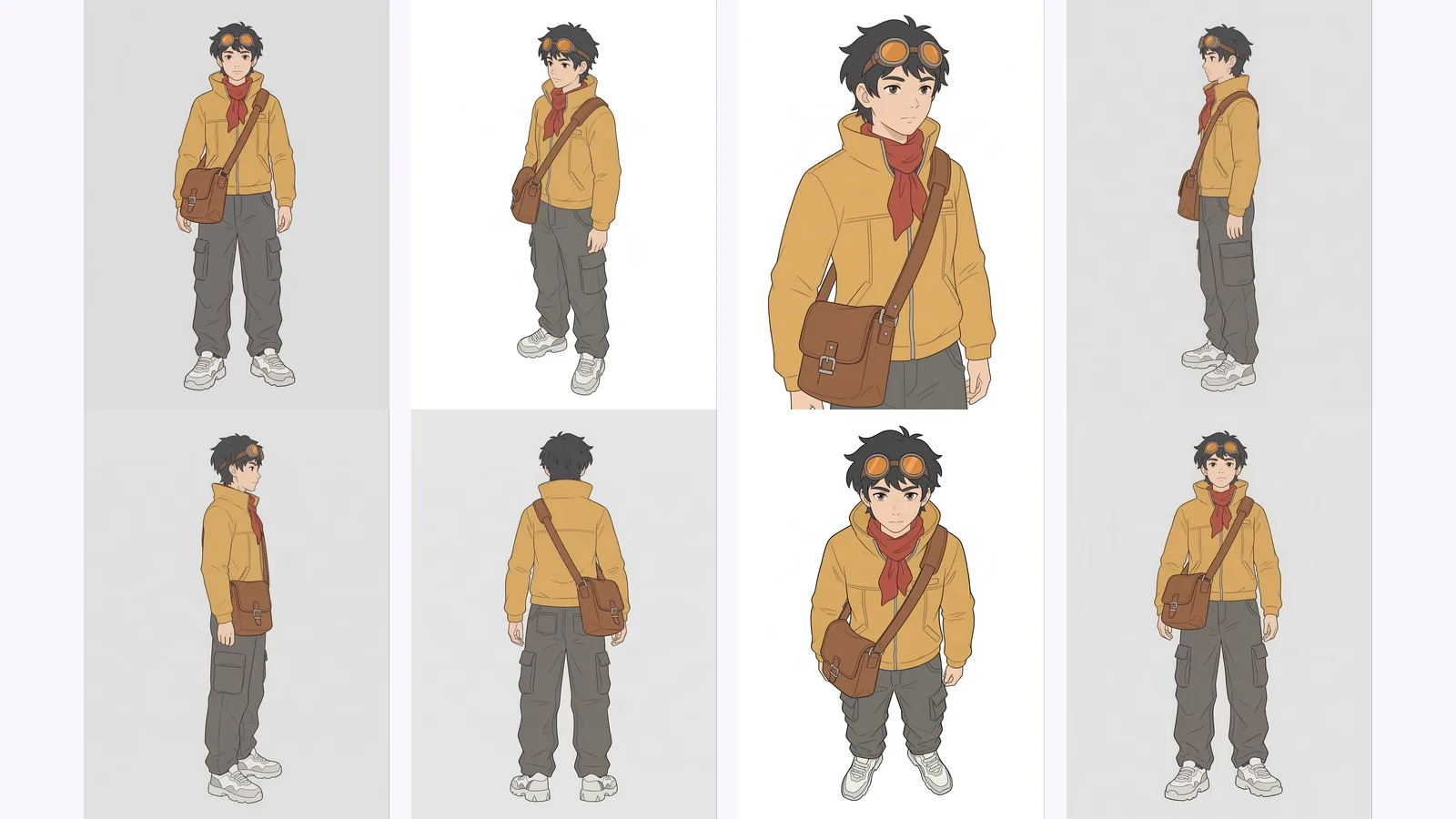
Multi-view images for 3D: the views Meshy, Hunyuan3D-2mv and Tripo take, how to make 8 consistent views from one drawing, and how to check them.
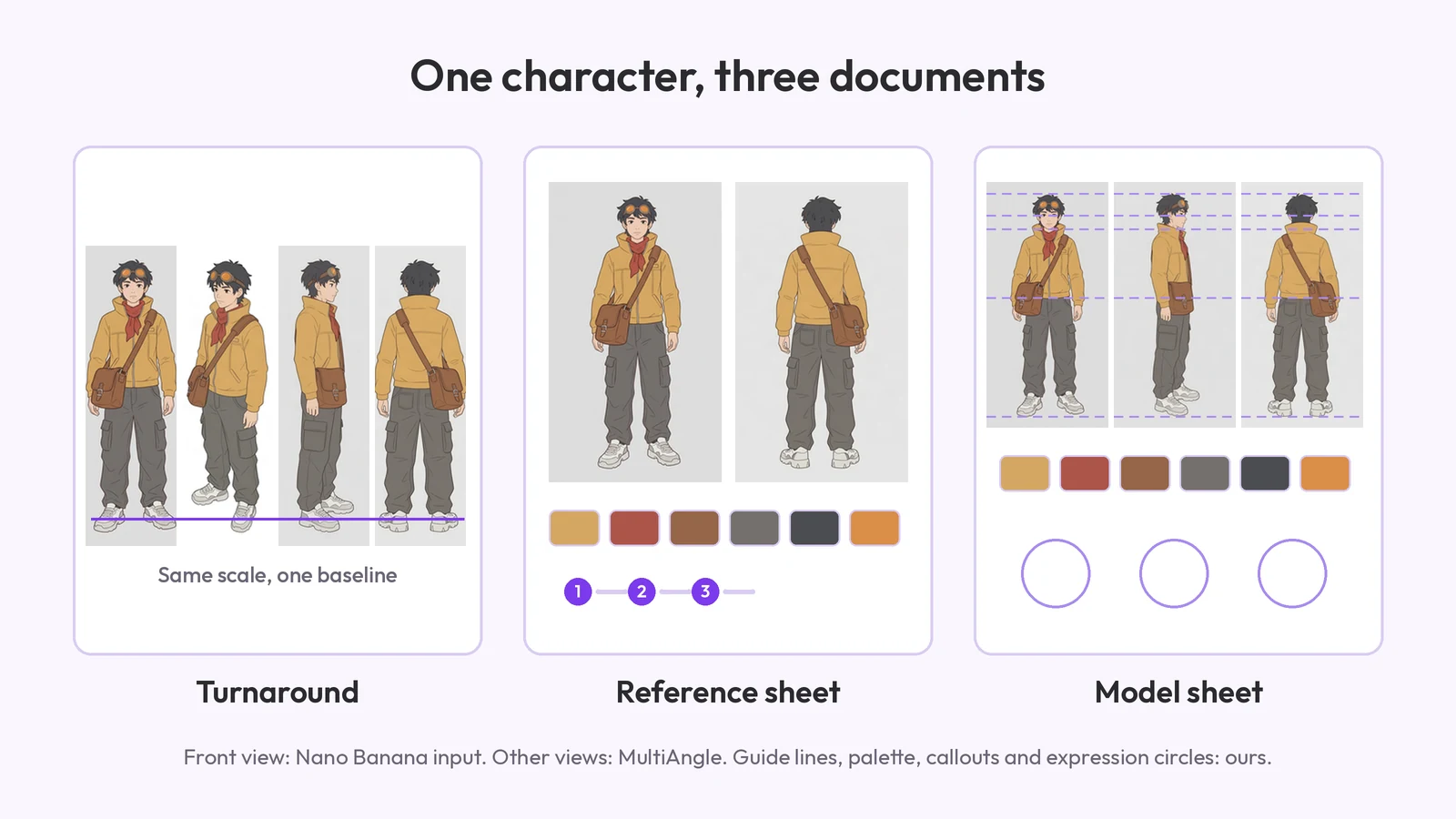
What a character reference sheet is, what goes on it, how to make one step by step, which template to start from, and how it differs from a turnaround.